There are over a dozen apps on the Shopify App Store that offer some version of combined listings. Shopify itself launched a native app for it in 2024. Figuring out which one actually fits your store requires digging into feature lists, testing free plans, and comparing pricing tiers.
This guide does the digging for you. We compare Shopify’s native Combined Listings app against the most popular third-party alternatives, covering features, pricing, theme support, and the tradeoffs you won’t find on their app store pages.
What Is a Combined Listings App?
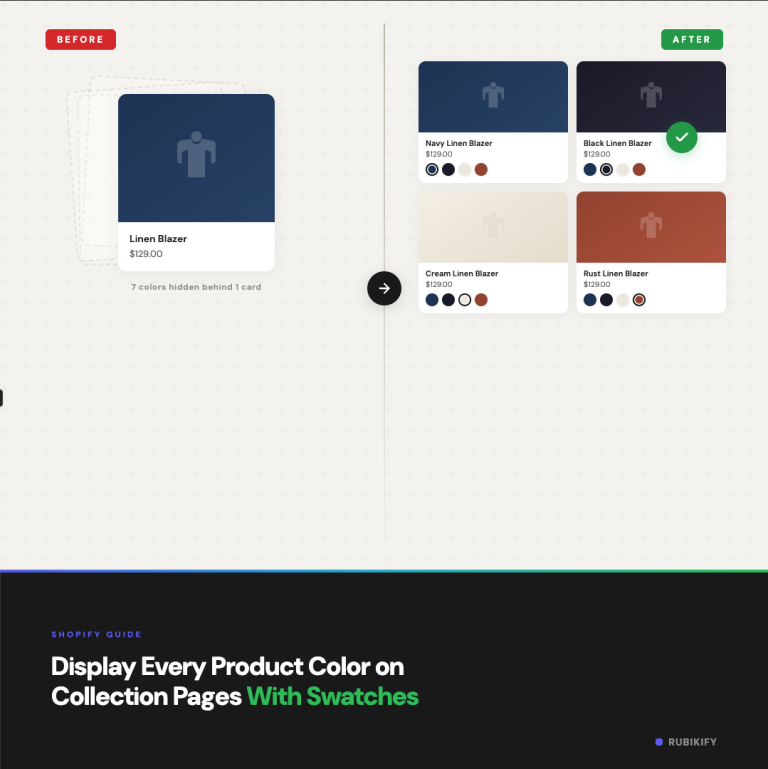
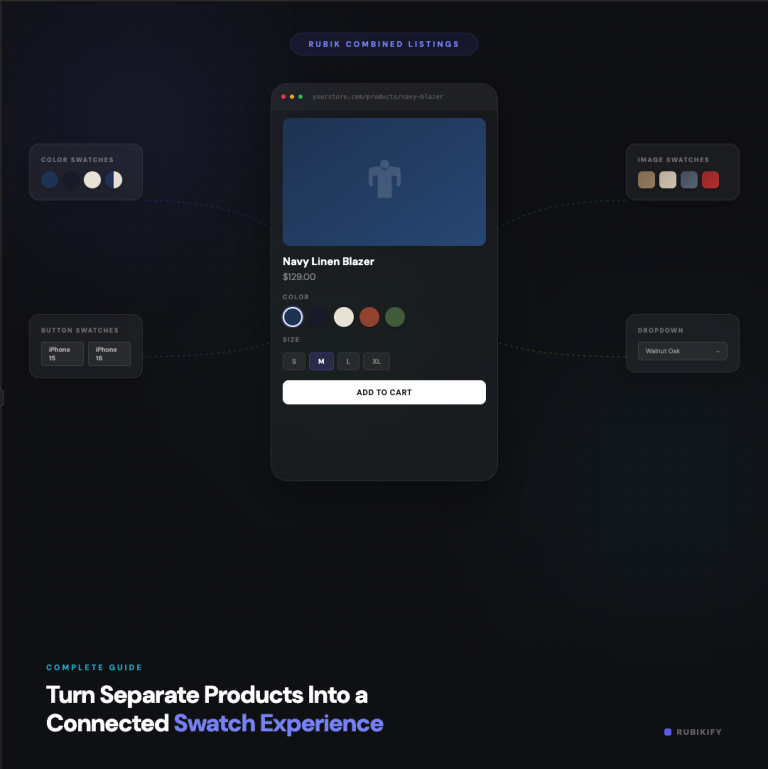
A combined listings app takes separate Shopify products and presents them as a single product on your storefront. The customer sees swatches (color circles, image thumbnails, buttons, or dropdowns) and clicking one loads a different product’s data: images, price, description, and inventory.
Each product stays independent in your admin with its own URL, analytics, and stock count. The app just adds the visual connection layer on the front end.
If you’re not sure whether you need combined listings or regular variants, we have a detailed comparison of the two approaches.
Shopify’s Native Combined Listings App
Shopify launched its own Combined Listings app in 2024. Here’s what you need to know.
Plan requirement: Shopify Plus only ($2,300+/month). This is the biggest factor. If you’re on Basic, Shopify, or Advanced, you can’t use it.
How it works: The native app creates a new “combined” product type at the platform level. You select products to combine, and Shopify generates a parent listing that references them. It’s deeper than a JavaScript overlay. It modifies the actual product data structure.
What it does well:
- Tight integration with Shopify admin (it feels native because it is)
- Works with Shopify’s built-in variant selector
- No third-party JavaScript to load
- Free to install (if you’re already on Plus)
Where it falls short:
- Limited swatch customization (basic styling only)
- No image swatches or two-tone color splits
- Minimal collection page swatch support out of the box
- No AI-assisted setup
- No separate desktop vs. mobile styling
- No style presets or advanced CSS control
- Limited quick view and search results support
- Theme support varies (not all themes render it consistently)
The native app is best suited for Plus merchants who want a simple, no-frills combined listing and don’t need heavy customization.
Third-Party Combined Listings Apps
Third-party apps work differently. Instead of modifying the product data structure, they use app embeds and JavaScript injection to render swatches on your existing pages. This means they work on any Shopify plan.
Here’s a comparison of the top apps in this category:
Full Feature Comparison Table
| Feature | Shopify Native | Rubik Combined Listings | G: Combined Listings | SA Variants | LinkedOption | OP Color Swatch |
|---|---|---|---|---|---|---|
| Min. plan | Plus ($2,300/mo) | Basic | Basic | Basic | Basic | Basic |
| Rating | 3.2★ | 5.0★ | 5.0★ | 5.0★ | 5.0★ | 5.0★ |
| Free plan | Free (Plus only) | Yes | Yes | Yes | Yes | Yes |
| Image swatches | No | Yes | Yes | Yes | Yes | Yes |
| Color swatches | Basic | Yes (single + two-tone) | Yes | Yes | Yes | Yes |
| Button swatches | No | Yes | Limited | Yes | Limited | Limited |
| Dropdown swatches | No | Yes | Yes | Limited | Limited | Limited |
| Two-tone color splits | No | Yes (4 directions) | No | No | No | No |
| Collection page swatches | Limited | Full (embed + app block) | Yes | Yes | Yes | Yes |
| Hover image preview | No | Yes | No | No | No | No |
| AI-assisted setup | No | Magic Fill | No | No | No | No |
| Style presets | No | 20+ presets | Limited | Limited | No | Limited |
| Desktop/mobile split | No | Yes | No | No | No | No |
| Multiple groups per product | Limited | Yes (unlimited) | Limited | Limited | Limited | Limited |
| Swatch categories | No | Yes | No | No | No | No |
| Custom CSS variables | No | 70+ variables | Limited | Limited | Limited | Limited |
| Out-of-stock styling | Basic | Opacity + strikethrough + hide + push | Basic | Basic | Basic | Basic |
| Quick view support | Theme-dependent | Built-in | Varies | Varies | Varies | Varies |
| Translation support | Shopify native | Per-group translation | Limited | Limited | Limited | Limited |
| Shadow DOM isolation | N/A | Yes | No | No | No | No |
| Swatch click analytics | No | JS event API | No | No | No | No |
| Built for Shopify badge | N/A | No | Yes | No | No | No |
Data collected February 2026. Features may have changed since publication.
App-by-App Breakdown
Rubik Combined Listings
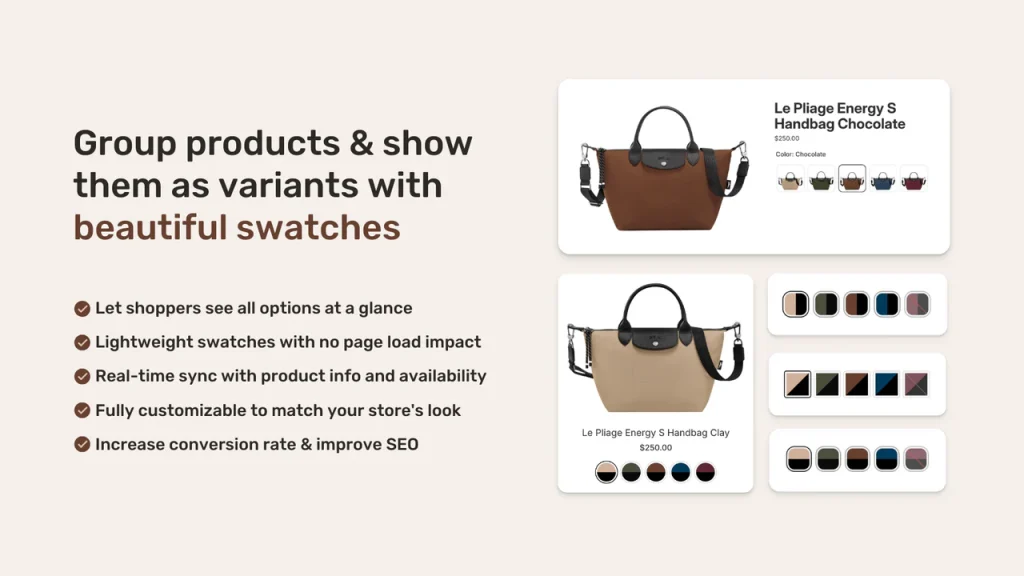
Best for: Stores that want deep customization, multiple swatch types, and AI-assisted setup.
Rubik stands out for the breadth of its swatch options. Four types (image, color, button, dropdown), two-tone color splits in four directions, and a library of style presets that give you a polished look without CSS work. The Magic Fill feature uses AI to auto-detect option values from product titles and assign matching colors from product images.
Desktop and mobile get independent visual settings. You can show large image swatches on desktop and compact color circles on mobile. Each product can belong to multiple groups with configurable display order, and swatches within a group can be organized into categories (like “Warm Tones” / “Cool Tones”).
Collection page swatches support both embed injection and app blocks, with hover preview that swaps the card image when you mouse over a swatch.
For setup guidance, the knowledge base has step-by-step articles, and there’s a video tutorial on YouTube walking through the full process. You can preview the swatch experience on the demo store.
Pairs with: Rubik Variant Images (5.0★, 323 reviews, Built for Shopify) for within-product variant image management. Combined Listings handles cross-product swatches, Variant Images handles per-variant image galleries. Details at rubikvariantimages.com.
G: Combined Listings & Variant
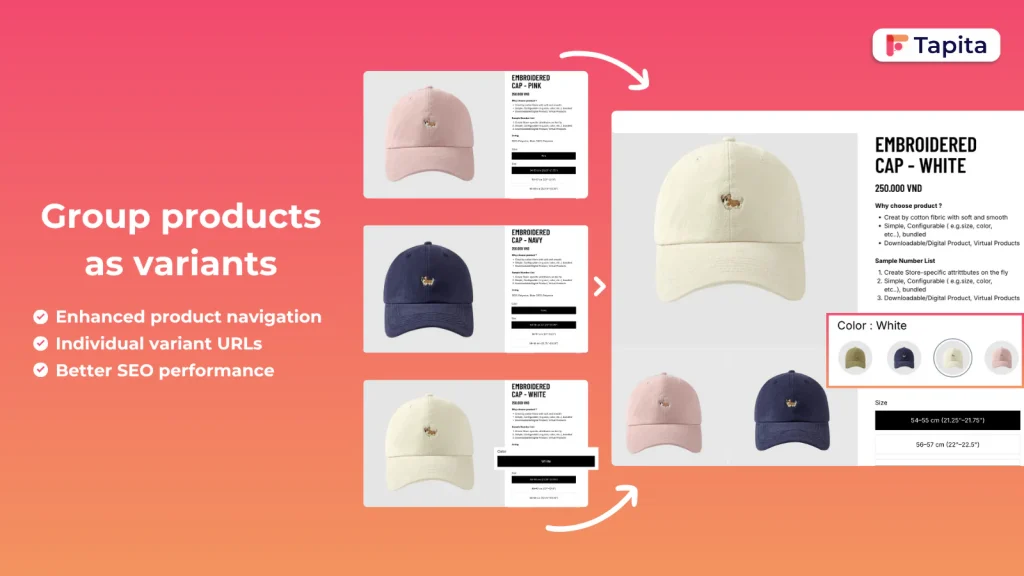
Best for: Stores that prioritize the “Built for Shopify” certification.
G has the Built for Shopify badge, which means it passed Shopify’s quality review for performance, security, and design guidelines. It offers basic combined listing functionality with color and image swatches. Good all-around choice, though it lacks some of the deeper customization options like two-tone splits, style presets, and desktop/mobile independent styling.
SA Variants: Combined Listings
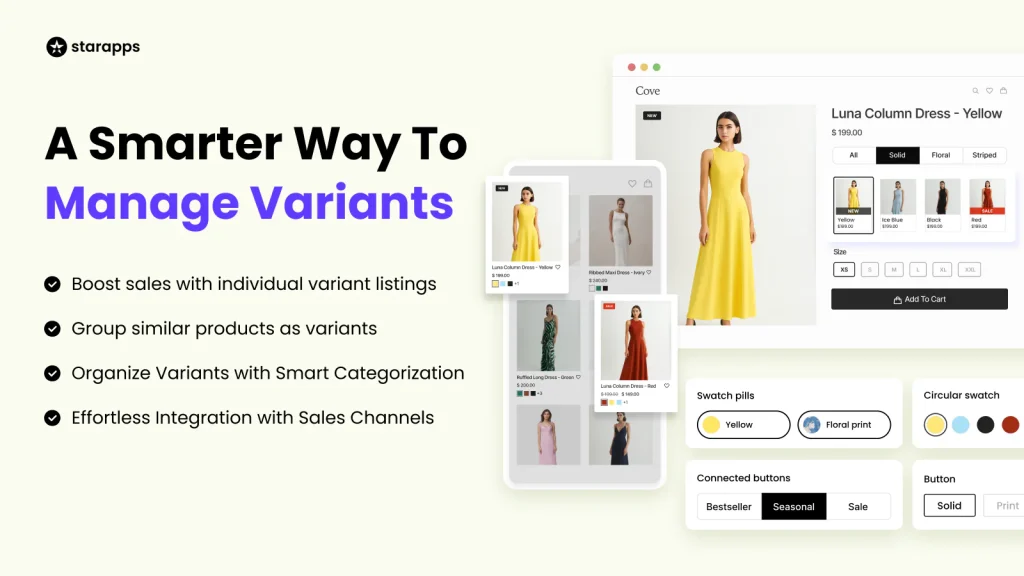
Best for: Stores focused on conversion rate optimization (CRO).
SA Variants positions itself around conversion metrics. It includes variant splitting features alongside combined listings. If your primary concern is testing which product display approach drives more sales, SA gives you tools to experiment.
LinkedOption Combined Listings
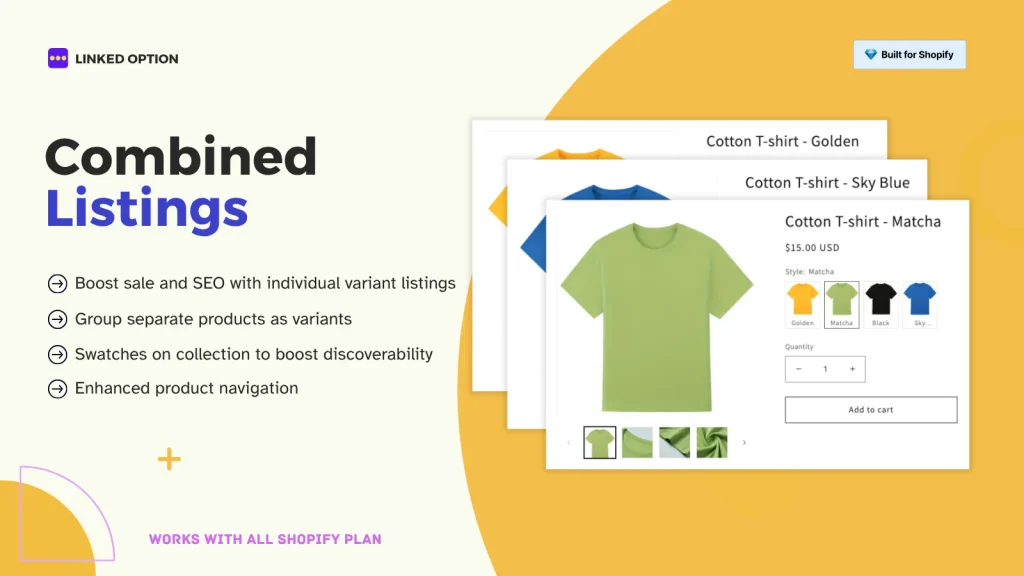
Best for: Stores that prioritize SEO features.
LinkedOption emphasizes the SEO benefits of combined listings with features around URL management and structured data. If your buying decision is primarily driven by search ranking considerations, it’s worth evaluating.
OP Color Swatch Variant Images
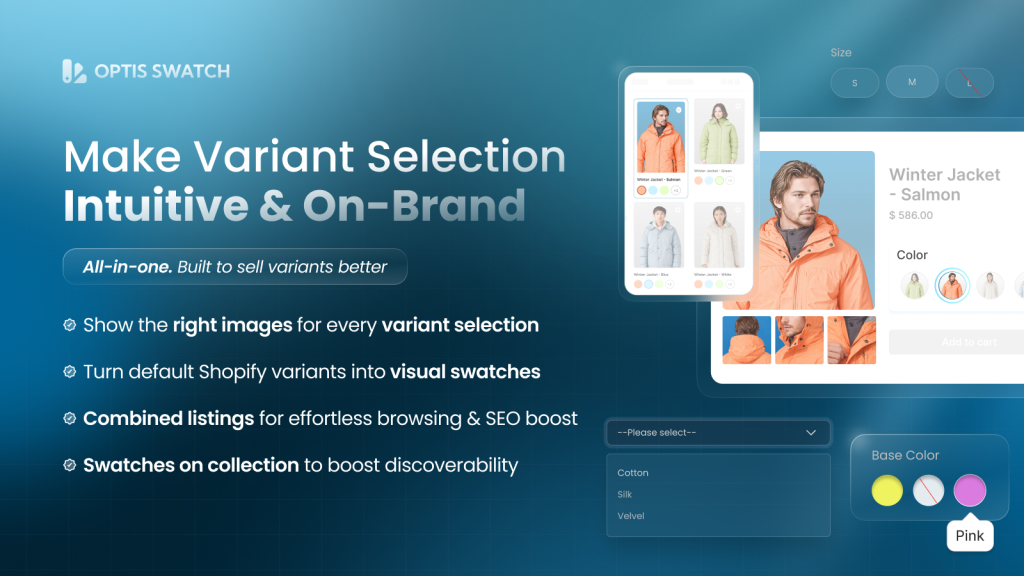
Best for: Stores that need combined image gallery features alongside swatches.
OP combines color swatches with image gallery management. If you need variant-specific image galleries and combined listings in one app, this is one option. Note that running dedicated apps for each function (like Rubik Combined Listings + Rubik Variant Images) can give you more control over each feature independently.
Platmart Color Swatches
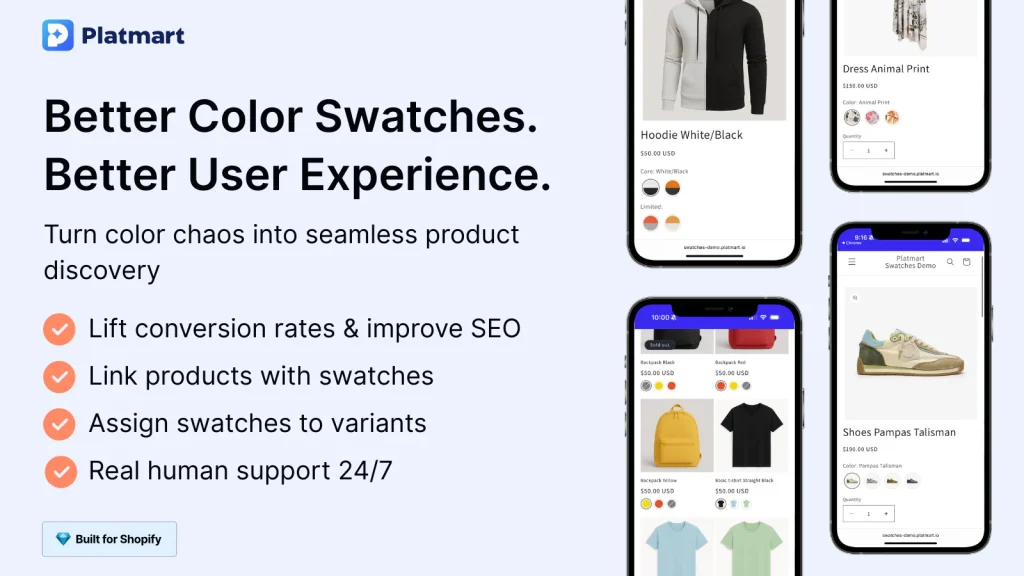
Best for: Stores with large color catalogs that need swatch grouping.
Platmart offers swatch grouping features that help organize stores with dozens of color options per product. Useful if your catalog is heavy on color variations.
Pricing Overview
Most apps in this category follow a freemium model: free plan with limited features, paid plans starting at $5-15/month for full functionality.
| App | Free Plan | Paid Plans Start At |
|---|---|---|
| Shopify Native | Free (Plus only) | $2,300/mo (Plus subscription) |
| Rubik Combined Listings | Yes | -$10/mo |
| G: Combined Listings | Yes | ~$9.99/mo |
| SA Variants | Yes | ~$14.90/mo |
| LinkedOption | Yes | ~$9.99/mo |
| OP Color Swatch | Yes | ~$11.90/mo |
| Platmart | Yes | ~$9.99/mo |
Pricing approximate as of February 2026.
The real cost comparison isn’t between third-party apps (they’re all in the same range). It’s between third-party apps and Shopify Plus. If you’re considering Plus primarily for combined listings, you’re looking at $2,300/month vs. $5-15/month. The third-party apps offer more storefront features in most cases.
How to Choose
Pick the native app if:
- You’re already on Shopify Plus
- You want zero third-party dependencies
- Basic swatch styling is sufficient for your brand
- You don’t need collection page swatches or mobile-specific designs
Pick Rubik Combined Listings if:
- You’re on any Shopify plan (Basic through Advanced)
- You want multiple swatch types and deep visual customization
- You need collection page swatches with hover preview
- AI-assisted setup matters (large catalogs benefit most from Magic Fill)
- You need desktop/mobile independent styling
- You want swatch categories or multiple groups per product
- You already use or plan to use Rubik Variant Images
Pick G: Combined Listings if:
- “Built for Shopify” certification is a requirement for your team
- You want a straightforward, no-frills combined listing
- You don’t need two-tone swatches or style presets
Pick SA Variants if:
- CRO and A/B testing of product display is your priority
- You want variant splitting alongside combined listings
Pick LinkedOption if:
- SEO-specific features drive your decision
- URL management and structured data are top priorities
Pick OP Color Swatch if:
- You need combined image gallery and swatch features in one app
- Your catalog is image-heavy with many variants per product
Since most apps have free plans, the best approach is to install your top 2-3 candidates, test them on a draft theme, and compare the results before committing. For a detailed walkthrough of setting up combined listings from scratch, see our guide on how to show separate products as color swatches.
What About Theme Compatibility?
All third-party combined listings apps work with Shopify Online Store 2.0 themes. The difference is in how well they adapt to specific themes.
Rubik Combined Listings uses a theme type detection system. You select your specific theme, and the app adjusts where it injects swatches on product pages, collection grids, quick views, and search results. It supports Dawn, Refresh, and a wide range of popular paid themes from the Shopify Theme Store. If you’re using a custom-built theme, the app can still work, but you may need to adjust the theme type setting.
The native app relies on Shopify’s built-in variant selector infrastructure, which means theme compatibility depends on how well your theme implements Shopify’s variant system. Some themes handle it better than others.
For older themes that haven’t migrated to OS2.0, third-party apps typically require more manual setup (adding script tags instead of app embeds), but they still work.
Don’t Forget Within-Product Variant Images
Combined listings solve the cross-product problem: connecting separate products with swatches. But there’s a related problem most stores also face: showing the right images within a single product when a customer selects a variant.
Say your navy hoodie has 6 photos (front, back, detail, lifestyle, flat lay, tag). Your red hoodie also has 6 photos. If both colors are variants under one product, that’s 12 images in one gallery. The customer selects “Navy” but still sees all 12 images mixed together.
Rubik Variant Images (5.0★, 323 reviews, Built for Shopify) fixes this. It assigns multiple images to each variant and filters the gallery when a variant is selected. The customer picks “Navy” and sees only the 6 navy photos. It also adds color swatches and image variant selectors directly on the product page.
Key features:
- Assign multiple photos per variant with AI auto-assignment
- Gallery filters to show only selected variant images
- Color swatches, image swatches, and custom image selectors
- Works with all OS 2.0 themes and popular page builders (PageFly, GemPages, EComposer)
- Zero page speed impact (Built for Shopify certified)
If your store uses combined listings for cross-product navigation AND has multiple images per variant within individual products, running Rubik Combined Listings together with Rubik Variant Images covers both scenarios. Preview the variant images experience at rubikvariantimages.com.
FAQ
It depends on your plan and needs. If you’re on Shopify Plus and want a simple native solution, Shopify’s own app works. For stores on Basic through Advanced plans, or for anyone who needs more swatch customization, Rubik Combined Listings offers the most swatch types, AI setup assistance, and styling options. G: Combined Listings is a strong choice if Built for Shopify certification matters to you.
The app itself is free to install, but it only works on Shopify Plus, which costs $2,300/month or more. So while the app has no additional cost, accessing it requires a significant plan upgrade. Third-party alternatives work on any plan starting at $39/month (Basic).
Yes. Combined listings apps don’t modify your actual product data. They add a visual layer on top. If you uninstall one app and install another, your products remain unchanged. You’ll need to recreate your product groups in the new app, but the products themselves, their URLs, inventory, and content all stay the same.
A well-built app shouldn’t add noticeable load time. Rubik uses Shadow DOM for swatch rendering, which isolates the swatch styles from your theme and prevents CSS conflicts. Apps that inject large scripts or manipulate the DOM heavily can impact page speed. Check your PageSpeed score before and after installing any app.
Yes. They serve different purposes. Rubik Combined Listings connects separate products with swatches (letting customers switch between products). Rubik Variant Images manages which images show for each variant within a single product (filtering the image gallery per color). Running both gives you cross-product swatch navigation and per-variant image galleries.
Useful Links: Rubik Combined Listings · Rubik Variant Images · Live Demo Store · Knowledge Base · YouTube Tutorial · RubikVariantImages.com · CraftShift Blog · Shopify Theme Store · Shopify Variant Apps