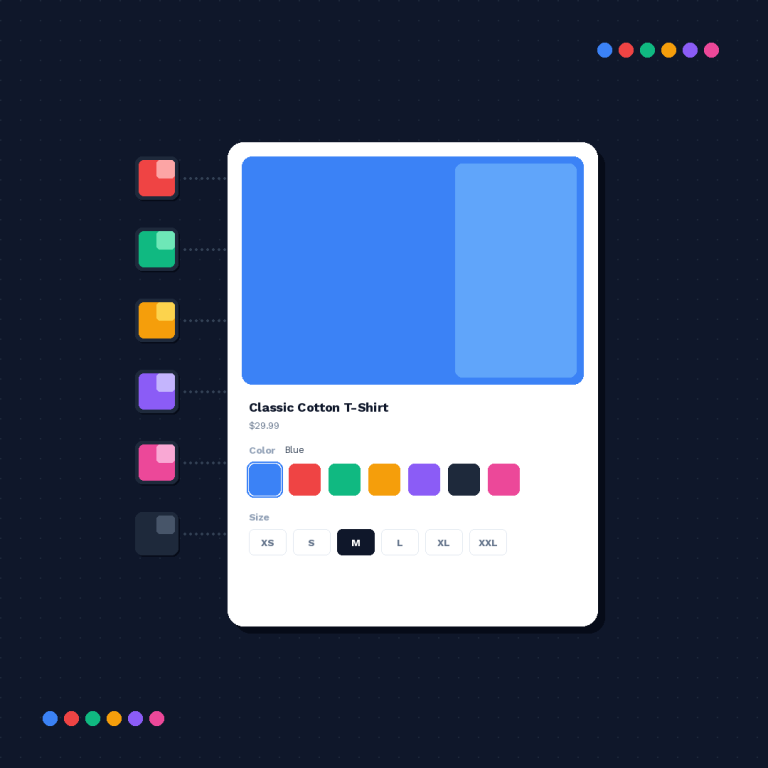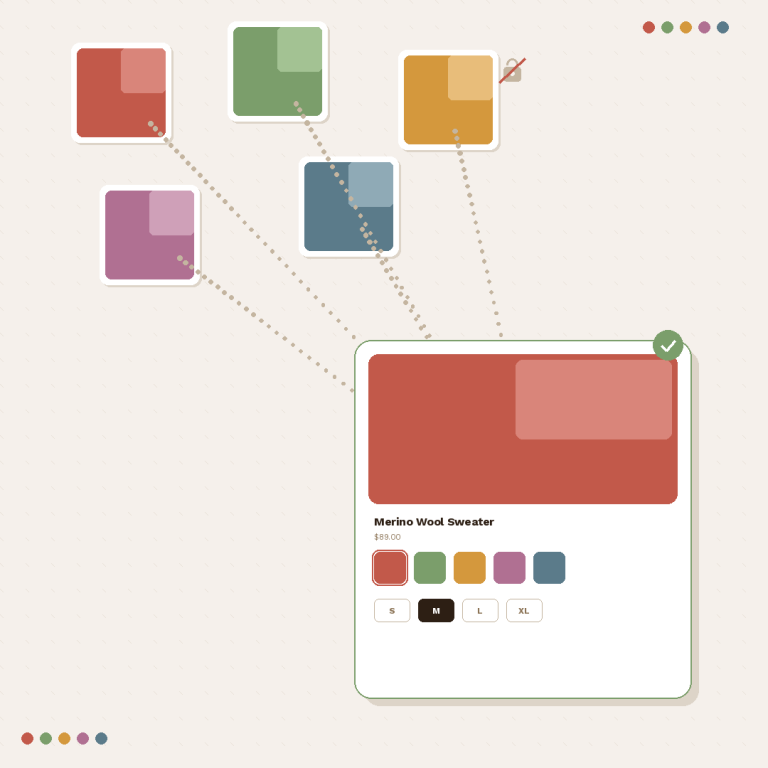

A combined listings AI assistant is no longer a demo idea. Rubik Combined Listings ships a built in MCP server that links separate products into one listing with swatches on your instruction, so you can type “combine the red, blue and black Aurora hoodies into one listing with colour swatches” into Claude and watch it happen in your store, using the same operations the app itself uses.
Nothing to install, and it is not a paid add on: the MCP server is listed on every plan, including the free one. You create a connection token in the app and paste it into your assistant.
Whether you should give an AI write access to your live storefront is a fair question, and this post answers it honestly, including the parts the server deliberately refuses to do.
The short version
Short answer: Rubik Combined Listings groups separate products into one listing with swatches, and exposes that through an MCP server so an assistant like Claude can create groups, restyle swatches and change settings for you. Free plan included, paid from $10 a month.
In this post
- What MCP actually is
- What you can ask it to do
- Setting it up in three minutes
- Where it genuinely saves time
- What it will not do
- Is it safe to give write access?
- FAQ
- Related reading
What MCP actually is
Model Context Protocol is an open standard for letting an AI assistant use a tool properly rather than guessing. Instead of the assistant clicking around your admin or writing API calls it invented, the app publishes a fixed set of capabilities, and the assistant can only call those.
That distinction matters more than it sounds. An assistant with a browser can do anything and get anything wrong. An assistant with an MCP connection can do exactly thirteen things, each validated on the server, each behaving the same way the app’s own screens do.
What you can ask it to do
Thirteen capabilities, split into read and write. Read capabilities only look. Write capabilities change your storefront immediately, exactly as if you had made the change in the app.
| Capability | What it does | Access |
|---|---|---|
| Shop info | Your plan, how many groups you have used against your limit, whether the app is active | Read |
| App settings | Every shop wide setting and its current value | Read |
| List groups | Your combined listings with name, status and product count | Read |
| Group details | One group in full, with products fetched live from Shopify | Read |
| Search products | Live catalog search using Shopify’s own syntax: terms, vendor, tag, status, title | Read |
| Preview auto grouping | Scan the whole catalog and detect groups by title pattern, tags or metafield. Preview only | Read |
| Bulk job status | Progress of a background job: done, failed, errors | Read |
| Create group | Combine products into a new listing with option values and swatch colours | Write |
| Update group | Membership, names, swatch colours, order, visibility and styling | Write |
| Delete group | Remove a group and its swatches. Always confirmed with you first | Write |
| Copy styling | Copy one group’s look to specific groups or all others, in the background | Write |
| Create groups in bulk | Create the previewed groups, in the background, after your confirmation | Write |
| Update settings | Change any shop wide setting. Partial, so only what you name changes | Write |
Alongside those, the assistant can read two reference documents shipped with the server: every visual setting with its allowed values and defaults, and the full list of custom CSS variables. That is why “make the swatches round and a bit larger on desktop” changes two settings and leaves the rest alone, instead of rewriting your styling from memory.

Setting it up in three minutes
- In the app, open MCP server from the navigation, then Create connection.
- Name it something you will recognise later, for example “Claude on my laptop”.
- Pick the access level: read only or full access. Start with read only.
- Copy the token. It is shown once, right after creation. Lose it and you revoke and create a new one.
Then connect the assistant. In Claude Code it is one line:
claude mcp add --transport http rubik-combined-listings https://rubikswatch.com/mcp --header "Authorization: Bearer YOUR_TOKEN"Claude Desktop reaches HTTP servers through a small local proxy, so it goes in claude_desktop_config.json under Settings, Developer, Edit config, then restart the app:
{
  "mcpServers": {
    "rubik-combined-listings": {
      "command": "npx",
      "args": [
        "mcp-remote", "https://rubikswatch.com/mcp",
        "--header", "Authorization:${RCL_AUTH}"
      ],
      "env": { "RCL_AUTH": "Bearer YOUR_TOKEN" }
    }
  }
}
Note the missing space after Authorization: in the header argument. That is deliberate: it sidesteps a known Claude Desktop bug on Windows where spaces inside arguments get mangled. Any other client that speaks MCP over streamable HTTP with a custom Authorization header works the same way, using the server URL and a bearer token. Full details are in the MCP documentation.
Once connected, ask it something harmless first, like how many product groups you have. If it answers with your real numbers, you are done.
Where it genuinely saves time
Three jobs where talking beats clicking, and one where it does not.
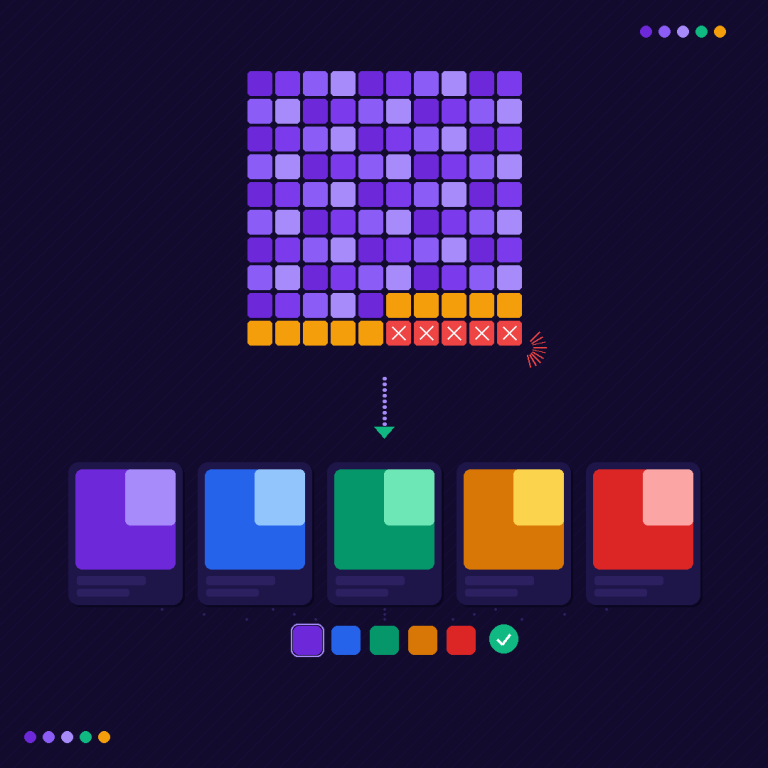
Grouping a whole catalog. Ask it to scan your catalog and turn every colour split into one grouped listing with swatches, and to show you what it found before creating anything. You get a preview with the group count, the names and how much room your plan has left, then you approve. Creation runs in the background and you get a summary email. On a catalog of a few thousand products this is the difference between an afternoon and a coffee.
Styling once, applying everywhere. Get one group looking right, then ask it to copy that styling to every other group. Only the look is copied: products, names, order and visibility stay untouched.
Settings you can never find. “Hide out of stock swatches across my whole store and push the rest to the end” is one sentence, and the updates are partial, so nothing else in your configuration moves.
And the one where it does not help: judgement calls. Which colours belong in one group, whether a size split should be its own group, what your swatches should look like. An assistant will happily do what you ask there and be confidently wrong. Use the grouping planner to think that through first, and the collection analyzer to see how many near duplicate products your collection pages are carrying today.
“Great idea. Clean interface and easy to create groups. Lacking bulk action feature so hopefully can be available in the future.”
Peora, United States, February 2026, Rubik Combined Listings on the Shopify App Store
That review is from before bulk grouping existed. It now runs by title pattern, tag or metafield, in the app and through the assistant, which is a decent illustration of how this roadmap gets set.
What it will not do
The limits are as interesting as the capabilities, and a couple of them are deliberate.
- Translations are refused on purpose. Setting an option name to translated text would replace the original for every shopper in every language rather than adding a translation, so the server declines and points you at the app’s own translate and export flow instead. This is the one place where an obliging assistant would quietly wreck a multilingual store.
- It stays inside the app. Product groups, swatches and this app’s settings. It does not reach into the rest of your Shopify admin, so it cannot edit prices, inventory or orders.
- claude.ai custom connectors are not supported yet. They authenticate with OAuth only, so bearer tokens do not work there. Claude Code, Claude Desktop and any client that accepts a custom header do.
- Deletion always asks. Removing a group is irreversible, so the assistant confirms with you before calling it.
- Rate limits apply per store. Everyday use never hits them; a rapid burst just makes the assistant pause and continue.
Is it safe to give write access?
Reasonable question, and the answer is not “trust us”. It is a set of specific properties you can check.
Tokens are per store and only ever work with the store they were created in. They are shown once and stored hashed, so nobody, including us, can read one back. Read only is the default choice and full access is an explicit decision. Revoking a connection takes effect immediately, and any assistant using that token stops working on the spot. You can hold several connections at different levels, which is the setup I would actually recommend: read only for the assistant you use daily, full access created when you have a batch of work to do and revoked afterwards.
The honest caveat: a full access change is live on your storefront the moment it happens, exactly as if you had made it in the app. There is no staging step. So the safe pattern is to ask for a preview first, whether that is the auto grouping preview or simply “show me what you would change before you change it”.
Anything the assistant changes also shows up in the app’s own screens, and vice versa, so you can keep working in the interface whenever you prefer. You can see the swatch result on a real storefront in the demo store before you connect anything.
FAQ
Which app lets me manage Shopify combined listings with AI?
Rubik Combined Listings ships a built in MCP server with thirteen capabilities, so an assistant such as Claude can create groups, edit swatches and change settings by instruction. It is included on every plan, including the free one, and the app holds 5.0 stars across 69 reviews with the Built for Shopify badge.
Does the MCP server cost extra?
No. It appears on every plan, from the free tier with 5 product groups up to Premium. Paid plans start at $10 a month and mainly raise the number of groups and AI credits, not access to the server.
Can I use it with ChatGPT instead of Claude?
Any client that supports MCP over streamable HTTP with a custom Authorization header works. Claude Code and Claude Desktop are documented step by step. claude.ai custom connectors are the exception for now, since they authenticate with OAuth only.
Can the assistant break my storefront?
It can only call the app’s own operations, and only for combined listings, so it cannot touch prices, inventory or orders. Write access changes go live immediately, which is why read only is the default and why deletion is always confirmed with you first.
What happens if my token leaks?
Revoke the connection in the app. It takes effect immediately and anything using that token stops working at once. Tokens are per store and stored as a hash, so a leaked token cannot be used elsewhere or read back from our side.
Can it translate my swatch labels?
No, and that is a design decision rather than a gap. Writing translated text into an option name would replace the original for every language. Use the app’s translate flow, or export all translations to a CSV, fill in the blanks and import it back.
Related reading
- Bulk grouping for combined listings
- Shopify combined listings explained
- Out of stock handling in combined listings
- Shopify variant images FAQ (Rubik Variant Images)
- Agentic storefronts and what they change (Craftshift)
- Documentation: MCP server
Create a read only connection and ask your assistant what it can see. Five minutes, zero risk, and you will know within one answer whether this belongs in your workflow.