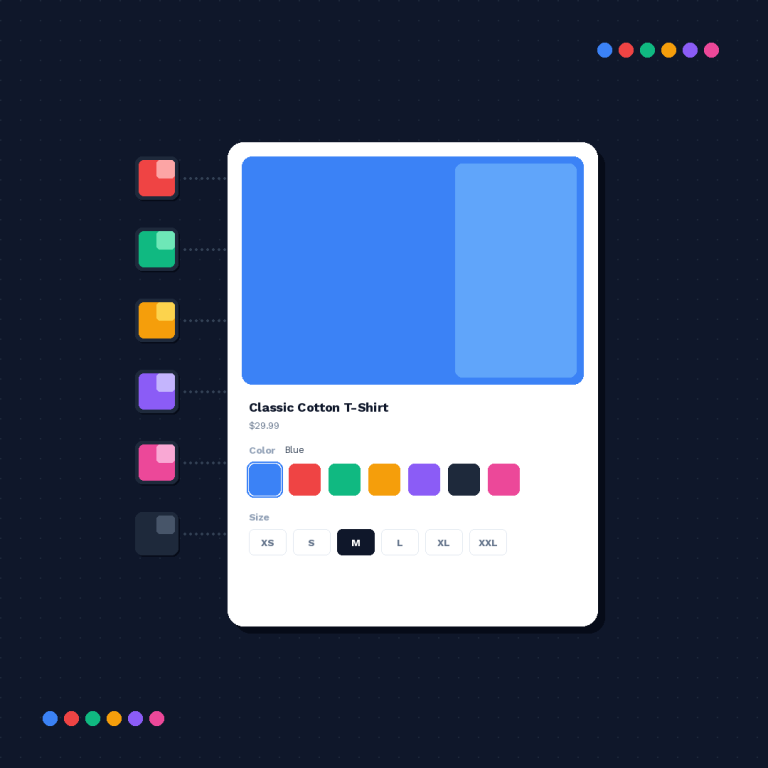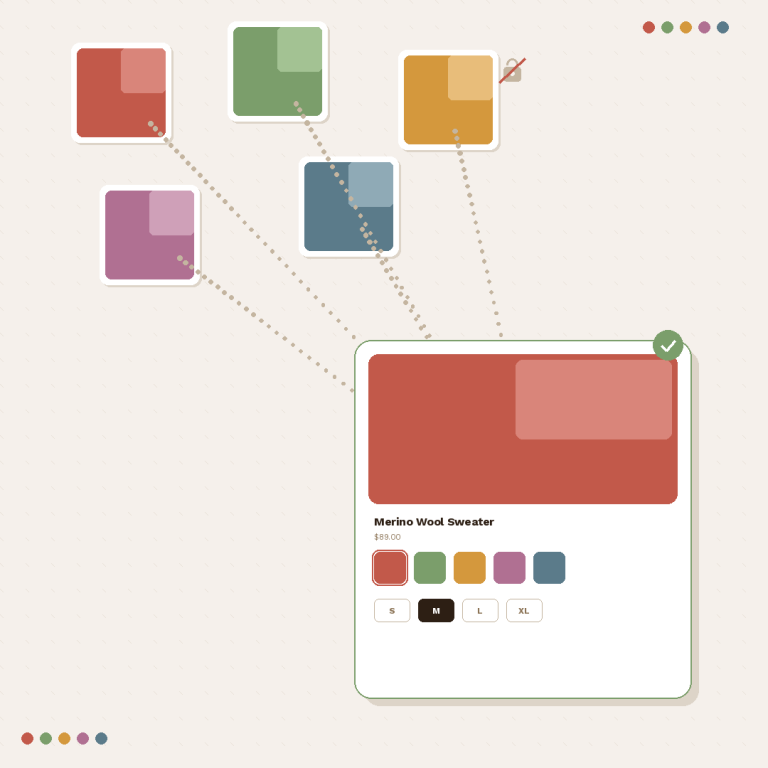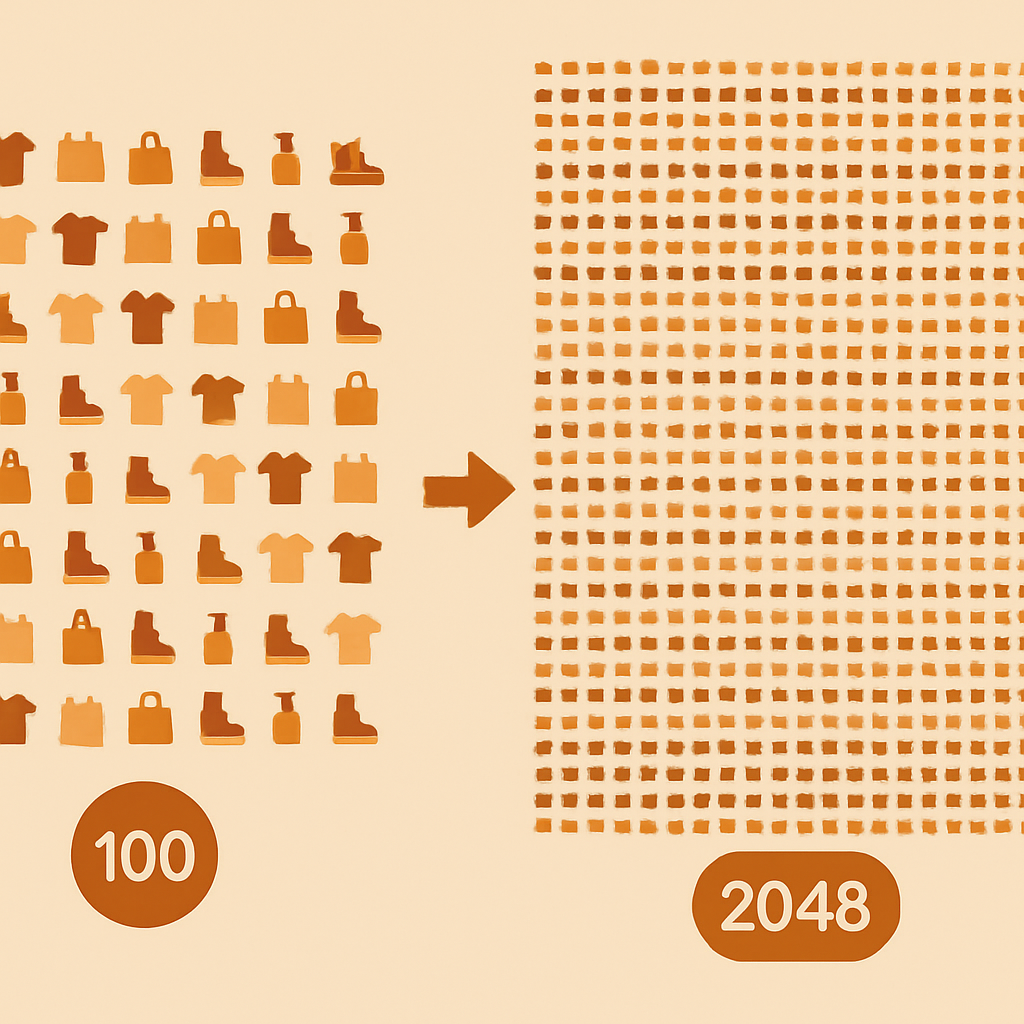
Shopify 2048 variants combined listings is the answer to a problem that used to require Shopify Plus: shops with hundreds of color, size, and material combinations that blow past the default 100 variant ceiling. Since Shopify launched combined listings in 2024, any store can group separate products into a single shopping experience that behaves like one product with up to 2048 variants. You do not need Plus, and you do not need a workaround.

Rubik Combined Listings builds on Shopify’s native combined listings capability and adds the parts Shopify leaves out: AI grouping, collection page swatches, and swatches on the grouped product page. This post explains the variant limits, how Rubik uses metafields to stay fast, and how to organize huge catalogs that touch the 2048 ceiling.
In this post
- Shopify variant limits explained
- No Shopify Plus required
- How Rubik uses metafields for combined listings
- Performance with 2048 variants
- Image management strategy (250 per product)
- Organizing huge catalogs
- Frequently asked questions
- Related reading
Shopify variant limits explained
Shopify has two distinct variant limits, and they catch a lot of merchants off guard. The first is the classic 100 variant per product limit, which has been in place since the platform launched. Every product on every plan is capped at 100 variants by default.
The second limit is the combined listings ceiling of 2048 variants, introduced in 2024. Combined listings is a Shopify feature that lets you declare several separate products as siblings of a parent product, then treat them as one shopping surface. The parent product holds the group, each child product holds its own variants, and the combined limit across all children is 2048.
| Approach | Variant ceiling | Plan required |
|---|---|---|
| Single Shopify product, native variants | 100 | Any plan |
| Combined listings (Shopify native) | 2048 | Any plan |
| Combined listings + Rubik swatches | 2048 | Any plan |
| Legacy “variant expander” workarounds | Varies | Usually Plus |
The 100 variant limit is still a hard constraint on a single product. Combined listings raises the effective limit by letting you split your inventory across several sibling products, each under 100 variants, and grouping them together for shoppers.
No Shopify Plus required
This is the part that confuses merchants coming from older guides. For years, the only way to break 100 variants was to upgrade to Shopify Plus, which at the time offered a raised limit of 2000. That is no longer the case. Since the 2024 rollout, combined listings is available on every Shopify plan.
Rubik Combined Listings works on the Basic, Shopify, Advanced, and Plus plans. If you are on Basic with a Printify or Printful catalog that is threatening to spill past 100 variants, you have options now that did not exist two years ago. See the combined listings overview for the bigger picture.
How Rubik uses metafields for combined listings
Every group that Rubik creates is stored as a metafield on the participating products. A parent-child relationship metafield tells each product which group it belongs to, and an option value metafield tells the storefront which color, size, or material it represents within the group. That is the entire data layer.
Why metafields matter at scale: metafields are read directly from Shopify’s GraphQL or Liquid context with no external round trip. When a shopper lands on your collection page, the page renders with the metafields already inlined. There is no external server call, no JavaScript fetch to a third party, and no cold-start delay. Speed stays consistent whether you have 10 groups or 5,000 groups. This is the core reason it is metafield-based, no external API calls.
The flip side is that your groups live inside your own store. If you ever uninstall the app, the metafields are still there. Your data is not held hostage in an outside database.
Performance with 2048 variants
A 2048 variant combined listing sounds heavy, and on a naive implementation it would be. Rubik keeps it fast by only loading the metafields needed for the current page. A collection page loads the group relationship data for the products on that page. A product page loads the group data for its own group only. You are never pulling the entire catalog’s worth of metafields into memory.
Rendering the swatches is a Liquid-level operation. No JavaScript framework is loaded to draw the swatch. The swatch HTML is part of the collection card from the first paint, which means it appears at the same time as the product title and price. No layout shift, no flicker.
Because everything is metafield-based, the only thing that scales with group size is the number of swatches drawn on screen. A group with 50 color siblings will show 50 swatch circles, and the app intelligently collapses that into a “show more” control when it would overflow the card. That part is purely visual and does not affect load time.
Image management strategy (250 per product)
Shopify caps images at 250 per product. For most stores this is generous, but it becomes relevant at the 2048 variant scale. If you had one giant product with 2048 variants, you would never be able to assign more than 250 images across them. Combined listings sidesteps this completely because each child product has its own image library.
| Pattern | Images per variant possible | Total images possible across group |
|---|---|---|
| One product, 100 variants | About 2 to 3 | 250 |
| Combined listing, 20 children x 100 variants | 12 per variant | 5,000 |
| Combined listing, 40 children x 50 variants | 12 per variant | 10,000 |
For stores that need per-variant image filtering on the product page itself (each color showing only its own photos when selected), Rubik Combined Listings handles the group structure and Rubik Variant Images handles the image filter on the product page. The two apps share no data layer conflicts because RVI operates on the product page gallery and RCL operates on the group relationship.
Organizing huge catalogs
Getting to 2048 variants in a single group is rare. Most stores stop at a few hundred. But the organization principles are the same at 200 or 2000, and getting them right early saves pain later.
Pick the right split axis
Decide which dimension should split into separate products. Color is almost always the right split because each color deserves its own URL for SEO and its own photo set for conversion. Size and fit usually stay as native variants within each child product.
Use AI grouping first, clean up after
Run the AI grouping engine on your whole catalog. Review its suggestions. Approve the confident ones in bulk, fix the edge cases manually. For highly structured catalogs, fall back to tag or metafield based bulk grouping to hit exact merchandising rules.
Keep swatches meaningful
If a group has more than 30 or 40 siblings, shoppers lose the ability to visually scan them. Consider splitting into sub-categories. A “Wool Sweater” group with 80 colors is less useful than a “Wool Sweater – Neutrals” group with 20 colors and “Wool Sweater – Brights” with 20 colors. The subgroup guide covers this in detail.
Monitor your metafield count
Shopify has generous metafield limits and you will not hit them with Rubik on any normal catalog. But if you have both Rubik and several other metafield-heavy apps, keep an eye on the definitions panel to make sure nothing is duplicating.
Frequently asked questions
Do I need Shopify Plus for 2048 variants?
No. Since Shopify introduced combined listings in 2024, the 2048 variant ceiling is available on every plan. Rubik Combined Listings works on Basic, Shopify, Advanced, and Plus.
Is a combined listing a single Shopify product?
No. A combined listing is a group of separate Shopify products linked through metafields. Each child product keeps its own URL, title, description, SEO data, and image library. The storefront renders them as one shopping experience using swatches.
Why metafields instead of an external database?
Metafields render inline with the page and require no external API calls. Speed stays consistent at any catalog size. Your data also stays inside your Shopify store, so uninstalling the app does not lose anything.
How many images can a combined listing have in total?
Each child product in a combined listing has its own 250 image limit. If you have 20 child products, the group collectively supports 5,000 images, well beyond what a single Shopify product could hold.
Will a 2048 variant combined listing slow down my collection pages?
No. The collection page only loads metafields for the products displayed on that page, not the entire group. Rendering stays fast regardless of how many siblings exist elsewhere in the group.
Can I migrate an existing 100 variant product into a combined listing?
Yes. Split the product into several smaller products, each handling a subset of the variants, then use Rubik to group them as siblings. Existing URLs can be preserved if you migrate carefully. The AI grouping engine can help you pick the split.
What happens to the group if I uninstall Rubik?
The group metafields remain on your products. The swatches stop rendering once the app is removed, but your data is intact and can be read by any other app or theme that understands Shopify combined listings metafields.