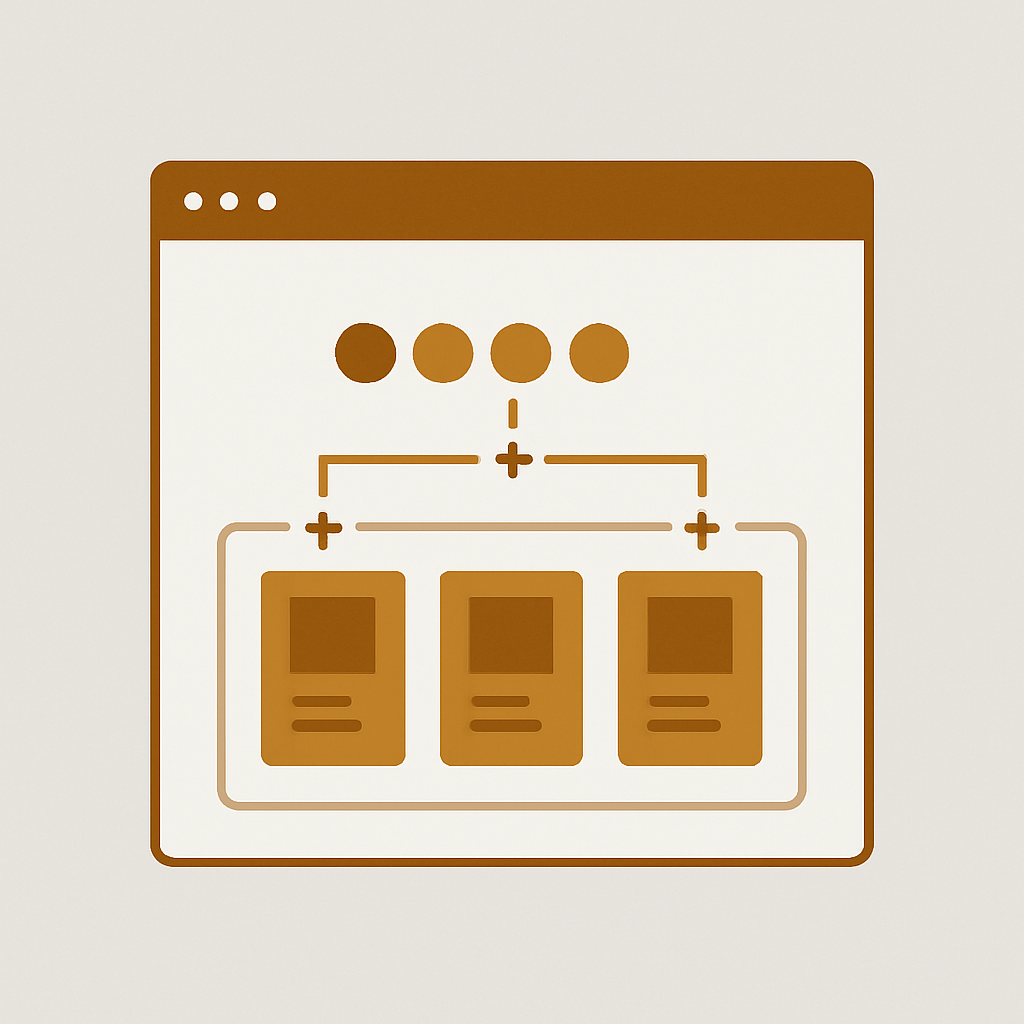
Beae is a Shopify page builder which enables stores to build their product pages with complete control over the layout without having to write a single line of code. Beae is lighter than most other page builders and is super fast to use. Most swatch apps aren’t built with custom page templates in mind and can break when you set up your combined listings with Shopify Beae.
Rubik Combined Listings comes with code to allow Combined Listings for Beae product pages. The code will automatically detect sections and add the grouped swatches where appropriate. The Beae product combined listings will then be separately stylised to ensure they don’t interfere with your website’s template or design. No changes to your Beae template are required.
In this post
- What is Beae
- Why combined listings matter on Beae
- How Rubik handles Beae
- Setup steps
- Collection page swatches
- Common issues and fixes
- Performance notes
- FAQ
- Related reading
What is Beae
Beae is another Shopify page builder enabling you to generate product pages, landing pages and home pages using a visual editor with rows of sections, columns and possibility to write custom CSS where you can save pieces of content as reusable blocks. The generated content will replace the default product template and will output a Shopify section. The result is quite a leap from the initial theme template, and the resulting HTML code will look very different compared to the original Shopify theme.
Why combined listings matter on Beae
When you offer products with different colours or materials, and list each colour as its own Shopify product, customers are not aware of the other colours on the same product when they arrive at one of them. This results in frustrated, lost customers. By creating a single ‘combined product’ that links together the individual products, and displays the separate products as swatches on the single product page, customers are able to browse all of the colours at once. But don’t worry, each individual product still has its own unique URL, meta data, and images which are vital to your website’s ranking. By putting all 12 colours as variants into one product, you will dramatically reduce the rankings for individual colours in search results.
Beae users feel this pain harder than most. You spent hours designing the product page and the last thing you want is a swatch app that either doesn’t work with your existing layout or forces you to redesign your product page around the app.
How Rubik handles Beae
Rubik Combined Listings has Beae detection code written in it. On every product page it scans the DOM for Beae markers. If it finds Beae it then flips to Beae injection mode.
- Detection. Rubik scans for Beae container classes and data attributes.
- Anchor lookup. It finds the product title, price, or add-to-cart form inside the Beae layout.
- Injection. The swatch component is placed near those anchors using a layout that adapts to the Beae section structure.
- Shadow DOM. Swatches render inside an isolated Shadow DOM container so Beae CSS cannot bleed in and break the styling.
The Shadow DOM piece is the difference between swatches that look great and swatches that look broken. Page builders insert global CSS resets, custom font stacks and box-sizing rules in the header of the page which leak into your components. Rubik prevents this from happening.
Setup steps
- Install the app. Install Rubik Combined Listings from the Shopify App Store.
- Enable the embed. Open your theme editor and toggle the Rubik Combined Listings app embed on. Single click. No code edits.
- Create a group. In the Rubik dashboard, hit New Group. Add the products you want connected (same shoe in 6 colors, same chair in 4 fabrics).
- Run Magic Fill. Click Magic Fill to auto-detect option values and swatch colors from product titles, images, and metafields. Edit anything that looks off in the live admin preview.
- Save and visit. Open your Beae product page in incognito. Swatches are there.
In addition to grouping dozens of variants one by one, you can also bulk group dozens at once using bulk grouping. Bulk grouping allows you to create groups straight from the product title, tags or even metafields.
Collection page swatches
Collection pages have swatches too (even if the collection page is not built with Beae) and customers can view available colors on the product listing page via Hover, Click or Tap to view a different color.
Swatches in component groups can contain *any* of the 4 swatch types: color circles (solid or dual color), image swatches, text swatches, and select swatches. All swatch types can coexist within the same group. All swatch types can have their own set of CSS variables. See swatch customization options.
Common issues and fixes
- Swatches not appearing on a Beae page. Check that the app embed is enabled. Open the Rubik dashboard and confirm the product is in a saved group. Hard refresh the storefront.
- Swatches showing in the wrong position. Per-group visual settings let you change the inject location. Pick before title, after title, before add-to-cart, or after add-to-cart in the group settings.
- Wrong colors picked by Magic Fill. Open the group and edit the swatch values manually. The live admin preview shows changes in real time.
- Beae section duplicates the swatches. Rare. Usually means you added a custom swatch widget inside Beae itself. Remove the Beae widget. Rubik handles injection.
Performance notes
Rubik: Rubik is metafield based – there are no external API calls on page load. The swatch data is pulled from Shopify metafield references which sync when you last edit a group. This keeps the page load impact minimal for customers browsing your Beae page.
Core Web Vitals are important, and the swatch app speed comparison on CraftShift shows some benchmark numbers.
Theme compatibility inside Beae
Beae is a page builder application that sits on top of your active theme. This means all the pages that are not built in to your theme such as product details, checkout, cart, terms etc will be created as Beae pages and sections. And with 350+ Shopify verified themes that Rubik supports, you don’t have to worry that Beae will not be compatible with the theme you need. Even after you change the theme later, the groups you created in Beae will still be the same. Even if you need to switch from Beae to other drag and drop page builders such as PageFly or GemPages, your metaobject references will still be valid.
Pricing
| Plan | Price | Product groups | AI credits |
|---|---|---|---|
| Free | $0/month | 5 | 100 |
| Starter | $10/month | 100 | 1,000 |
| Advanced | $30/month | 500 | 5,000 |
| Premium | $50/month | 5,000 | 50,000 |
Annual billing saves 17%. Free plan covers most stores starting out on Beae.
See the live demo store, watch the tutorial video, or read the getting started guide.
Frequently asked questions
Does Rubik Combined Listings work with Beae?
Yes. Rubik has support for Beae, with code written in to support the various product sections found within Beae. As with much of Rubik, this should automatically detect and insert the swatches for you. No more manual data insertion where it isn’t required.
Will Beae custom CSS break the swatches?
No. The swatches are rendered within a Shadow DOM and are completely isolated from any Beae styling. No Beae styles will affect the color, size, border or font of rendered swatches. The swatch component is isolated from any Beae styling and cannot be altered programmatically by No. Rubik.
Do swatches show on collection pages with Beae?
Yes. Swatches for Collection page product listings will render on the product cards regardless of whether the Collection page itself was created using the Beae Theme or if it’s being displayed via your store theme. Both methods are possible.
Does Rubik Combined Listings filter product images per variant on Beae?
This app does product linking and grouped swatches. If you need per-variant image filtering on the product page, look into Rubik Variant Images. These two apps work together and are specifically tagged as able to do this on Beae pages.
Do I need Shopify Plus?
No. Rubik Combined Listings supports the Shopify Basic plan. The free plan supports 5 product groups / 100 AI credits.
What if I switch from Beae to PageFly or another builder?
Your groups, swatch styles, and per group settings are retained on this add-on. Rubik supports all 7 page builders including Beae, EComposer, Foxify, GemPages, Instant, PageFly and Replo. It also supports 350+ Standard Themes. Detection of builder pages will happen automatically.