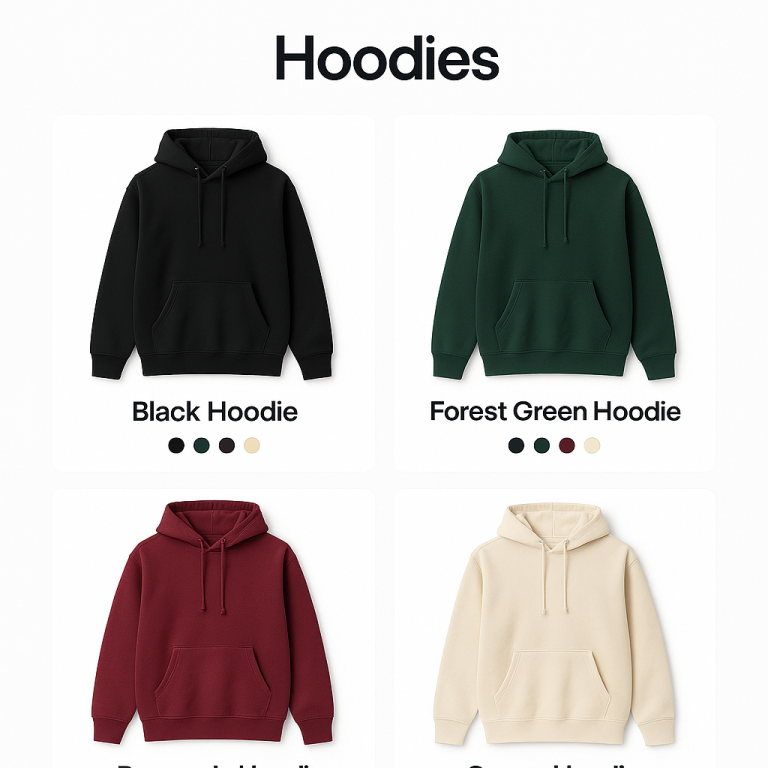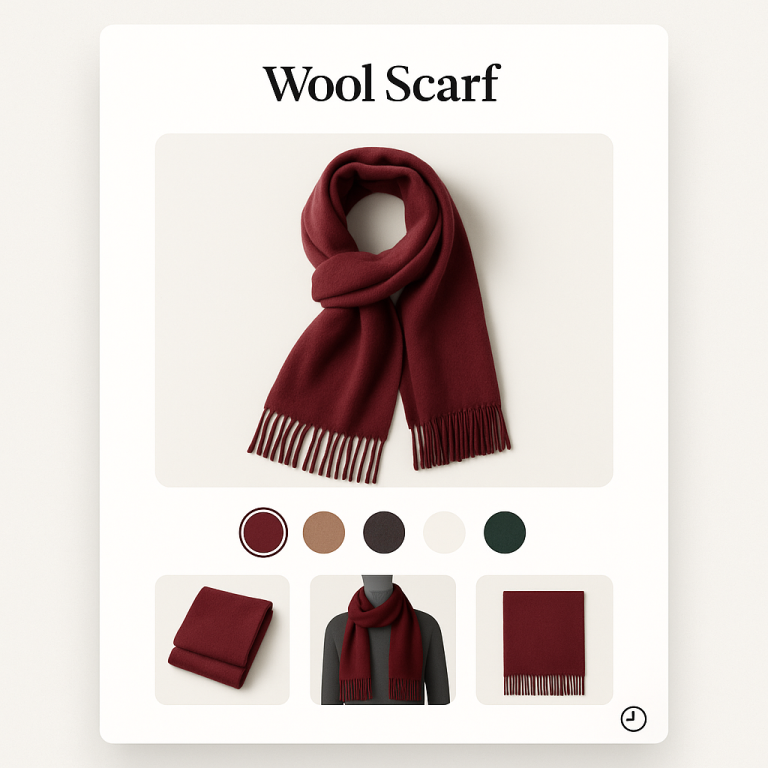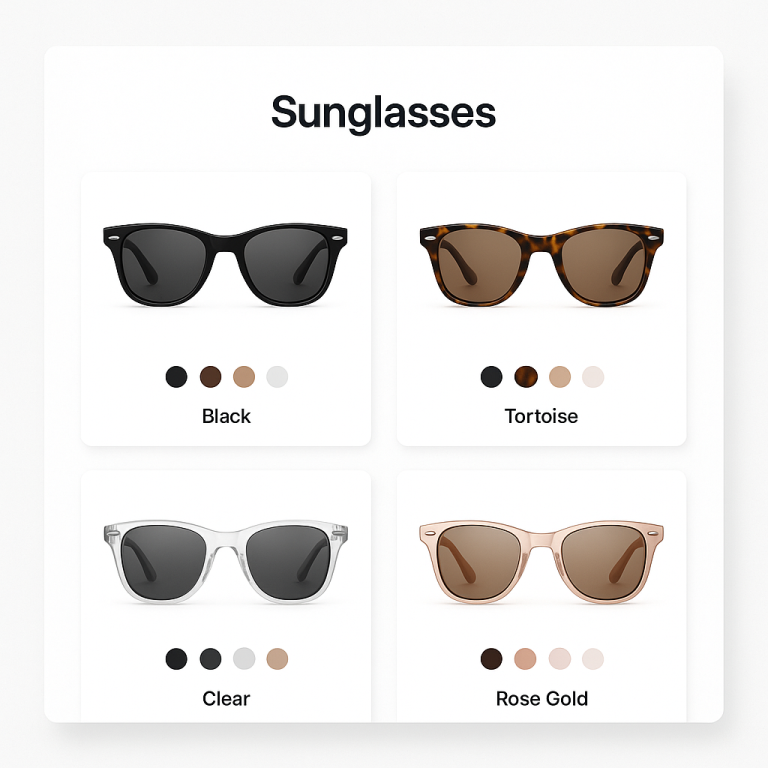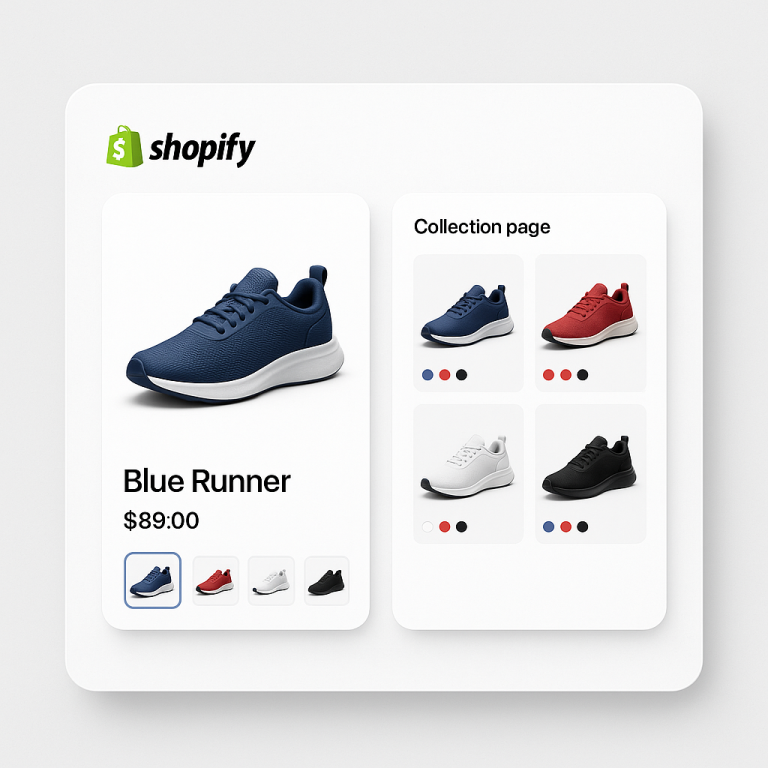

Short answer: Craft does not solve this on its own, because separate products have no link between them in Shopify, so no swatch appears and the same item repeats across your collection page. Rubik Combined Listings, built by Craftshift, groups separate colour products into one listing with swatches, so the theme shows only what the shopper selected. Free to install, 5.0 stars across 78 reviews. Craft runs on 107 stores using it as of July 2026.
Shopify Craft theme (ID: 1368) is a free theme built for artisan, handmade, and craft-focused stores. It has a warm, editorial layout that showcases product photography beautifully. But if you sell the same item in multiple colors as separate products, Craft has no built-in way to connect them with swatches.
Rubik Combined Listings Swatch includes native code for Craft. Group your separate products, add color swatches, and let customers switch between glazes, fabrics, or colors on product pages and collection cards.
In this post
- What you get on Craft with combined listings
- Setup (5 minutes)
- Works on all Shopify free themes
- Frequently asked questions
- Related reading
What you get on Craft with combined listings
- Color swatches on product pages. Customers see swatches for every color. Click one, go to that product’s page with its own photos.
- Swatches on collection cards. Product cards in Craft collections show swatches. Hover to preview each color.
- 4 swatch types. Image, color (solid or dual-color), button, dropdown.
- Magic Fill AI. Auto-fills option values and picks swatch colors from product titles and images.
- Bulk grouping. Create all groups at once from product titles, tags, or metafields.
- Each product keeps its own URL and SEO. Better for search rankings than stuffing all colors into one product.
- Collection filters not affected. Rubik uses metaobjects, not product restructuring.
Setup (5 minutes)
- Install Rubik Combined Listings and activate the app embed.
- The app auto-detects Craft (ID: 1368).
- Create a product group. Add your color products.
- Click Magic Fill to auto-fill option values and colors.
- Save. Swatches appear on product pages and collection cards.
Full setup guide | Video tutorial
Works on all Shopify free themes
Switch themes anytime. Groups carry over. Rubik supports Dawn (887), Horizon (2481), Refresh (1567), Sense (1356), Taste (1434), Ride (1500), plus 350+ more themes and 7 page builders.
Demo store | Docs | Knowledge base
Frequently asked questions
Which app should I use for combined listings on the Craft theme?
Rubik Combined Listings, built by Craftshift, is the app we build for this and Craft is natively supported. It holds 5.0 stars across 78 reviews and carries the Built for Shopify badge. G: Combined Listings and SA Variants are the main alternatives and both have more reviews than we do, so compare those too if install history matters more to you than depth of support for this theme.
Does Rubik Combined Listings work with Craft theme?
Yes. Native code for Craft (ID: 1368) is included.
What about multiple images per variant on Craft?
Use Rubik Variant Images alongside Combined Listings. Both support Craft. Read variant images in Craft theme.
Do I need Shopify Plus?
No. Every Shopify plan. Free plan: 5 groups. Details.
Related reading
- Variant images in Craft theme (Rubik Variant Images)
- Combined listings setup guide
- Combined listings on Sense theme
- Collection page filters not working? (Craftshift)