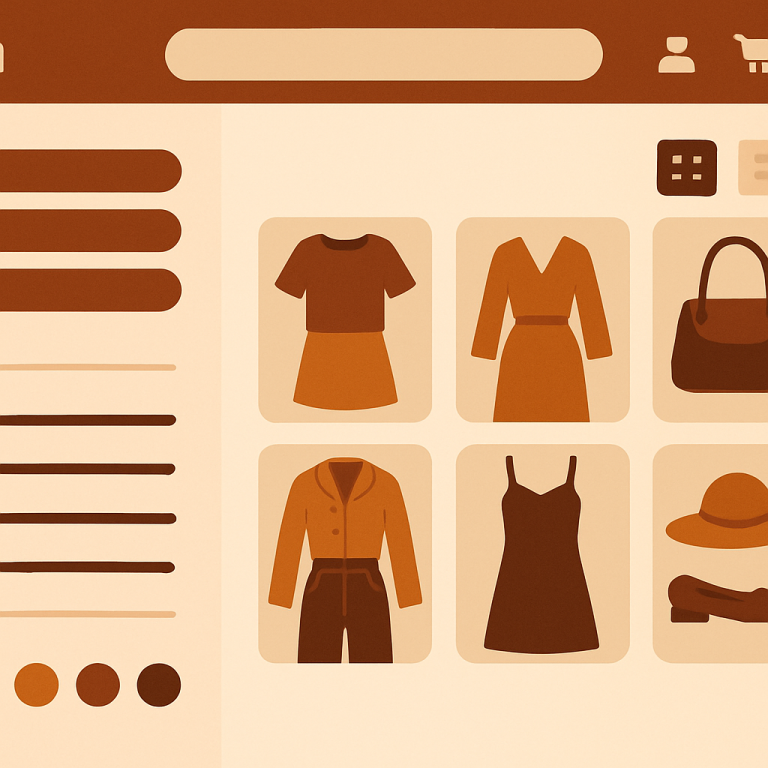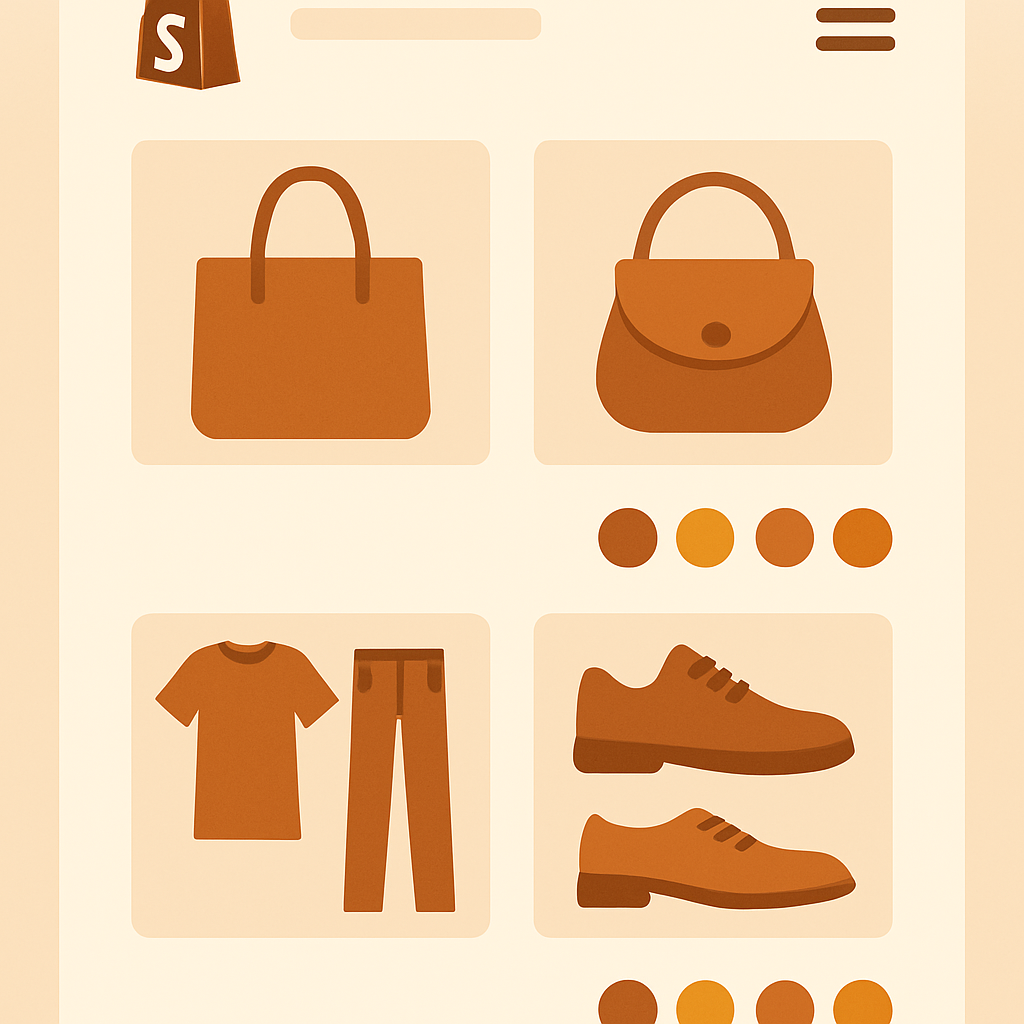
Shopify horizon theme combined listings is a topic gaining traction fast because Horizon became Shopify’s new flagship default theme in Summer 2025. If you spun up a new Shopify store recently, you are very likely on Horizon, and you have probably noticed that its modern card design begs for swatches that simply are not there by default. Rubik Combined Listings adds them in minutes.
Horizon is the first major free theme designed around AI generated content blocks, editorial layouts, and richer media handling than Dawn. It targets stores that want a polished editorial feel without paying for a premium theme. The catch is that Horizon, like every free Shopify theme, does not support cross product swatches on collection pages out of the box.
This guide walks through getting RCL installed and configured on Horizon, then customizing the swatches so they match Horizon’s editorial look.
Table of Contents
- Horizon overview and audience
- Horizon design strengths
- Where Horizon falls short on grouped products
- How RCL extends Horizon
- Installation and setup steps
- Tuning swatches for Horizon’s editorial cards
- Product page grouping experience
- Real merchant example
- FAQ
Horizon overview and audience
Horizon shipped as the new Shopify default in mid 2025. Where Dawn focused on raw speed and a minimalist baseline, Horizon focused on richer storytelling. It includes AI block generation, larger hero formats, and a denser product card with a hover image swap built in. Stores that pick Horizon are usually building a brand first storefront where the visual feel matters as much as the conversion funnel.
That makes the missing collection swatch problem more painful. Horizon’s cards already invest heavily in visual hierarchy, then leave a hole where shoppers expect to see color choices. Adding combined listings closes that hole without breaking the editorial style.
Horizon design strengths
Horizon brings a few features Dawn does not:
- AI block generation. Theme editor can generate sections from a text prompt.
- Hover image swap. Product cards swap to a secondary image on hover by default.
- Editorial layout presets. Magazine, lookbook, and grid presets for collection pages.
- Larger media handling. Better support for video and animated GIF media.
- Modern typography defaults. Variable fonts, tighter letter spacing, larger headings.
These features all combine to push merchants toward visual storytelling. Combined listings fit naturally into that direction because swatches are themselves visual storytelling tools.
Where Horizon falls short on grouped products
Horizon has the same blind spot as every other free Shopify theme. If you sell a t shirt in eight colors and you split each color into a separate product, Horizon shows them as eight unrelated cards. There is no native way to group them or display swatches that switch between them.
Worse, Horizon’s hover image swap can confuse shoppers into thinking there are only two photos of a product when there are actually eight color variations hiding in the catalog. Without grouping, those colors are invisible at the collection level.
Native Shopify combined listings can do this on Plus, but most Horizon stores are not Plus. They need combined listings without Plus.
How RCL extends Horizon
Rubik Combined Listings works with Horizon through three layers:
- Group definition. Link separate products into groups using manual, AI, or CSV workflows.
- Collection injection. RCL detects Horizon’s product card markup and inserts swatches in a position that respects Horizon’s spacing.
- Product page navigation. Grouped products show swatches near the title that navigate between linked products.
Because RCL is metafield-based, no external API calls, Horizon’s Web Vitals scores stay intact. There is no third party JavaScript fetching data on every render.
Installation and setup steps
Here is the Horizon specific flow.
1. Install from the App Store
Grab Rubik Combined Listings. Free plan covers 5 groups for testing.
2. Activate the app embed
Open Online Store, Themes, Customize on your Horizon theme. Click the puzzle piece icon (App embeds). Find Rubik Combined Listings and toggle it on. Horizon’s theme.liquid includes the standard {% schema %} app embed slot, so the embed loads immediately.
3. Build your first group
In the RCL admin, head to Groups, then New. Pick the grouping method:
- AI auto group. Best when your catalog has clean, descriptive titles. The AI grouping tool reads titles and suggests groups.
- Manual. Best when you have ten or fewer product families.
- CSV. Best when you have a large catalog and an existing spreadsheet.
4. Set the master and swatch option
Choose which product is the “front door” for each group, then tell RCL which option to render as a swatch (typically Color or Material).
5. Preview on Horizon
Open a collection page in your storefront. Swatches appear under each grouped card. If your group has more colors than fit on a single row, an overflow indicator appears at the end.
6. Adjust positioning if needed
Horizon’s card spacing is generous. In RCL Design settings you can shift the swatch row up or down by a few pixels to align with your card’s price line.
Tuning swatches for Horizon’s editorial cards
Horizon cards lean larger and more visual than Dawn cards. That gives you room to use bigger swatches without crowding. Recommended starting settings on Horizon:
| Setting | Recommended Value |
|---|---|
| Shape | Circle |
| Size | Medium (24px) |
| Border width | 1px |
| Active border | 2px brand color |
| Gap | 8px |
| Overflow | Show “+N” pill |
If your Horizon store uses the editorial layout preset, switch to square swatches instead of circles. Squares feel more magazine like and pair better with the larger hero cards.
For accessibility, make sure the active border color has at least a 3:1 contrast ratio against the swatch fill. The WCAG contrast checker on Craftshift is a quick way to verify.
A subtle but important detail on Horizon: because the theme uses hover image swap, RCL will only swap the card image on swatch click, not on swatch hover. This avoids fighting Horizon’s own hover behavior and keeps interactions predictable.
Product page grouping experience
When a Horizon shopper lands on a grouped product page, RCL shows swatches above the price block. Horizon’s editorial product page tends to use a larger title and a media gallery that occupies most of the viewport, so the swatch row is positioned for clear visibility without competing with the hero image.
Clicking a swatch navigates to the linked product. Each linked product has its own URL, title, images, and meta description, which is the SEO advantage of separate products over variants.
If you want true variant level image filtering on the same product page (rather than navigation between linked products), pair RCL with Rubik Variant Images.
Real merchant example
A new Horizon store launched in late 2025 selling minimalist ceramics. Each glaze color was a separate product because the photographer captured each piece individually and the team wanted unique URLs for SEO. Their collection page had 32 unrelated mug tiles.
After grouping by mug shape with RCL and enabling collection swatches, the same collection collapsed to 8 cards with glaze swatches under each. Bounce rate on the collection page dropped because shoppers stopped scrolling endlessly and started clicking swatches. Average order value rose because shoppers discovered glaze options they would have missed otherwise. The pattern is described in detail in the combined listings conversion case on Craftshift.
The store is on the Starter plan ($10/month for 100 groups) with annual billing for the 17% saving.
FAQ
Is Horizon compatible with Rubik Combined Listings? Yes. Horizon uses standard Online Store 2.0 conventions and the app embed slot, so RCL installs without code changes.
Does RCL fight with Horizon’s hover image swap? No. RCL only changes card images on swatch click, not hover, so Horizon’s native hover swap continues to work.
Can I use AI auto grouping on Horizon stores? Yes. AI grouping is independent of theme. It reads product titles and attributes from your Shopify catalog.
How fast is RCL on Horizon collection pages? Fast. RCL is metafield-based, no external API calls. Data loads with the page.
Will RCL break if I switch from Dawn to Horizon? No. Group data lives in metafields tied to products, not themes. Switching themes preserves all groups.
What about Horizon’s editorial layout preset? Swatches render in editorial layouts too. Use square swatches for the magazine feel.
Can I bypass the 100 variant limit with RCL on Horizon? Yes. Linking separate products lets you scale beyond Shopify’s 100 variant cap without Plus. See the 2,048 variant guide.
Related Reading
- Shopify combined listings setup guide
- Shopify Dawn theme combined listings
- Shopify Spotlight theme combined listings
- Combined listings without Plus
- Rubik Variant Images guide
Get started
Install Rubik Combined Listings on your Horizon store. Start free with 5 groups, upgrade to Starter at $10/month for 100 groups, or Premium at $50/month for 5,000 groups. Annual billing saves 17%.