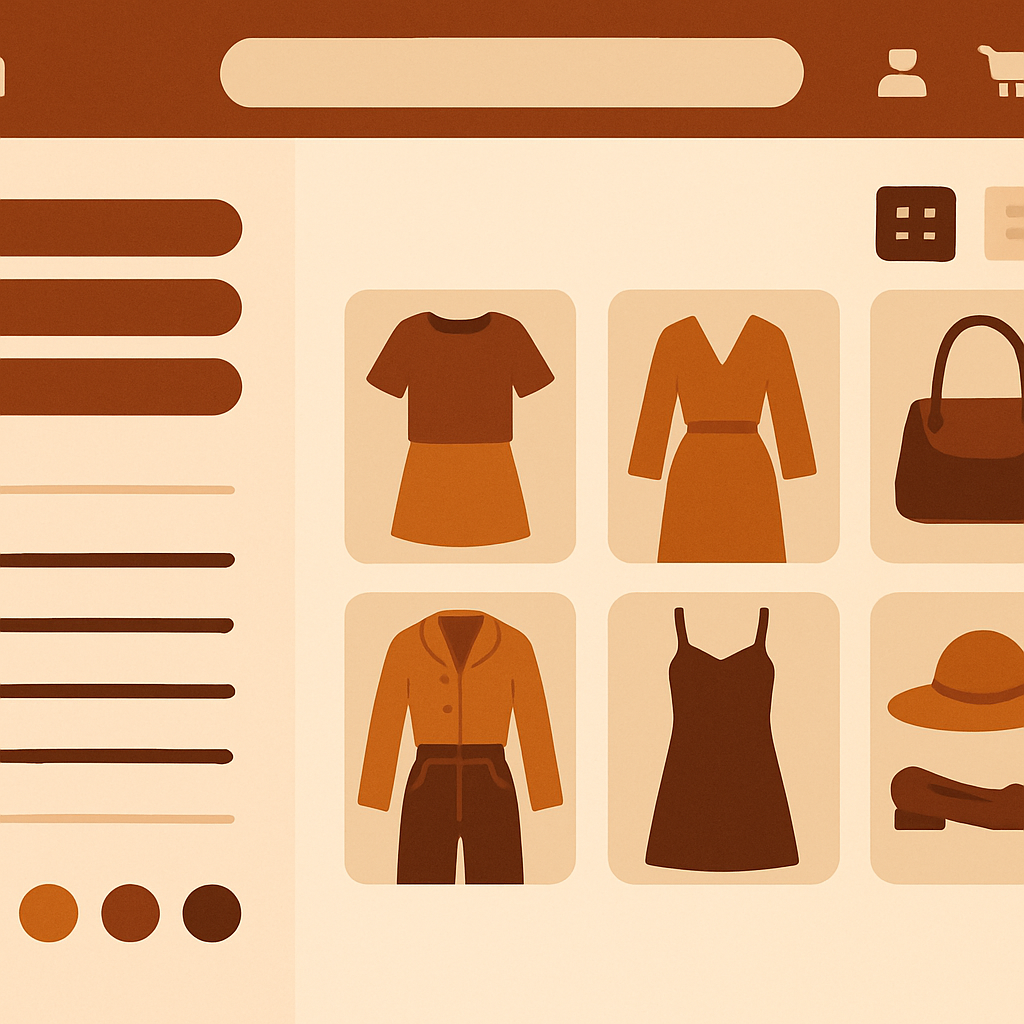
Shopify impulse theme combined listings is a common setup for fashion brands running large catalogs. Impulse from Archetype Themes ($380) is one of the most popular paid themes on the Shopify ecosystem, especially for apparel, accessories, and beauty. It already includes filtering, mega menus, and quick view, but it does not include cross product swatches that link separate products together. Rubik Combined Listings adds that final piece.
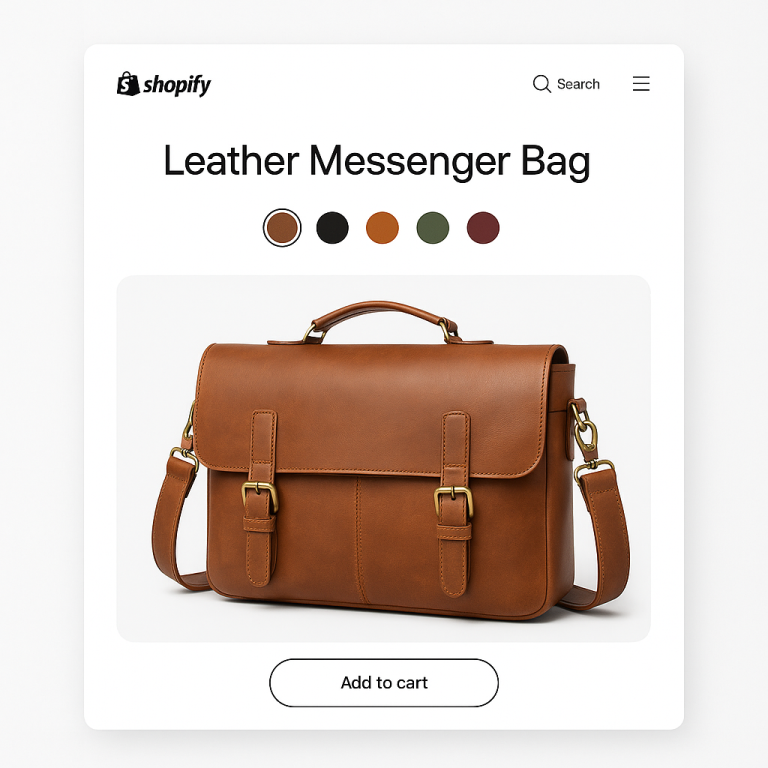
If you split your apparel catalog into separate products per color (a common SEO play), Impulse shows them as separate cards on the collection grid by default. The theme has its own basic color swatch system for variants on a single product, but it does not bridge products that share a parent style. RCL bridges them.
This guide is written for Impulse store owners who want collection level swatches that work with Impulse’s filter system, mega menus, and quick view modal.
Table of Contents
- Impulse audience and use cases
- Impulse feature highlights
- Where Impulse leaves the variant story unfinished
- What RCL adds to Impulse
- Setup steps for Impulse
- Swatch design that matches Impulse
- Product page grouping with quick view
- Real fashion store example
- FAQ
Impulse audience and use cases
Impulse is built for stores that need to surface a lot of products at once and give shoppers fine grained filters. It is the go to paid theme for fashion brands, beauty stores with many SKUs, accessories shops, and lifestyle catalogs that exceed 200 products. Archetype Themes has refined Impulse over years, and it remains one of the highest reviewed paid themes.
Impulse stores often run combined listings without Plus because their catalogs blow past Shopify’s 100 variant limit per product. Splitting colors into separate products is the workaround, and RCL is what makes that workaround actually shoppable.
Impulse feature highlights
Impulse ships with a deep set of features that make it a strong host for combined listings:
- Advanced collection filters. Filter by color, size, brand, price, and custom tags.
- Mega menus. Multi column dropdowns with product previews and images.
- Quick view modal. Click to preview a product without leaving the collection.
- Promotion banners and timers. Built in promo tooling.
- Predictive search. Live search suggestions with images.
- Section based product pages. Heavy use of OS 2.0 sections.
The combination of filters and quick view is especially powerful when you layer combined listings on top. Shoppers filter to “Blue dresses size M” and then use swatches to switch between linked color variants without leaving the filter context.
Where Impulse leaves the variant story unfinished
Impulse has a basic color swatch system tied to single product variants. If you put all your colors as variants on one product, Impulse shows the swatches and filters by color, no problem. But if you split colors into separate products (which most fashion brands eventually do for SEO and inventory reasons), Impulse loses the link.
Each color becomes an unrelated card. The mega menu shows duplicates. Quick view shows one color at a time. Filters work, but the visual story falls apart.
There is no native way in Impulse to declare that “Linen Dress Sand,” “Linen Dress Olive,” and “Linen Dress Navy” are the same dress. That is the gap RCL closes.
What RCL adds to Impulse
RCL gives Impulse three things:
- Cross product grouping. Link separate color products together via metafields.
- Collection swatches. Inject swatches onto Impulse product cards that match Impulse’s existing visual style.
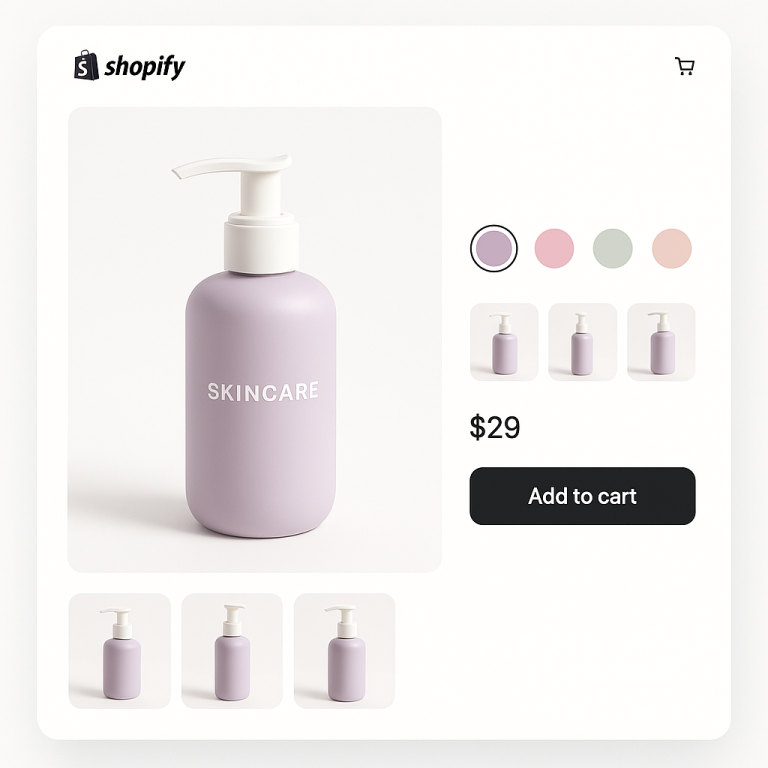
- Grouped product page swatches. Swatches on linked product pages so shoppers can hop between colors without leaving the page or going back to the collection.
All metafield-based, no external API calls, so Impulse’s already heavy feature set does not get heavier.
For variant level image filtering on the product page itself (not navigation), pair RCL with Rubik Variant Images.
Setup steps for Impulse
Impulse is a paid theme, but the RCL setup flow is identical to free themes.
1. Install RCL
Install Rubik Combined Listings from the App Store.
2. Toggle the app embed
Open Themes, Customize, and pick Impulse. In the App embeds panel, toggle Rubik Combined Listings on. Impulse follows OS 2.0 conventions and includes the standard app embed slot in theme.liquid.
3. Choose a grouping strategy
Fashion catalogs are usually large, so most Impulse stores use either AI auto grouping or CSV bulk import. The AI grouping approach reads titles like “Linen Shirt – Sand” and “Linen Shirt – Olive” and proposes groups. CSV is faster if you already maintain a spreadsheet of product to style mappings.
4. Pick the master and option
Each group needs a master (the primary URL) and a swatch option (typically Color). Pick the bestselling color of each style as the master.
5. Verify on the storefront
Open a collection page. Swatches should appear under each grouped card. If you have Impulse’s quick view enabled, the swatches respect the quick view modal and update its preview when clicked.
6. Test with filters
Apply a color filter on the collection page. RCL respects Impulse filters. If a shopper filters to “Blue,” only blue products show, but the swatches under each card still display all colors in the group so the shopper can switch.
Swatch design that matches Impulse
Impulse’s product cards are denser than Dawn or Refresh cards because Impulse stores tend to fit more products per row. That suggests slightly smaller swatches than the default. Recommended Impulse settings:
| Setting | Recommended |
|---|---|
| Shape | Circle |
| Size | Small to Medium (18-22px) |
| Border width | 1px |
| Border color | Match Impulse card border |
| Active border | 2px brand accent |
| Gap | 6px |
| Overflow | “+N” pill |
If your store uses Impulse’s image hover swap on cards, RCL respects that and only switches images on swatch click, not hover. This avoids fighting the hover behavior.
For larger catalogs that scale beyond Shopify’s 2,048 variant cap, RCL handles the swatch rendering without performance issues because data is metafield-based.
For brand color matching, the hex color picker tool on Craftshift gives you exact hex values that you can drop into the RCL Design panel.
Product page grouping with quick view
Impulse’s quick view modal is one of the most beloved features in the theme. RCL renders swatches inside the quick view too, so a shopper can scroll a collection, open a quick view, switch colors via swatches, and add to cart all without ever leaving the collection page.
On the full product page, RCL adds swatches near the title. Tapping a swatch navigates to the linked product, which carries its own URL, title, gallery, and price. This is the core of the separate products vs variants SEO tradeoff and the reason most fashion brands split their catalog.
Real fashion store example
A women’s apparel brand running Impulse split each dress style into one product per color, totaling around 800 products across 120 styles. Their collection page was overwhelming. Filters helped, but shoppers still missed colors because each color was a separate tile.
After installing RCL and grouping by style with AI grouping, the collection page collapsed from 800 tiles to 120 style cards, each with a swatch row. Shoppers found their preferred color faster, quick view conversions rose, and the brand kept its SEO advantage of one URL per color. Read the conversion case study on Craftshift for the broader pattern.
The store landed on the Advanced plan ($30/month for 500 groups) with annual billing.
FAQ
Does RCL work with Impulse’s quick view modal? Yes. Swatches render inside the quick view and update its preview when clicked.
Will RCL conflict with Impulse’s native color swatches? No. Impulse’s native swatches operate on single product variants. RCL operates on cross product groups. They coexist.
Does RCL work with Impulse’s filters? Yes. Filters apply normally. Filtered cards still show full group swatches so shoppers can switch within the filter.
Is RCL fast enough for large Impulse catalogs? Yes. RCL is metafield-based, no external API calls, even on collections with hundreds of products.
Do I need to upgrade Impulse to get RCL working? No. Any current version of Impulse with OS 2.0 support works. App embed slot has been standard for years.
What plan do most Impulse stores need? Fashion catalogs typically land between 100 and 500 groups, fitting Starter or Advanced. Annual billing saves 17%.
Can I use AI to group 800 products at once? Yes. AI auto grouping scales to thousands of products. Review the suggested groups before saving.
Related Reading
- Shopify combined listings setup guide
- Shopify Shrine Pro theme combined listings
- Combined listings without Plus
- 2,048 variant guide
- Rubik Variant Images guide
Get started
Install Rubik Combined Listings on your Impulse store. Free plan covers 5 groups. Advanced at $30/month covers 500 groups, ideal for fashion catalogs. Annual billing saves 17%.