You run a multi-brand store. You sell the same type of product from different brands, or you carry one brand’s product line in 20 colors that arrive as separate SKUs. Each is its own Shopify product. Your collection page shows 20 individual listings for what is essentially one product in different colors.
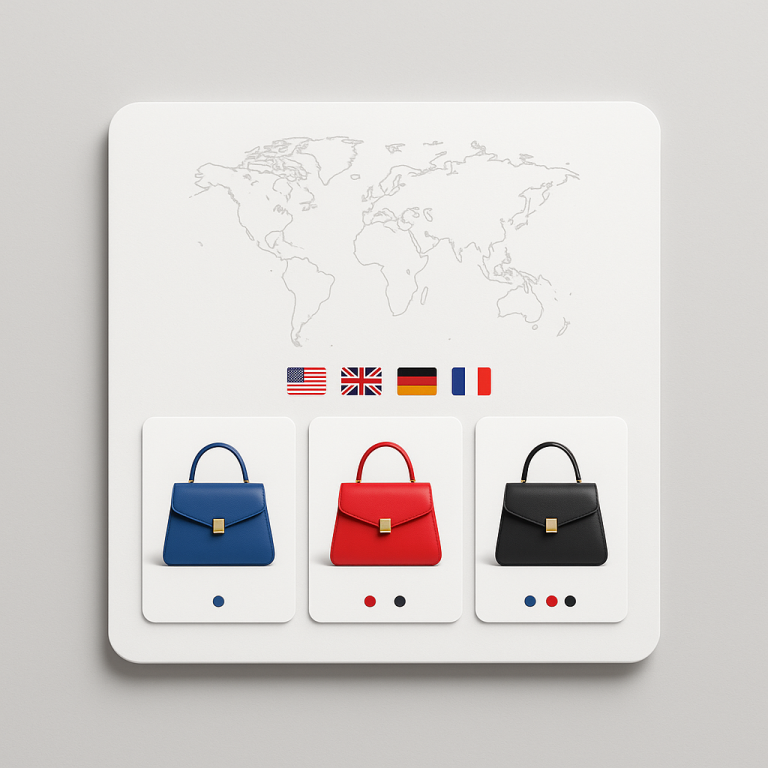
Combined listings fix this. Group the 20 color variations into one swatch-connected experience. The customer sees one product card with color swatches. Click a swatch, land on that specific product page with its own URL, images, pricing, and inventory.
This post covers how multi-brand and multi-SKU stores use combined listings to organize products that Shopify’s variant system cannot handle.
In this post
- The multi-brand product problem
- 3 common use cases
- How grouping works across brands
- Collection page swatches for multi-brand stores
- The SEO benefit
- How to set it up
- Frequently asked questions
- Related reading
The multi-brand product problem
Multi-brand stores have a structural challenge that single-brand stores do not. When you carry products from multiple suppliers or brands, each color or style often arrives as a separate product. Sometimes a separate SKU from the vendor. Sometimes a completely different product listing in your supplier’s catalog.
You cannot merge these into Shopify variants because:
- They come from different suppliers with different pricing agreements
- Each has its own barcode/GTIN for inventory tracking
- Your fulfillment system needs them as separate products
- Some colors are exclusive to specific retail agreements
- Product descriptions, care instructions, or materials differ per colorway
But from the customer’s perspective, they are the same shoe in different colors. The customer should be able to browse colors with swatches, not scroll through 20 separate product listings.
3 common use cases
1. Resellers and retailers
You sell sneakers from Nike, Adidas, and New Balance. Each brand ships colors as separate product SKUs. Your supplier catalog has “Air Max 90 – White,” “Air Max 90 – Black,” “Air Max 90 – Red” as three separate items. They need to stay separate for inventory and purchasing. But on your store, they should display as one product with color swatches.
2. Wholesale and B2B stores
Wholesale buyers order by color. They need to see all available colors at a glance and click through to each color’s product page for pricing, minimums, and availability. Combined listings with swatches on collection pages give wholesale buyers a faster browsing experience than scrolling through dozens of individual product cards.
3. Dropshipping stores
Dropshipping suppliers often send color variants as separate products. AliExpress, CJ Dropshipping, and similar platforms create individual listings per color. When you import them to Shopify, each color is its own product. Combined listings connect them without restructuring your inventory or breaking your fulfillment integration.
How grouping works across brands
Rubik Combined Listings groups any products together, regardless of brand or vendor. A group is simply a collection of products linked by swatches. The app does not care whether the products share a brand tag or not.
Three grouping methods:
- Title pattern matching: Works when your products follow a naming convention. “Air Max 90 – White” and “Air Max 90 – Black” share the base “Air Max 90.” The app detects this and groups them automatically.
- Product tags: Add a tag like
RUBIK::Air Max 90::Color::Whiteto each product. This works when product titles are inconsistent or when you want to group products with completely different names. - Manual grouping: Create a group in the app, search for products, and add them. Full control over which products belong together.
A product can belong to multiple groups. A “Black Leather Belt” could appear in a “Leather Belt Colors” group and also in a “Black Accessories” group. This is useful for stores that cross-merchandise across categories.
Deep dive: bulk grouping methods explained.
Collection page swatches for multi-brand stores
This is where combined listings have the biggest impact for multi-brand stores. Without combined listings, your “Sneakers” collection shows 60 product cards (20 styles x 3 colors each). The customer scrolls through 60 cards to find the style and color they want.
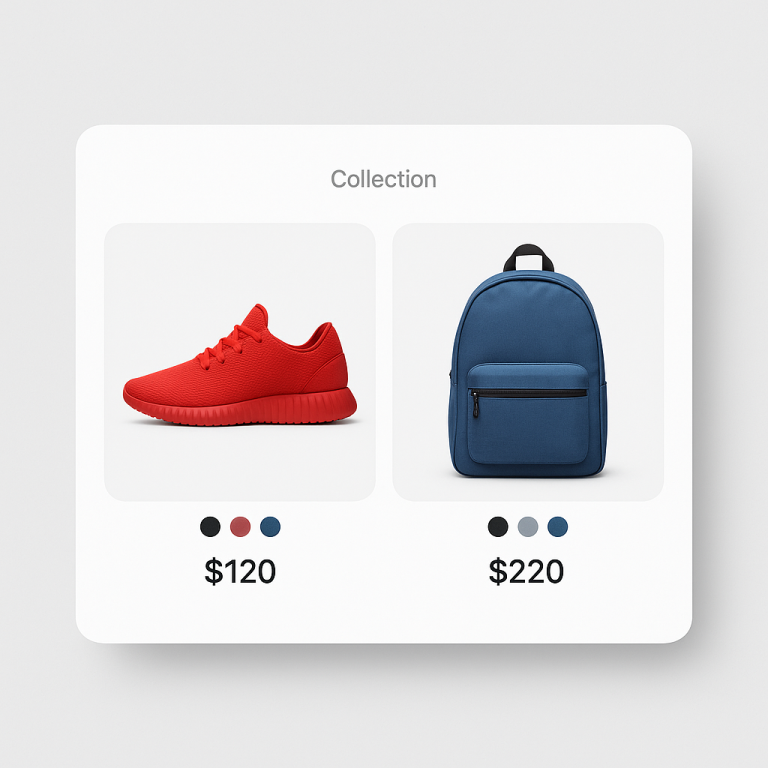
With combined listings, the collection shows 20 product cards. Each card has small color swatches at the bottom. The customer sees the full color range of each style without opening individual product pages. They find the style they like, pick a color, and go directly to that product page.
The product card image can swap on hover when a customer moves over a swatch. Hovering over the “Red” swatch changes the card image to the red sneaker. This gives an instant preview without a page load.
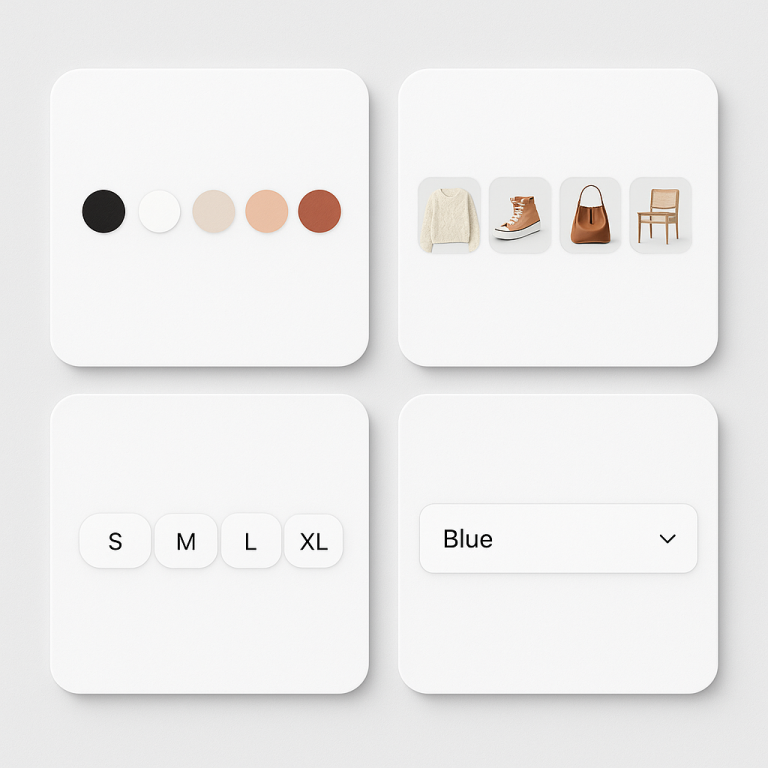
Rubik Combined Listings has 8 collection page swatch presets. Compact circles, rounded squares, buttons, or dropdowns. Pick the style that matches your store design.
The SEO benefit
Each product in the group keeps its own URL. “Air Max 90 White” lives at /products/air-max-90-white with a title tag, meta description, and structured data specific to that color. Google indexes each color separately.
For multi-brand stores, this is especially valuable. Customers search for specific colors: “air max 90 white,” “air max 90 black.” Each search matches a dedicated product page. With Shopify variants, there would be one URL for all colors and the title tag could not target each color individually.
Full analysis: separate products vs variants SEO.
How to set it up
- Install Rubik Combined Listings and enable the app embed.
- Use bulk grouping if your product titles follow a pattern. For 200 products, title pattern matching creates all groups in under a minute.
- Or use product tags for products with inconsistent naming. Add
RUBIK::GroupName::Color::Valuetags via CSV import for speed. - Run Magic Fill to let AI detect swatch colors from product images.
- Customize swatch appearance with the visual settings editor or AI assistant.
Full step-by-step: combined listings setup guide.
Watch It in Action
See the AI-powered features of Rubik Combined Listings:
Frequently asked questions
Can I group products from different brands together?
Yes. Rubik Combined Listings groups any products together regardless of brand, vendor, or collection. A group is simply a set of products linked by swatches. The products do not need to share a brand tag.
Can a product belong to multiple groups?
Yes. A “Black Leather Belt” can be in a “Leather Belt Colors” group and a “Black Accessories” group. Swatches from both groups appear on the product page.
Does each product keep its own inventory and pricing?
Yes. Combined listings connect products with swatches but do not merge inventory, pricing, or fulfillment data. Each product stays independent. This is the whole point for multi-brand stores where each color comes from a different supplier or has different pricing.
How do I group 200 products from my supplier catalog quickly?
Use title pattern matching if your product titles share a common base name. “Air Max 90 – White” and “Air Max 90 – Black” group automatically. For inconsistent titles, add RUBIK:: tags via CSV import and the app creates groups from the tags. Either way, 200 products takes minutes, not hours.