Stamp and combined listings both change how products appear on Shopify collection pages. They look similar at first glance. Both show more product options to customers browsing collections. But they solve fundamentally different problems.
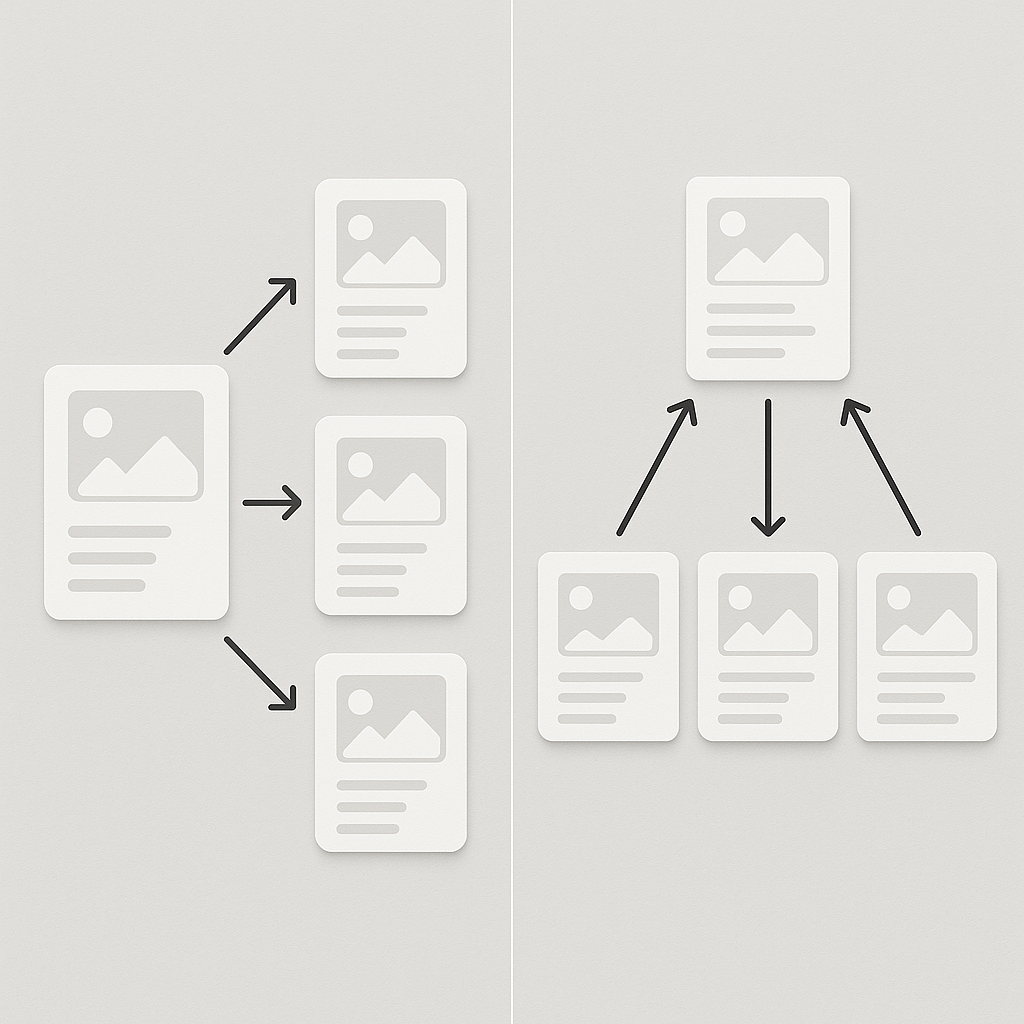
Stamp takes a single product with multiple variants and splits each variant into its own collection card. Combined listings take separate products and link them together with swatches. One breaks apart. The other connects. Choosing the wrong one means rebuilding your entire product catalog structure.
This post explains exactly what each approach does, when to use which, and how they work with variant image apps on the product page.
In this post
- The core difference
- What Stamp does
- What combined listings do
- Side-by-side comparison
- When to use Stamp
- When to use combined listings
- What about product pages?
- Frequently asked questions
- Related reading
The core difference
Think of it this way.
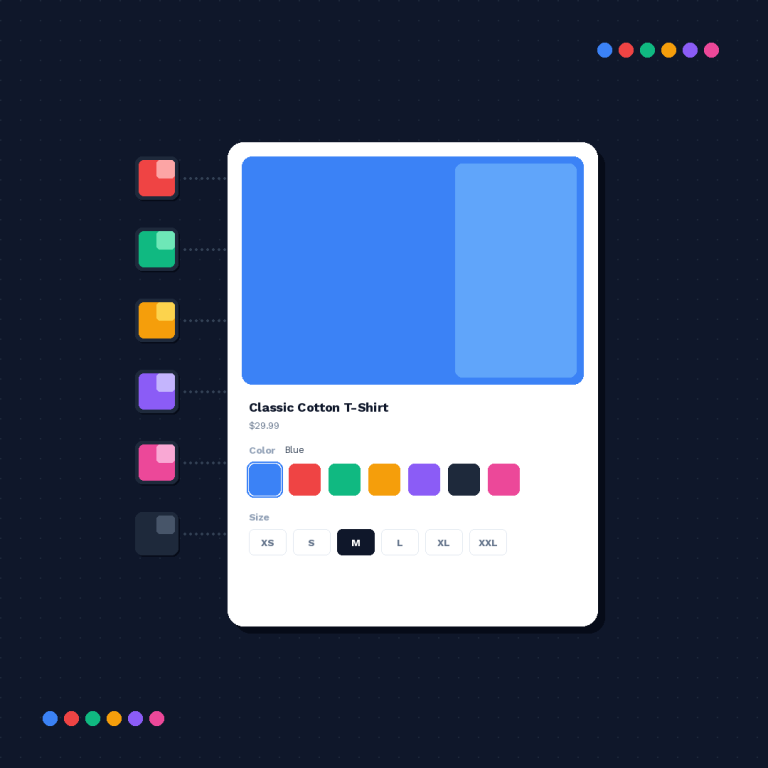
Stamp = variant splitting. You have one product (“Classic T-Shirt”) with 5 color variants. On the collection page, Shopify normally shows one card for the product. Stamp creates 5 separate cards, one per color. Each card shows the variant image and links directly to that variant on the product page.
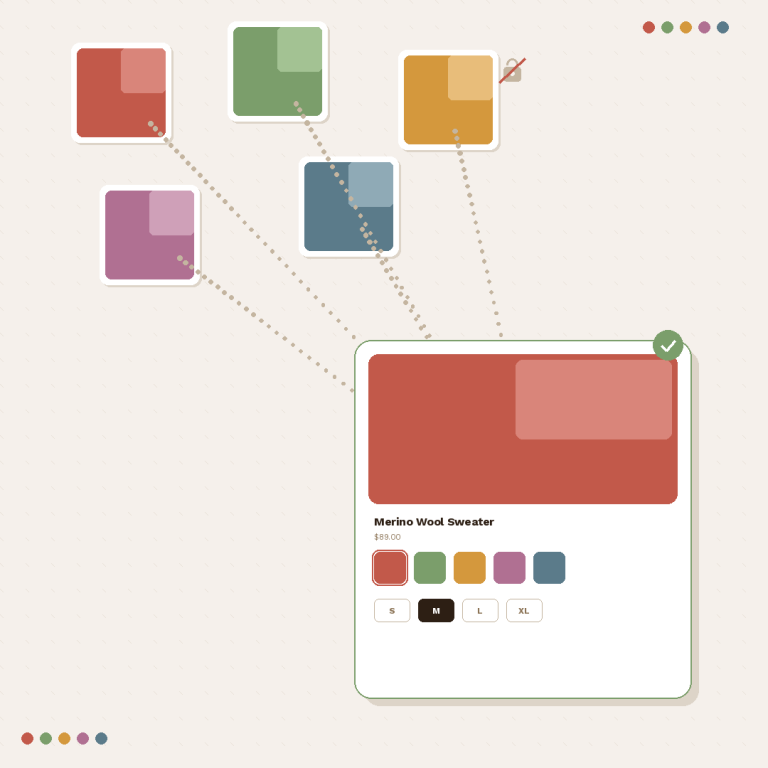
Combined listings = product grouping. You have 5 separate products (“Classic T-Shirt Red”, “Classic T-Shirt Blue”, etc.), each with its own URL, title, and images. Combined listings add color swatches to each product card and product page, linking them together. Click a swatch, land on a different product.
The input is different. The output looks similar. But the product structure underneath is completely different.
What Stamp does
Stamp – Custom Collections is a collection page app by Jepto. It has a 5.0 rating with 101 reviews and carries the Built for Shopify badge. The app works with your existing product structure. No product restructuring needed.
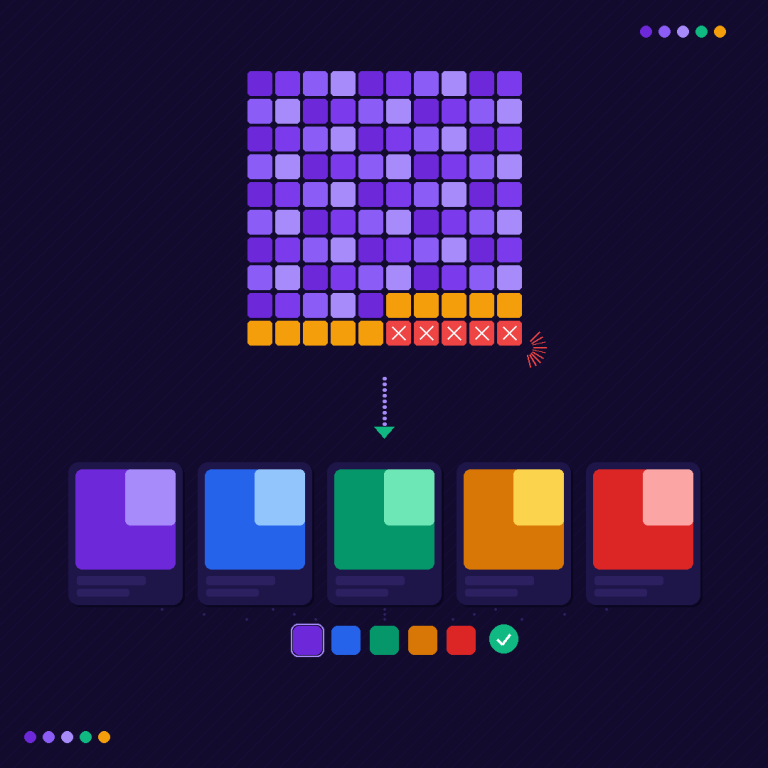
When you enable variant splitting on a collection, Stamp replaces each product card with individual cards for each variant. A hoodie with 4 colors becomes 4 cards. Each card shows the variant’s assigned image, its specific price, and a direct link to that variant.
How Stamp works
- Variant splitting. Each variant of a product becomes its own card on the collection page. Customers see every available color without clicking into the product page first.
- Direct variant links. Clicking a split card takes the customer directly to that variant on the product page. No extra click to select the color.
- Inventory-aware. Sold-out variants can be hidden from the collection or shown with visual indicators.
- Works with existing products. Your products stay as they are. Stamp reads the variant data and generates the split cards.
Stamp is good at what it does. Your products stay as variants of a single product. Stamp just changes how they appear on collection pages.
What combined listings do
Combined listings connect separate Shopify products with visual swatches. Rubik Combined Listings groups products you choose and displays color swatches on both product pages and collection pages. Click a swatch and the customer lands on a different product page entirely.
How Rubik Combined Listings works
- Product grouping. Select which products belong together. A red jacket, blue jacket, and green jacket become one group linked by swatches.
- AI-powered setup (Magic Fill). Add products to a group and click one button. The AI reads product titles and images, fills in option values, and picks swatch colors automatically.
- Swatches on collection pages. Each product card shows color swatches. Customers can see all available colors without leaving the collection page.
- Swatches on product pages. The product page shows swatches linking to the other products in the group. Click a different color, land on that product’s page.
- Per-group visual settings. Each group can have its own swatch design. Your shoes can use large image swatches while your accessories use small color circles.
- 350+ theme support. Works with 350+ Shopify themes and 7 page builders. Shadow DOM isolation prevents CSS conflicts.
The key difference: combined listings require your colors to be separate products. If your “Classic T-Shirt” has Red, Blue, and Green as variants under one product, combined listings will not help. You would need to restructure them as separate products first.
Side-by-side comparison
| Stamp (variant splitting) | Combined Listings (product grouping) | |
|---|---|---|
| Input | One product with multiple variants | Multiple separate products |
| Collection page result | Each variant = separate card | Each product card gets swatches |
| Product page result | No change (standard Shopify) | Swatches linking to other products |
| Product restructuring needed? | No | Yes (colors must be separate products) |
| SEO benefit | Minimal (one URL per product) | Each color has its own URL, title, meta |
| Best for | Existing variant-based products | POD, vendor catalogs, SEO-focused stores |
| Inventory management | Standard Shopify variant inventory | Each product has independent inventory |
| Product descriptions | Shared across all variants | Each color can have unique descriptions |
| Images per color | Limited by variant image assignment | Each product has its own full gallery |
When to use Stamp
Use Stamp when your colors are already variants of the same product and you do not want to restructure your catalog. This is the most common product setup in Shopify. You created “Classic T-Shirt” with Red, Blue, and Green as variant options. Stamp shows all three as separate cards on the collection page.
Stamp makes sense when:
- Your products already use Shopify variants for color
- You want each color visible on the collection page without restructuring anything
- Your product descriptions are the same across colors
- You do not need individual SEO pages per color
- You want a quick solution that works with your existing setup
Stamp is a good tool for a specific job. It does not change your products. It just changes how they display on collection pages.
When to use combined listings
Use combined listings when your colors are already separate products (or should be). This is common with print-on-demand stores, vendor-supplied catalogs, and stores that want individual SEO pages per color.
Combined listings make sense when:
- Your colors are separate products (POD services often create them this way)
- You want each color to have its own URL for SEO (“red-classic-tshirt” ranks separately from “blue-classic-tshirt”)
- Each color needs its own product description, unique images, or different pricing
- Your vendor sends products as separate items, not as variants
- You need more than Shopify’s 100-variant limit per product
- You want the shopping experience to feel connected (swatches) while keeping separate product pages for search engines
Rubik Combined Listings is the most feature-rich option here. It includes AI-powered setup with Magic Fill, per-group visual settings, 350+ theme support with Shadow DOM isolation, and metafield-based loading for fast swatch rendering. Free plan available with 5 groups and all features included.
What about product pages?
Stamp handles collection pages only. It does not add variant image galleries or swatches on product pages. Combined listings add swatches on both collection pages and product pages.
If you use Stamp and also want multiple images per variant on the product page, you need a separate variant image app. Rubik Variant Images works with Stamp. The two apps are listed as compatible on the Shopify App Store. Stamp splits variants on the collection page. Rubik Variant Images filters images and adds swatches on the product page.
If you use Rubik Combined Listings, the product page already gets swatches linking to other products in the group. And if you also want multiple images per variant within each individual product, you can add Rubik Variant Images alongside it. The two Rubik apps share the same rendering engine and work together without conflicts.
Can you use both Stamp and combined listings?
Technically, yes. But they solve different problems for different product structures. Using both at the same time would mean you have some products as variants (Stamp splits them) and other products as separate items (combined listings group them). That is a valid setup if your catalog genuinely has both structures.
Most stores pick one approach and stick with it. Mixed structures make inventory management and catalog organization harder over time.
Why Rubik Combined Listings is more feature-rich
Stamp is a solid app for variant splitting. But combined listings as a concept give you more control over your catalog and better SEO outcomes. Here is what Rubik Combined Listings offers beyond basic grouping:
- AI-powered setup. Magic Fill reads product titles and images, then auto-fills option values and swatch colors. No manual typing.
- Per-group visual settings. Each product group gets its own swatch design. Shoes use image swatches. T-shirts use color circles. Accessories use dropdowns.
- Individual SEO per color. Each product has its own URL, title, meta description, and structured data. Google indexes each color separately.
- Unique content per color. Different descriptions, different images, different pricing. Not possible with variants of a single product.
- Shadow DOM isolation. Swatch styles cannot conflict with your theme’s CSS.
- Metafield-based loading. Swatch data loads with the page. No external API calls.
- Accessibility. ARIA labels, keyboard navigation, screen reader support.
- Free plan. 5 groups with all features. Not a stripped-down version.
Stamp does its specific job well, but it cannot give you separate URLs, unique descriptions per color, or AI-powered setup. Those require a fundamentally different product structure, which is what combined listings provide.
Watch it in action
See how Rubik Combined Listings groups products with swatches on collection pages and product pages:
Stamp is available at apps.shopify.com/custom-collections.
Frequently asked questions
What is the difference between Stamp and combined listings?
Stamp splits one product’s variants into separate collection cards. Combined listings group separate products together with swatches. Stamp starts with variants, combined listings start with separate products. The collection page result looks similar, but the underlying product structure is completely different.
Which is better for SEO, Stamp or combined listings?
Combined listings. Each product has its own URL, title, meta description, and structured data. Google can index “Red Classic T-Shirt” and “Blue Classic T-Shirt” as separate pages. With Stamp, all colors share one product URL. If ranking for individual color keywords matters to your store, combined listings is the stronger approach.
Does Stamp work with Rubik Variant Images?
Yes. The two apps are listed as compatible on the Shopify App Store. Stamp handles collection pages (variant splitting). Rubik Variant Images handles product pages (multiple images per variant, swatches, gallery filtering). They do not overlap.
Can I switch from Stamp to combined listings later?
Yes, but it requires restructuring your products. You would need to convert variants into separate products (or create new ones), then group them with a combined listings app. Rubik Combined Listings has bulk grouping and AI-powered setup (Magic Fill) to speed this up. It is not a one-click migration, but the tools exist to make it manageable.
Do I need both Stamp and Rubik Combined Listings?
Usually no. Pick the approach that matches your product structure. If your colors are variants of one product, use Stamp. If your colors are separate products, use Rubik Combined Listings. Running both makes sense only if your catalog genuinely has both structures for different product categories.