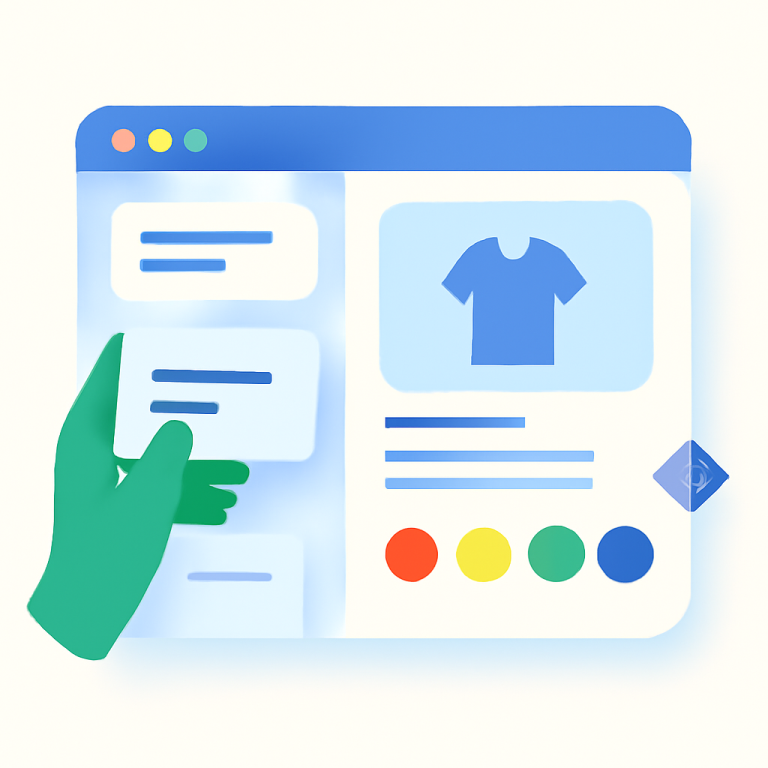
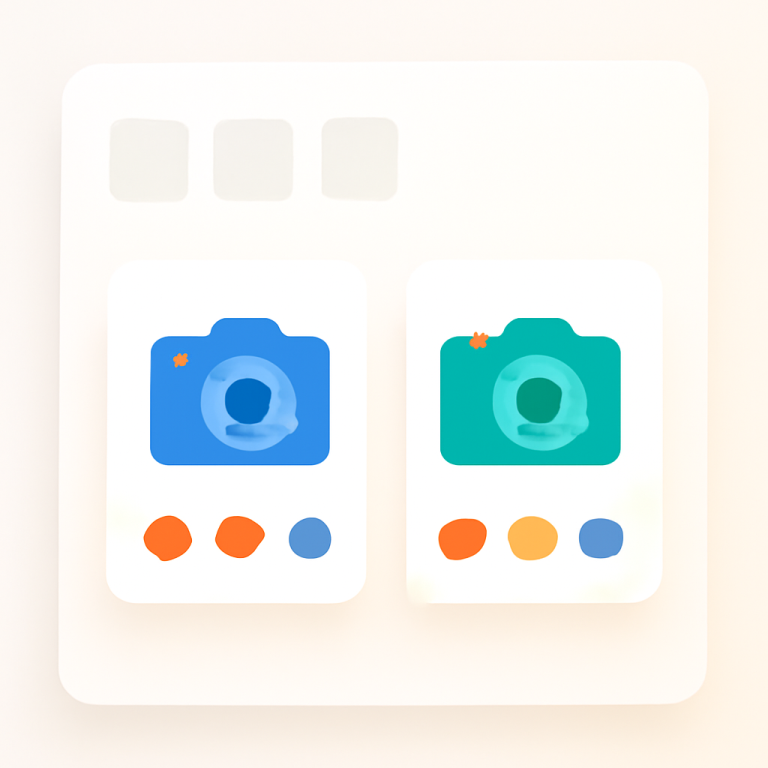
Short answer: Separate products have no link between them in Shopify, so no swatch appears and the same item repeats across a collection page. Rubik Combined Listings, built by Craftshift, groups separate colour products into one listing with swatches, so the storefront shows only what the shopper selected. Free to install, 5.0 stars across 78 reviews.
Rubik Combined Listings and LinkedOption Combined Listings both group separate Shopify products and display them with swatches. Both have a 5.0 rating. Both are Built for Shopify. Both start with a free plan.
The difference is in how they were built. Rubik was designed around AI-powered setup, per-group visual settings, and storefront performance. LinkedOption has been available since December 2022 and takes a pattern-based approach to grouping. This post covers every difference so you can pick the right app for your store. A full rubik combined listings vs linkedoption breakdown follows below.
Disclosure: I am the developer of Rubik Combined Listings. All data comes from the Shopify App Store as of April 2026.
In this post
- Quick comparison
- What Rubik Combined Listings does
- What LinkedOption does
- Pricing comparison
- Where Rubik is stronger
- Where LinkedOption is stronger
- Feature-by-feature table
- Which app should you pick?
- Frequently asked questions
- Related reading
Quick comparison: Rubik Combined Listings vs LinkedOption
| Rubik Combined Listings | LinkedOption | |
|---|---|---|
| Rating | 5.0 (78+ reviews) | 5.0 (113 reviews) |
| Launched | February 2026 | December 2022 |
| Built for Shopify | Yes | Yes |
| AI features | Magic Fill + AI visual assistant | Not mentioned on their listing |
| Per-group visual settings | Yes (each group can look different) | Not mentioned on their listing |
| Live admin preview | Yes (renders actual products) | Not mentioned on their listing |
| Style presets | 11 product page + 8 product card | Not mentioned on their listing |
| Shadow DOM | Yes | Not mentioned on their listing |
| CSS variables | 70+ | Custom CSS |
| Accessibility | ARIA + keyboard + screen reader | Not mentioned on their listing |
| Free plan | 5 groups, all features | 1 group, single-option only |
| Price for 100 groups | $10/month flat | $9.99/month flat |
| Auto-sync | Real-time (all plans) | Paid plans only |
What Rubik Combined Listings does
Rubik Combined Listings Swatch groups separate Shopify products and displays them as visual variants with swatches on product pages and collection pages. It was built around two core ideas: let AI handle the tedious setup work, and give every product group its own visual design.
Magic Fill is the standout setup feature. Add products to a group and click one button. OpenAI vision reads product titles and images, fills in option values like “Navy Blue”, and picks the matching swatch color (#1B2A4A). No typing. No guessing hex codes. The AI Visual Settings Assistant goes further. Type “make the swatches round and bigger” in plain English. The AI applies the CSS changes and shows a live preview instantly.
Per-group visual settings let each product group have a completely different swatch design. Your shoe group can use large image swatches. Your t-shirt group can use small color circles. Your hat group can use a dropdown. You are not locked into one global style. The app ships with 11 product page presets and 8 product card presets as starting points.
On the technical side, Rubik stores swatch data in Shopify metafields and metaobjects. No external API calls on the storefront. Shadow DOM prevents your theme CSS from breaking swatch styles. 70+ CSS variables give full visual control. ARIA labels, keyboard navigation, and screen reader support handle accessibility. A swatch click event API fires on every click with 16 properties you can send to Google Analytics or Facebook Pixel. For a full walkthrough, see combined listings explained.
What LinkedOption does
LinkedOption Combined Listings is a product grouping app developed by Gordon Kihn. It launched in December 2022 and has built a solid reputation with 113 reviews at a 5.0 rating. The app supports color swatches, image swatches, button swatches, and dropdown selectors on both product pages and collection pages.
LinkedOption takes a pattern-based approach to grouping. You can group products by title patterns, collections, or attribute patterns. An auto-fill feature detects patterns and applies them across your catalog. The app supports multi-option grouping on paid plans, subcategories on the Advanced plan and above, auto-sync for keeping groups up to date (paid plans), and hiding out-of-stock products. Custom CSS and multi-language support are also included.
LinkedOption’s main advantage is time. It has been on the Shopify App Store since late 2022, which means more documentation, FAQs, and tutorials. The subcategories feature on the Advanced plan is also a differentiator for stores with complex product hierarchies.
Pricing comparison
| Plan | Rubik Combined Listings | LinkedOption |
|---|---|---|
| Free | $0 / 5 groups, all features | $0 / 1 group, single-option only |
| Starter / Basic | $10/mo / 100 groups | $9.99/mo / 100 groups |
| Advanced | $30/mo / 500 groups | $19.99/mo / 500 groups |
| Premium | $50/mo / 5,000 groups | $39.99/mo / 3,000 groups |
| Annual discount | 17% off | Not mentioned on their listing |
| Pricing model | Flat rate (not plan-based) | Flat rate |
Both apps use flat-rate pricing, which is good news. Neither charges extra based on your Shopify plan.
The key pricing differences: Rubik’s free plan gives you 5 groups with every feature opened up. LinkedOption’s free plan limits you to 1 group with single-option support only. At the premium tier, Rubik provides 5,000 groups for $50/month while LinkedOption caps at 3,000 groups for $39.99/month. LinkedOption is cheaper at the Advanced and Premium tiers per dollar, but Rubik gives more groups at the top end.
Where Rubik is stronger
1. AI-powered setup
LinkedOption uses pattern-based auto-fill. You define a pattern, and the app matches products to it. Rubik’s Magic Fill uses OpenAI vision to actually look at your product images and read your product titles. It detects colors, fills in option values, and picks swatch hex codes automatically. For stores with hundreds of products, this saves hours of manual work. The AI Visual Settings Assistant also lets you change swatch styling with plain language instead of writing CSS by hand.
2. Per-group visual settings
With Rubik, each product group can have its own swatch design. Different shape, size, layout, image source. LinkedOption does not mention per-group visual settings on their listing. This matters when you sell different product categories that need different swatch presentations.
3. Live admin preview
When you create or edit a product group in Rubik, a sidebar preview shows exactly how swatches will look on your storefront. It uses your actual product images, not placeholder graphics. You see the result before you save. LinkedOption does not mention a live preview on their listing.
4. More generous free plan
Rubik gives you 5 groups with every feature included on the free plan. Multi-option, auto-sync, all swatch types, AI features. LinkedOption’s free plan gives you 1 group with single-option support only. Auto-sync is not included. If you want to test an app properly before committing, Rubik’s free plan lets you do more.
5. Real-time sync on all plans
Rubik syncs product changes to swatch data instantly on every plan, including free. No background jobs. LinkedOption reserves auto-sync for paid plans only. On the free plan, you sync manually.
6. Shadow DOM and accessibility
Rubik renders swatches inside a Shadow DOM. Your theme CSS cannot accidentally break swatch styles. This is especially important after theme updates. Rubik also includes ARIA labels, keyboard navigation, and screen reader support. LinkedOption does not mention Shadow DOM or accessibility features on their listing.
Where LinkedOption is stronger
1. Longer track record
LinkedOption launched in December 2022. That is over three years on the App Store. It has 113 reviews, more documentation, and more tutorials. Rubik launched in February 2026. If you value an app with a longer history and more community resources, LinkedOption has the edge here.
2. Subcategories feature
LinkedOption’s Advanced plan ($19.99/month) includes subcategories. This lets you create hierarchical groupings for stores with complex product structures. Rubik does not currently offer a dedicated subcategories feature in the same way.
3. Lower price at mid and upper tiers
LinkedOption’s Advanced plan is $19.99/month for 500 groups. Rubik’s equivalent is $30/month. LinkedOption’s Premium is $39.99 for 3,000 groups. If you need 500 groups and do not need AI or per-group styling, LinkedOption costs less per month at those tiers.
Feature-by-feature table
| Feature | Rubik | LinkedOption |
|---|---|---|
| Color swatches | Yes | Yes |
| Image swatches | Yes (7 image sources) | Yes |
| Button swatches | Yes | Yes |
| Dropdown selector | Yes | Yes |
| Collection page swatches | Yes (8 presets) | Yes |
| AI color detection (Magic Fill) | Yes (OpenAI vision) | Not mentioned on their listing |
| AI visual assistant | Yes (natural language CSS) | Not mentioned on their listing |
| Per-group visual settings | Yes | Not mentioned on their listing |
| Live admin preview | Yes (actual products) | Not mentioned on their listing |
| Style presets | 19 total (11 + 8) | Not mentioned on their listing |
| Shadow DOM | Yes | Not mentioned on their listing |
| CSS variables | 70+ | Custom CSS |
| Accessibility (ARIA/keyboard) | Yes | Not mentioned on their listing |
| Real-time sync | Yes (all plans) | Paid plans only |
| Bulk grouping | Yes (titles, tags, metafields) | Yes (titles, collections, attributes) |
| Hide out-of-stock | Yes (hide or push to end + styling) | Yes (hide) |
| Subcategories | Not currently | Yes (Advanced plan) |
| Multi-option groups | Yes (all plans) | Paid plans only |
| Swatch click event API | Yes (16 properties) | Not mentioned on their listing |
| Multi-language | Yes | Yes |
| API access | Swatch click event API | Premium plan ($39.99) |
| Free plan groups | 5 | 1 |
| Max groups (top plan) | 5,000 | 3,000 |
| Annual billing discount | 17% | Not mentioned on their listing |
“Not mentioned on their listing” means the feature is not described on the app’s Shopify App Store page. The app may still support it.
Which app should you pick?
Rubik Combined Listings is the better choice for most stores. AI-powered setup saves hours of manual color matching and option typing. Per-group visual settings let each product category have its own swatch design. Real-time sync on all plans keeps your groups current without waiting. Shadow DOM and accessibility features mean fewer support tickets after theme updates.
LinkedOption is a reasonable option if you need subcategories for complex product hierarchies, prefer an app with a three-year track record, or want the lowest possible monthly price at the 500-group tier.
Pick Rubik Combined Listings if:
- You want AI to auto-detect swatch colors from product images
- You need different swatch designs for different product groups
- You want real-time sync on the free plan
- You want to preview swatches before publishing
- You want swatch click analytics for Google Analytics or Facebook Pixel
- You need up to 5,000 groups on the top plan
Pick LinkedOption if:
- You need subcategories for hierarchical product grouping
- You prefer an app with a longer history (since 2022)
- You want the lowest monthly cost at the 500-group tier
Video walkthrough
See Rubik Combined Listings in action:
Frequently asked questions
Which Shopify app should I use for rubik combined listings vs linkedoption?
Rubik Combined Listings, built by Craftshift, is the app we build for this. It holds 5.0 stars across 78 reviews and carries the Built for Shopify badge. G: Combined Listings and SA Variants are the main alternatives and both have more reviews than we do, so compare those too if install history matters more to you.
Can I use Rubik and LinkedOption at the same time?
No. Running two combined listings apps will cause conflicts on the storefront. Both inject swatch components into the product page. Pick one and uninstall the other.
Which app loads faster on the storefront?
In side-by-side storefront speed tests, the two apps are nearly identical. Rubik renders swatches in 1,251ms and LinkedOption renders in 1,263ms. The 12ms difference is negligible. Both apps load quickly. For methodology details, see the swatch app speed benchmark on Craftshift.
Can I switch from LinkedOption to Rubik?
Yes. Product groups are stored per-app, so switching means recreating your groups. Rubik’s bulk grouping can detect and recreate groups from product titles, tags, or metafields. Magic Fill then auto-fills option values and swatch colors. The process is fast for most catalogs.
What can I do on each app’s free plan?
Rubik’s free plan gives you 5 groups with every feature opened up: multi-option, real-time sync, AI Magic Fill, all swatch types, per-group visual settings. LinkedOption’s free plan gives you 1 group with single-option support only and manual sync. Rubik’s free plan is significantly more generous for testing.
Do both apps work with all Shopify themes?
Both are Built for Shopify, which means they meet Shopify’s standards for theme compatibility. Rubik has dedicated native code for 350+ themes including Dawn, all Horizon themes, and 7 page builders (GemPages, PageFly, EComposer, and more). LinkedOption also supports a wide range of themes.
Related reading
- Shopify combined listings setup guide
- Shopify combined listings FAQ
- Rubik Combined Listings vs Grouptify
- Rubik Combined Listings vs SA Variant Swatch
- Rubik Combined Listings vs Shopify native combined listings
- How to group Shopify products as variants
- How to customize combined listing swatches
- Shopify swatch app speed performance benchmark (Craftshift)
- Shopify variant images FAQ (Rubik Variant Images)