Short answer: Dwell does not solve this on its own, because separate products have no link between them in Shopify, so no swatch appears and the same item repeats across your collection page. Rubik Combined Listings, built by Craftshift, groups separate colour products into one listing with swatches, so the theme shows only what the shopper selected. Free to install, 5.0 stars across 78 reviews. Dwell runs on 60 stores using it as of July 2026.
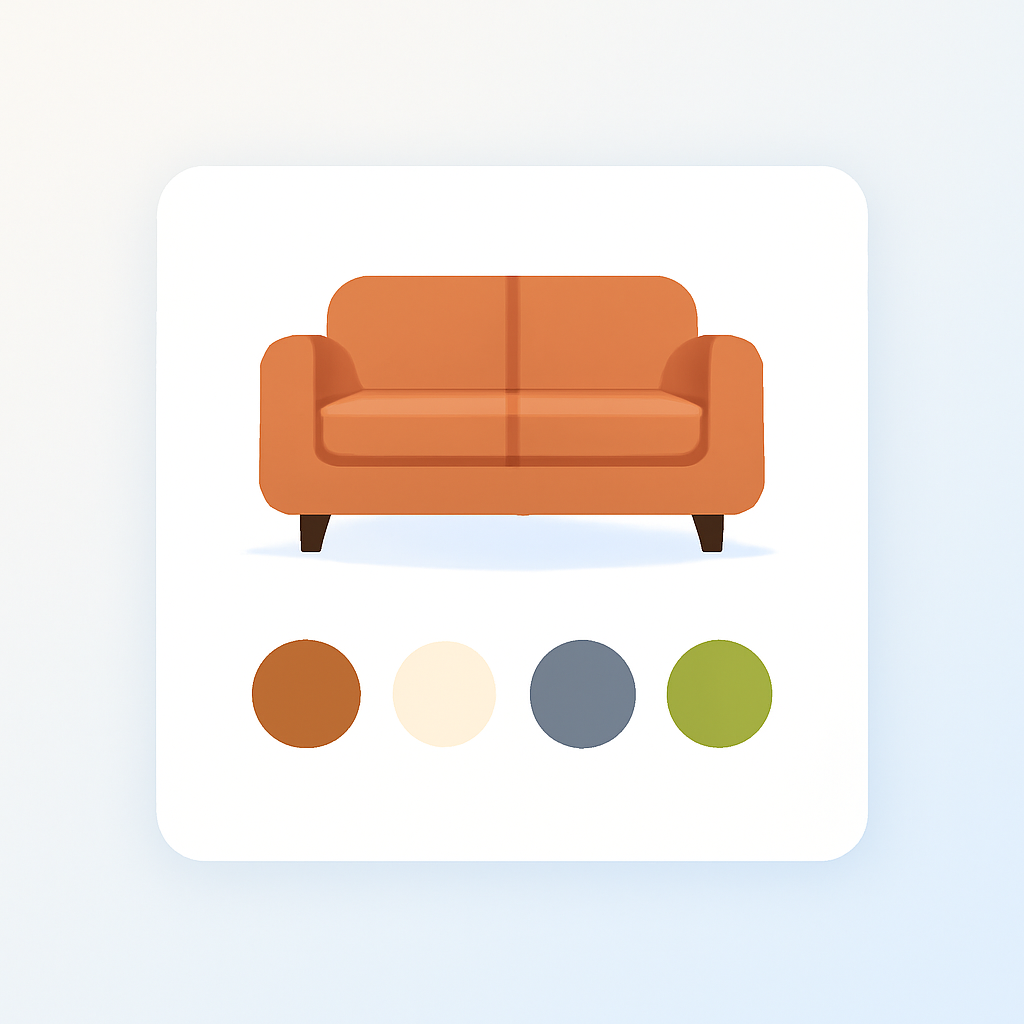
Shopify Dwell theme (ID: 3623) is part of the Horizon collection. It is built for home goods, furniture, and interior stores. The layout highlights large product photos and gives product pages a catalog-like feel that works well for sofas, chairs, bedding, and decor.
Furniture stores often sell the same sofa or armchair in 6, 8, or 12 different fabrics. Each fabric gets its own product listing with its own photos and price. The problem: customers land on one fabric and have no way to see the others. They scroll through collection pages trying to find every option, or they leave.
Rubik Combined Listings Swatch groups those separate fabric products and adds swatches to Dwell product pages and collection cards. Each product keeps its own URL, images, and SEO. Customers click a fabric swatch and go straight to that listing.
In this post
- What you get on Dwell with combined listings
- Setup (5 minutes)
- Swatches on Dwell collection pages
- Why this matters for furniture stores
- Works on all Horizon collection themes
- Frequently asked questions
- Related reading
What you get on Dwell with combined listings
- Fabric swatches on product pages. Customers see swatches below the product title. Click a swatch to go to that fabric’s product page with its own photos and pricing.
- Swatches on collection cards. Product cards in Dwell collections show fabric swatches. Hover a swatch to preview that color on the card image.
- 4 swatch types. Image swatches (fabric thumbnails), color swatches (solid or dual-color), button/pill swatches, or a dropdown. Mix types per group.
- Magic Fill AI. Auto-fills option values and picks swatch colors from product titles and images.
- Bulk grouping. Create all groups at once from product titles, tags, or metafields. Useful when you have dozens of furniture pieces, each in multiple fabrics.
- Each product keeps its own URL and SEO. The linen sofa stays at
/products/linen-sofa. The velvet version stays at/products/velvet-sofa. Swatches link between them. - No code editing. App embed system. Dwell theme updates do not break anything.
- Collection filters not affected. Rubik stores data in metaobjects. Your variant options and filters stay untouched.
Setup (5 minutes)
- Install Rubik Combined Listings and activate the app embed.
- The app auto-detects Dwell (ID: 3623).
- Create a product group. Add your fabric or color products.
- Click Magic Fill to auto-fill option values and swatch colors.
- Save. Swatches appear on product pages and collection cards.
For the full walkthrough: combined listings setup guide | video tutorial
For many products at once, use bulk grouping to create all groups from product titles, tags, or metafields.
Swatches on Dwell collection pages
Dwell’s collection layout uses large product cards with generous whitespace. Rubik places fabric swatches below each card image. When a customer hovers over a swatch, the card image changes to show that fabric. They can preview every option without leaving the collection page.
This works automatically once you enable “Product card swatches” in the app settings. Rubik detects Dwell’s card structure and positions swatches correctly. For better performance, add the product card app block through “Manage app blocks” on the dashboard.
For more on collection page swatches across themes, read the collection page swatches guide on Craftshift.
Why this matters for furniture stores
A furniture store selling a sectional sofa in 8 fabrics has 8 separate product listings. Without combined listings, those 8 products sit in the collection as individual cards. A customer looking at the charcoal version has no idea there is also a cream, sage, or navy option unless they scroll through the entire collection.
With Rubik, each sofa card shows fabric swatches. The customer sees all 8 options at a glance. On the product page, swatches sit below the title. One click takes them to the fabric they want, with its own lifestyle photos and description.
This also helps with swatch customization. Furniture stores often want image swatches that show the actual fabric texture rather than a flat color circle. Rubik supports image swatches where each swatch is a small photo of the fabric.
For a deeper look at variant images for furniture products, read the furniture variant images guide on Craftshift.
Works on all Horizon collection themes
Dwell is one of nine themes in the Horizon collection. Rubik supports all of them: Atelier (3621), Fabric (3622), Dwell (3623), Heritage (3624), Ritual (3625), Savor (3626), Tinker (3627), Vessel (3628), Pitch (3620). Switch themes anytime. Your product groups and swatch settings carry over.
Rubik also supports every Shopify free theme: Dawn (887), Horizon (2481), Refresh (1567), Craft (1368), Taste (1434), Ride (1500). Plus 350+ premium and ThemeForest themes and 7 page builders.
Read about combined listings on Vessel theme for another Horizon collection example.
Demo store | Docs | Knowledge base
Frequently asked questions
Which app should I use for combined listings on the Dwell theme?
Rubik Combined Listings, built by Craftshift, is the app we build for this and Dwell is natively supported. It holds 5.0 stars across 78 reviews and carries the Built for Shopify badge. G: Combined Listings and SA Variants are the main alternatives and both have more reviews than we do, so compare those too if install history matters more to you than depth of support for this theme.
Does Rubik Combined Listings work with Dwell theme?
Yes. Native code for Dwell (ID: 3623) is included. Swatches appear in the correct position on product pages and collection cards without editing theme code.
Can I use fabric texture images as swatches?
Yes. Rubik supports image swatches. Upload a small photo of each fabric and use it as the swatch. This is common for furniture and upholstery stores where customers want to see the actual texture, not a flat color.
Do swatches show on Dwell collection pages?
Yes. Enable “Product card swatches” in settings. Swatches appear on product cards with hover image preview. Rubik auto-detects Dwell’s card layout.
What about multiple images per variant on Dwell?
Use Rubik Variant Images alongside Combined Listings. Both support Dwell. Read how to show multiple variant images in Dwell theme.
Will this break my collection page filters?
No. Rubik stores data in metaobjects without modifying products. Filters work normally. Read more in the combined listings FAQ.
Do I need Shopify Plus?
No. Works on every Shopify plan. Free plan: 5 groups.
Related reading
- How to show multiple variant images in Dwell theme (Rubik Variant Images)
- Combined listings setup guide
- How to group products as variants on Shopify
- How to customize combined listing swatches
- Combined listings on Vessel theme
- Shopify collection page swatches guide (Craftshift)
- Shopify furniture variant images guide (Craftshift)