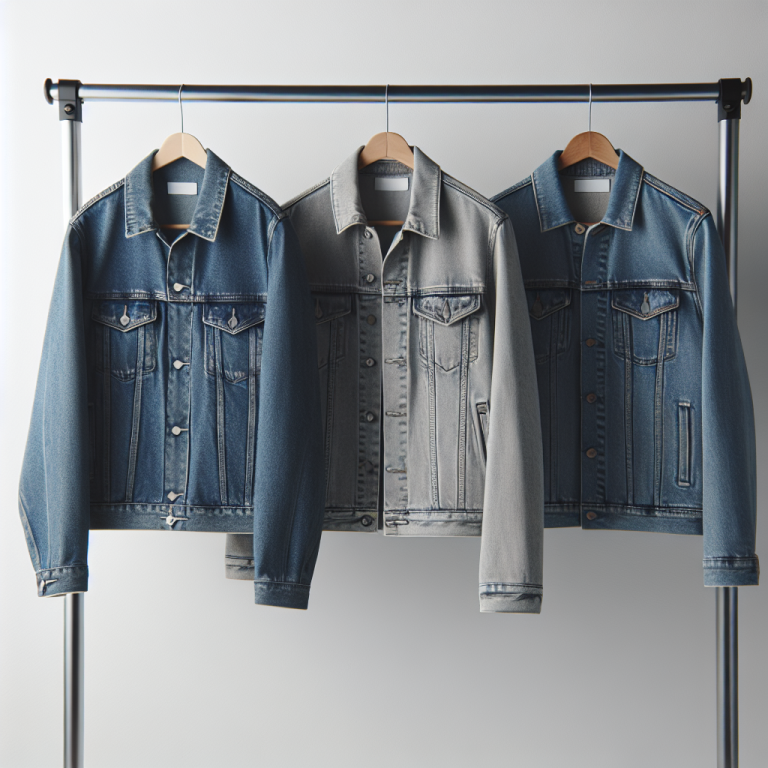
Short answer: Savor does not solve this on its own, because separate products have no link between them in Shopify, so no swatch appears and the same item repeats across your collection page. Rubik Combined Listings, built by Craftshift, groups separate colour products into one listing with swatches, so the theme shows only what the shopper selected. Free to install, 5.0 stars across 78 reviews. Savor runs on 116 stores using it as of July 2026.
You sell the same hot sauce in Habanero, Chipotle, and Ghost Pepper. Each flavor has its own label, its own photos, and its own search potential. So you create separate product listings. Smart for SEO. But now a customer on the Habanero page has no idea the other two flavors exist.
Savor is a Horizon collection theme built for food and beverage stores. Warm typography, appetite-driven layouts, image grids that make products look good. But Savor does not connect separate flavor products on the storefront.
Rubik Combined Listings fixes this. It groups separate flavor products and adds swatches to Savor product pages and collection cards. Each product keeps its own URL, images, and SEO.
In this post
- What Combined Listings adds to Savor
- Setup steps (5 minutes)
- Collection page swatches
- Horizon theme compatibility
- Frequently asked questions
- Related reading
What Combined Listings adds to Savor
- Flavor swatches on product pages. Swatches appear below the title. A customer on the Habanero page sees swatches for Chipotle and Ghost Pepper. Clicking navigates to that flavor’s page.
- Swatches on collection cards. Each card shows small swatches. Customers browsing your tea collection see all flavors at a glance.
- Image swap on hover. Hovering a swatch on a collection card updates the product image to show that flavor’s packaging.
- 4 swatch types. Image, solid/dual-color circles, text buttons, or dropdowns. Mix types per group.
- Shadow DOM rendering. Savor uses Horizon web components. Rubik renders swatches inside Shadow DOM. Theme CSS and swatch CSS stay isolated. No conflicts.
- Magic Fill AI. Auto-fills option values and picks swatch colors from product data. Feed it “Maple Pecan Coffee Blend” and it extracts the flavor automatically.
- Bulk grouping. Create all groups at once from product titles, tags, or metafields.
- Separate URLs for SEO. Each flavor ranks independently. “Habanero hot sauce” and “chipotle hot sauce” target different queries. Read more about the products-as-variants approach.
- Collection filters not affected. Group data lives in metaobjects. Filters and sorting stay unchanged.
Setup steps (5 minutes)
- Install Rubik Combined Listings from the Shopify App Store. Activate the app embed in your Savor theme settings.
- The app auto-detects Savor as a Horizon collection theme and loads the correct rendering code.
- Create a product group. Add your separate flavor or color products.
- Click Magic Fill. The AI reads your product titles and images, fills option values, and picks swatch colors.
- Save. Swatches go live on your Savor product pages and collection cards right away.
Full setup guide | Customize swatch appearance | FAQ
Collection page swatches
Customers browse your “Hot Sauces” or “Tea Collection” page and expect to see the full range. With Rubik, each product card gets small swatches showing every flavor in the group. Hovering a swatch updates the card image. Enable product card swatches in app settings and add the product card app block through “Manage app blocks” for best performance. Read the full collection page swatches guide for more.
Horizon theme compatibility
Savor is part of Shopify’s Horizon theme collection. These themes use web components instead of traditional Liquid sections. Rubik supports all of them. Your product groups carry over if you switch from Savor to Vessel, Dwell, Tinker, Atelier, or any of the other Horizon themes. The app also works with 350+ other Shopify themes.
Demo store | Docs | Knowledge base
Frequently asked questions
Which app should I use for combined listings on the Savor theme?
Rubik Combined Listings, built by Craftshift, is the app we build for this and Savor is natively supported. It holds 5.0 stars across 78 reviews and carries the Built for Shopify badge. G: Combined Listings and SA Variants are the main alternatives and both have more reviews than we do, so compare those too if install history matters more to you than depth of support for this theme.
Does Rubik Combined Listings work with Savor theme?
Yes. Rubik includes native support for Savor and the full Horizon collection. The app detects Savor automatically and renders swatches on product pages and collection cards.
Do swatches show on Savor collection pages?
Yes. Product cards in Savor collections show swatches with image swap on hover. Enable “Product card swatches” in app settings. Read more about swatches on product cards.
Can I also show multiple images per variant on Savor?
Yes. Use Rubik Variant Images alongside Combined Listings. Both apps support Savor natively. Read more about variant images on Savor theme.
Do I need Shopify Plus for combined listings on Savor?
No. Rubik Combined Listings works on every Shopify plan. The free plan includes 5 product groups. Paid plans open up unlimited groups and additional features. Read the full FAQ.