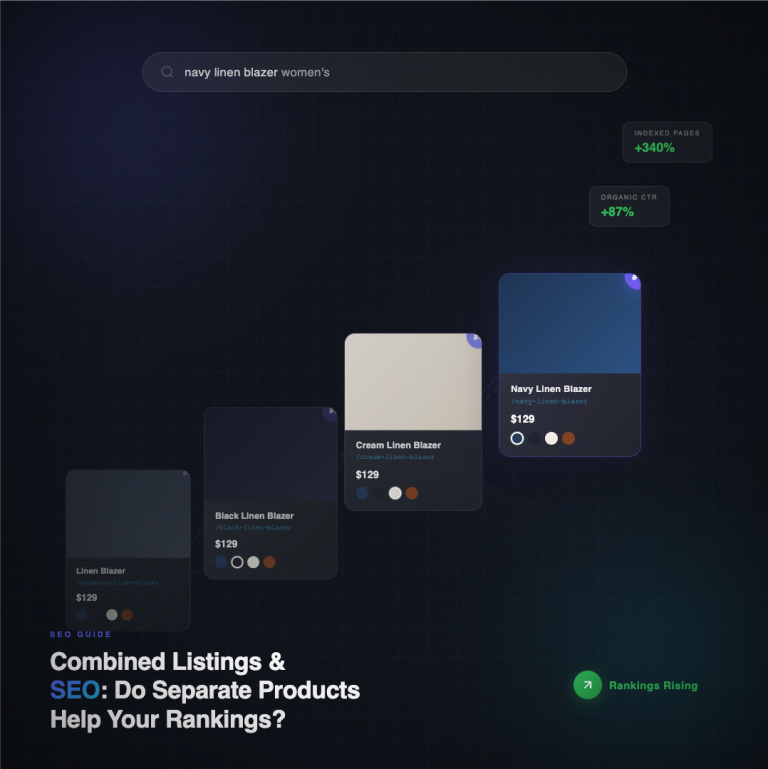
I was speaking with a merchant that runs a sock brand out of of Lisbon. We were talking about how she was handling the addition of new products coming into her account- she said she had added about 40 products the prior week. Each style of sock came in 4 color variations, each variation a separate product for SEO reasons- so 160 products added in one week alone. She had been manually assigning those products to the correct combined listing group for 3 hours per week, until we put the automation feed in place.
Then she set up Shopify Flow. Now it takes zero minutes. Really.
!Shopify Flow combined listings automation is one of the most underused features in the shopify app ecosystem, with most merchants unaware that Shopfiy Flow can be set up to automatically generate combined listings into the Rubik Combined Listings app. In this post, we’ll walk through how to set up connectivity in the app and then show you three actual Shopify Flow workflows you can copy and start using in your store tonight.
In this post
- Why use Shopify Flow for combined listings
- The triggers that matter
- Workflow 1: auto-add by tag
- Workflow 2: auto-add by metafield
- Workflow 3: archive cleanup
- FAQ
- Related reading
Why use Shopify Flow for combined listings
Manual grouping works well for manually adding 2 products a day to manual groups. It doesn’t work at scale. If you are downloading 200 products from a supplier in a supplier CSV every morning, you can’t drag each product into a group manually. You can’t expect humans to remember where a new product goes. Humans forget, Flow doesn’t.
Shopify Flow, which comes baked into the Shopify administration is free on all plans (including Basic) and allows you to run workflows triggered by events internal to the Shopify service. Unlike n8n or Zapier (which would require a third-party service to run on a schedule for the cron trigger), you don’t have to worry about API rate limits here, since it runs entirely within the Shopify service.
The triggers that matter for combined listings

Flow exposes a lot of product triggers. But only 3 of them matter when automating combined listings.
- Product created. Fires the moment a new product is saved for the first time. Use this for brand-new inventory.
- Product updated. Fires on any save. Noisy, but useful when paired with a condition check on a specific tag or metafield.
- Metafield value updated. The cleanest trigger. Fires only when a specific metafield changes value.
You can store Rubik stores group membership in a product metafield. Which means once you know the namespace and key, you can add the product to the group in Flow, and the product will now be part of that group. No app UI to click through, no API call to Rubik, just a metafield write to store the group that the product belongs to.
Workflow 1: auto-add by tag
Scenario: Each new “Classic Tee” product should go into the “classic-tee” group, even for different colours.
- Trigger: Product created.
- Condition: product.tags contains “classic-tee”.
- Action: Update product metafield. Namespace: rubik_cl. Key: group_handle. Value: classic-tee.
Easy peasy. Three steps. Now Rubik can read the metafield on the next page load and the product shows up in the swatch to allow selection from group swatch UI. No re-publish required.
Workflow 2: auto-add by metafield pattern
Scenario: Products in the PIM have a PIM metafield “style_code”. Products with the same style_code belong to a group and there are 1200 style codes.
- Trigger: Metafield value updated. Namespace: custom. Key: style_code.
- Condition: style_code is not empty.
- Action: Update product metafield rubik_cl.group_handle with the value of style_code.
field: featureNow every product gets a style_code value (which will output to style_code) – and products with the same style_code get grouped together. This will benefit merchants who have a headless PIM and/or import from places like Akeneo or a CSV file. And this effect hits as soon as the style_code value is assigned – whether or not you re-import the CSV.
Workflow 3: archive cleanup
When archiving or unpublished a product, it would be helpful for it to be removed from its group so the swatch disappears from its location even though the actual product is still visible. Currently, archived and draft products are hidden from the front-end already (thanks for that, Rubik), but I am also trying to clear out metafields that extra unnecessary data from the back-end.
- Trigger: Product updated.
- Condition: product.status equals “archived”.
- Action: Clear metafield rubik_cl.group_handle.
This workflow is not necessary because Rubik’s built-in real-time sync already handles out of stock and archived products for you. However, having this step can add a layer of merchant “belt and suspenders” checkout flow hygiene to keep a clean metafield graph.
-Craig@Craftshift- If you want to know why someone might use a Flow instead of a headless script for this problem, read our post on Shopify Flow automation patterns. The bulk assign variant images post covers one side of the same problem.
See the live demo store, watch the tutorial video, or read the getting started guide.
Frequently asked questions
Does Shopify Flow work with Rubik Combined Listings?
Yes. The Rubik app stores the group of a product in a product metafield. Since Shopify Flow can read and write product metafields, a custom connector is not required for this action. The metafield actions are already available within Flow.
Which Shopify plan do I need for Flow?
Flow is included with all plans except the Basic plan.
What metafield key does Rubik use for group membership?
We use a dedicated namespace for the customer/group metafield. You can check in the Rubik admin for the correct namespace and key on your store as these may have changed between releases.
Do I need to re-publish products after Flow updates the metafield?
No. Rubik reads the metafield on every page render so the first the Flow can write it out the next visitor will see the new group under groups without needing a cache bust or a re-publish.
Can Flow remove a product from a group?
Yes. You can clear the group handle metafield using the Clear Metafield action in the Rubik product editor. On the next render of the Grouped product in the Store, that product should no longer be shown.
Is there a rate limit for metafield writes from Flow?
– Flow is integrated into Shopify’s infrastructure and therefore does not consume any public API calls or draw from your Admin API limits. This means you can process hundreds or thousands of products and update rules without hitting the Admin API call limits.
Can I use Flow to create new Rubik groups from scratch?
Groups are defined by shared metafield values across products. This means that for each new group, the group handle must be first written to a product. The group exists as soon as a product references it.
Related reading
- Bulk grouping for combined listings
- Rubik AI product grouping
- Shopify combined listings explained
- Shopify Flow automation patterns (Craftshift)
- Bulk assign variant images (Rubik Variant Images)