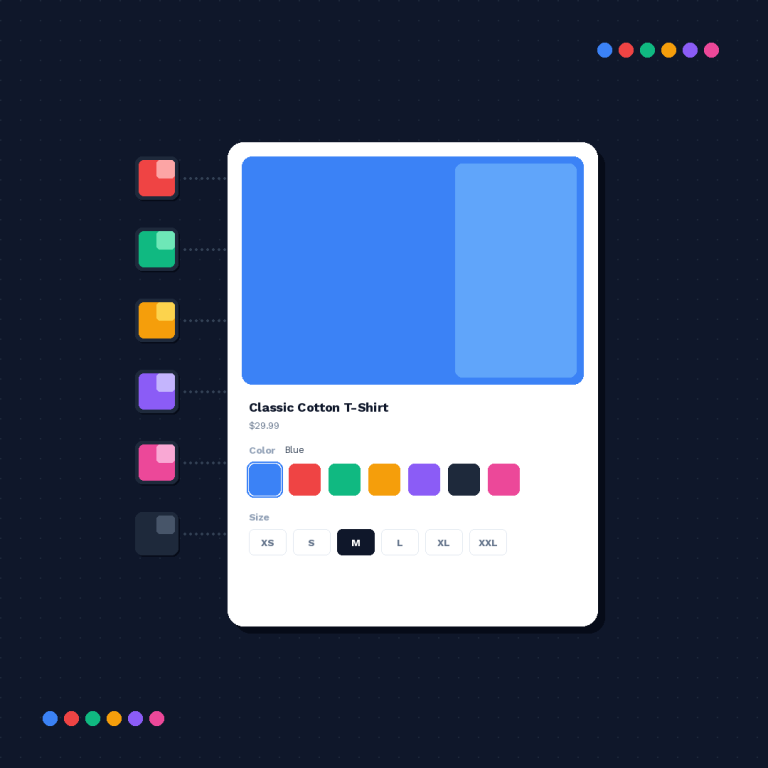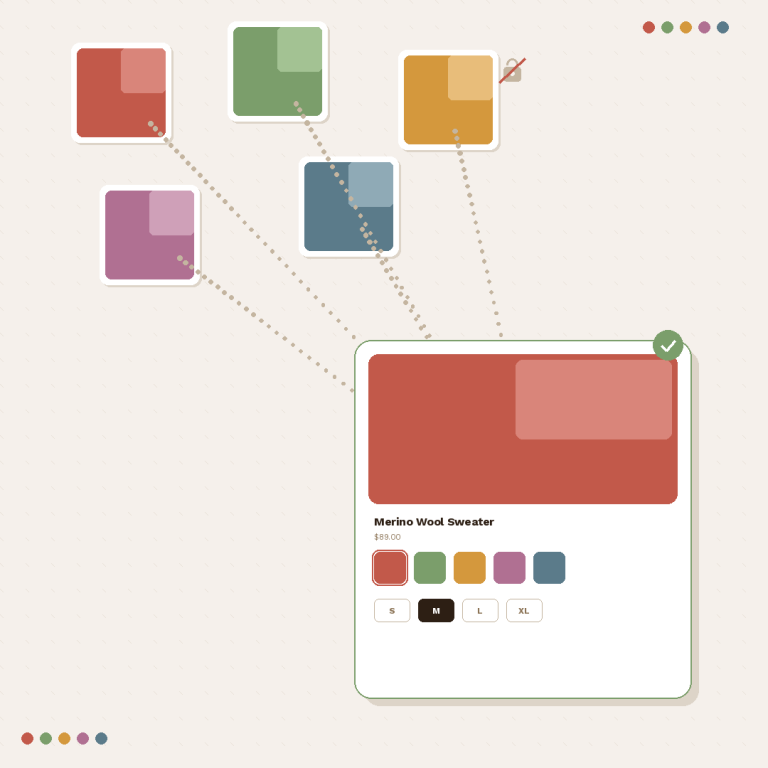
PageFly is the most-installed Shopify page builder. Over a million stores use it to design custom product pages with drag-and-drop. Merchants pick PageFly because it gives them full control over layout without touching code. The expectation is simple: install it, build your page, and everything works. But when you group separate products as color or style variants using Shopify PageFly combined listings, most swatch apps break on PageFly pages.
Rubik Combined Listings fixes that. It detects PageFly product sections, injects swatches into the right location, and isolates its styles so nothing clashes. No configuration needed on your end.
In this post
- Why page builders cause problems for swatch apps
- How Rubik detects PageFly pages
- Setup steps
- Product page and collection page swatches
- All 7 supported page builders
- FAQ
- Related reading
Why page builders cause problems for swatch apps
Shopify themes follow a predictable structure. The product page has a main section, a title element, a price block, and an add-to-cart form. Swatch apps look for these landmarks to inject their UI. When everything is where it should be, injection works.
Page builders like PageFly replace that structure entirely. They generate their own HTML with custom class names, nested containers, and different DOM hierarchies. A swatch app that expects .product-form or form[action="/cart/add"] in a specific position will not find it. The swatches either appear in the wrong spot, duplicate themselves, or do not render at all.
This is not a bug in PageFly. It is the natural consequence of rebuilding the product template from scratch. The page builder gives you design freedom, but the swatch app loses its anchor points. Most apps were never built to handle that scenario.
How Rubik detects PageFly pages
Rubik Combined Listings ships with dedicated code for PageFly (theme ID: 88880003). When a product page loads, Rubik checks whether PageFly sections are present. If they are, Rubik switches to its PageFly injection mode instead of relying on standard theme selectors.
Here is what happens under the hood:
- Rubik scans the DOM for PageFly-specific containers and data attributes.
- It locates the product title and form area within the PageFly layout.
- Swatches are injected into the correct position relative to those elements.
- Shadow DOM isolation wraps the swatches so PageFly CSS cannot override swatch styling.
Shadow DOM matters here. PageFly pages often include global CSS resets and custom font stacks. Without isolation, those styles bleed into the swatch component and break the visual layout. With Shadow DOM, the swatches render exactly as configured in the Rubik dashboard regardless of what PageFly does.
Setup: install, embed, group, done
You do not need to configure anything PageFly-specific. Rubik handles detection automatically.
- Install Rubik Combined Listings from the Shopify App Store.
- Activate the app embed in your theme settings. This is a single toggle.
- Create a product group. Add your separate products (different colors, materials, sizes).
- Click Magic Fill to auto-assign option values and swatch colors from product titles and images.
- Save. Visit your PageFly product page. Swatches are there.
The entire process takes less than five minutes. For a detailed walkthrough, see the full setup guide.
Product page and collection page swatches
On product pages, Rubik shows grouped swatches near the product title or add-to-cart button on your PageFly layout. Customers click a swatch and navigate to the corresponding product page with its own images, price, and SEO metadata. Each product in the group keeps its own URL. This is better for search rankings than cramming everything into a single product with dozens of variants.
On collection pages, swatches appear on product cards. This works even when the collection page itself is not built with PageFly. Rubik injects swatches into whatever theme renders the collection grid. Customers can preview color options directly from the listing without opening each product page.
All four swatch types are available: color circles, image thumbnails, text buttons, and dropdown selectors. Mix them within the same group if needed. Customize sizes, borders, shapes, and hover behavior in the swatch styling settings.
All 7 supported page builders
PageFly is one of seven page builders that Rubik Combined Listings supports. If you switch builders later, your groups carry over.
| Page builder | Rubik theme ID | Shadow DOM |
|---|---|---|
| Beae | 88880001 | Yes |
| EComposer | 88880002 | Yes |
| Foxify | 88880007 | Yes |
| GemPages | 88880004 | Yes |
| Instant | 88880005 | Yes |
| PageFly | 88880003 | Yes |
| Replo | 88880006 | Yes |
All seven use Shadow DOM isolation. Your swatch styles stay consistent regardless of which builder generated the page. Read more about how combined listings work across different setups.
Watch it in action
Pricing
Rubik Combined Listings has a permanent free plan. No trial countdown.
| Plan | Price | Product groups |
|---|---|---|
| Free | $0/month | 5 |
| Starter | $10/month | 100 |
| Advanced | $30/month | 500 |
| Premium | $50/month | 5,000 |
Start with 5 free groups to test on your PageFly pages. Upgrade only when you need more. No code changes required at any tier.
Frequently asked questions
Does Rubik Combined Listings work with PageFly?
Yes. Rubik includes dedicated code for PageFly (theme ID: 88880003). It detects PageFly product sections automatically and injects swatches in the correct position. No manual configuration is needed.
Will PageFly CSS break the swatch styling?
No. Rubik renders swatches inside a Shadow DOM container. This prevents PageFly stylesheets from affecting swatch colors, sizes, borders, or fonts. The swatches look exactly as you configure them in the Rubik dashboard.
Do swatches appear on collection pages too?
Yes. Collection page swatches work on product cards rendered by your theme. Even if your product pages use PageFly, the collection grid typically comes from the theme itself. Rubik handles both scenarios. Learn more about grouping products as variants.
What if I switch from PageFly to another page builder?
Your product groups and swatch settings carry over. Rubik supports 7 page builders and 350+ themes. Uninstall PageFly, install a different builder, and Rubik detects the new environment on the next page load.
Does this slow down my PageFly pages?
Rubik loads asynchronously and adds minimal overhead. Read the swatch app performance comparison for benchmark data.