If you sell into France and Germany and your product options still include “Color” do you know you are leaving money on the ground? This is an in Locale term. Color (Couleur in French, Farbe in German) feels really regional and even foreign here. It seems like an odd option on a site that clearly caters to a very locale sensitive client base. Certainly an in locale term for as long as the French language has existed. Dave Khayot.
This post will translate the swatch UI for Shopify combined listings option names and values as well as group headers and the hover tooltip. We’ll see how Rubik Combined Listings can translate per group, how it interacts with Shopify’s Translate and Adapt feature and why you’d still use hreflang attributes. We’ll also look at how the combined listings would render in a right to left language such as Arabic or Hebrew.
In this post
- What parts of the swatch UI translate
- Per-group translation in the Rubik admin
- Shopify Translate and Adapt integration
- Hreflang and SEO considerations
- Right-to-left language support
- Recommended workflow
- FAQ
- Related reading
What parts of the swatch UI translate
All visible text in Rubik combined listing groups can be translated. Not only the big visible titles but all the small visible text as well. Many merchants forget the small stuff when translating their catalogs.
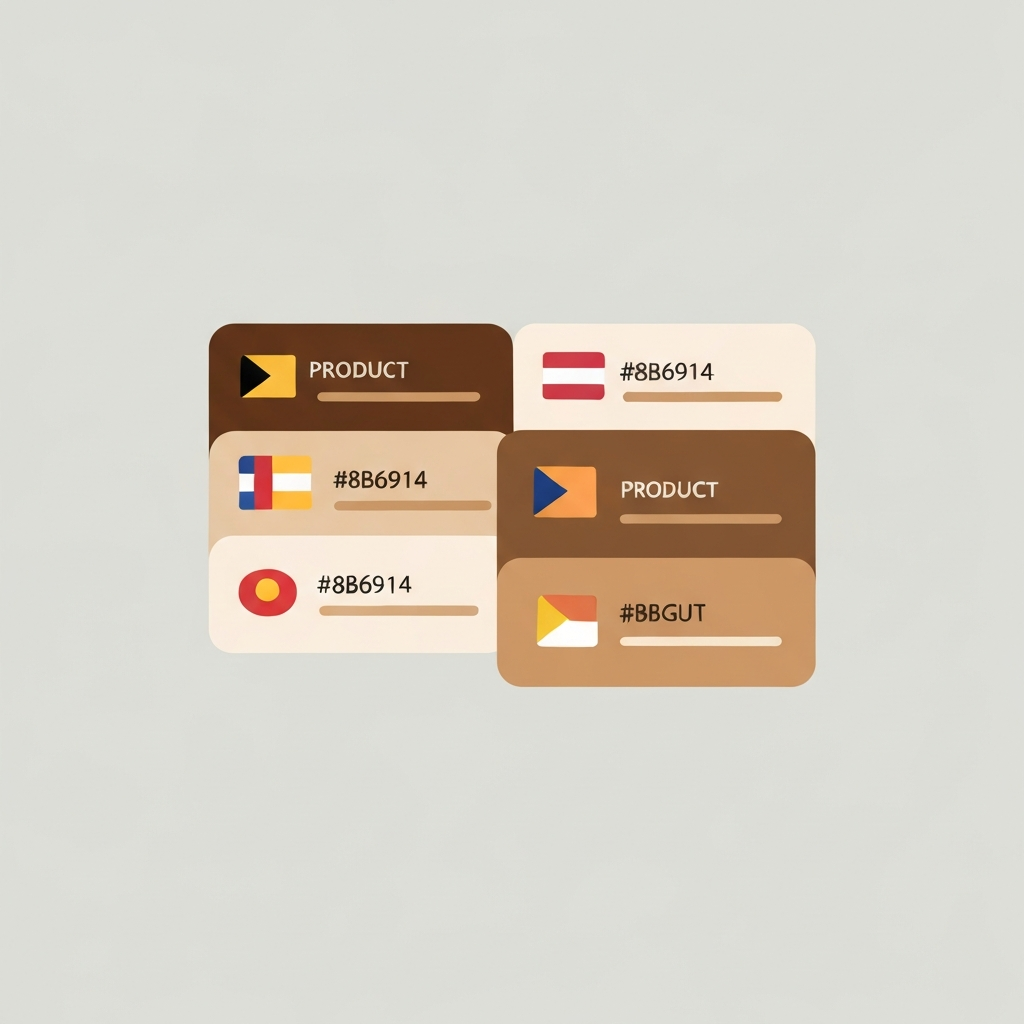
| Element | Example (EN) | Example (FR) | Example (DE) |
|---|---|---|---|
| Option label | Color | Couleur | Farbe |
| Option value | Navy | Marine | Marineblau |
| Category header | Warm Colors | Couleurs chaudes | Warme Farben |
| Tooltip text | Select color | Choisir la couleur | Farbe wahlen |
| Out of stock badge | Sold out | Epuise | Ausverkauft |
The out of stock badge is often forgotten. A French shopper reading “Sold out” in English will lose half a notch of trust. Small things that you might forget which will in the end have an effect.
Per-group translation in the Rubik admin
Open a group in Rubik. Next to EVERY translatable field in the groups is a small language dropdown. Choose French, type the translation, save. Now when shoppers are browsing the French version of your store, they will see that translation. Go through and choose German and retranslate the fields for that language, repeating the process for as many languages as you have in your store.
translations take place at the group level and therefore the translations for the translations that live on the group itself need to occur only once. So for a “Linen Shirt” group with 30 color options, the translation of “Color” occurs once, not 30 times. The option values (e.g. Navy, Oat, Charcoal) translate once each, not once per product.
Because we offer per group translation options, you can maintain a different tone with the translations for your various product categories. For example, you could have the kids category say “Choose a fun color” while the luxury category could say “Select finish”. The same translation application can be used, but with translations that are customized for different groups.
Shopify Translate and Adapt integration
There is an app that comes with Shopify called Translate and Adapt. This app will translate (and adapt) product names, product descriptions, collection names, etc. and any other string you would find in your theme. Rubik supports this.
Though they did this differently than I had envisioned, the overall division of labour is still reasonable. Translate and Adapt handles the translation of product title, and Rubik handles the translation of the swatch UI layer. So in this example, when a French speaker is browsing the site, the title of the “Linen Shirt” will get translated to Chemise en lin. And the drop down labels will get translated as well. It looks good, and both layers are rendered properly.
If you already use Translate and Adapt on the site, then the option values will likely already be translated at the product level. Rubik will respect any translations that already exist at the product level, but will then use its overrides at the group level if a translation does not exist for the product level. The best of both worlds without duplicated entry unless you want to provide an override value.
Hreflang and SEO considerations
Hreflang is the HTML tag used to tell Google that there is a French version of a particular page – without it, you run the risk of serving the wrong language version in the wrong country. This post looks at Hreflang and how it can be used to improve your search rankings by ensuring that the correct language version of a page is served in the correct country.
Shopify already generates the hreflang tags for you for the translated content, and the rubik swatches are generated inside the translated pages, so you get the automatic language context for free. Just make sure the translations are actually published (make sure the language switcher in the group shows all the languages), and Google will automatically pair the correct language for the swatches with the correct country.
Google will penalise you for having mixed languages on a page: in this example, if all page text was translated to French and option values left in English then a French speaking user browsing directly to a French product page may notice that the dark and light colours available do not translate well. See international SEO for combined listings for more on this kind of SEO issue.
Right-to-left language support
Arabic and Hebrew read right to left. Most apps break when you switch an RTL locale on. Text goes the wrong way, swatches are laid out the wrong way, the carousel arrows go backwards.
Rubik does RTL automatically detection from the locale that Shopify is serving. When RTL is active:
- Swatch rows render right-to-left
- Carousel arrows flip direction
- Category labels align to the right
- Tooltips open on the correct side
No styles or options needed. It just works – because there is no Shadow DOM isolation breaking it and causing a mess for the JavaScript to fix up by respecting the document direction and rewriting the layout accordingly.
Recommended workflow
A rhythm that works for most stores:
- Build your combined listing groups in English first. Get them right.
- Install Translate and Adapt. Let it auto-translate product titles and descriptions.
- Open each Rubik group. Add translations for the option label and category headers. These are the most visible.
- Add option value translations if your colors have non-obvious names (Morning Mist, Desert Sand).
- Preview in each language on the live demo or a test product.
- Ship.
See the live demo store, watch the tutorial video, or read the getting started guide.
Frequently asked questions
Can I translate combined listing swatches in Shopify?
Yes. Rubik Combined Listings plugin supports per-group translation of option labels, option values, category headers, tooltips and out of stock badges.
Does Rubik work with Shopify Translate and Adapt?
Yes. The translations from Translate and Adapt will be read by Rubik when available, with per-group override translations falling back to be read as well, so there is no need for duplication of work.
Do I need hreflang tags for translated swatches?
New in Shopify: they automatically add hreflang to your translated content pages. And, within the rubik swatches, the variation content inherits that context, so you don’t have to add any extra markup.
Does Rubik support right-to-left languages like Arabic?
Yes. Rubik automatically detects right-to-left locales and flips elements such as swatch rows, carousel navigation, and tooltips.
How many languages can I translate into?
As many as your Shopify plan allows. We support any language Shopify provides through their locale system.
Do translations slow down the storefront?
No. Page content can include multiple languages. When an HTML page is generated by WebAPI, the translation information is embedded in metafields and also sent with the page. There are no API calls made to a translation service when rendering a page. Info stored in metafields (using the page object as the key) is based on the translations that have been configured through the Store API.
Can I have different tone or wording per product category?
Yes. Because translations are maintained for each group, a “kids” group and a “luxury” group can have completely different translations in the same store.