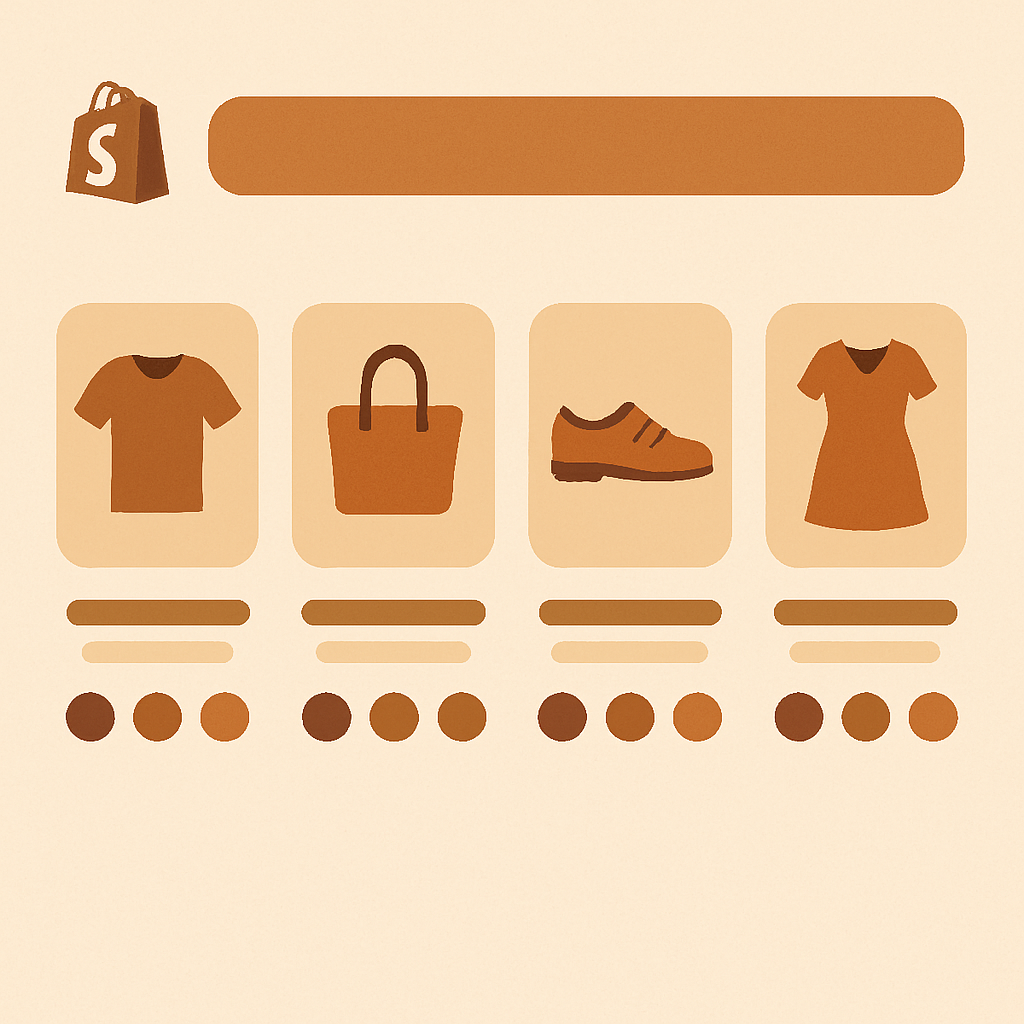
Setting up shopify dawn theme combined listings should be the easiest path of any Shopify store, and with Rubik Combined Listings it actually is. Dawn is the reference theme for Online Store 2.0, which means almost every section, block, and snippet follows the conventions Shopify documents publicly. That makes Dawn a great host for an app that injects swatches into product cards and grouped product pages.
Dawn powers roughly 22.8% of all Shopify storefronts. It is the default theme on every new store and the baseline most agencies fork when building a custom theme. If you sell apparel, accessories, beauty, or any catalog where one product comes in five colors and four materials, Dawn alone will not show those choices on the collection grid. Each color sits as its own card or hides behind a single representative photo.
That gap is exactly what Rubik Combined Listings closes. It links separate products together, then drops swatches onto Dawn collection cards and onto grouped product pages, without rewriting your theme code or asking you to upgrade to Plus.
Table of Contents
- Why Dawn merchants need combined listings
- Dawn theme strengths
- What Dawn cannot do alone
- How Rubik Combined Listings fills the gap
- Step by step setup on Dawn
- Collection page swatch customization
- Product page swatches for grouped products
- Real world example
- FAQ
Why Dawn merchants need combined listings
Dawn ships with a clean product card, a fast collection grid, and built in support for Shopify’s metafields. What it does not ship with is a way to surface variant level choices on the collection page when those variants live as separate products. If you split colors into individual products for SEO or inventory reasons, Dawn renders them as unrelated tiles.
Shoppers scrolling a Dawn collection see “Linen Shirt Sand,” “Linen Shirt Olive,” and “Linen Shirt Navy” stacked next to each other with no visual cue that they belong to the same family. They have to click each one to compare. That extra friction kills conversions on mobile especially.
Combined listings solve this by telling the storefront that these three products are siblings. Rubik then renders swatches on each card so a tap reveals all three colors in place.
Dawn theme strengths
Dawn does several things very well, and these strengths make it a clean canvas for combined listings:
- Section based architecture. Every section is editable in the theme editor, including the product card snippet (
card-product.liquid). - Native metafield rendering. Dawn reads metafield references throughout, which is exactly how RCL stores group data.
- Web Vitals friendly. Dawn was rebuilt for speed in 2021 and is one of the lightest free themes by request weight.
- Predictable Liquid. Because Dawn is the Shopify reference, every developer who has touched a Shopify theme knows where its hooks live.
- Free to use. Zero theme cost means budgets can go to apps and content instead.
What Dawn cannot do alone
Out of the box Dawn supports Shopify’s native combined listings feature only on Shopify Plus plans, and even then the setup requires manual metafield configuration on every parent product. For non Plus stores there is no built in collection swatch system, no built in product grouping, and no way to display “and 3 more colors” on a card.
You can technically hack swatches in by editing card-product.liquid and pulling color metafields, but maintaining that across theme updates is painful. And it still does not link separate products together.
This is the gap combined listings without Plus closes.
How Rubik Combined Listings fills the gap
RCL gives Dawn three things it does not have:
- Separate products linking. Group standalone products into one combined listing using manual selection, AI auto grouping, or CSV bulk import.
- Collection page swatches. Inject swatches onto Dawn product cards so shoppers can switch colors before clicking through.
- Grouped product page swatches. When a shopper lands on one product in a group, they see swatches for all the other linked products and can hop between them.
All of this is metafield-based, no external API calls. Your collection pages stay fast because RCL piggybacks on Shopify’s own data layer instead of hitting a third party server every render.
If you also need variant image filtering on the product page, pair RCL with Rubik Variant Images. The two apps were designed to work together.
Step by step setup on Dawn
Here is the exact flow for a Dawn store. It takes about ten minutes for the first group.
1. Install the app
Install Rubik Combined Listings from the Shopify App Store. The Free plan covers 5 groups, which is enough to test on a single product family before scaling.
2. Enable the app embed in Dawn
Go to Online Store, Themes, Customize, and open Dawn. Click the App embeds icon in the left rail. Toggle Rubik Combined Listings on. This loads the swatch renderer on every page where Dawn outputs product cards.
Dawn loads app embeds inside theme.liquid, so once toggled, the embed runs on collection, search, related products, and home page product grids.
3. Create your first group
In the RCL admin go to Groups, New Group. You have three options:
- Manual: Pick the products that belong together. Best for small catalogs.
- AI auto group: Let Rubik AI product grouping scan titles and attributes and suggest groups for you.
- CSV bulk: Upload a mapping of product handle to group ID. Best for catalogs over 200 SKUs.
4. Pick the master product
Each group has one master. The master is the product whose title and URL becomes canonical for the group. For a “Linen Shirt” family, pick the most popular color as the master.
5. Configure the swatch source
Tell RCL which option to display as a swatch (usually Color). RCL reads the master product’s option values to build the swatch row.
6. Save and check the storefront
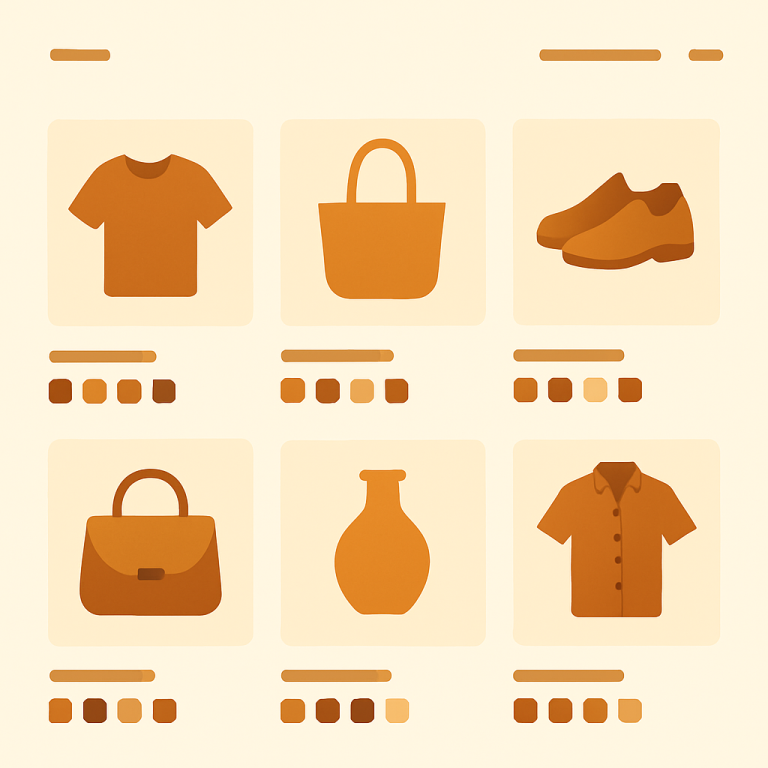
Open any collection page. You should see swatches under each grouped card. Hover or tap one and the card image updates to that color.
Collection page swatch customization
Dawn’s product card has consistent spacing and a square or portrait image ratio depending on your settings. RCL respects that ratio and inserts swatches between the price and the title by default.
In the RCL admin under Design, you can adjust:
- Shape: circle, square, rounded square, or pill
- Size: small, medium, large in pixel increments
- Border: color, width, and active state styling
- Spacing: gap between swatches and padding from the card edge
- Overflow: show “+3” pill when a group has more colors than fit in a row
If you run a larger catalog with many variants, the overflow indicator keeps cards tidy without hiding anything from shoppers.
For Dawn stores using the dark color scheme, set the active swatch border to a high contrast tone so the selected color is obvious. Use the color picker tool on Craftshift to match your brand palette exactly.
Product page swatches for grouped products
When a Dawn product belongs to a group, RCL adds a swatch row to the product page too. By default it appears above the native variant selector, so shoppers see “Color: 5 options” as visual swatches before they touch the dropdown.
Clicking a swatch navigates to the linked product. URL changes, title updates, images update, price updates. This is the separate products vs variants tradeoff most stores eventually face: separate products give you SEO power and unique imagery per color, variants give you a single URL.
With RCL you get the SEO benefit of separate products and the navigation feel of variants.
Real world example
A Dawn store selling reusable water bottles split each color into its own product for better Google Shopping coverage. Before RCL, their collection page showed 24 unrelated bottle tiles. Shoppers had to click into each one to discover that “Sage” and “Forest” were the same bottle in different greens.
After installing RCL and grouping by the bottle model, the collection page collapsed to 6 cards, each with a row of swatches. Click rate on collection cards rose, and the per session product views per shopper dropped because shoppers found the right color faster. The full case pattern is described in the conversion boost write up on Craftshift.
The store stayed on the Starter plan ($10/month for 100 groups) and never needed to upgrade Shopify to Plus.
FAQ
Does Rubik Combined Listings work with Dawn for free? Yes. The Free plan covers 5 groups and works on Dawn without any code edits. Toggle the app embed on and create your first group.
Do I need to edit Dawn theme code? No. RCL uses Dawn’s app embed slot, which Shopify built specifically so apps could inject features without touching Liquid files. You can uninstall cleanly later with no leftover code.
Will RCL slow down my Dawn collection pages? No. RCL is metafield-based, no external API calls. Swatch data loads with the page itself, not from a third party server.
Can I use RCL alongside Shopify’s native combined listings? You do not need Shopify’s native version. RCL works on every Shopify plan including Basic, while native combined listings require Plus.
What happens when Dawn updates? Nothing breaks. RCL injects via app embed, which is decoupled from theme version. You can update Dawn freely.
How many groups do most Dawn stores need? Most small and mid catalogs land between 20 and 100 groups, which fits the Starter plan at $10/month. Annual billing saves 17%.
Can I show swatches on the home page featured collection? Yes. Any Dawn section that renders product cards picks up RCL swatches automatically, including the Featured Collection section.
Related Reading
- Shopify combined listings setup guide
- Shopify combined listings explained
- Shopify Sense theme combined listings
- Shopify Craft theme combined listings
- Conversion boost from combined listings
Get started
Install Rubik Combined Listings and add swatches to your Dawn collection pages today. Start free with 5 groups, scale to Premium ($50/month for 5,000 groups) when your catalog grows. Annual billing saves 17%.