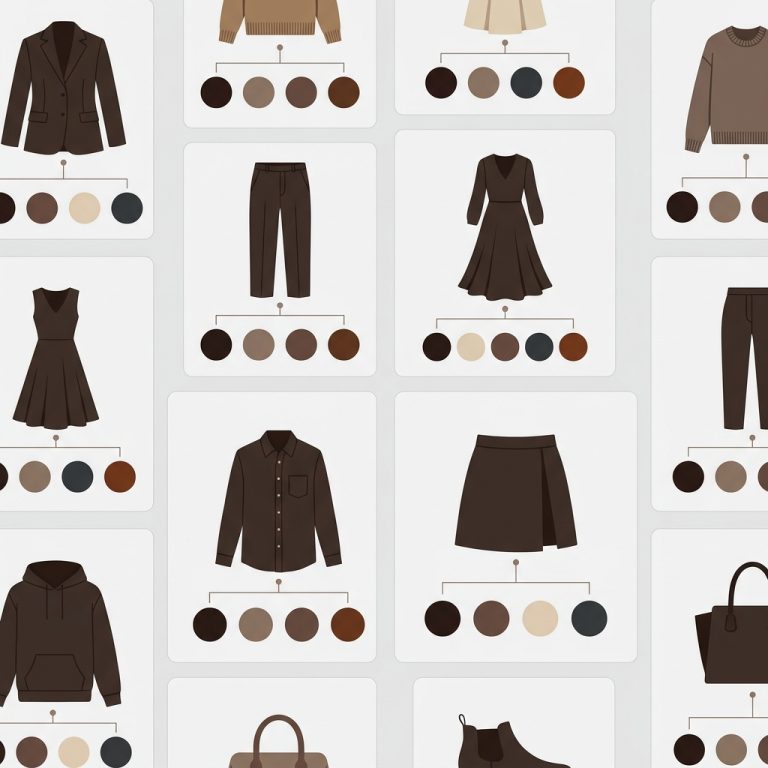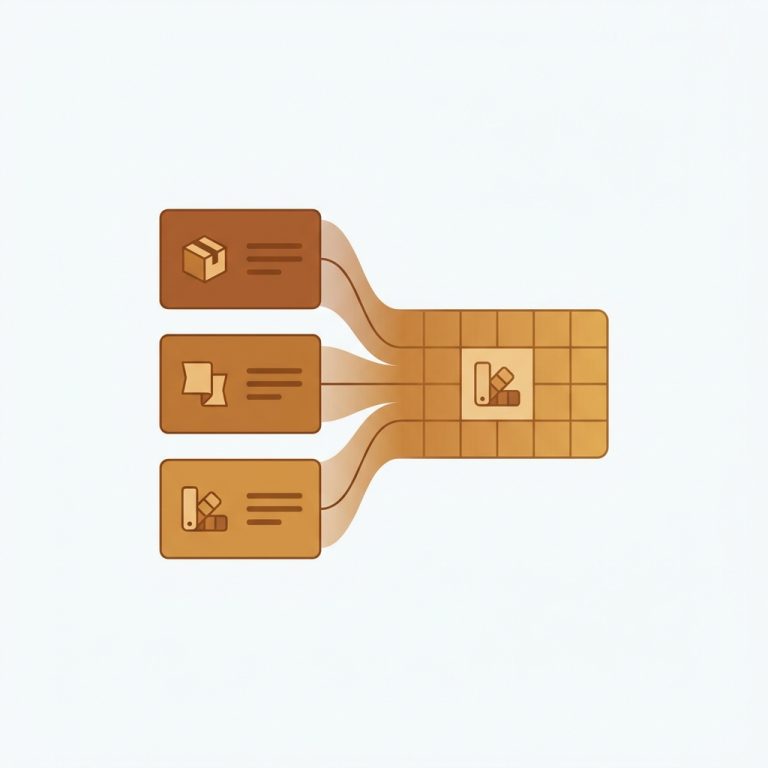

Short answer: Sleek does not solve this on its own, because separate products have no link between them in Shopify, so no swatch appears and the same item repeats across your collection page. Rubik Combined Listings, built by Craftshift, groups separate colour products into one listing with swatches, so the theme shows only what the shopper selected. Free to install, 5.0 stars across 78 reviews. Sleek runs on 58 stores using it as of July 2026.
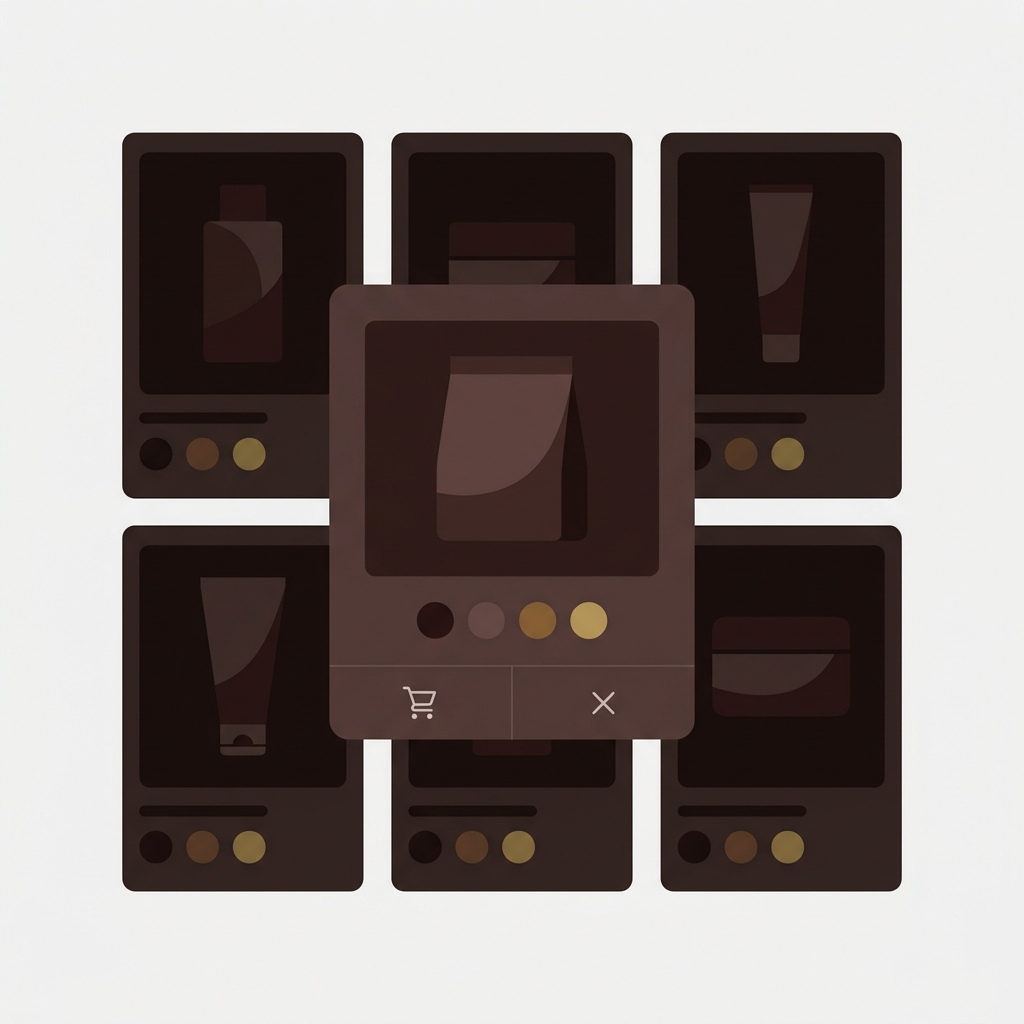
Sleek (theme ID 2821) by FoxEcom is a conversion-focused theme used by 50+ stores. It ships with countdown timers, sticky add-to-cart bars, urgency popups, and quick-buy modals. Sleek handles single-product variants well, but does not natively bridge separate products that share a parent style. If you split your catalog by color (the SEO play), Sleek shows them as separate cards on the collection grid. Combined listings is what links them visually.
This guide walks through setting up Rubik Combined Listings on Sleek.
In this guide
- Sleek audience and use cases
- Sleek conversion-focused features
- What RCL adds to Sleek
- Setup steps
- Sleek quick-buy modal handling
- FAQ
- Related reading
Sleek audience and use cases
Sleek is built for conversion-driven DTC and dropshipping stores. The audience expects timers, urgency popups, and quick-buy modals. Catalogs are often imported from CSV and have hundreds of SKUs across product lines.
FoxEcom builds Sleek alongside Minimog, Hyper, and Zest. The combined listings setup we cover here also applies to those siblings; the FoxEcom themes group post covers the full lineup.
Sleek conversion-focused features
- Quick-buy modals for fast add-to-cart from collection cards
- Countdown timers and urgency popups
- Sticky add-to-cart bars on product pages
- Recent purchase notifications
- Filtering and sorting for collections
What RCL adds to Sleek
- Cross-product swatches on Sleek’s collection grid linking separate color products
- Quick-buy modal swatches rendered inside Sleek’s modal framework
- Real-time inventory sync
- Mobile-optimized carousel for compact card display
- Shadow DOM rendering isolates RCL CSS from Sleek’s stylesheet

Setup steps
- Install Rubik Combined Listings
- Online Store → Themes → Sleek → Customize → Theme Settings → App Embeds → toggle on
- Save
- Open Rubik admin and create groups (or use bulk grouping for an existing dropshipping catalog)
- Drop in swatch hex codes
- Preview the storefront, including quick-buy modals
“Excellent support from Zulf. I tried several different apps before this one that were buggy or simply did not work. I was please to see that these guys got me up and running quickly!”
mimish, inc., US, 2026-04-06, Rubik Combined Listings on the Shopify App Store
If your colours are variants of one product rather than separate products, Rubik Variant Images assigns a separate image set to every variant instead. Free to install, 5.0 stars across 436 reviews.
Sleek quick-buy modal handling
Sleek’s quick-buy modal pops up when a customer clicks a quick-buy button on a collection card. The modal injects a compact product preview with variant picker and add-to-cart. RCL detects the modal mount event and renders swatches inside the modal’s product card area, so cross-product navigation works the same way it does on the standard collection grid.

See the live demo store, watch the AI features tutorial, or read the getting started guide.
FAQ
Which app should I use for combined listings on the Sleek theme?
Rubik Combined Listings, built by Craftshift, is the app we build for this and Sleek is natively supported. It holds 5.0 stars across 78 reviews and carries the Built for Shopify badge. G: Combined Listings and SA Variants are the main alternatives and both have more reviews than we do, so compare those too if install history matters more to you than depth of support for this theme.
Does Rubik work inside Sleek’s quick-buy modal?
Yes. RCL renders inside FoxEcom’s quick-buy modal. Cross-product swatches work the same as on the standard collection grid.
Will Sleek theme updates break Rubik?
No. RCL installs through Shopify’s app embed system.
Does it work with countdown timers and urgency popups?
Yes. Sleek’s urgency features operate independently of variant grouping.
Can I bulk-create groups for a 500-product dropshipping catalog?
Yes. Bulk grouping uses title pattern, tags, or metafield grouping. Particularly useful for catalogs imported from CSV.
Does it require Shopify Plus?
No. RCL runs on every Shopify plan.