If you run a handmade or craft store on Shopify, you likely sell the same product in multiple glazes, dyes, or colorways. A ceramic mug in six glazes. A hand-poured candle in four scents with different label colors. Each one listed as a separate product so it gets its own photos, description, and search ranking.
Tinker is a Horizon collection theme designed for makers and artisans. It highlights product photography with generous whitespace and clean grids. But Tinker has no built-in way to connect those separate color products together on the storefront. Customers land on one glaze and never discover the others.
Rubik Combined Listings solves this. It groups your separate products and adds color swatches to product pages and collection cards on Tinker. Each product keeps its own URL, images, and SEO value. No code required.
In this post
- What Combined Listings adds to Tinker
- Setup steps (5 minutes)
- Horizon collection compatibility
- Frequently asked questions
- Related reading
What Combined Listings adds to Tinker
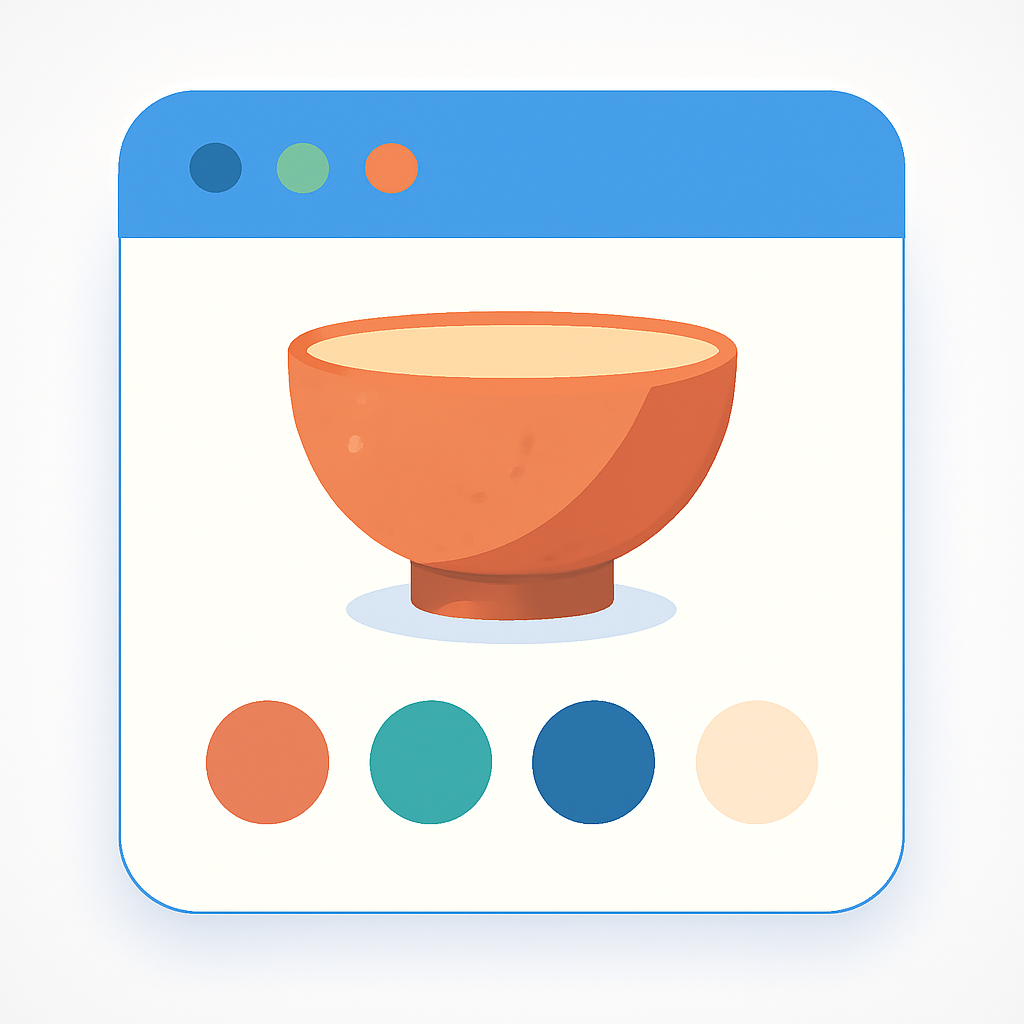
- Color swatches on product pages. Swatches appear below the product title. A customer making pottery picks sees every available glaze at a glance. Clicking a swatch navigates to that product’s page with its own gallery and description.
- Swatches on collection cards. Product cards in Tinker collections display small swatches. Hovering swaps the card image to preview the color. This helps shoppers browse your full range without opening each product.
- Image swap on hover. When a customer hovers a swatch on a collection card, the product image updates to show that specific color or glaze. No page reload needed.
- 4 swatch types. Image swatches, solid or dual-color circles, text buttons, or dropdown menus. Pick what fits your brand.
- Magic Fill AI. Reads your product titles and images, then auto-fills option values and picks swatch colors. Saves time when you have dozens of handmade products.
- Bulk grouping. Group products automatically by title pattern, tags, or metafields. If your ceramics follow a naming pattern like “Stoneware Mug – Sage” and “Stoneware Mug – Midnight,” bulk grouping handles them all at once.
- Each product keeps its own URL and SEO. Better for organic search than cramming all colors into one product with variant overload.
- Collection filters not affected. Rubik stores group data in metaobjects. Your existing Shopify filters and collections stay intact.
Setup steps (5 minutes)
- Install Rubik Combined Listings from the Shopify App Store. Activate the app embed in your Tinker theme.
- The app auto-detects Tinker and loads the correct code for this theme.
- Create a product group. Add the separate color products you want to connect.
- Click Magic Fill to auto-fill option values and swatch colors from your product data.
- Save the group. Swatches appear on your Tinker product pages and collection cards immediately.
Need more detail? Read the full setup guide or check the FAQ. You can also customize swatch appearance after setup.
Horizon collection compatibility
Tinker belongs to Shopify’s Horizon collection of themes. Rubik Combined Listings supports all Horizon themes with native code. If you switch from Tinker to another Horizon theme, your groups and swatches carry over. No need to reconfigure anything.
Other Horizon themes with Combined Listings support include Vessel and Dwell. The app also works with 350+ other Shopify themes and 7 page builders.
Demo store | Docs | Knowledge base
Frequently asked questions
Does Rubik Combined Listings work with Tinker theme?
Yes. Native code for Tinker is included. The app auto-detects the theme and renders swatches on product pages and collection cards without any manual code edits.
Can I show multiple images per color on Tinker?
Yes. Use Rubik Variant Images alongside Combined Listings. Both apps support Tinker. Read more about variant images on Tinker.
Do I need Shopify Plus for combined listings?
No. Rubik Combined Listings works on every Shopify plan. The free plan includes 5 product groups. Paid plans unlock unlimited groups and extra features.
Will swatches show on Tinker collection pages?
Yes. Swatches appear on collection product cards. Hovering a swatch swaps the card image so customers can preview each color. Learn more in the collection page swatches guide.