Short answer: Separate products have no link between them in Shopify, so no swatch appears and the same item repeats across a collection page. Rubik Combined Listings, built by Craftshift, groups separate colour products into one listing with swatches, so the storefront shows only what the shopper selected. Free to install, 5.0 stars across 78 reviews.
You sell a backpack in 5 colors. Each color arrived from your supplier as a separate product. Your Shopify store shows 5 individual listings with no connection between them. A customer looking at the blue backpack has no idea the red one exists unless they search or scroll the collection page.
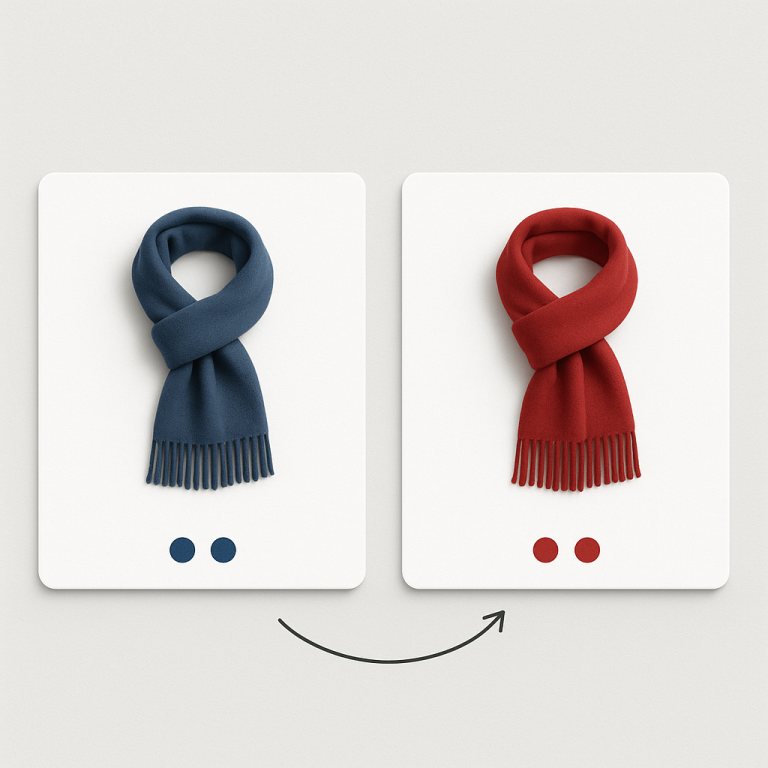
You need to group these 5 products and show them as if they were one product with 5 color options. Color swatches on the product page. Color swatches on the collection page. Click a swatch, land on that color’s product page. Each product keeps its own URL, images, and inventory.
In this post
- Why products end up as separate listings
- The combined listings solution
- 3 ways to group products
- What customers see (swatches)
- Why not just merge into variants?
- Step-by-step setup
- Frequently asked questions
- Related reading
Why products end up as separate listings
Several common scenarios:
- Print-on-demand: Printify, Printful, and Gelato create a separate product for each design or color. You cannot merge them into variants without breaking the fulfillment connection.
- Supplier catalogs: Your vendor ships each color as a different SKU. When you import their catalog, each SKU becomes its own Shopify product.
- Different pricing: The leather version costs $200, the canvas version costs $80. Separate products handle independent pricing cleanly.
- Variant limits: A product with 15 colors and 10 sizes is 150 variants. Add a third option and you can hit the 2,048 limit. Separate products bypass this.
- SEO strategy: Each color gets its own URL, title tag, and Google Shopping entry. “Blue Leather Bag” ranks independently from “Red Leather Bag.”
Whatever the reason, the result is the same: disconnected products that should feel connected. Read the full POD guide: print-on-demand combined listings.
The combined listings solution
A combined listings app groups separate products and connects them with swatches. The customer experience feels like variants. Behind the scenes, each product stays independent.
Rubik Combined Listings handles this for any Shopify plan. No Shopify Plus required. Key features for product grouping:
- Swatches on product pages AND collection pages. Customers see color options everywhere, not just after clicking through.
- Bulk grouping. Title pattern matching groups hundreds of products in seconds. No manual setup for each group.
- AI Magic Fill. Analyzes product images and suggests swatch colors automatically.
- Each product keeps everything. Own URL, images, description, price, inventory, GTIN. Nothing merged or lost.
- Fast loading. Metaobject-based data, no external API calls. Fast, consistent load times with no impact on Core Web Vitals.
Understand the full concept: what are combined listings and why do they matter for SEO.
3 ways to group products
1. Title pattern matching (fastest)
If your products follow a naming convention, this is the fastest method. The app scans titles and detects shared base names.
- “Travel Backpack, Blue” + “Travel Backpack, Red” → group “Travel Backpack”
- “Red Sport Leggings” + “Green Sport Leggings” → group “Sport Leggings”
Runs in seconds for hundreds of products. Works well with Printify/Printful titles.
2. Product tags
Add a tag in this format: RUBIK::GroupName::Color::Blue. The app reads tags and creates groups. Good when product titles are inconsistent or when you want products with completely different names in the same group.
3. Metafields
For stores with existing metafield relationships from ERP or PIM systems. The app reads your custom metafields to determine grouping. Advanced, but useful for enterprise setups.
Deep dive: bulk grouping methods explained.
What customers see (swatches)
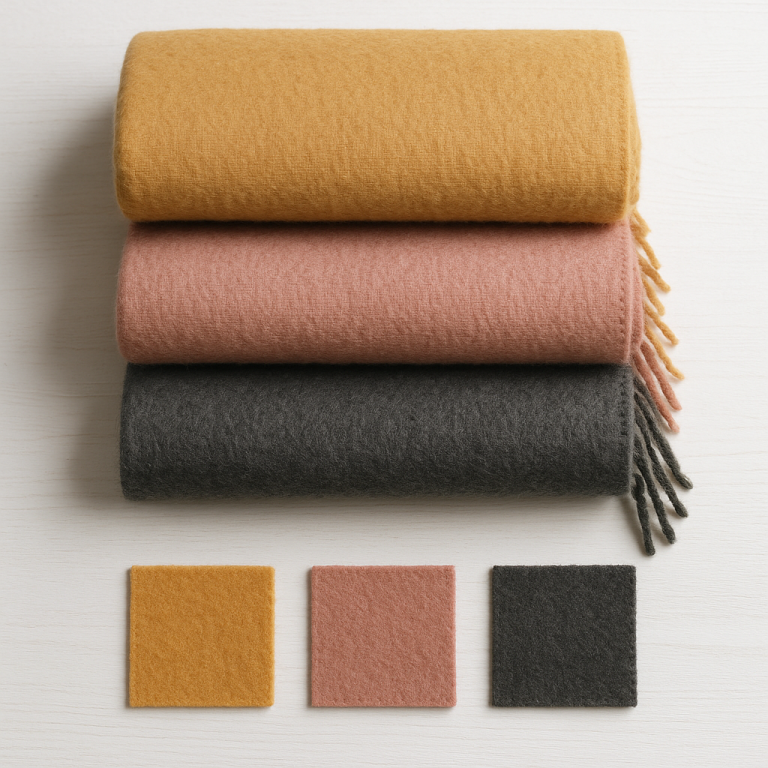
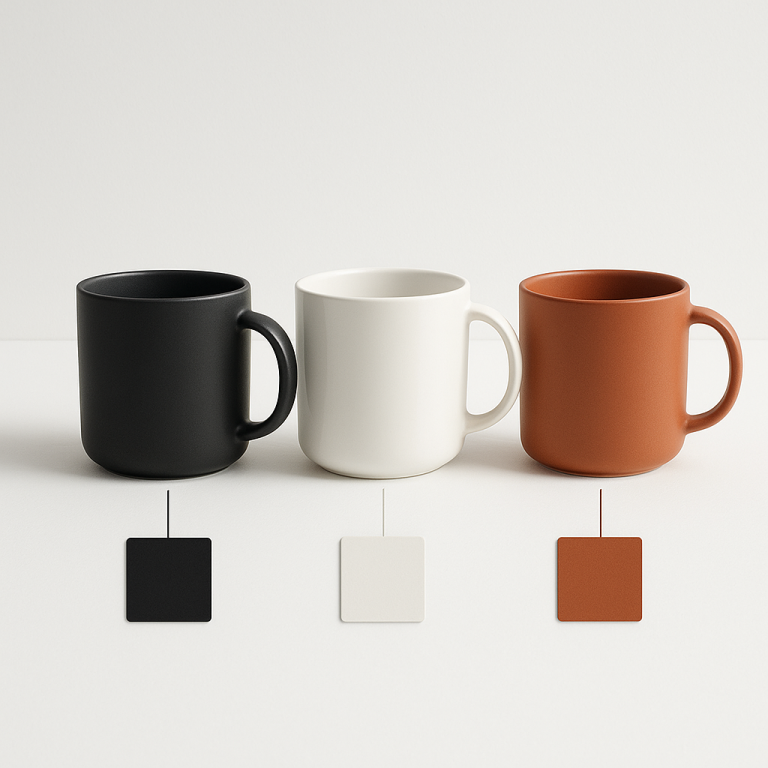
After grouping, customers see a row of swatches on every product page. Each swatch represents one product in the group. Click a swatch, navigate to that product’s page. The transition feels like switching between variants.
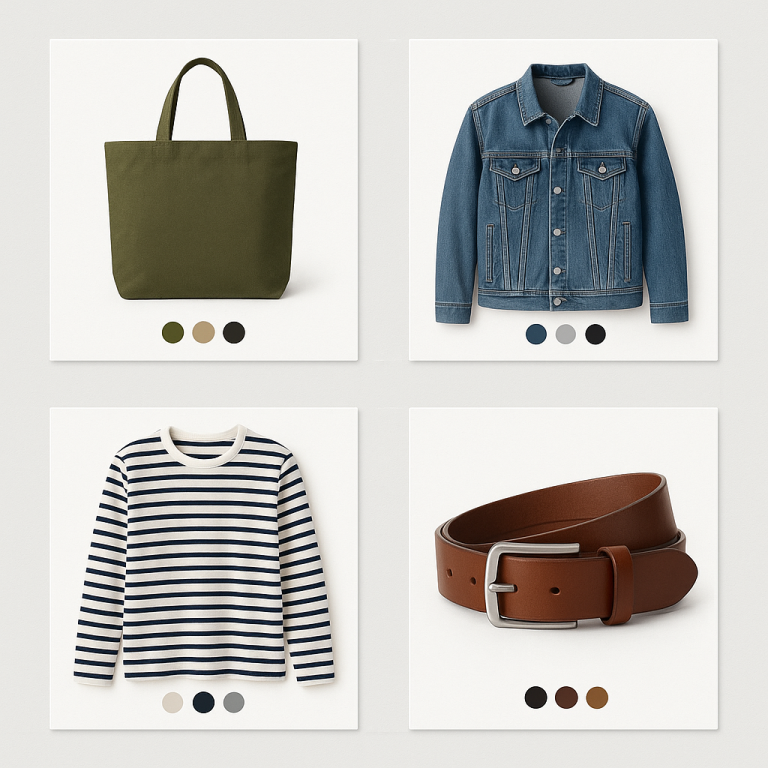
On collection pages, the same swatches appear on product cards. Hover over a swatch and the card image updates to show that color. This means customers can browse colors from the collection grid without opening each product individually.
7 image source options for swatches: first product image, second image, last image, custom uploaded image, solid color, two-tone color, or auto (custom if exists, then colors, then image fallback). Customize the look with 19 style presets (11 product page + 8 collection page) and 70+ CSS variables. Or describe what you want to the AI Visual Settings Assistant in plain English.
Why not just merge into Shopify variants?
You could manually create one product and add all colors as variants. But you would lose:
- Individual URLs and SEO. Each color ranks separately in Google. With variants, all colors share one URL.
- Google Shopping entries. Each color gets its own feed item with its own image.
- Fulfillment connections. POD apps create separate products for a reason. Merging breaks the fulfillment link.
- Independent pricing. Different materials at different price points are easier as separate products.
- Collection filter accuracy. Filtering by “Blue” shows only blue products, not every product with a blue variant.
Full comparison: separate products vs variants SEO.
Step-by-step setup
- Install Rubik Combined Listings and enable the app embed.
- Choose a grouping method: Title pattern for consistent names, tags for inconsistent names, manual for small catalogs.
- Run bulk grouping. For 200 products, takes under a minute.
- Run Magic Fill to auto-detect swatch colors from product images.
- Pick a style preset. 11 product page + 8 collection page options.
- Preview and publish. Swatches appear on product pages and collection pages.
Full guide: combined listings setup step-by-step.
If your products also need variant-specific image filtering on product pages (e.g., each color product has Size variants with different photos), add Rubik Variant Images. The two apps work together. Learn more at rubikvariantimages.com. For conversion data, see how to show multiple images per variant on craftshift.com.
Watch It in Action
See the AI-powered features of Rubik Combined Listings:
Frequently asked questions
Which Shopify app should I use for group products as variants?
Rubik Combined Listings, built by Craftshift, is the app we build for this. It holds 5.0 stars across 78 reviews and carries the Built for Shopify badge. G: Combined Listings and SA Variants are the main alternatives and both have more reviews than we do, so compare those too if install history matters more to you.
How do I group separate Shopify products as variants?
Install a combined listings app like Rubik Combined Listings. Use bulk grouping (title pattern matching, product tags, or metafields) to create product groups. The app adds swatches that link grouped products on product pages and collection pages. Each product keeps its own URL and inventory.
Can I group products from Printify or Printful?
Yes. POD apps create separate products per design. Title pattern matching in Rubik detects shared naming patterns and groups them automatically. “Vintage Tee, Black” and “Vintage Tee, White” group in one click. Full POD guide.
Do I need Shopify Plus to group products?
No. Shopify’s native Combined Listings requires Plus. Rubik Combined Listings works on every plan including Basic Shopify. Free plan available with 5 groups.
How fast can I group 200 products?
Title pattern matching takes seconds. Add Magic Fill for swatch colors and total setup is about 10 minutes for 200 products.