Short answer: Refresh does not solve this on its own, because separate products have no link between them in Shopify, so no swatch appears and the same item repeats across your collection page. Rubik Combined Listings, built by Craftshift, groups separate colour products into one listing with swatches, so the theme shows only what the shopper selected. Free to install, 5.0 stars across 78 reviews. Refresh runs on 145 stores using it as of July 2026.

Shopify refresh theme combined listings is a question we hear from minimalist brands almost every week. Refresh is one of Shopify’s clean, free OS 2.0 themes built for stores that want a quiet, restrained look. The catch with quiet themes is that they tend to hide variant choices completely, leaving shoppers to click into each product just to see if it comes in their preferred color. Rubik Combined Listings fixes that without disturbing Refresh’s calm aesthetic.
Refresh focuses on whitespace, restrained typography, and a single column hero. It is popular for brands selling lifestyle goods, candles, ceramics, and pared back fashion lines where the photography does most of the work. Adding swatches to a Refresh collection page sounds risky, but with the right sizing and placement, RCL fits in cleanly.
This post walks through the install, the swatch tuning, and the product page integration that keeps the theme feeling like itself.
Table of Contents
- Refresh in plain terms
- Why minimalist themes still need swatches
- Refresh’s design strengths
- What Refresh leaves out
- How Rubik fills the gap
- Setup steps for Refresh
- Designing swatches that respect minimalism
- Grouped product page on Refresh
- Real example
- FAQ
Refresh in plain terms
Refresh is a free Shopify theme that ships with the Online Store 2.0 architecture. Its design language is restrained: lots of whitespace, large product photography, simple navigation, no flashy animations. It is the theme stores pick when they want to look like a quiet boutique, not a discount megastore.
Because Refresh is free and OS 2.0 native, it supports app embeds, sections everywhere, and metafield references. Those three pieces are exactly what RCL needs to inject swatches without theme code edits.
Why minimalist themes still need swatches
Minimalist themes lean on photography to do the talking. That works great for hero images and lookbooks, but it falls apart on collection pages where shoppers want to compare multiple options at a glance. If you sell a candle in five scents and split each scent into its own product for SEO, Refresh shows them as five identical looking tiles with slightly different titles. Shoppers either miss options entirely or get overwhelmed.
Combined listings make this clean. Group the candles, add small scent name labels as swatches, and the collection page tells a story without losing the minimalist feel.
Refresh’s design strengths
Refresh does several things well:
- Generous whitespace. Cards breathe instead of crowding.
- Subtle typography. Restrained type hierarchy that does not shout.
- Clean color schemes. Three or four schemes that work together harmoniously.
- Image first product cards. Photography dominates, text plays support.
- OS 2.0 native. App embed support, sections everywhere, metafield references.
- Free. Zero theme cost.
These strengths make Refresh a popular choice for early stage DTC brands and creative makers.
What Refresh leaves out
Like every free Shopify theme, Refresh does not include cross product swatches on collection pages. There is no built in way to link separate products together, no way to render swatches on cards, and no way to show “available in 6 colors” labels. You can hand code metafield reads into the card snippet, but every theme update threatens to overwrite your changes.
Refresh also does not include native combined listings support unless you are on Shopify Plus and configure metafields manually. For most Refresh stores, combined listings without Plus is the only realistic path.
How Rubik fills the gap
RCL gives Refresh the three things it lacks:
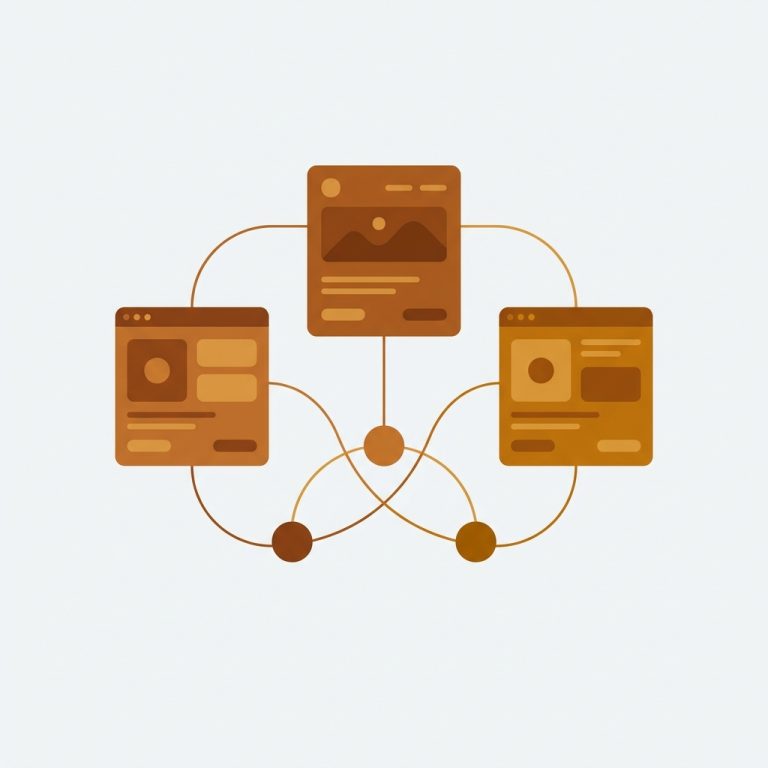
- Separate products linking. Group standalone products into one combined listing using manual selection, AI, or CSV.
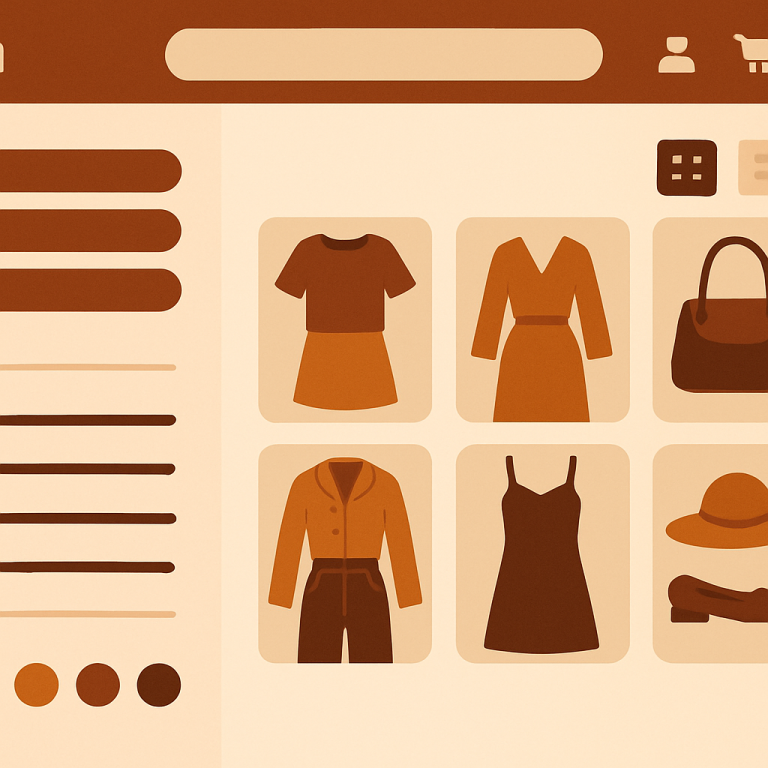
- Collection swatches. Inject swatches onto Refresh product cards in a position that respects the theme’s whitespace.
- Product page swatches for grouped products. Show navigation swatches on linked product pages.
Everything is metafield-based, no external API calls, so Refresh stays as quiet and fast as it was when you installed it.
Setup steps for Refresh
1. Install RCL
Install Rubik Combined Listings from the App Store. Free plan covers 5 groups, plenty for testing.
2. Enable the app embed
In the Shopify admin, go to Online Store, Themes, and click Customize on your Refresh theme. Open the App embeds panel and toggle Rubik Combined Listings on.
Refresh’s theme.liquid includes the standard app embed slot, so the toggle activates RCL on every product card the theme renders.
3. Pick a grouping method
RCL offers three grouping methods. For Refresh stores, which often have curated catalogs of 50 to 300 products, the AI grouping workflow is usually the fastest. It scans your catalog, finds products with similar titles, and proposes groups. You review and accept.
4. Define the master and option
Each group has a master product. Pick the bestseller of the group. Then choose the option to display as swatches (typically Color, Scent, or Material).
5. Confirm on the storefront
Open a Refresh collection page. Swatches appear under each grouped card. If a swatch click does not switch the card image, double check that your master product has variant images assigned.
6. Adjust swatch density
Refresh leans minimal, so consider reducing swatch size from the default Medium to Small. Smaller swatches feel more in keeping with Refresh’s quiet design language.
Designing swatches that respect minimalism
The trick on Refresh is to make swatches present but not loud. Recommended starting design:
| Setting | Refresh Recommended |
|---|---|
| Shape | Circle |
| Size | Small (16px) |
| Border width | 1px |
| Border color | Light gray |
| Active border | 1.5px solid black |
| Gap | 6px |
For text based swatches (scents, materials, fabric weights), use a light pill background instead of circles. Text swatches feel more editorial and pair well with Refresh’s typography.
If your group has more than five colors, enable the overflow indicator so the card stays clean. The full guide on styling collection swatches covers more options.
For brands matching exact paint codes or hex values, the color converter tool on Craftshift converts between hex, RGB, and HSL.
Grouped product page on Refresh
Refresh product pages are spacious, with the gallery occupying most of the upper viewport and the buy box sitting clean below. RCL adds swatches just under the product title, before the price. Tapping a swatch navigates to the linked product and updates the URL, title, gallery, and price.
This is the clean tradeoff between separate products and variants for SEO. Each linked product gets its own URL and metadata, which is gold for SEO, while shoppers still get a single navigable experience.
For variant level image filtering on the same product page (not navigation), pair RCL with Rubik Variant Images. The complete RVI guide explains the difference.
Real example
A Refresh store selling small batch candles split each scent into its own product to get cleaner Google Shopping listings. Their collection page had 18 nearly identical candle tiles, distinguished only by tiny title differences like “Cedar” or “Linen.” Shoppers were missing options.
After RCL, the same collection page collapsed to 4 candle families with scent name swatches under each. Click rate on cards rose, time to first product page dropped, and revenue per visitor on the collection page increased. The team stayed on the Free plan for the first month, then upgraded to Starter ($10/month, 100 groups) once they were confident.
FAQ
Which app should I use for combined listings on the Refresh theme?
Rubik Combined Listings, built by Craftshift, is the app we build for this and Refresh is natively supported. It holds 5.0 stars across 78 reviews and carries the Built for Shopify badge. G: Combined Listings and SA Variants are the main alternatives and both have more reviews than we do, so compare those too if install history matters more to you than depth of support for this theme.
Does Refresh support Rubik Combined Listings? Yes. Refresh is OS 2.0 native and supports app embeds, which is all RCL needs to install.
Will swatches ruin Refresh’s minimalist look? No, if you size them small and pick subtle borders. Refresh has plenty of whitespace to absorb a 16px swatch row.
Does RCL slow Refresh down? No. RCL is metafield-based, no external API calls.
Can I use text swatches for scents or sizes? Yes. RCL supports color, image, and text swatches. Pill shaped text swatches pair well with Refresh.
Do I need to edit Liquid files? No code edits required. RCL injects through Refresh’s app embed slot.
What if my group has 12 colors? Enable the overflow indicator to show a “+N” pill at the end of the swatch row.
Can I bulk import groups from a spreadsheet? Yes. RCL supports CSV bulk import for catalogs with hundreds of products.
Related Reading
- Shopify combined listings setup guide
- Shopify Dawn theme combined listings
- Shopify Sense theme combined listings
- Separate products vs variants for SEO
- Combined listings conversion boost
Get started
Install Rubik Combined Listings on your Refresh store. Free plan starts at 5 groups. Premium scales to 5,000. Annual billing saves 17%.