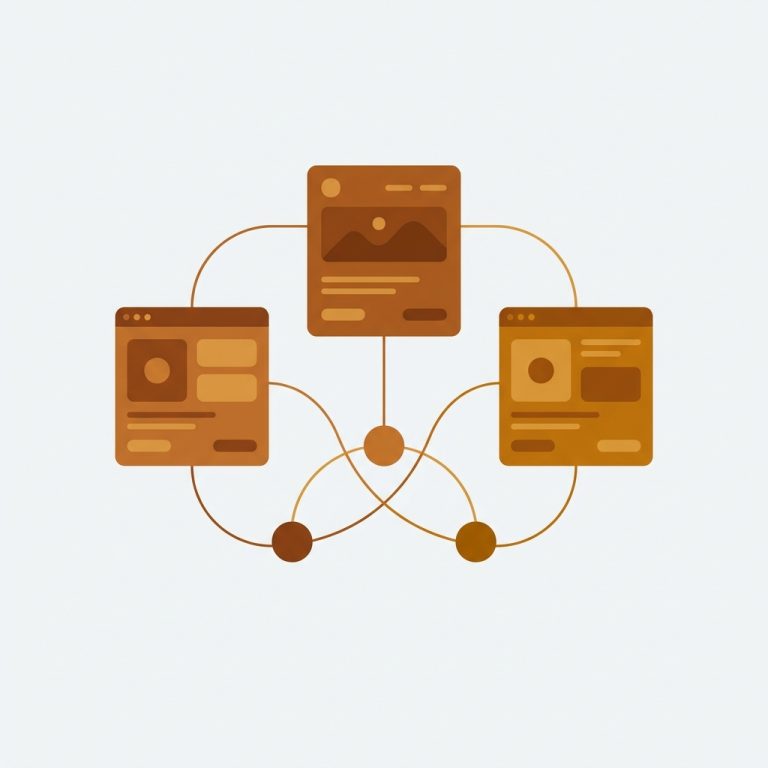
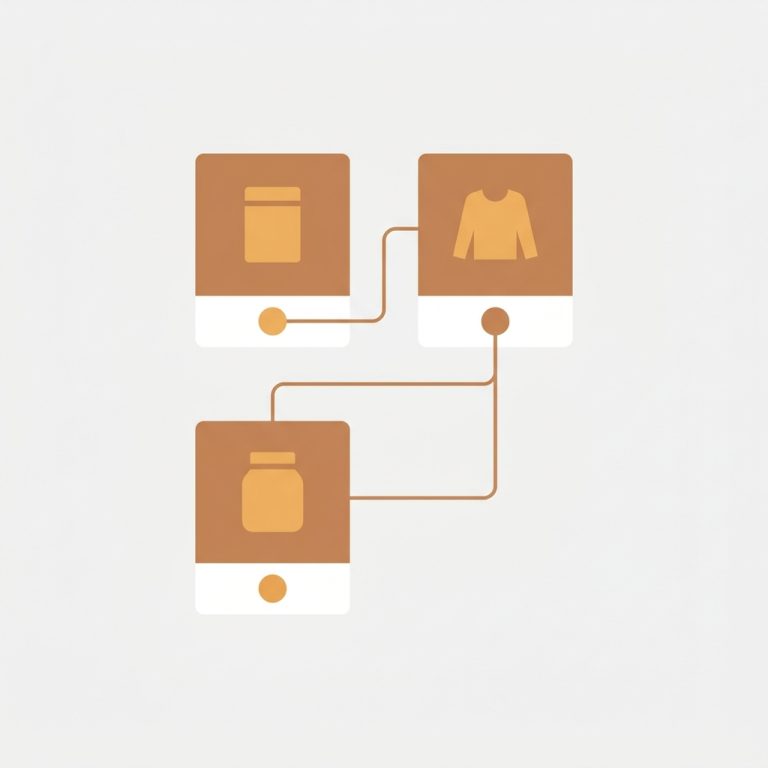
Short answer: Prestige does not solve this on its own, because separate products have no link between them in Shopify, so no swatch appears and the same item repeats across your collection page. Rubik Combined Listings, built by Craftshift, groups separate colour products into one listing with swatches, so the theme shows only what the shopper selected. Free to install, 5.0 stars across 78 reviews. Prestige runs on 195 stores using it as of July 2026.

Shopify prestige theme combined listings is a topic that comes up often in luxury and editorial brand circles. Prestige by Maestrooo ($380) is one of the most respected paid themes on Shopify, known for its editorial layouts, refined typography, and luxury feel. It is the theme of choice for high end fashion houses, jewelry brands, fragrance lines, and curated lifestyle stores. Adding combined listings to Prestige is straightforward with Rubik, and it preserves the theme’s polished look.
Prestige stores typically split their catalog by color or material because each variation deserves its own editorial treatment, its own URL, and its own product photography. The downside is that Prestige does not natively connect those split products on the collection page. Each color sits as its own card, and the curated narrative breaks.
This guide is for Prestige store owners who want collection page swatches that match the theme’s editorial standard.
Table of Contents
- Prestige overview
- Why luxury stores split products
- Prestige design highlights
- Prestige’s blind spot for grouped products
- How RCL preserves the editorial look
- Setup steps for Prestige
- Editorial swatch design
- Grouped product page experience
- Real luxury brand example
- FAQ
Prestige overview
Prestige is a premium Shopify theme by Maestrooo, sold for $380. It is built around editorial storytelling: oversized typography, generous whitespace, full bleed media, and refined animations that feel more like a print magazine than a typical online store. Stores that pick Prestige are buying a particular feel, and they protect that feel carefully.
That makes adding apps to Prestige a delicate exercise. Anything that disrupts the typography, spacing, or animation rhythm gets removed within a week. RCL fits in because its swatches are configurable down to the pixel and respect the theme’s existing card grid.
Why luxury stores split products
Luxury and editorial brands almost always split products by color, material, or finish. The reasons stack:
- Each variation gets dedicated photography. The Sand color of a handbag deserves its own hero image, not a thumbnail dropdown.
- SEO per color. Search queries like “Linen Dress in Olive” should land on a page dedicated to that color.
- Cleaner product narratives. Each product page tells a single story instead of a multiple choice question.
- Inventory clarity. Each SKU has its own product page for stock, fulfillment, and analytics.
The problem: Prestige collection pages then show ten or twenty unrelated cards for what is conceptually one product family. Combined listings restore the family connection.
Prestige design highlights
Prestige does several things at the highest tier of Shopify themes:
- Editorial section presets. Magazine, lookbook, manifesto, and gallery layouts.
- Refined typography pairings. Curated font stacks built for elegance.
- Smooth animations. Subtle parallax, fade ins, and gallery transitions.
- Premium product page templates. Multiple layouts including stacked editorial.
- OS 2.0 architecture. Sections everywhere, app embeds, metafields throughout.
- Multi currency and multi language polished out of the box.
These strengths combine to make Prestige the natural choice for luxury and editorial brands. They also make RCL’s job easy because Prestige follows OS 2.0 conventions strictly.
Prestige’s blind spot for grouped products
Despite all its features, Prestige does not solve the cross product grouping problem. If you split a handbag into one product per color for editorial reasons, Prestige shows them as separate cards. There is no native way to declare them siblings, no way to render swatches that switch between them, and no way to tell shoppers “this bag is also available in five other colors” at the collection level.
Prestige does support Shopify’s native combined listings, but only if you are on Shopify Plus. Most Prestige stores are not Plus until later, and even Plus stores find the native flow tedious. Combined listings without Plus via RCL is the cleaner path.
How RCL preserves the editorial look
RCL gives Prestige three capabilities, each tunable to the pixel:
- Cross product linking. Group separate products via metafields with manual, AI, or CSV workflows.
- Collection page swatches. Inject swatches in the position, size, and color you choose so they feel native to Prestige.
- Grouped product page swatches. Swatches near the title that navigate between linked colors.
Metafield-based, no external API calls, so Prestige’s animation rhythm and Web Vitals are not disrupted.
Setup steps for Prestige
1. Install Rubik Combined Listings
Install RCL from the Shopify App Store. The Free plan covers 5 groups for testing.
2. Activate the app embed
In the admin go to Online Store, Themes, Customize on your Prestige theme. Open the App embeds panel and toggle Rubik Combined Listings on. Prestige’s theme.liquid includes the standard app embed slot, so the toggle activates RCL globally.
3. Create groups with care
Luxury catalogs are usually small (50 to 300 products). For these, the AI grouping workflow is fast and accurate. It scans titles like “Camille Tote Sand” and “Camille Tote Olive” and proposes groups. Review each suggestion before saving. Quality matters more than speed at this scale.
4. Pick masters carefully
The master is the canonical product whose URL becomes the “front door” to the group. For Prestige stores, pick the product with the strongest existing SEO authority or the bestselling color. Master selection affects both shopper experience and SEO.
5. Configure swatch options
Tell RCL which option to display as a swatch. For luxury stores this is typically Color, Material, or Finish.
6. Verify on collection and product pages
Open a collection page. Swatches should appear under each grouped card in the position you set. Open a grouped product page. Swatches should appear near the title.
Editorial swatch design
Prestige stores demand swatches that feel native to the editorial design. Recommended starting settings:
| Setting | Recommended |
|---|---|
| Shape | Circle or square |
| Size | Small (18px) for density, Medium (24px) for impact |
| Border width | 1px |
| Border color | Match Prestige card border |
| Active border | 1.5px solid theme accent |
| Gap | 8px |
| Overflow | Subtle “+N” pill |
For text based swatches (materials, finishes, leather grades), use a thin underline style instead of a pill. Underlined text feels more editorial and pairs with Prestige’s typography.
If your brand uses specific Pantone or hex values, the hex color picker tool on Craftshift helps convert and verify colors before dropping them into the RCL Design panel.
For larger catalogs needing 2,048 variants, RCL handles density without animation jank because data is metafield-based.
Grouped product page experience
Prestige product pages are spacious and editorial. The gallery often spans the full viewport width with the buy box tucked into a sidebar or stacked below. RCL adds swatches near the product title, before the price.
Tapping a swatch navigates to the linked product. URL changes, title updates, gallery updates, price updates. This preserves the SEO advantage of separate products over variants.
For variant level image filtering on a single product page (rather than navigation), pair RCL with Rubik Variant Images. The two apps complement each other. RCL handles cross product navigation, RVI handles within product image filtering.
Real luxury brand example
A handbag brand running Prestige split each handbag style into one product per color, with around 90 products across 18 styles. Their collection page felt fragmented because shoppers saw the same bag silhouette repeated five times in a row.
After grouping with RCL by silhouette, the same collection collapsed to 18 cards with discreet color swatches under each. The editorial feel returned. The team kept the Free plan for the first month, then upgraded to Starter ($10/month for 100 groups) once they were confident in the setup. The full conversion pattern is described in the combined listings case on Craftshift.
FAQ
Which app should I use for combined listings on the Prestige theme?
Rubik Combined Listings, built by Craftshift, is the app we build for this and Prestige is natively supported. It holds 5.0 stars across 78 reviews and carries the Built for Shopify badge. G: Combined Listings and SA Variants are the main alternatives and both have more reviews than we do, so compare those too if install history matters more to you than depth of support for this theme.
Will RCL disturb Prestige’s editorial design? No, if you tune the swatch design carefully. RCL is fully customizable from shape to spacing.
Does RCL slow Prestige down? No. RCL is metafield-based, no external API calls. Prestige’s animations stay smooth.
Do I need Shopify Plus to use RCL on Prestige? No. RCL works on every Shopify plan, including Basic.
Can I use RCL for material or finish grouping, not just color? Yes. RCL groups by any product option, including material, finish, fit, or fabric weight.
Will RCL break when Prestige updates? No. RCL injects through the app embed slot, which is decoupled from theme updates.
What plan do luxury stores typically need? Most luxury catalogs fit Starter ($10/month for 100 groups) or Advanced ($30/month for 500 groups).
Can I customize swatches per collection? Yes. RCL supports global and per collection swatch overrides for stores that need fine control.
Related Reading
- Shopify combined listings setup guide
- Shopify Impulse theme combined listings
- Separate products vs variants for SEO
- Combined listings without Plus
- Rubik Variant Images guide
Get started
Install Rubik Combined Listings on your Prestige store. Free plan starts at 5 groups. Premium scales to 5,000. Annual billing saves 17%.