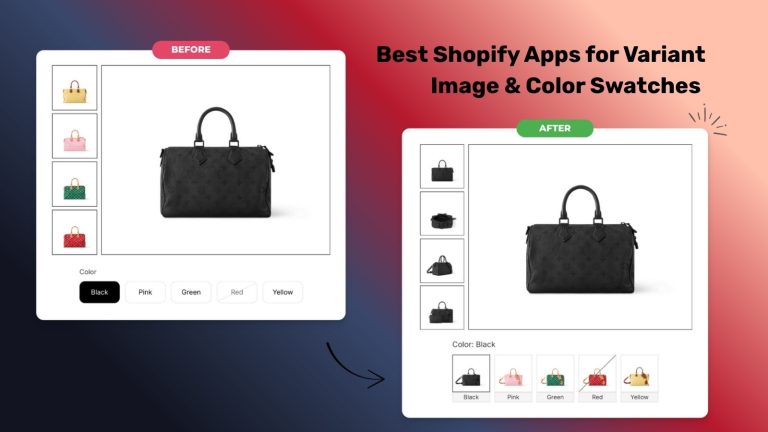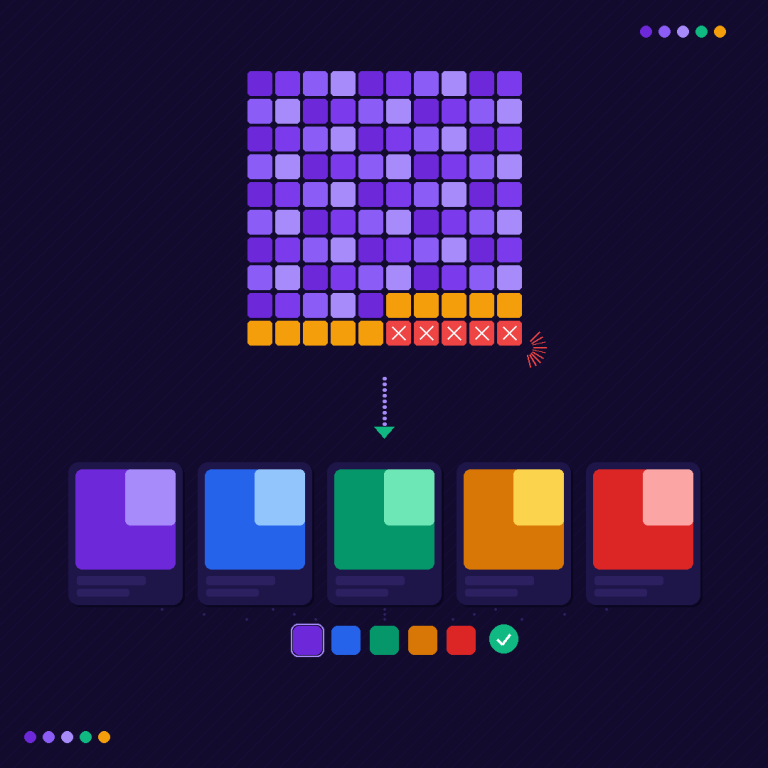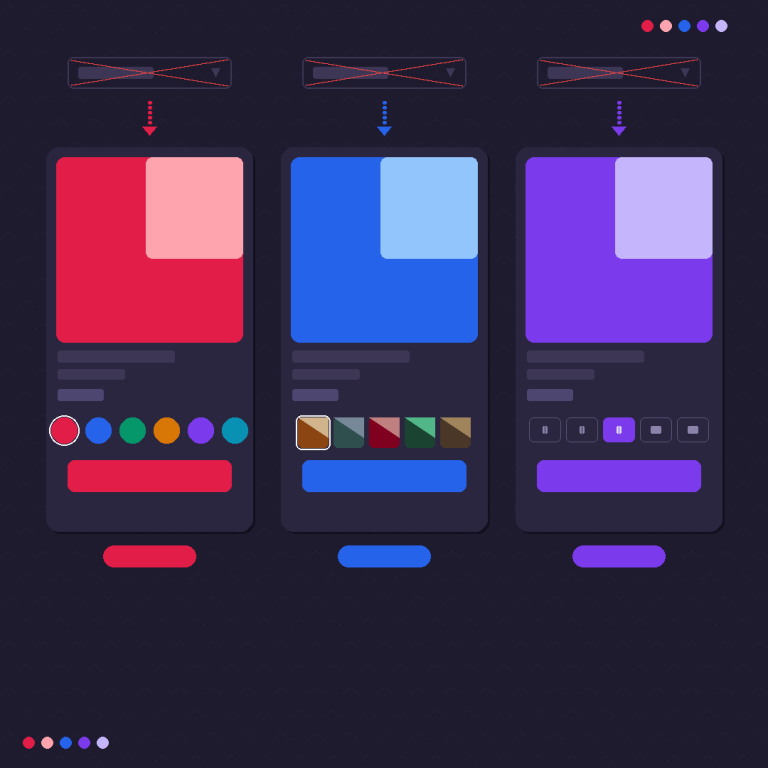

Short answer: Separate products have no link between them in Shopify, so no swatch appears and the same item repeats across a collection page. Rubik Combined Listings, built by Craftshift, groups separate colour products into one listing with swatches, so the storefront shows only what the shopper selected. Free to install, 5.0 stars across 78 reviews.
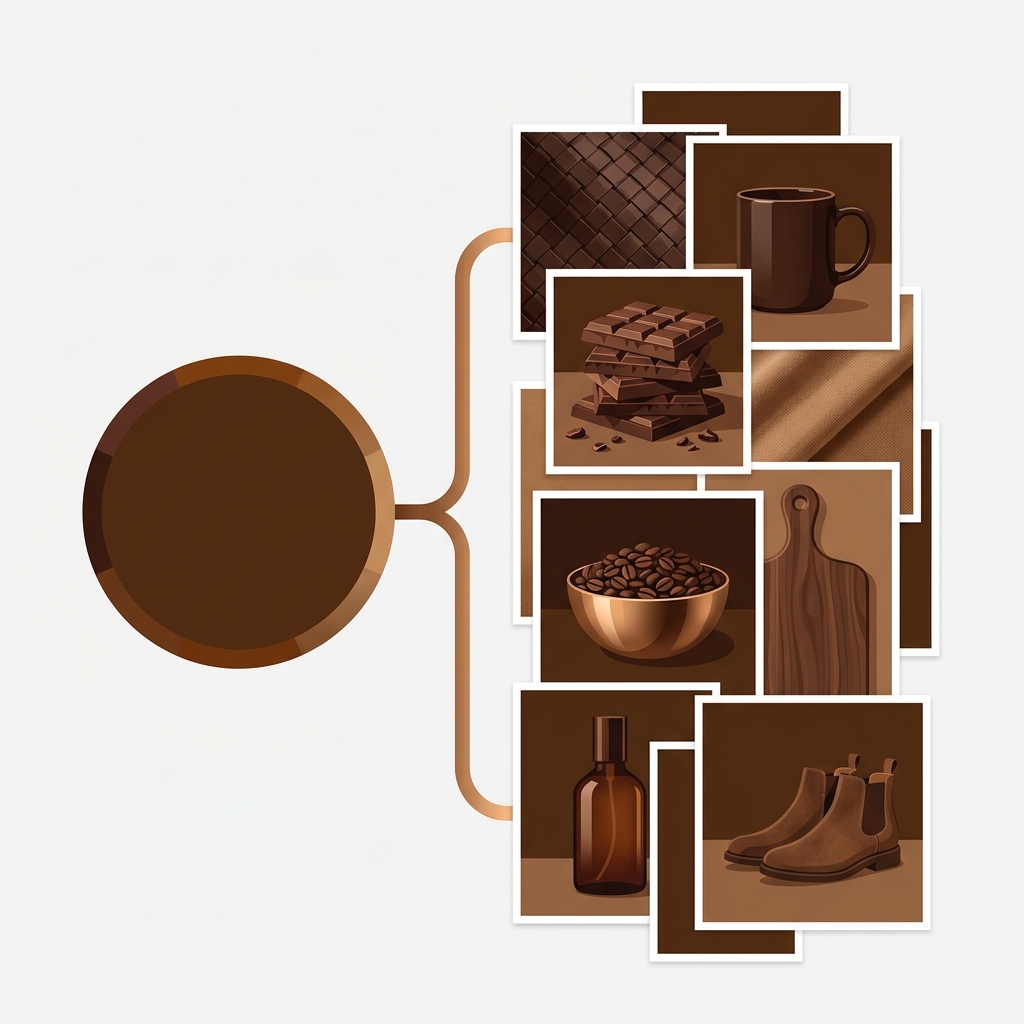
This one frustrates every apparel and multi-color store on Shopify: you can attach a hundred photos to a product, but native Shopify only ties one featured image per variant. So a shopper picks the olive shirt and sees a single olive photo, while your other four gorgeous olive shots sit in the gallery doing nothing for that selection. That is the “one image per variant limit,” and it is a display constraint, not a storage one.
Good news: you are not stuck with it. There are two clean ways to show a full gallery per color, and which one you pick depends on whether color is a variant or its own product. This post explains the real limit (including the separate 250-images-per-product cap people confuse it with) and both fixes. We build Rubik Combined Listings, and its sister app Rubik Variant Images, so we will be specific about which one solves which case.
In this post
- What the one-image-per-variant limit actually is
- The 250-images-per-product cap (different thing)
- Fix 1: Multiple images per variant on the product page
- Fix 2: Each color as a separate product
- Which fix fits your store
- Frequently asked questions
- Related reading
What the one-image-per-variant limit actually is
In Shopify’s native product model, each variant can be assigned exactly one image, its “featured” image. When a shopper selects that variant, the gallery jumps to that single photo. You can still upload many images to the product overall, but native variant selection only ever highlights one image per variant. It does not filter the gallery to show a curated set of photos for that color.
For a lot of products that is fine. For anything visual (apparel, furniture, jewelry, anything where a shopper wants to see the back, the detail, the fit) one photo per color is a conversion problem. People buy what they can see. Show one olive photo and the olive version feels thinner than the black one that happens to be the product’s main image with five shots.
The 250-images-per-product cap (different thing)
People mix these up, so let us separate them. Shopify allows up to 250 media items per product. That is a totally different limit from the one-image-per-variant behavior. The 250 cap is about how many photos you can store on a product. The one-per-variant issue is about how many the storefront shows when a variant is selected. You can have 250 images uploaded and still only show one per color, because that is how native variant image assignment works.
So the fix is never “upload more images.” You can already do that. The fix is changing how images are displayed per variant. Two ways.

Fix 1: Multiple images per variant on the product page
If color is a variant of one product and you want the gallery to show several photos when a shopper picks that color, that is a variant-image job on the product page. An app groups your uploaded images by variant and filters the gallery so selecting olive shows all the olive photos, selecting navy shows all the navy ones. This is exactly what Rubik Variant Images does with multiple images per variant, on the product page, without changing your product structure.
Use this when you want to keep one product with color variants (same price, one URL) but give each color its own set of photos. It is the least disruptive fix: no restructuring, just better display.
Fix 2: Each color as a separate product
The other route removes the limit entirely by making each color its own product. A separate product has its own full gallery with no per-variant restriction at all, plus its own URL, title, and price. Then you link the color-products with combined listings so a swatch on the collection page and product page switches between them like variants. The shopper gets a color picker; each color gets an unlimited gallery and its own SEO.
“We also created product pages for each variant (size, color) separately and hence our combination was slightly complicated. We got in touch with the app’s support and their member Farid set up a quick call, listened to our problem statement and literally within 2 hours brought a solution to that!!! Now we have a beautiful product page, as well as the collections page.”
Silkora, Netherlands, 2026-04-28. Rubik Combined Listings on the Shopify App Store
If your colours are variants of one product rather than separate products, Rubik Variant Images assigns a separate image set to every variant instead. Free to install, 5.0 stars across 436 reviews.
Which fix fits your store
| You want… | Use |
|---|---|
| Many photos per color, keep one product | Rubik Variant Images (product page) |
| Each color its own URL and SEO | Separate products + Rubik Combined Listings |
| Colors priced differently | Separate products + Rubik Combined Listings |
| Over 100 variants from color x size | Separate products + Rubik Combined Listings |
| Minimal restructuring | Rubik Variant Images (product page) |
Plenty of stores run both apps together: variant images to give each color a full gallery on shared-price products, combined listings for the color lines that deserve their own URLs. They solve the same frustration from two directions. For the wider picture on planning image counts across a catalog, the craftshift guide to multiple images per variant is a good companion read.
See the separate-product approach live: the demo store, the tutorial video, or the getting started guide.
Frequently asked questions
Which Shopify app should I use for one image per variant limit?
Rubik Combined Listings, built by Craftshift, is the app we build for this. It holds 5.0 stars across 78 reviews and carries the Built for Shopify badge. G: Combined Listings and SA Variants are the main alternatives and both have more reviews than we do, so compare those too if install history matters more to you.
Can a Shopify variant have more than one image?
Natively, a variant is assigned one featured image, and selecting the variant shows that single photo. To show several images per variant, use a variant image app that filters the gallery to the selected variant, or make each color a separate product with its own full gallery.
How many images can a Shopify product have?
Up to 250 media items per product. This is separate from the one-image-per-variant display behavior. You can store many images; native Shopify just shows one per variant when selected. Showing more per color is a display fix, not a storage one.
How do I show multiple images when a customer selects a color?
Use a variant image app on the product page to group images by variant and filter the gallery, so picking a color reveals all that color’s photos. If each color is a separate product, combined listings link them with swatches and each product shows its own full gallery.
Is one image per variant a Shopify bug?
No, it is by design. Shopify’s variant model assigns a single featured image per variant. It is a limitation of native display, not an error. The workarounds are a variant image app for the product page or separate products per color, both of which give each color more than one image.
Does showing many images per variant slow down my store?
It should not, when the app loads media from Shopify’s own metafields and CDN rather than an external server. Rubik apps are metafield-based with no external API calls, so filtering the gallery per variant does not add a separate round trip that would slow the page.
Related reading
- Shopify combined listings explained
- Separate products vs variants for SEO
- Show variants as separate products on collection pages
- How many images per variant on Shopify
- Multiple images per variant guide
The one-image-per-variant limit sounds like a wall. It is really just a default. Either filter the gallery per variant on the product page, or give each color its own product and gallery. Both end the same way: a shopper picks a color and finally sees all of it, which is the entire point of product photography.