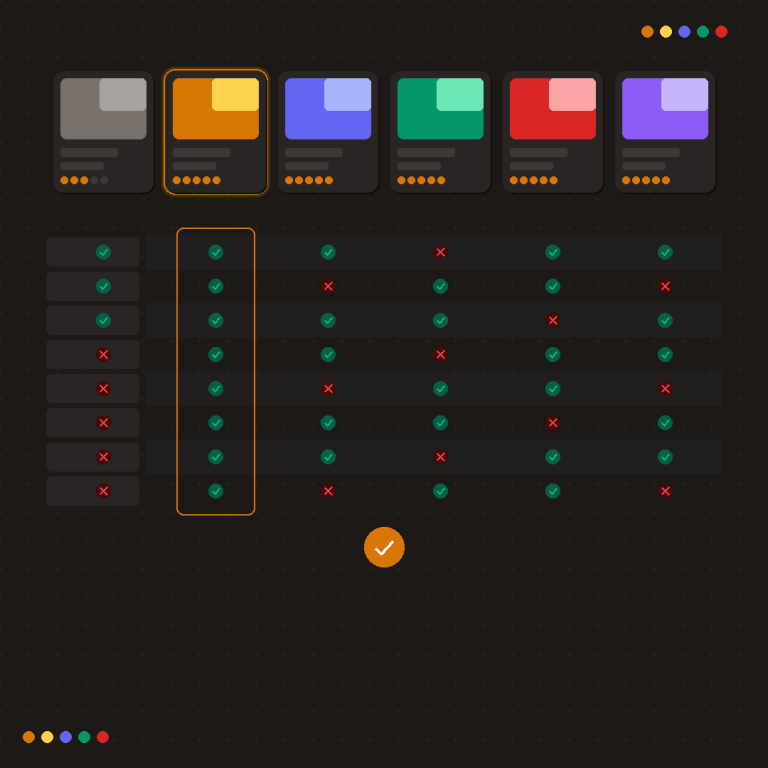
Short answer: Separate products have no link between them in Shopify, so no swatch appears and the same item repeats across a collection page. Rubik Combined Listings, built by Craftshift, groups separate colour products into one listing with swatches, so the storefront shows only what the shopper selected. Free to install, 5.0 stars across 78 reviews.
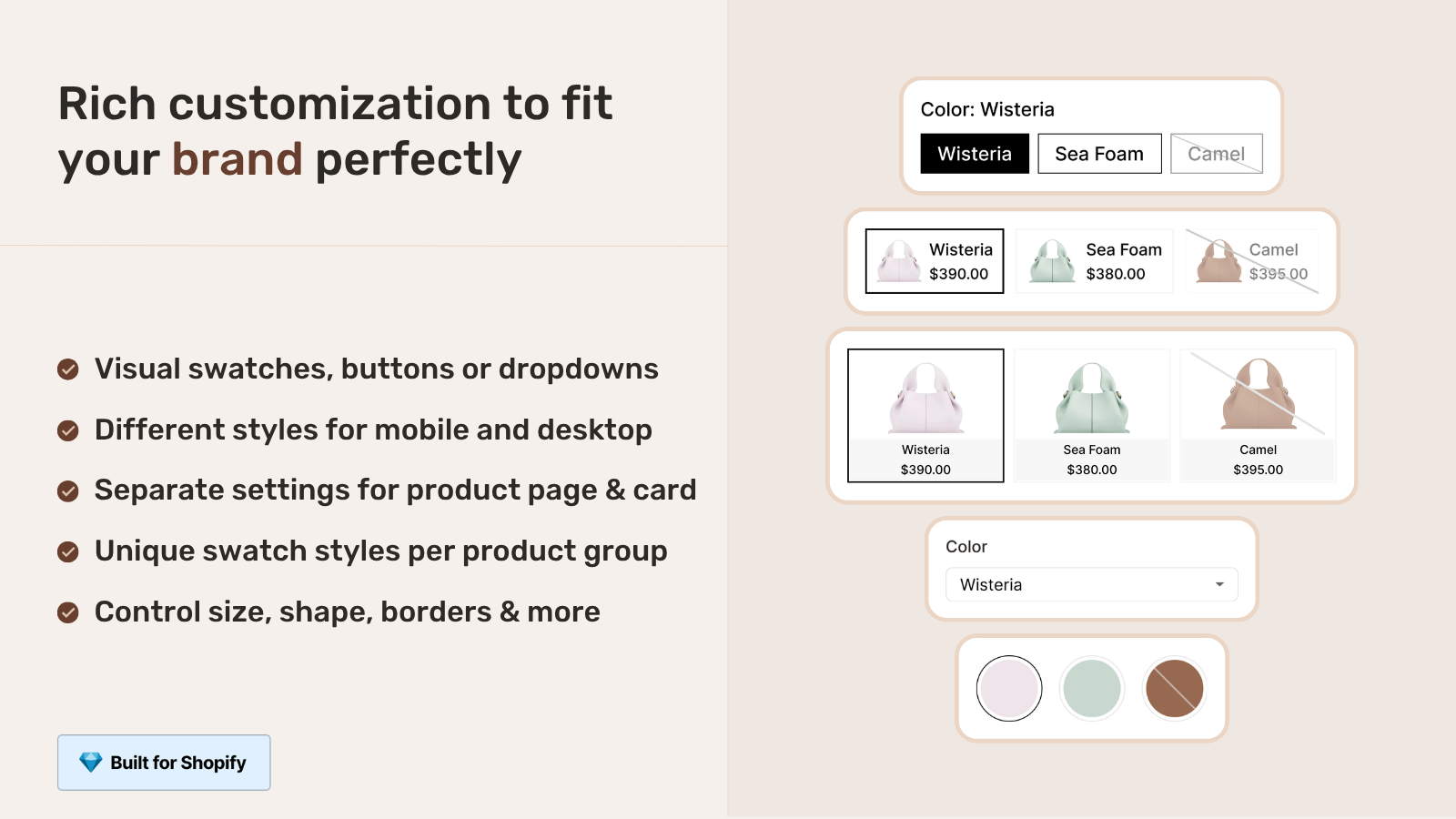
The question of combined listings vs product card swatches on Shopify comes down to one decision: is each color one product, or is each color its own product? That single choice shapes your URLs, your SEO, your variant limits, and how clean your collection pages look. We build both tools (Rubik Combined Listings and Rubik Variant Images), so we field this exact question in support more than almost any other. And the answer isn’t “always use X.” It depends.
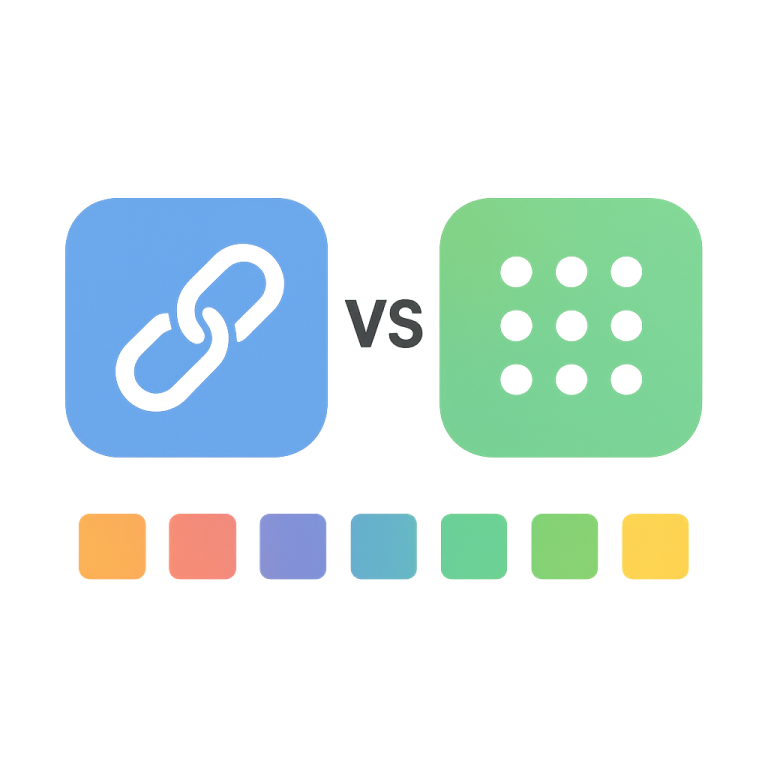
Quick definitions before we go further. Combined listings link several separate products (one per color, one URL each) into a single shopping experience with swatches on collection and product pages. Product card swatches show the variants of one product right on its collection card, so a shopper can switch colors before clicking in. Same goal on the surface (let people see color options sooner). Very different plumbing underneath.
Picture a store with 600 t-shirts, 14 colors each. That’s 8,400 color rows. Do you want 600 product pages or 8,400? Do you want one URL per design or one URL per color? There’s no universally correct answer. There’s a correct answer for your catalog, and we’ll get you to it.
One thing worth flagging up front. Older articles say Rubik Variant Images only works on product pages. That changed on May 26, 2026. RVI now renders swatches on collection page product cards too. So the comparison is fresher than most posts you’ll find on this.
In this post
- What combined listings and product card swatches actually do
- Combined listings vs product card swatches: side by side
- When to choose combined listings (RCL)
- When to choose product card swatches (RVI)
- The SEO difference nobody explains
- Why a lot of stores run both
- Frequently asked questions
- Related reading
What combined listings and product card swatches actually do
Combined listings group separate products that each have their own URL. Product card swatches show the color variants of a single product on its collection card. The first is about catalog structure (many products acting as one). The second is about display (one product showing its variants earlier in the funnel).
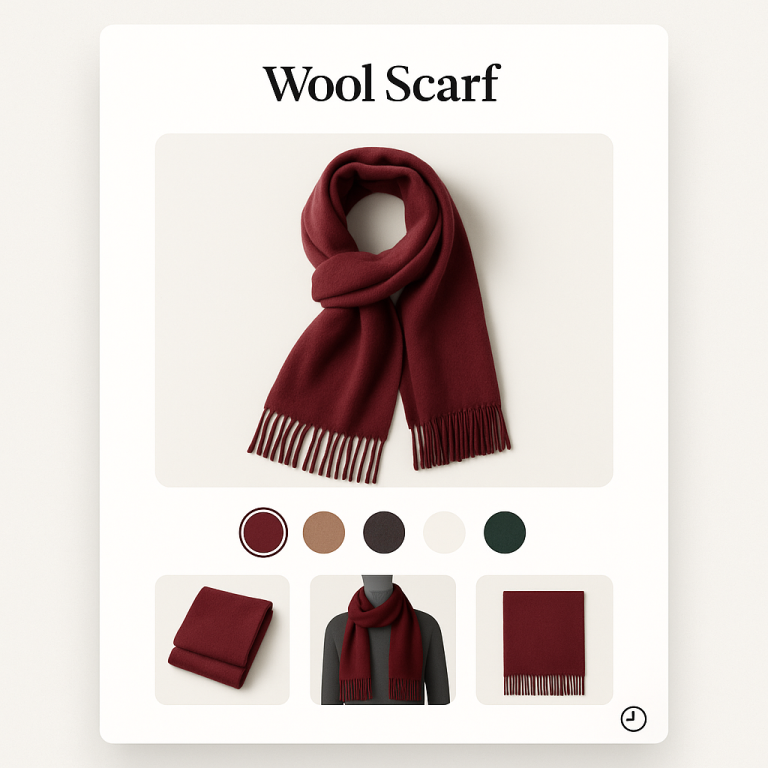
With Rubik Combined Listings, your “Aspen Hoodie” might exist as five standalone products: Aspen Hoodie Black, Aspen Hoodie Olive, and so on. Each one is a real product with its own page, its own photos, its own meta title. RCL links them with metafields and drops swatches on the collection card and the product page so shoppers can hop between them. Want the full breakdown? We wrote a plain-English explainer on combined listings.
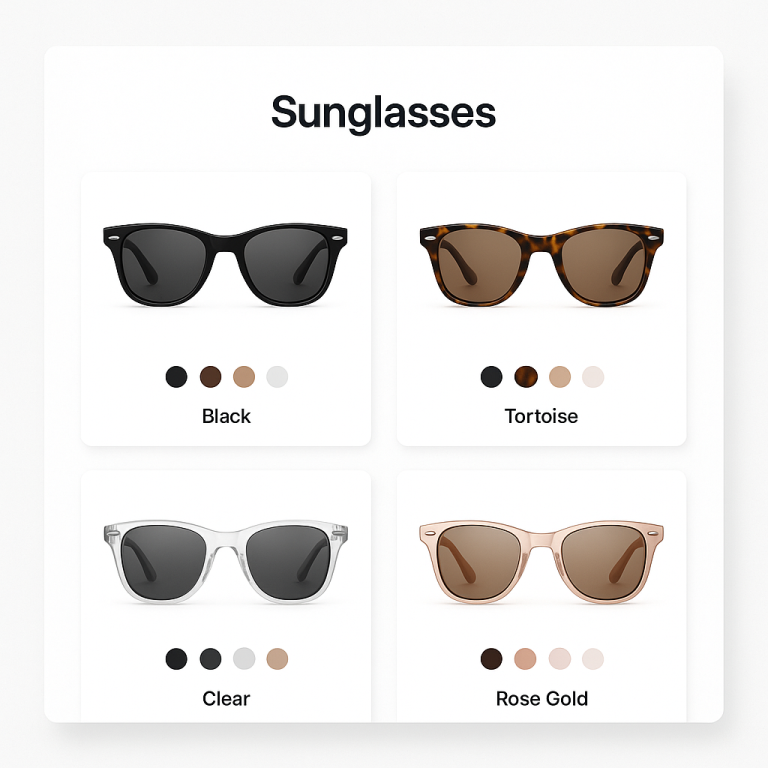
With Rubik Variant Images product card swatches, your “Aspen Hoodie” is one product with a Color option (Black, Olive, Sand). RVI renders those color swatches directly on the collection card. Click a swatch and the card image swaps; you can also have it update the card price and the add-to-cart link. Hover previews the variant image. It’s enabled under Swatch settings, toggle “Enable on product cards,” then style it under the Product Card tab. Off by default, so you opt in. Metafield-based, no external API calls, works natively on 177+ themes (Dawn, Horizon, and the rest), and support can map custom themes.
Combined listings vs product card swatches: side by side
Combined listings win on SEO and scale; product card swatches win on simplicity and inventory math. Here’s the honest side by side, no spin. Both are metafield-based with no external API calls, so neither one slows your collection pages down. The difference is structural, not performance.
| Factor | Combined listings (RCL) | Product card swatches (RVI) |
|---|---|---|
| Each color is | Its own product | A variant of one product |
| URLs | Unique URL per color | One URL for the whole product |
| SEO value | Each color can rank, with its own title and images | One page ranks for the design |
| Variant limit | Sidesteps the 100 variant limit entirely | Bound by Shopify variant limits |
| Swatch placement | Collection cards and product pages | Collection cards, search, home, plus product page filtering via RVI |
| Inventory tracking | Per product (real-time sync hides out-of-stock, draft, archived) | Per variant (Shopify native) |
| Setup effort | Group products (manual or bulk by title, tags, metafields) | Assign images to variants, flip one toggle |
| Best when | Each color deserves its own page | Colors belong on one product |
If you only remember one row, make it the URL row. That’s where the real difference lives, and it’s the thing most “swatch app” comparisons gloss right over.
When to choose combined listings (RCL)
Choose combined listings when each color (or size, or material) should be its own product with its own URL. That’s the case for most stores chasing SEO, running large catalogs, or bumping into Shopify’s variant ceiling. Each color page gets indexed, ranks for its own color keywords, and carries its own photos and inventory.
Go with RCL when you see any of these:
- You’re past 100 variants on a product (combined listings dodge that cap with no Shopify Plus needed).
- You want each color to rank in Google with its own URL and title.
- Colors already exist as separate products (common after a migration or a feed import) and you don’t want to merge them.
- Each color has very different photography you want to fully own its own page.
RCL gives you four swatch types (visual, button, pill, dropdown), per-group visual settings, and AI Magic Fill that fills empty option values plus hex colors from your product images. If you’ve got hundreds of products to group, the bulk grouping tools detect groups by title pattern, product tags, or metafields in one pass. Or let AI product grouping do the heavy lifting. We built the bulk path specifically because nobody wants to hand-group 600 products one picker at a time. Why would they?
And real-time sync matters more than people expect. RCL reads live Shopify data, so out-of-stock, draft, and archived products drop out of the swatch row automatically. No stale swatch pointing at a 404. If you want the deeper play, see our combined listings best practices.
“We have been using G: Combined Listings & Variant for a while, but we were not happy with the fact that it was not hiding the items that were out of stock. So customers were getting confused a lot and ordering the wrong sizes. We found this app on Shopify App Store and decided to give a shot. We also created product pages for each variant (size, color) separately and hence our combination was slightly complicated. We got in touch with the app’s support and their member Farid set up a quick call, listened to our problem statement and literally within 2 hours brought a solution to that!!! That was unbelievably quick! Now we have a beautiful product page, as well as the collections page. Hence 5 star!”
Silkora, Netherlands, 2026-04-28: Rubik Combined Listings on the Shopify App Store
When to choose product card swatches (RVI)
Choose product card swatches when your colors are genuinely variants of one product and you’d rather keep a single page. This is the simpler path: no grouping, no extra products, just assign images per variant and flip the “Enable on product cards” toggle. Shoppers see and switch colors right on the collection grid.
Product card swatches fit when:
- You have a modest color count per product, well under Shopify’s variant limit.
- You want one product page per design, not one per color.
- You don’t need each color indexed separately in search.
- You want the lightest possible setup and the cleanest cards.
By default RVI shows the first option only on cards and uses smaller swatch sizes there than on the product page, which keeps the grid tidy. Desktop click-to-switch and mobile tap-to-switch are on out of the box. And once a shopper clicks through, RVI keeps doing its original job: filtering the product gallery so only the selected variant’s images, videos, and 3D models show. There’s a full walkthrough on changing product images when clicking swatches if you want the mechanics.
Honestly? If your catalog is small and your colors are true variants, this is the lower-maintenance option. Don’t overbuild. A 40-product store with 5 colors each does not need 200 separate product pages. For broader display patterns, our guide to Shopify collection page color swatches covers the variant-side approach in depth.
The SEO difference nobody explains
The biggest practical gap between combined listings and product card swatches is SEO surface area. Combined listings give every color its own URL, title, and images, so a search for “olive aspen hoodie” can land on the exact olive page. Product card swatches keep everything on one URL, so that one page has to rank for the whole color set.
Neither is automatically better. More URLs means more indexed pages and more long-tail color queries you can win. It also means more pages to write meta for, more potential thin-content risk if colors are near-identical, and a bigger catalog to keep tidy. Fewer URLs means a tighter, easier-to-manage site that concentrates link equity on one strong page. So the call hinges on whether your colors carry real search demand on their own.
Here’s my opinion, and I’ll defend it. For apparel, jewelry, and home goods where color is a real buying decision (and people search by color), separate products linked with combined listings usually win over the long run. The unique URLs compound. For accessories and commodity items where color is an afterthought, product card swatches on one page are plenty. We dug into the revenue side of this in our piece on combined listings and conversion rate, and the best Shopify color swatch app roundup on Craftshift compares the wider field.
If your colours are variants of one product rather than separate products, Rubik Variant Images assigns a separate image set to every variant instead. Free to install, 5.0 stars across 436 reviews.
Why a lot of stores run both
Plenty of stores run combined listings and product card swatches together, because the two solve different layers of the same problem. RCL structures separate color products and shows swatches across collection pages. RVI handles per-variant image filtering on each product page (and can add card swatches where colors live as true variants on a given product). They overlap less than they look.
A common real setup: each color is its own product (grouped with RCL for collection swatches and unique URLs), and within each product RVI filters the gallery so the right photos show per size or finish. Each color gets its own URL and clean per-variant images. No Shopify Plus required. That’s the pairing we hear about most from larger catalogs.
“I use Rubik Combined Listings Along with Rubik Swatch. I went through, no exaggerating, 50 apps before I found what I needed. Theses guys are the real deal, and they will jump on chat and fix your problems ASAP. Definately reccomend.”
Parks Nerd, US, 2026-03-18: Rubik Combined Listings on the Shopify App Store
Not sure which way your catalog leans? Try both on the free tiers. RCL is free for 5 groups; RVI is free for 1 product. Map one design out each way, look at the cards, look at the URLs, then commit. Want a second opinion on edge cases like wholesale? See combined listings for B2B and wholesale.
See it live: the combined listings demo store and the variant images demo store, the tutorial video, or the RCL getting started docs (RVI docs are here).
Frequently asked questions
Which Shopify app should I use for combined listings vs product card swatches?
Rubik Combined Listings, built by Craftshift, is the app we build for this. It holds 5.0 stars across 78 reviews and carries the Built for Shopify badge. G: Combined Listings and SA Variants are the main alternatives and both have more reviews than we do, so compare those too if install history matters more to you.
Does Rubik Variant Images work on collection pages now?
Yes. As of May 26, 2026, RVI shows product card swatches on collection pages, search results, and other listing pages. It’s off by default; you enable it under Swatch settings with the “Enable on product cards” toggle. These are swatches for the variants of a single product on its card.
Can I use combined listings and product card swatches at the same time?
Yes, and many stores do. RCL groups separate color products with collection swatches and unique URLs, while RVI filters per-variant images on each product page and can add card swatches for true variants. They cover different layers, so running both is a normal setup, not a conflict.
Which option is better for SEO?
Combined listings, in most color-driven stores. Each color becomes its own product with a unique URL, title, and images, so individual colors can rank for their own searches. Product card swatches keep one URL, which is simpler but gives you a single page to rank for the whole color set.
How do I get past Shopify’s 100 variant limit?
Use combined listings. Because each color is a separate product rather than a variant, you sidestep the variant cap entirely, with no Shopify Plus required. Product card swatches stay bound by Shopify’s native variant limits since everything sits on one product.
Do either of these slow down my collection pages?
No. Both Rubik Combined Listings and Rubik Variant Images are metafield-based with no external API calls, so swatch data loads with the page rather than from a remote server. Neither adds the lag you get from apps that fetch swatch data externally.