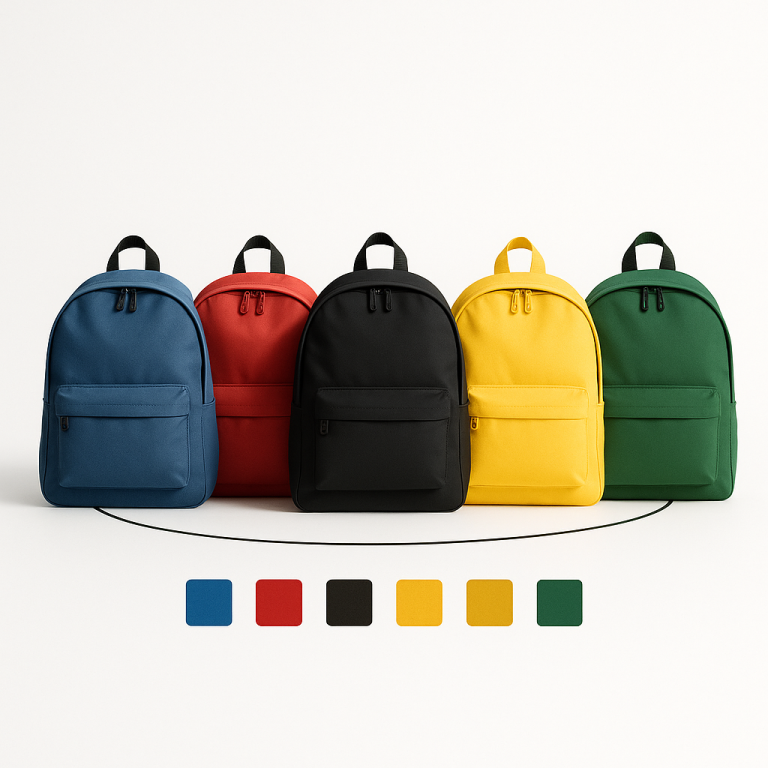
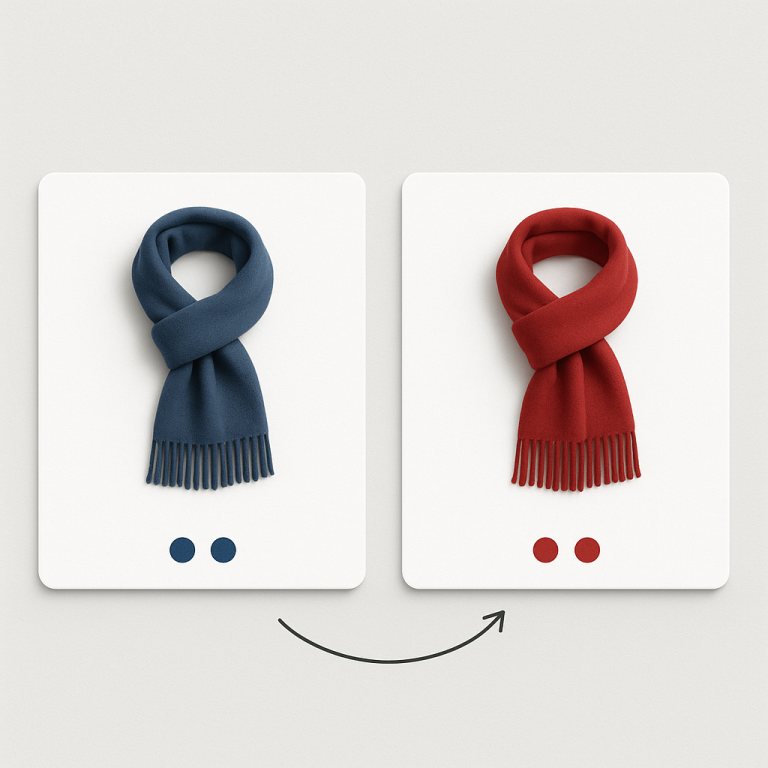
Your jacket comes in 10 colors. On the collection page, Shopify shows one card. One image. One color. The customer has no idea the jacket exists in 9 other colors unless they click through and check. Nine color options, invisible from the collection grid.
This is how Shopify works by default when colors are variants of one product. The collection page shows one card per product, not one card per variant. For stores where color drives the purchase decision (fashion, accessories, home decor), this hides most of your inventory from the browsing experience.
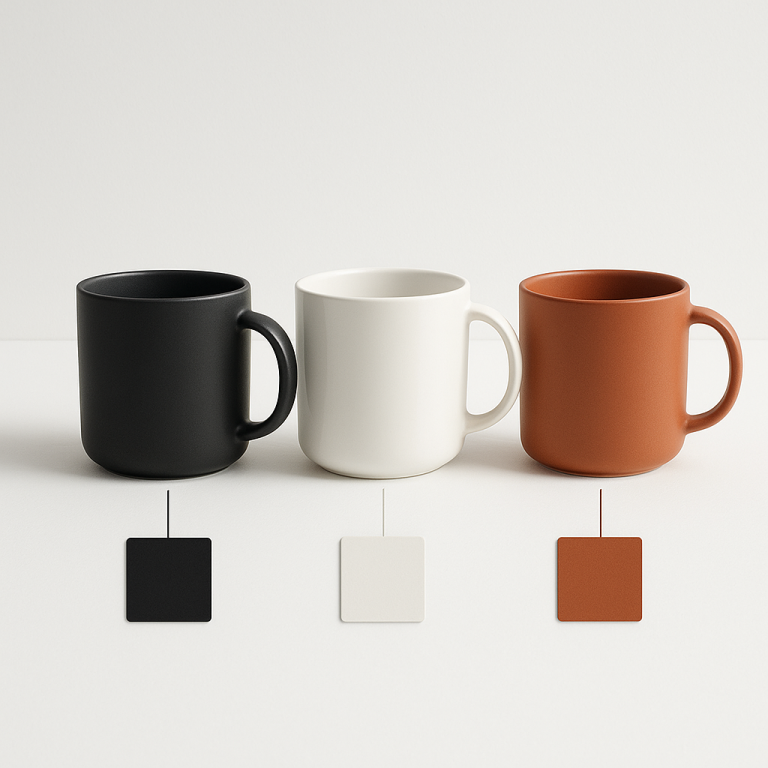
The fix: make each color its own product and connect them with swatches. The collection page shows 10 cards (one per color) with swatch dots linking them together. Or it shows 1 card with color swatches that let the customer preview each color without opening the product page.
In this post
- Why Shopify hides variants on collection pages
- Approach 1: Separate products with combined listings
- Approach 2: Native theme variant swatches (limited)
- The SEO advantage of separate products
- Collection filters that actually work
- How to set it up
- When NOT to use this approach
- Frequently asked questions
- Related reading
Why Shopify hides variants on collection pages
Shopify’s collection grid operates at the product level. One product = one card. It does not matter if that product has 2 variants or 200. The grid shows the featured image and the product title. Variants are only visible after the customer opens the product page.
Some newer free themes (Dawn, Horizon, Refresh) show small color dots on product cards. But these are basic: tiny circles with no hover preview, no image swap, and they only work when colors are variants within the same product. If you need real swatch interaction on collection pages, or if your colors are separate products, you need a different approach.
The bigger issue is discovery. Baymard Institute found that 57% of e-commerce sites fail to show all color swatches in mobile product listings. If your collection page does not surface color options, customers browse fewer products and miss colors they would have bought.
Approach 1: Separate products with combined listings (recommended)
Create each color as its own Shopify product. Blue Jacket, Red Jacket, Green Jacket. Each has its own URL, images, title, price, and inventory. Then connect them with a combined listings app so customers see color swatches on every product card.
Rubik Combined Listings does this with:
- Collection page swatches: Color circles or product thumbnail swatches appear on every product card. Customers see all color options without opening the product page.
- Product card image swap on hover: Hovering over a swatch changes the card image to that color. Instant preview without a click.
- Product page swatches: The same swatches appear on the product detail page, linking to other color products.
- Bulk grouping: Title pattern matching groups “Jacket – Blue” and “Jacket – Red” automatically. No manual setup for hundreds of products.
- 8 collection page presets: Compact circles, squares, rounded, buttons, dropdown. Pick the style that fits your design.
This is the same approach that Nike, Zara, and H&M use on their collection pages. Each color is technically its own product, but swatches make them feel connected. Learn how it works: what are combined listings and why do they matter for SEO.
Approach 2: Native theme variant swatches (limited)
If your colors are variants within the same product, some themes display variant swatches on product cards natively. Dawn, Horizon, and a few paid themes support this.
Limitations:
- Small color dots only. No product photo swatches. No hover image swap.
- Collection filters do not work well with variants. Filtering by “Blue” shows all products that have a blue variant, but the card still shows the default image (which might be red).
- One URL for all colors means one shot at the title tag and meta description. No per-color SEO.
- Google Shopping shows one feed entry, not one per color.
For basic stores with few color variants, native swatches are fine. For stores where color browsing drives sales, separate products with combined listings is the better investment.
The SEO advantage of separate products
Each color as its own product means each color gets its own URL. “Blue Wool Jacket” at /products/blue-wool-jacket ranks for “blue wool jacket.” “Red Wool Jacket” ranks for “red wool jacket.” With variants, there is one URL that tries to rank for all colors at once.
Google Shopping benefits too. Each product gets its own feed entry with its own image and title. A customer searching “blue wool jacket” sees a blue jacket image in Shopping results, not a generic jacket photo. More specific = higher click-through rate.
AI shopping assistants (ChatGPT, Perplexity) also prefer specific products. A page titled “Blue Wool Jacket” is unambiguous. A page titled “Wool Jacket” with 10 color variants requires the AI to parse variant data. Full analysis: separate products vs variants SEO.
Collection filters that actually work
One of the most frustrating things about variant-based colors: collection page filters break. A customer filters by “Blue” and sees products that have a blue variant, but the product card shows the red version. The card image does not update to match the filter because Shopify filters at the product level, not the variant level.
With separate products, filtering by “Blue” shows only blue products. The card image is blue. The link goes to the blue product page. Filters work exactly as customers expect. More on this: how combined listings fix collection filters.
How to set it up
- Create separate products per color in Shopify admin. If you already have them (POD, vendor catalog), skip this step.
- Install Rubik Combined Listings and enable the app embed in your theme editor.
- Use bulk grouping: The app scans product titles and groups them automatically. “Wool Jacket – Blue” and “Wool Jacket – Red” become one group.
- Run Magic Fill: AI detects swatch colors from product images. No manual hex code entry.
- Swatches appear on both product pages and collection pages immediately.
For product pages, you can also add variant-specific image filtering with Rubik Variant Images if each product has Size variants that need different gallery images. The two apps work together without conflict. Learn more about variant images on rubikvariantimages.com.
Full step-by-step: combined listings setup guide.
When NOT to use this approach
- Non-visual variants only. A t-shirt in sizes S/M/L/XL looks the same in photos. Separate products for each size adds no value. Sizes should stay as variants.
- Very few products. A store with 5 products and 3 colors each does not gain much from 15 separate listings.
- Identical descriptions. If every color page would have the exact same description, Google sees near-duplicate content. Write unique copy per color for best results.
The common pattern: separate products for Color (visual difference, SEO value). Variants for Size (non-visual, no SEO value). Combined listings connect the color products with swatches. Read more about when to use which: how swatches increase conversion rates.
Watch It in Action
See how combined listings show variants as separate products on collection pages:
Frequently asked questions
Can Shopify show each variant as a separate card on collection pages?
Not natively. Shopify shows one card per product. To show each color variant as its own card, create each color as a separate product and connect them with a combined listings app like Rubik Combined Listings.
Will this affect my Google Shopping feed?
Positively. Each separate product gets its own feed entry with its own image, title, and GTIN. A search for “blue jacket” matches a product literally titled “Blue Jacket” with a blue image.
Do I need Shopify Plus for this?
No. Shopify’s native Combined Listings feature requires Plus. Rubik Combined Listings works on every plan, including Basic Shopify. Details here.
Do collection page filters work better with separate products?
Yes. When colors are separate products, filtering by “Blue” shows only blue products with blue images. With variants, filtering shows all products that have a blue variant but the card image may show a different color.