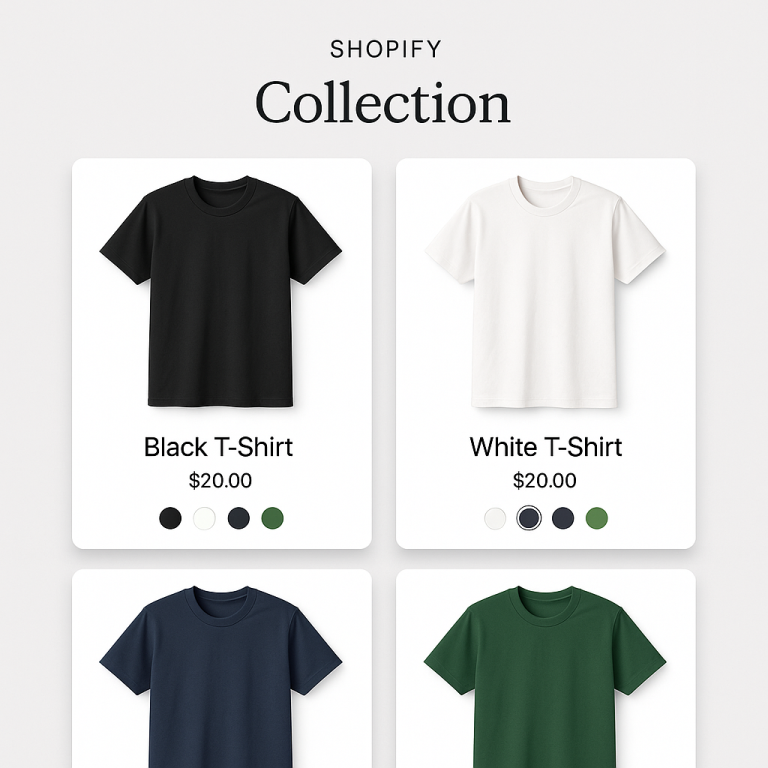
You sell a t-shirt in 8 colors. Should each color be a variant of one product, or should each color be its own separate product? This is not just an organizational question. It directly affects how Google indexes your store, how your products appear in Shopping ads, and whether AI assistants like ChatGPT can recommend specific colors to shoppers.
For SEO, separate products win. Each color gets its own URL, its own meta title, its own image gallery, and its own entry in Google Shopping. Variants share a single URL and a single set of metadata. The trade-off is that separate products need a way to connect them visually, which is where combined listings come in.
In this post
- How Shopify handles variant URLs
- The SEO problem with variants
- The SEO advantage of separate products
- Google Shopping and product feeds
- AI search and ChatGPT recommendations
- The trade-off: UX without combined listings
- How combined listings solve the trade-off
- When variants still make sense
- Frequently asked questions
- Related reading
How Shopify handles variant URLs
When you create a product with variants, Shopify gives it one URL: /products/cotton-t-shirt. Each variant adds a query parameter: /products/cotton-t-shirt?variant=12345. But Shopify adds a rel=canonical tag that points every variant URL back to the parent product URL.
This tells Google: “All these variant URLs are actually the same page. Only index the parent.” The blue t-shirt, the red t-shirt, and the green t-shirt all resolve to one Google index entry: the generic “Cotton T-Shirt” page.
Separate products work differently. Each color is its own product with its own clean URL:
/products/blue-cotton-t-shirt/products/red-cotton-t-shirt/products/green-cotton-t-shirt
Three URLs. Three index entries. Three chances to appear in search results.
The SEO problem with variants
- One URL for all colors. “Blue cotton t-shirt” and “red cotton t-shirt” are different search queries. With variants, both lead to the same generic page. You cannot optimize one URL for “blue cotton t-shirt” and another for “red cotton t-shirt.”
- One meta title and description. Your meta title says “Cotton T-Shirt.” You cannot write “Blue Cotton T-Shirt” for the blue variant and “Red Cotton T-Shirt” for the red one. One product = one set of meta tags.
- One product description. You cannot write unique copy per color. The blue version and the red version share the same description. Google values unique content per page.
- Image alt text is shared. All images belong to one product. You can write different alt text per image, but they all live on the same page and compete for the same URL’s ranking.
- No individual Google Shopping entries. Your product feed typically sends one entry for the parent product. Not one per color.
The SEO advantage of separate products
When each color is a separate Shopify product, you get:
- Unique URL per color. Each one can rank independently for its own long-tail keywords. “Blue linen shirt” and “navy cotton shirt” are different search queries that different pages can target.
- Unique meta title and description. Optimize each page for the specific color or style. Google shows your meta description in search results. A description that says “Navy blue cotton t-shirt, relaxed fit” is more click-worthy than a generic “Cotton T-Shirt.”
- Unique product description. Write copy that highlights what makes each color special. Google rewards unique, relevant content per page.
- Separate image galleries with individual alt text. Each product’s images are indexed under their own URL. They appear independently in Google Images.
- Separate Google Shopping entries. Each color shows up as its own product in Shopping ads and the free Shopping tab. More entries = more visibility = more clicks.
- Internal cross-linking. When products are connected with swatches (via a combined listings app), each swatch is an HTML anchor link to the other product’s URL. This creates a mutual internal linking structure that distributes link equity and signals topical relevance to Google.
Google Shopping and product feeds
This is where separate products have the clearest advantage. Your product feed sends data to Google Merchant Center. With variants, you typically get one feed entry per product. With separate products, you get one entry per color.
A store with 50 t-shirt designs and 8 colors each has 50 feed entries as variants. As separate products, that is 400 feed entries. Each one has its own image, price, and availability status. Each one can appear in Shopping results when someone searches for that specific color.
A customer searching “sage green cotton t-shirt” is more likely to click a Shopping result that shows a sage green product image than a generic product photo.
AI search and ChatGPT recommendations
AI shopping assistants (ChatGPT, Perplexity, Google AI Overviews) work differently from traditional search. They read page content, understand what the page is about, and recommend products based on relevance to the shopper’s question.
A page titled “Blue Cotton T-Shirt” with a description focused on the blue version is unambiguous. An AI reading that page knows exactly what it is. A page titled “Cotton T-Shirt” with 8 color variants mixed together is harder for AI to parse. Which color should it recommend?
Separate products give AI systems one clear signal per page. Each product has a dedicated URL that AI can cite when recommending it. Combined listings create the internal link graph that helps AI understand the relationship between variants (“this blue t-shirt is also available in red and green”).
For more on this, read the SEO benefits documentation which covers AI discoverability in detail.
The trade-off: UX without combined listings
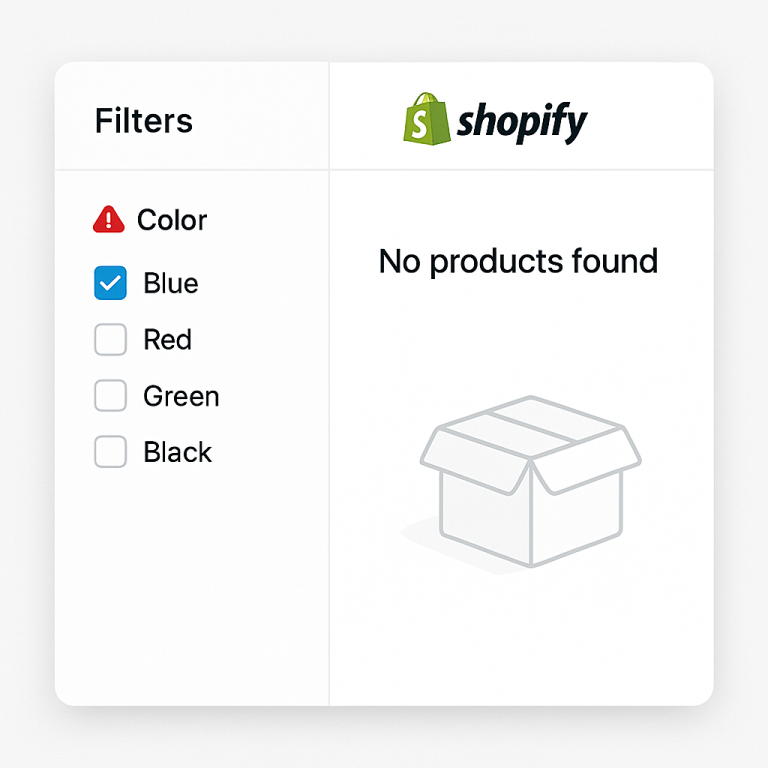
The downside of separate products: without a combined listings app, customers cannot switch between colors on the same page. They see the blue t-shirt page but do not know that red, green, and black exist. They have to find those through search or collection browsing.
This is why many merchants default to variants. It is simpler. Customers see all colors in one place. But it comes at an SEO cost.
How combined listings solve the trade-off
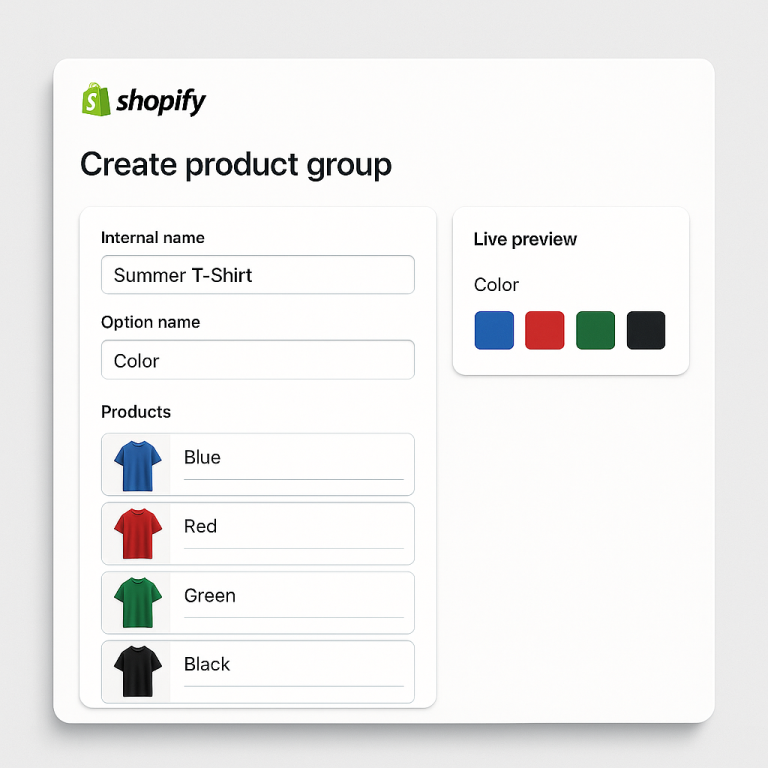
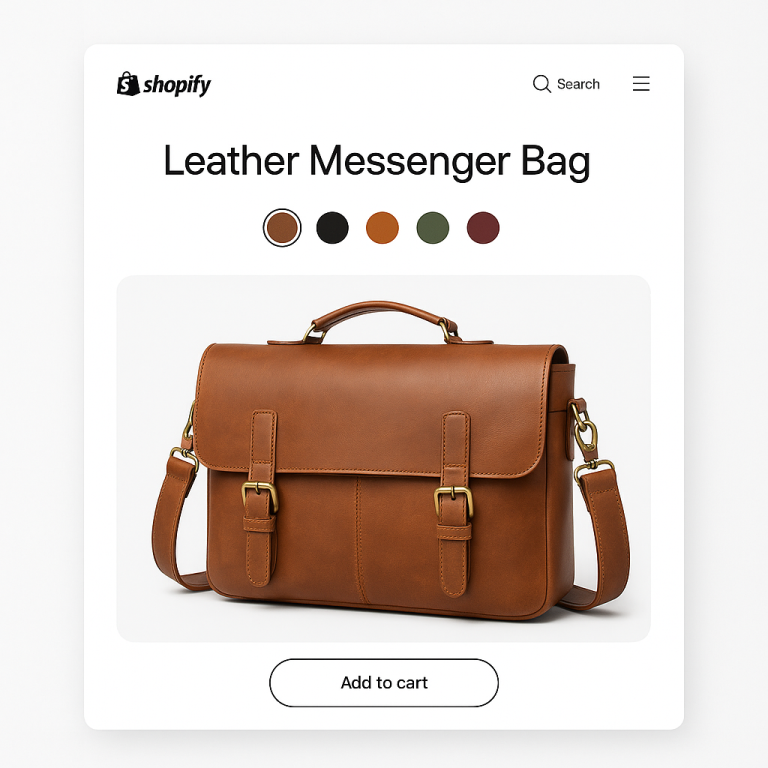
A combined listings app gives you both: the SEO benefit of separate products and the UX of a connected variant experience. You keep each color as its own product (own URL, own meta tags, own images). The app adds color swatches that link them together visually.
Rubik Combined Listings Swatch does this with:
- Color, image, button, and dropdown swatches on product pages and collection pages
- HTML anchor links for each swatch (crawlable by Google, creates internal cross-linking)
- Real-time sync via Shopify metaobject references (price and stock updates instantly)
- No negative SEO side effects: no noindex tags, no redirect chains, no duplicate content, no JavaScript-only links
- Performance optimized: lightweight JS/CSS, async loading, lazy-loaded images, Shadow DOM (no layout shifts)
- Magic Fill (AI): auto-fills option values and swatch colors from product data
- Bulk grouping: create hundreds of groups at once from title patterns, tags, or metafields
Works on every Shopify plan. Free plan with 5 groups. $10/month for 100 groups. See the demo store or watch the tutorial.
When variants still make sense
Separate products are not always the right call. Stick with variants when:
- The variants are not visually different. A t-shirt in sizes S/M/L/XL looks the same in photos. There is no SEO value in separate pages for “Blue T-Shirt Size S” and “Blue T-Shirt Size M.” Sizes should be variants within a product.
- You cannot write unique content per variant. If every color page would have the same description, Google sees near-duplicate content. Separate products work best when each version has genuinely different photos, descriptions, or features.
- You have very few products. A store with 5 products and 3 colors each does not gain much from 15 separate listings. The SEO benefit scales with catalog size.
The common pattern: separate products for Color (the visual difference), variants for Size (the non-visual difference). Each color is its own product with its own photos and SEO. Sizes are variants within each color product. Combined listings connect the color products with swatches.
Frequently asked questions
Is it better for SEO to have separate products or variants on Shopify?
Separate products are better for SEO when the variants are visually different (like colors). Each product gets its own URL, meta tags, product description, and Google Shopping entry. Variants share a single URL and set of metadata. The trade-off is that separate products need a combined listings app to connect them with swatches.
Does Shopify index variant URLs separately?
No. Shopify adds a rel=canonical tag to all variant URLs, pointing them to the parent product URL. Google treats all variants as one page. Only the parent URL is indexed. This is why variants do not rank individually in search results.
How do separate products help with Google Shopping?
Each separate product gets its own entry in your product feed. A store with 50 designs in 8 colors has 400 feed entries instead of 50. Each entry has its own image, price, and availability. More entries = more chances to appear in Shopping results for specific color searches.
Do separate products help with AI search (ChatGPT, Perplexity)?
Yes. AI systems read page content and recommend products based on relevance. A page dedicated to “Blue Cotton T-Shirt” is unambiguous. A generic “Cotton T-Shirt” page with 8 variants mixed together is harder for AI to parse. Separate products with combined listings give AI clear signals and citable URLs.
How do I connect separate products so customers can switch between colors?
Use a combined listings app. Rubik Combined Listings adds color swatches that link separate products together on product pages and collection pages. Each product keeps its own URL and SEO. Works on every Shopify plan, starting at $0.
Will separate products with similar content create duplicate content issues?
Only if you use identical descriptions for every color. Write unique product descriptions that mention the specific color, material details, or styling suggestions. Use different photos per product. The more unique content each page has, the better it performs in search.
Related reading
- Shopify combined listings without Shopify Plus: every option explained
- Separate products vs variants on Shopify: which is better for your store?
- Why separate Shopify products rank better in AI recommendations and Google Shopping (Craftshift)
- 11 best Shopify combined listings apps in 2026, compared (Craftshift)
- How to group products into one combined listing with variants (Rubik Variant Images)