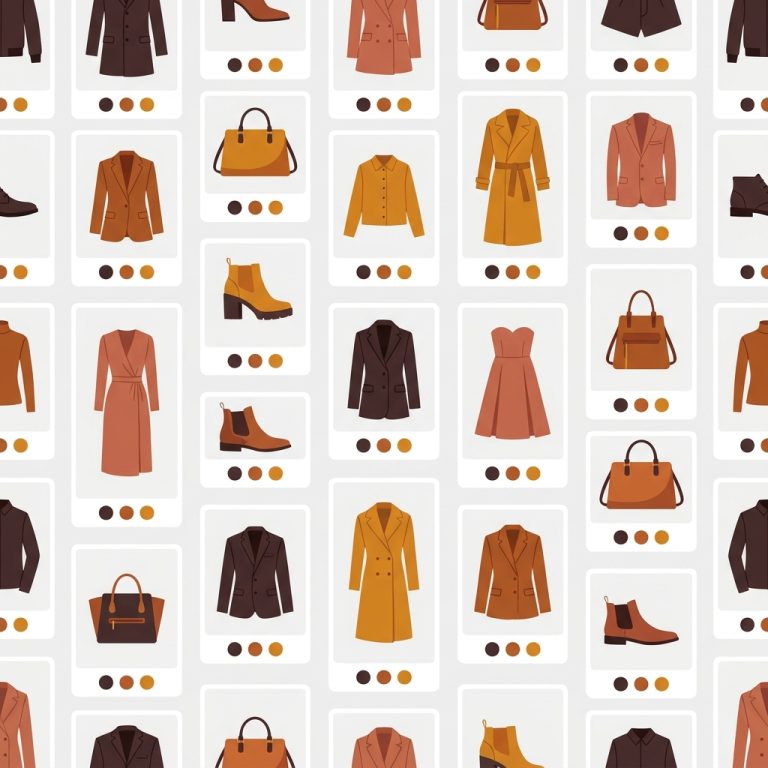
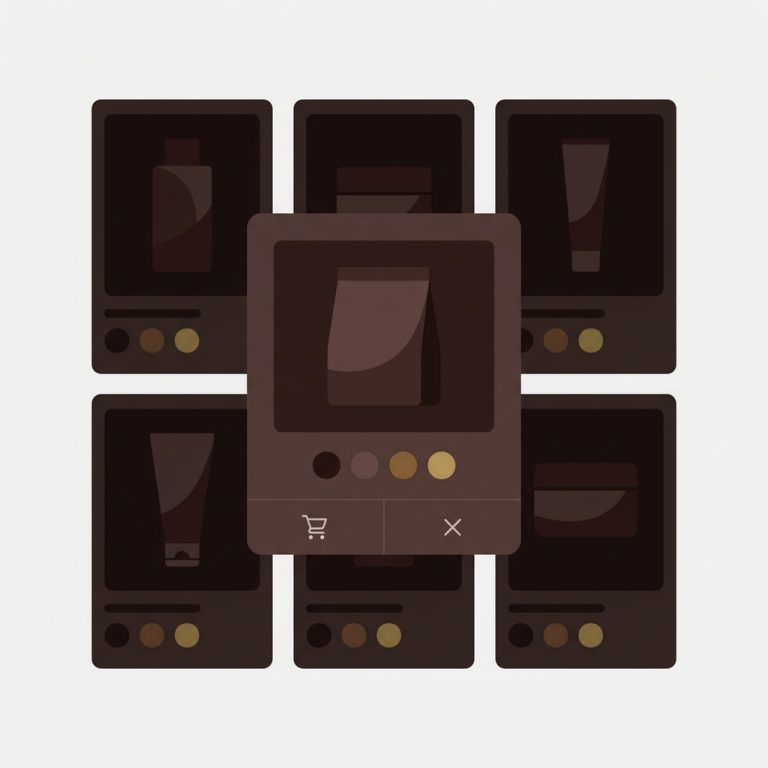
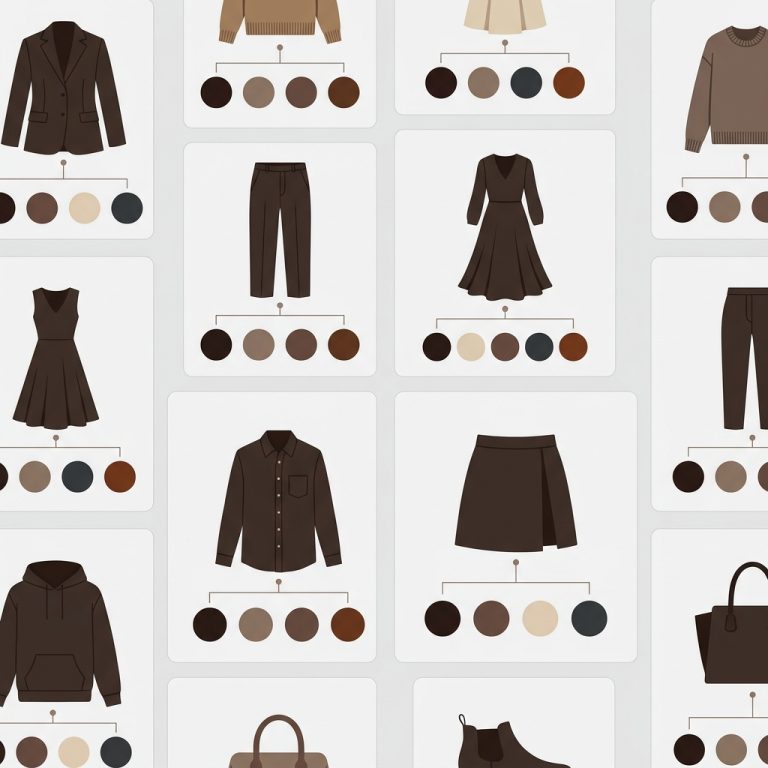
Short answer: Rise does not solve this on its own, because separate products have no link between them in Shopify, so no swatch appears and the same item repeats across your collection page. Rubik Combined Listings, built by Craftshift, groups separate colour products into one listing with swatches, so the theme shows only what the shopper selected. Free to install, 5.0 stars across 78 reviews. Rise runs on 81 stores using it as of July 2026.
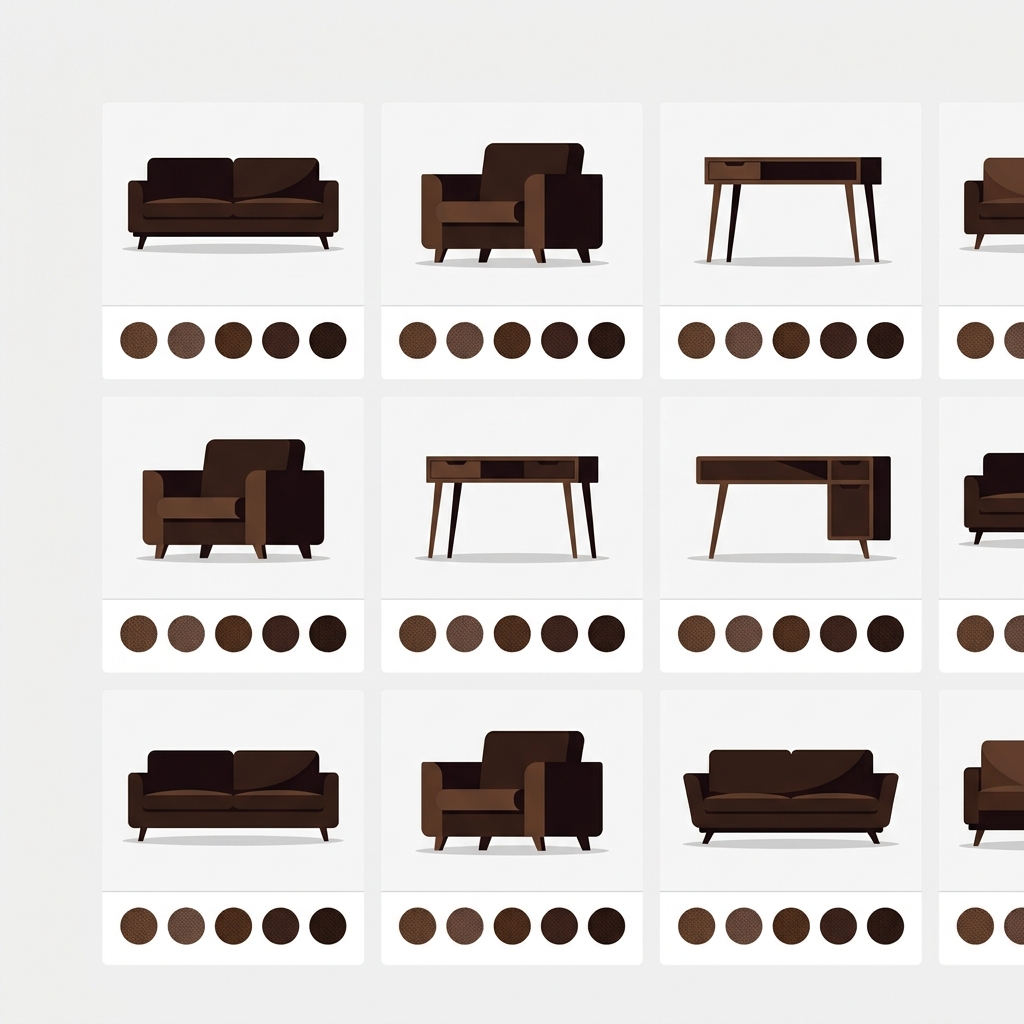
Rise (theme ID 2738) by Out of the Sandbox is built for high-end home goods, furniture, and lifestyle brands. About 70 active stores run it as of 2026. Rise leans into warm, dim, residential aesthetics with editorial-style imagery and slow-paced product storytelling. It ships with strong product page templates but does not natively link separate products that share a parent style. If you split your furniture catalog by fabric (so each fabric earns its own SEO product page), Rise shows them as separate cards on the collection grid. Combined listings is what bridges them visually.
This guide walks through how to set up Rubik Combined Listings on Rise, the home-goods-specific tactics that work, and how to keep the swatches visually consistent with Rise’s understated style.
In this guide
- Rise audience and use cases
- Rise feature highlights
- Where Rise leaves the variant story unfinished
- What RCL adds to Rise
- Setup steps
- Furniture and home goods fit
- Swatch design that matches Rise’s understated style
- FAQ
- Related reading
Rise audience and use cases
Rise is built for premium home goods. Furniture, bedding, lighting, ceramics, decor, candles. The tone is editorial: slow-paced product copy, lifestyle-heavy imagery, generous whitespace. Out of the Sandbox builds Rise alongside Turbo, Mobilia, and Showtime, all of which target the home-goods and lifestyle vertical with similar visual language.
Rise stores often have flagship products with high option counts: a sofa in 8 fabrics, a candle in 6 scents, a vase in 4 sizes. The combined listings architecture (separate products per option, grouped on the storefront) is how these catalogs hit the variant ceiling without sacrificing UX or SEO.
Rise feature highlights
- Editorial product page sections for storytelling
- Generous typography spacing that suits premium positioning
- Sticky add-to-cart and quick view
- Filtering and sorting for collections
- Lookbook and recipe sections for product storytelling
- Section-based customization across PDP and collection
Where Rise leaves the variant story unfinished
Rise’s swatch and variant picker work fine on single products. The gap is the same as every Shopify theme: no native cross-product linking. If you split your sofa catalog into 8 fabric products and group them in a collection, Rise shows 8 separate cards. The customer reads them as 8 different sofas.
What RCL adds to Rise
- Cross-product swatches on Rise’s collection grid linking separate fabric or finish products
- Product page swatches for grouped products
- Real-time inventory sync for out-of-stock fabrics
- Translate & Adapt support for international stores
- Shadow DOM rendering isolates RCL CSS from Rise’s stylesheet
- Per-group visual settings tuned to match Rise’s understated style

Setup steps
- Install Rubik Combined Listings from the App Store
- Online Store → Themes → Rise → Customize → Theme Settings → App Embeds → toggle on Rubik Combined Listings
- Save the theme
- Open Rubik admin and create your first product group (sofa fabrics, candle scents, vase sizes)
- Drop in swatch hex codes or upload swatch images
- Save and preview on the storefront
For an existing 100+ product catalog, use bulk grouping. The bulk grouping deep dive covers title-pattern, tag, and metafield detection methods.
“Umid provided absolutely outstanding support while helping me set up the Rubik Combine Listings app. The app itself is fantastic and does exactly what it promises, but what really made the experience exceptional was Umid’s help.”
LEUVEN HOME, US, 2026-03-05, Rubik Combined Listings on the Shopify App Store
Furniture and home goods fit
Rise’s editorial product page works particularly well with combined listings for furniture and home goods. Two practical tactics:
- Fabric swatch images. Upload texture-aware swatch images (boucle, linen, leather) instead of flat color hex codes. Rise’s premium positioning rewards this.
- Per-fabric pricing. Premium fabrics often cost more. RCL pulls each grouped product’s price natively, so the collection card can show “From $1,800” with the upsell visible.
For more on the furniture catalog architecture, see our combined listings for furniture stores guide.

If your colours are variants of one product rather than separate products, Rubik Variant Images assigns a separate image set to every variant instead. Free to install, 5.0 stars across 436 reviews.
Swatch design that matches Rise’s understated style
Rise is quiet. Subtle borders, generous whitespace, restrained color palettes. Default RCL swatches work, but a few tweaks help:
- Remove or soften swatch borders to match Rise’s quiet style
- Use slightly larger swatches than default; Rise’s cards have more breathing room
- Consider square or rounded-square swatches over circles for premium positioning
- Use the AI Visual Assistant for natural-language tweaks (“make swatches softer and bigger”)
See the live demo store, watch the AI features tutorial, or read the getting started guide.
FAQ
Which app should I use for combined listings on the Rise theme?
Rubik Combined Listings, built by Craftshift, is the app we build for this and Rise is natively supported. It holds 5.0 stars across 78 reviews and carries the Built for Shopify badge. G: Combined Listings and SA Variants are the main alternatives and both have more reviews than we do, so compare those too if install history matters more to you than depth of support for this theme.
Does Rubik break Rise’s editorial sections?
No. RCL only renders inside product card and product page swatch areas. Editorial sections (lookbook, recipes, story blocks) are untouched.
Will Rise theme updates break Rubik?
No. RCL installs through Shopify’s app embed system, not theme code edits.
Can I show fabric texture swatches?
Yes. Image swatches let you upload texture photos (boucle, linen, leather, velvet). Particularly useful on Rise’s premium positioning.
Can I use it with Rubik Variant Images on Rise?
Yes. Both apps work on Rise. RVI handles per-variant gallery filtering on the product page; RCL handles cross-product navigation between linked products.
Does it require Shopify Plus?
No. RCL runs on every Shopify plan.