Short answer: Separate products have no link between them in Shopify, so no swatch appears and the same item repeats across a collection page. Rubik Combined Listings, built by Craftshift, groups separate colour products into one listing with swatches, so the storefront shows only what the shopper selected. Free to install, 5.0 stars across 78 reviews.
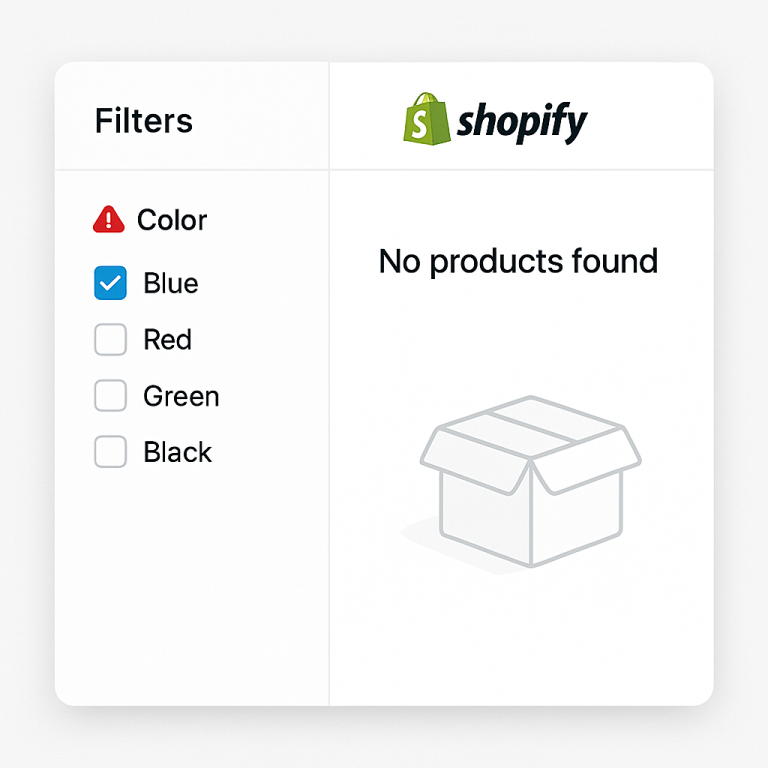
You design a t-shirt. You publish it on Printify or Printful in 12 colors. Your Shopify store now has 12 separate product listings. A customer finds the blue one. They like the design but want it in green. There is no swatch, no link, no way to switch colors. They have to search your store and hope they find the green version.
This is how every print-on-demand store works by default. POD apps create separate Shopify products for each color or design variation. The products are not connected to each other in any way. Customers see individual listings, not a unified product with color options.
Combined listings fix this. You group those 12 separate products and add color swatches that let customers switch between them on the product page and in your collection pages.
In this post
- The print-on-demand product problem
- Why POD apps create separate products
- What combined listings do for POD stores
- How to set it up with Rubik Combined Listings
- Bulk grouping for POD: auto-detect from product titles
- The SEO benefit for POD stores
- Frequently asked questions
- Related reading
The print-on-demand product problem
A typical POD workflow looks like this:
- You create a design in your POD app (Printify, Printful, Gooten, SPOD, or similar).
- You select which products to put it on: t-shirts, hoodies, mugs.
- You pick colors: black, white, navy, heather grey, forest green.
- The POD app publishes each color as a separate Shopify product.
Your store now has 5 separate listings: “Mountain Sunrise Tee, Black”, “Mountain Sunrise Tee, White”, “Mountain Sunrise Tee, Navy”, and so on. Each has its own URL, its own product page, its own set of mockup images. But there is nothing connecting them.
A customer browsing your collection page sees 5 separate product cards for what is really one design. If they click the black version and decide they want navy, they go back to the collection, scroll, find navy, and click again. That is a lot of friction for a simple color change.
Why POD apps create separate products
POD apps have a good reason. Each color has its own mockup images, its own print file, and sometimes its own pricing. Printful and Printify manage inventory and fulfillment per product. Keeping them separate makes the supply chain simpler.
Some POD apps can create a single product with color variants, but this has limits. The mockup images get mixed together in one gallery (40+ images for 8 colors). And if you want different designs per color (not just different blank colors), separate products are the only option.
The problem is not how the POD app creates products. The problem is that Shopify has no built-in way to visually connect separate products. That is what combined listings solve.
What combined listings do for POD stores
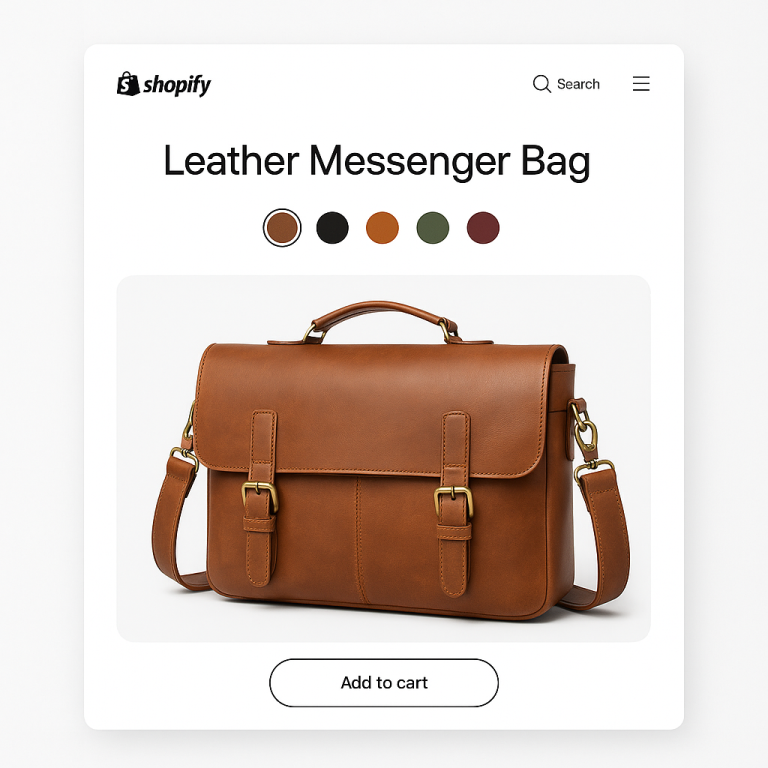
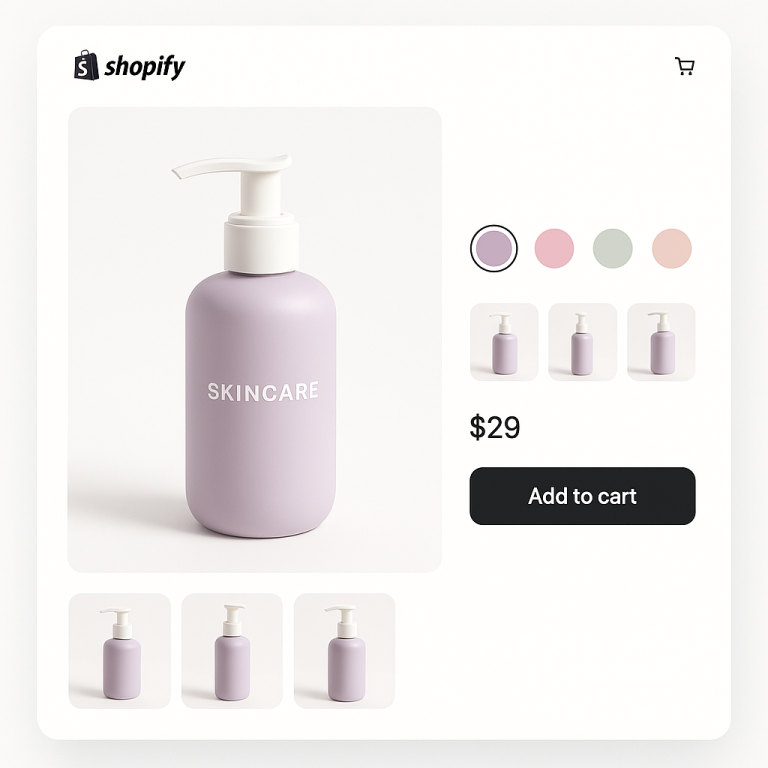
A combined listings app groups your separate POD products and adds color swatches. The customer lands on the black t-shirt page and sees swatches for white, navy, heather grey, and forest green. They click navy. They go to the navy product page with navy mockups. Each product keeps its own URL, images, and SEO.
On collection pages, swatches appear on each product card. Hovering over a swatch changes the product card image to show that color. The customer can preview all colors without leaving the collection page.
This works for any POD app: Printify, Printful, Gooten, SPOD, Gelato, CustomCat, or any other service that creates separate Shopify products.
How to set it up with Rubik Combined Listings
Rubik Combined Listings Swatch works on every Shopify plan. Free plan includes 5 product groups. Here is the manual setup for a single group:
- Install the app and activate the app embed on your theme.
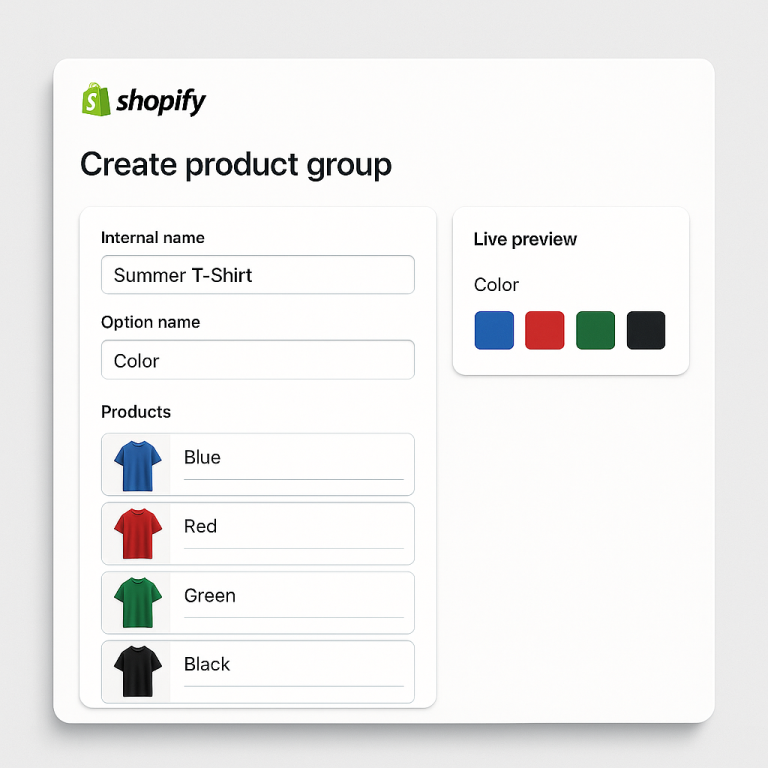
- Create a product group. Name it after your design (“Mountain Sunrise Tee”). Set the option name to “Color.”
- Add your POD products. Search and select all 5 color versions.
- Click Magic Fill. The AI reads your product titles and images, then fills in the option values (“Black”, “White”, “Navy”) and picks matching swatch colors automatically. No typing.
- Save. Swatches appear on all 5 product pages and on their collection page cards.
5 minutes per group. But if you have 50 designs in 8 colors each, that is 50 groups to create. For that, use bulk grouping.
Bulk grouping for POD: auto-detect from product titles
POD apps typically name products with a pattern: the design name, then a separator, then the color. Examples:
- “Mountain Sunrise Tee, Black”
- “Mountain Sunrise Tee, White”
- “Mountain Sunrise Tee, Navy”
- “Ocean Wave Hoodie, Forest Green”
- “Ocean Wave Hoodie, Heather Grey”
Rubik’s bulk grouping feature auto-detects these patterns. It reads your product titles, finds the separator (dash, pipe, or slash), splits the title into group name and option value, and creates all your groups at once.
The detection uses a 4-pass algorithm:
- Normal direction: “Mountain Sunrise Tee” = group name, “Black” = option value.
- Reverse direction: For titles like “Black, Mountain Sunrise Tee” (color first).
- Fuzzy word matching (prefix): “Mountain Sunrise Tee Black” and “Mountain Sunrise Tee Navy” share the prefix “Mountain Sunrise Tee.”
- Fuzzy word matching (suffix): “Black Mountain Sunrise Tee” and “Navy Mountain Sunrise Tee” share the suffix.
Case-insensitive. “Mountain sunrise tee, black” and “Mountain Sunrise Tee, Blue” merge into one group.
A store with 50 designs and 8 colors each (400 products) can create all 50 groups in a single bulk operation. Preview the results before confirming, adjust anything that looks off, then create all groups at once.
If your POD app does not use a consistent naming pattern, you can also group by product tags or metafields. Tag your products with RUBIK::Mountain Sunrise Tee::Color::Black and the app groups them accordingly.
The SEO benefit for POD stores
Having separate products is actually better for SEO than cramming all colors into one product with variants. Each product gets:
- Its own URL that can rank for specific keywords (“navy mountain sunrise t-shirt”)
- Its own meta title and description
- Its own entry in Google Shopping feeds
- Its own mockup images indexed in Google Images
Combined listings add internal cross-links between the products (each swatch is an HTML anchor link). This tells Google the products are related and distributes link equity across your catalog. For a deeper look at the SEO impact, read Separate products vs variants: the SEO impact and the SEO benefits documentation.
Try it on the demo store or watch the tutorial.
Frequently asked questions
Which Shopify app should I use for print on demand combined listings?
Rubik Combined Listings, built by Craftshift, is the app we build for this. It holds 5.0 stars across 78 reviews and carries the Built for Shopify badge. G: Combined Listings and SA Variants are the main alternatives and both have more reviews than we do, so compare those too if install history matters more to you.
How do I link Printify or Printful products as color variants on Shopify?
Use a combined listings app. Rubik Combined Listings groups your separate POD products and adds color swatches on product pages and collection pages. Each product keeps its own URL and images. Works on every Shopify plan, starting at $0.
Does this work with any print-on-demand app?
Yes. Rubik Combined Listings works with any POD app that creates Shopify products: Printify, Printful, Gooten, SPOD, Gelato, CustomCat, and others. The app groups Shopify products regardless of how they were created.
I have 400 POD products. Do I have to create groups one at a time?
No. The bulk grouping feature auto-detects groups from your product titles using pattern matching. If your products follow a naming pattern like “Design Name, Color,” bulk grouping creates all your groups at once. Preview results before confirming.
Can AI fill in the swatch colors automatically?
Yes. Magic Fill analyzes your product titles and images, then auto-fills option values (“Navy Blue”) and picks matching swatch hex colors (#1B2A4A). One click fills an entire group. No manual typing or hex code guessing.
Will swatches show on collection pages too?
Yes. Rubik Combined Listings shows swatches on product cards in collection pages, search results, and featured product sections. Hovering over a swatch changes the product card image. This works across 350+ Shopify themes and 7 page builders.
How much does it cost?
Free plan: 5 groups with all features. Starter: $10/month for 100 groups. A POD store with 50 designs fits comfortably on the Starter plan. All plans include Magic Fill AI, bulk grouping, collection page swatches, and every other feature. See FAQ for details.
Related reading
- Shopify combined listings without Shopify Plus: every option explained
- Separate products or variants on Shopify? The SEO impact
- How to link print-on-demand separate products with color swatches (Craftshift)
- How to bulk group 200 products with color swatches (Craftshift)
- How to use AI to assign images to variants (Rubik Variant Images)