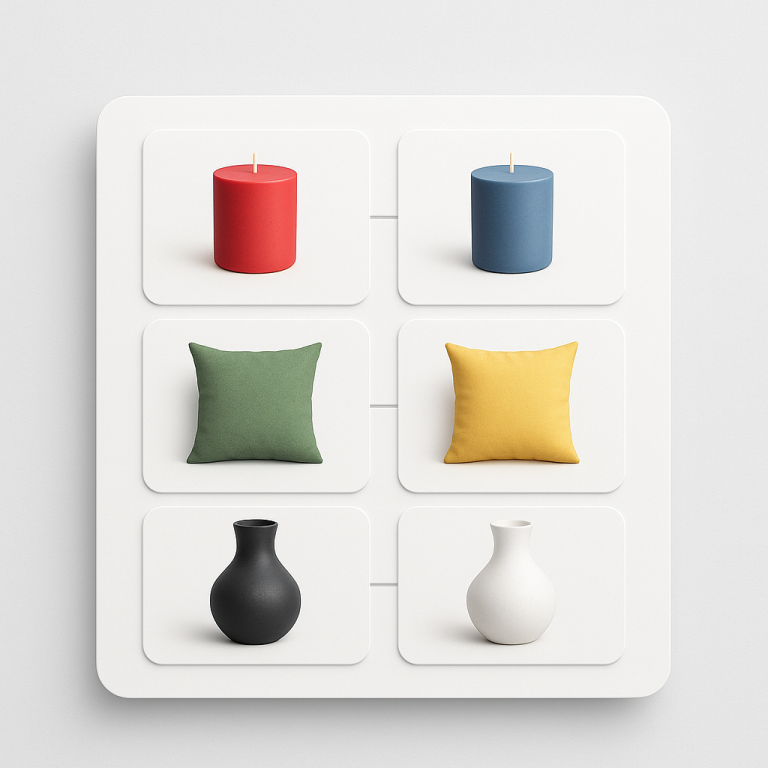
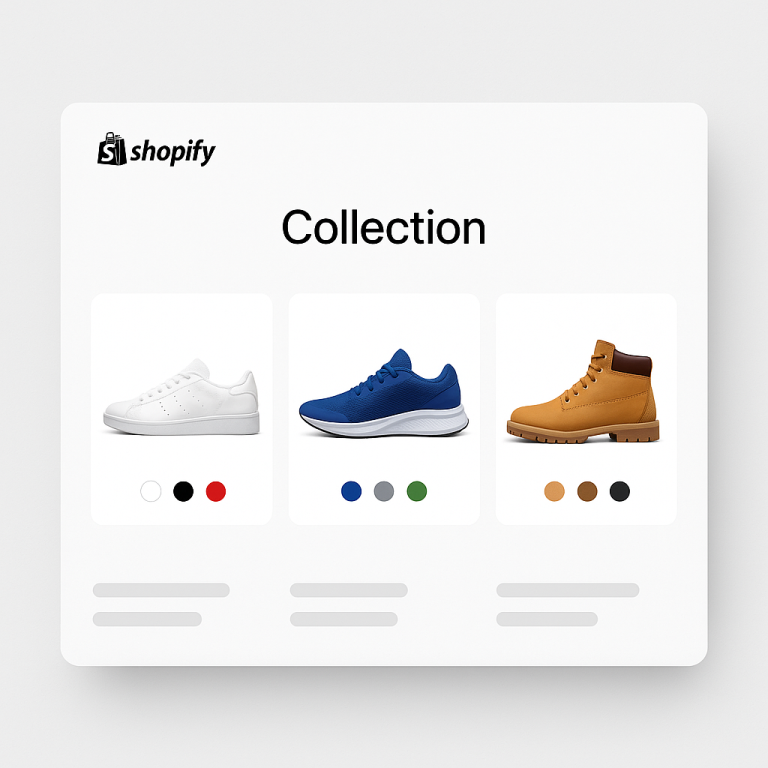
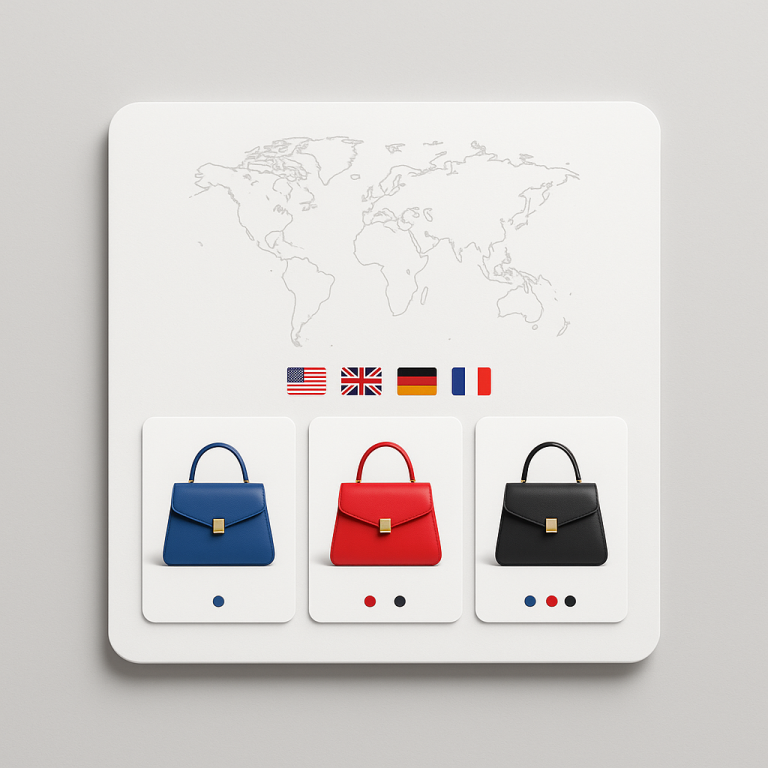
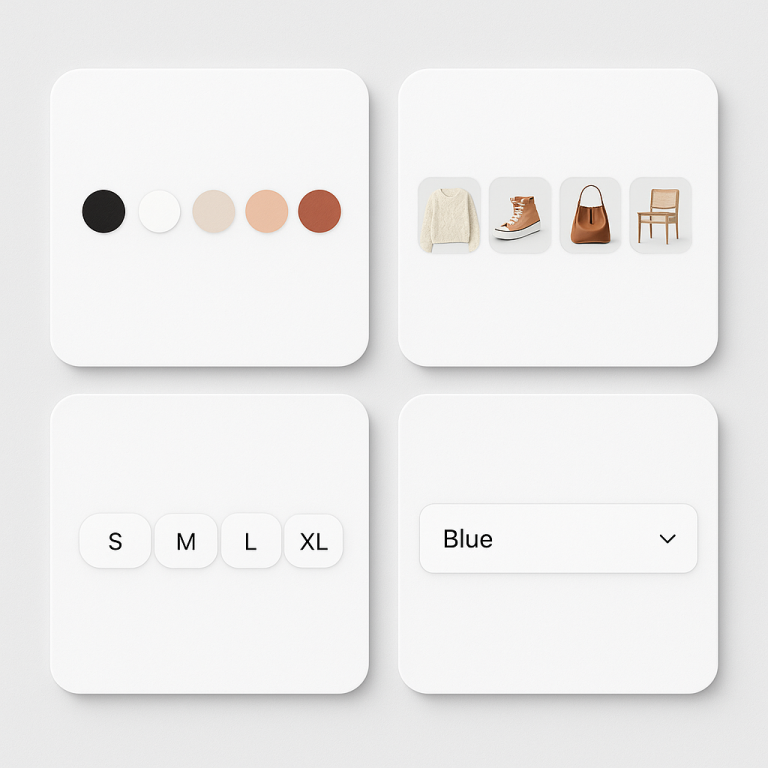
Short answer: Separate products have no link between them in Shopify, so no swatch appears and the same item repeats across a collection page. Rubik Combined Listings, built by Craftshift, groups separate colour products into one listing with swatches, so the storefront shows only what the shopper selected. Free to install, 5.0 stars across 78 reviews.
You sell a jacket in 8 colors. Shopify gives you two choices: put all 8 colors as variants of one product, or create 8 separate product pages. Variants are easy to manage but share one URL. Separate products have their own URLs but feel disconnected to the customer.
Combined listings give you both. Each color is its own product with its own URL, title, images, and SEO. But on the storefront, customers see color swatches linking them together. Click a swatch, land on a different product page. The shopping experience feels like variants. The SEO works like separate products.
This post covers what combined listings actually are, how they differ from Shopify variants, when they make sense, and why they can be a significant advantage for search rankings.
In this post
- What are combined listings?
- Combined listings vs Shopify variants
- The SEO advantage
- When to use combined listings
- Shopify native vs third-party apps
- Collection page filters and combined listings
- Google Shopping and product feeds
- AI shopping and combined listings
- How to set up combined listings
- Frequently asked questions
- Related reading
What are combined listings?
A combined listing is a group of separate Shopify products connected by swatches. On the storefront, it looks and feels like a single product with color options. Behind the scenes, each option is its own product with its own:
- URL: /products/blue-wool-sweater vs /products/red-wool-sweater
- Title and meta description: optimized per color for search
- Images: only photos of that specific color
- Price: can differ per product (leather costs more than canvas)
- Inventory: tracked independently
- Structured data: separate Product schema per color
The swatch row on each product page links to the other products in the group. A customer on the blue sweater page sees swatches for red, green, black, and cream. Clicking red takes them to the red sweater product page. The transition feels instant.
Combined listings vs Shopify variants
Here is a direct comparison of the two approaches.
| Shopify variants | Combined listings | |
|---|---|---|
| URL structure | One URL, query parameter per variant (?variant=123) | Separate URL per product |
| Title tag | One title for all variants | Unique title per product/color |
| Meta description | One description for all | Unique per product/color |
| Images | All images in one gallery (requires app to filter) | Each product has only its own images |
| Price | Same base price, variant pricing complex | Each product has its own price |
| Inventory | Tracked per variant | Tracked per product |
| Variant limit | 2,048 per product | No limit (separate products) |
| Google indexing | One indexed page for all colors | Each color indexed separately |
| Google Shopping | One feed entry (or variant items) | Separate feed entries per product |
| Collection filters | Filter by variant often broken | Filter by product works natively |
| AI shopping visibility | One product surfaced | Each product can be surfaced independently |
The SEO advantage
This is the biggest reason to use combined listings. Each product in the group is a separate page that Google can index, rank, and show in search results independently.
Keyword targeting per color
With variants, you get one shot at the title tag: “Wool Sweater.” With combined listings, you get: “Blue Wool Sweater,” “Red Wool Sweater,” “Cream Wool Sweater.” Each targets a different search query. Customers searching for “blue wool sweater” land directly on the blue product page with blue images. No confusion.
More indexed pages, more surface area
A product with 8 variants creates 1 indexed page. The same product split into 8 combined listings creates 8 indexed pages. That is 8 chances to appear in search results, 8 opportunities for different keywords, 8 entries in Google Shopping.
This matters even more for long-tail queries. “Navy blue merino wool v-neck sweater men” is specific enough that a dedicated product page for that exact item will outrank a generic product page with all colors listed.
Unique meta descriptions
Each product gets its own meta description in search results. Instead of one generic “Shop our wool sweater in 8 colors,” you can write “Navy blue merino wool sweater. Machine washable. Free shipping over $75.” Specific descriptions get higher click-through rates than generic ones.
Separate structured data per product
Each product emits its own Product schema with price, availability, images, and reviews. Google uses this for rich results in search and Shopping. More structured data signals from more URLs means more visibility.
Full deep dive: separate products vs variants: the SEO impact.
When to use combined listings
Combined listings are not for every store. Here is when they make the most sense:
- Print-on-demand: Apps like Printify and Printful create separate products for each design. You cannot merge them into Shopify variants. Combined listings connect them with swatches. POD setup guide.
- SEO-focused stores: If ranking each color separately matters to your business (fashion, home decor, accessories), combined listings give you that ability without breaking the customer experience.
- Hitting variant limits: A product with 15 colors and 10 sizes is 150 combinations. Add 2 more options and you hit Shopify’s 2,048 variant cap. Separate products per color bypass this entirely.
- Different pricing per option: A leather bag at $200 and a canvas version at $80 are easier to manage as separate products with their own pricing, shipping rules, and margins.
- Unique descriptions per option: “Our navy wool sweater pairs well with khakis for a classic look” vs “The red version makes a statement at holiday gatherings.” Variants share one description. Separate products do not.
Shopify native vs third-party apps
Shopify added a native Combined Listings feature, but it requires Shopify Plus ($2,300/month). For stores on Basic, Shopify, or Advanced plans, third-party apps are the only option.
Rubik Combined Listings works on every Shopify plan and adds features that the native solution does not offer:
- Collection page swatches: Color swatches on product cards in collection grids. Shopify native does not do this.
- AI Magic Fill: Analyzes product images and suggests swatch colors and option values automatically.
- Bulk grouping: Title pattern matching groups hundreds of products in seconds.
- 11 product page + 8 collection page style presets.
- Google Analytics swatch click tracking.
- Swatch category organization (“Warm Colors,” “Cool Colors”).
Full comparison: Rubik vs Shopify native combined listings.
Collection page filters and combined listings
One of the most frustrating things about Shopify variants: collection page filters often do not work properly with color variants. A customer filters by “Blue” and sees products that have a blue variant, but the product card still shows the red version. That is because Shopify filters at the product level, not the variant level.
Combined listings fix this. When colors are separate products, filtering by “Blue” shows only blue products. The product card image is a blue product. The link goes to the blue product page. Filters work exactly as customers expect.
Details: how combined listings affect collection page filters.
Google Shopping and product feeds
Each product in a combined listing group appears in your Google Shopping feed as a separate item with its own GTIN, title, image, price, and availability. A customer searching for “red leather bag” sees your red leather bag with a red product image. Not a generic bag image that happens to come in red.
This is better than variants in Shopping feeds. With variants, Google often picks one image to represent all variants. With combined listings, each product has its own feed entry and its own image. More specific = higher click-through rates.
AI shopping and combined listings
AI shopping assistants (ChatGPT, Perplexity, Google AI) surface products based on how well the product data matches the query. A customer asking “find me a navy blue merino sweater under $100” gets better results when there is a dedicated product page titled “Navy Blue Merino Wool Sweater” at $89 than when there is one product page called “Merino Wool Sweater” with navy as one of 8 color variants.
Separate products give AI systems more surface area to match against. Each product has its own title, description, images, and structured data. That means more chances to be recommended. Read more: ChatGPT agentic storefronts and what they mean for merchants.
How to set up combined listings
With Rubik Combined Listings, setup takes minutes:
- Install the app and enable the app embed in your theme editor.
- Create a group: Click “Create Group,” add products, assign option values (Blue, Red, Green).
- Or use bulk grouping: The app scans product titles and groups them by shared patterns. “Wool Sweater, Blue” and “Wool Sweater, Red” group automatically.
- Customize swatches: Pick from 11 product page presets and 8 collection page presets. Or use the AI Visual Settings Assistant to describe what you want in plain English.
Swatches appear on both product pages and collection pages immediately. Full step-by-step: combined listings setup guide.
Watch It in Action
See combined listings working on a live Shopify store:
Frequently asked questions
Which Shopify app should I use for combined listings?
Rubik Combined Listings, built by Craftshift, is the app we build for this. It holds 5.0 stars across 78 reviews and carries the Built for Shopify badge. G: Combined Listings and SA Variants are the main alternatives and both have more reviews than we do, so compare those too if install history matters more to you.
What are Shopify combined listings?
Combined listings connect separate Shopify products with swatches so they look and feel like one product with color options. Each product keeps its own URL, images, title, price, and SEO. Clicking a swatch navigates to the linked product’s page.
Do I need Shopify Plus for combined listings?
Shopify’s native feature requires Plus ($2,300/month). Third-party apps like Rubik Combined Listings work on every Shopify plan, including Basic. Full breakdown here.
Are combined listings better for SEO than variants?
In many cases, yes. Each product has its own URL, title tag, meta description, and structured data. Google indexes them separately. “Blue Wool Sweater” and “Red Wool Sweater” each rank for their own keywords. With variants, there is one URL for all colors.
Do combined listings work with Google Shopping?
Yes. Each product appears in your feed as a separate item with its own GTIN, image, price, and availability. Google Shopping shows the right image for the right color, which leads to higher click-through rates.
Can I use combined listings with print-on-demand?
Yes. POD apps create separate products per design. Rubik Combined Listings groups them using title pattern matching. Products named “Vintage Tee, Black” and “Vintage Tee, White” group automatically. Full POD guide.