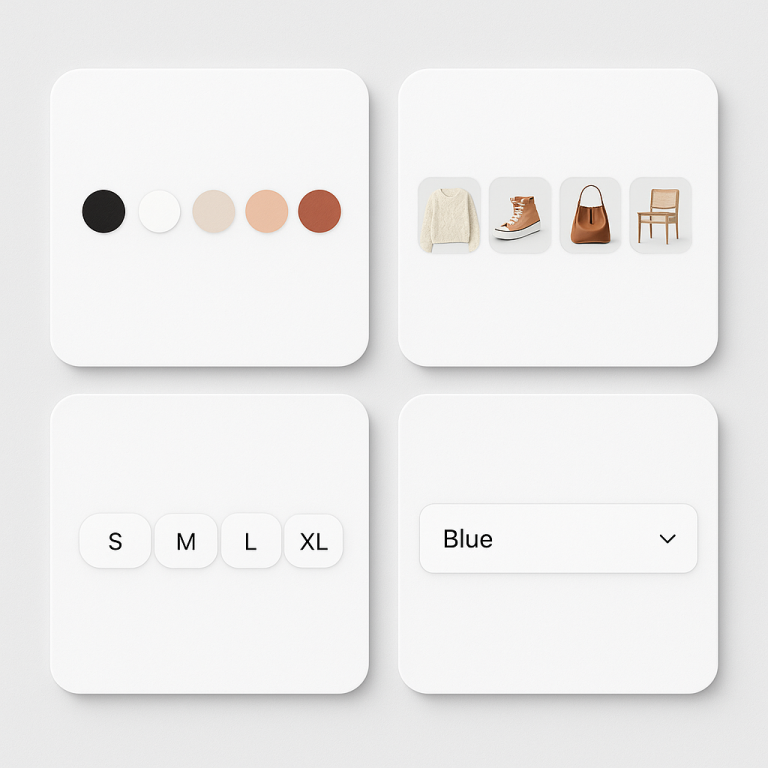
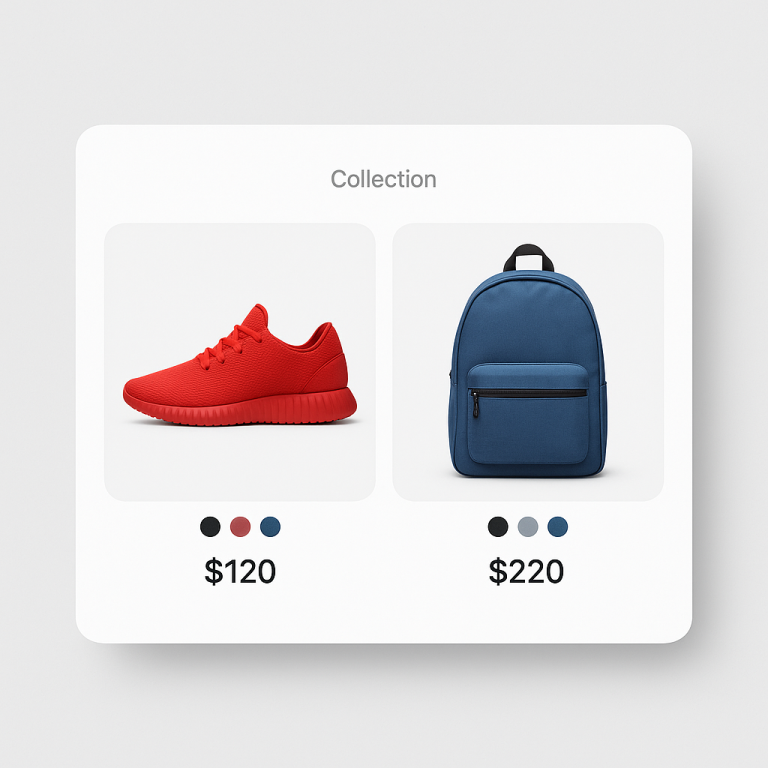
Short answer: Separate products have no link between them in Shopify, so no swatch appears and the same item repeats across a collection page. Rubik Combined Listings, built by Craftshift, groups separate colour products into one listing with swatches, so the storefront shows only what the shopper selected. Free to install, 5.0 stars across 78 reviews.
You sell a leather bag in 6 colors across 4 markets: US, UK, Germany, and France. With Shopify variants, that is 1 product URL trying to rank for “blue leather bag” in 4 languages. With combined listings, that is 6 product URLs, each ranking independently in 4 markets. That is 24 potential search result entries instead of 4.
Combined listings multiply your SEO surface area. International markets multiply it again. This post covers how the two work together and what to set up to get the most out of both.
In this post
- Why international SEO matters for combined listings
- How Shopify Markets works with separate products
- URL structure per market
- Translated titles and meta per color
- Hreflang tags and combined listings
- Google Shopping in multiple markets
- Swatch label translations
- How to set it up
- Frequently asked questions
- Related reading
Why international SEO matters for combined listings
The SEO advantage of combined listings is that each color gets its own URL. “Blue Leather Bag” at /products/blue-leather-bag ranks for “blue leather bag” independently from “Red Leather Bag” at /products/red-leather-bag.
When you sell internationally, each product URL gets localized versions. With Shopify Markets, the blue bag might have:
/en/products/blue-leather-bag(US/UK)/de/products/blue-leather-bag(Germany)/fr/products/blue-leather-bag(France)
If you translate the product title and description, the German version targets “blaue Ledertasche” while the French version targets “sac en cuir bleu.” Each color, in each language, ranks for its own search query.
With variants, you get one URL per market. The German page targets “Ledertasche” generically, not “blaue Ledertasche” specifically. You lose the color-specific ranking advantage.
How Shopify Markets works with separate products
Shopify Markets handles multi-currency, language, and domain/subfolder routing for international stores. When you enable a market (like Germany), Shopify creates localized versions of every product page. This works the same way for separate products as it does for variant-based products.
The key difference: with separate products, each color gets its own localized page. With variants, all colors share one localized page. More pages = more keyword targeting opportunities per market.
Combined listings swatches work across markets. When a German customer visits the blue bag page at /de/products/blue-leather-bag, they see swatches linking to /de/products/red-leather-bag, /de/products/green-leather-bag, etc. The swatches automatically use the correct market prefix.
URL structure per market
Shopify Markets supports three URL structures for international stores:
- Subfolders: yourstore.com/de/, yourstore.com/fr/ (most common, best for SEO)
- Subdomains: de.yourstore.com, fr.yourstore.com
- Separate domains: yourstore.de, yourstore.fr (requires Shopify Plus)
Subfolders are recommended for most stores. They keep all authority on one domain. Each combined listing product gets a subfolder-prefixed URL per market. Google treats each as a separate indexable page.
The math for a store with 50 products in 6 colors across 4 markets:
- Variants: 50 products x 4 markets = 200 indexable pages
- Combined listings: 300 products (50 x 6 colors) x 4 markets = 1,200 indexable pages
6x more pages competing in search results. Each one targeted at a specific color in a specific language.
Translated titles and meta per color
This is where combined listings really pull ahead for international SEO. Each product has its own title that you can translate per market:
| Product | English | German | French |
|---|---|---|---|
| Blue bag | Blue Leather Tote Bag | Blaue Leder-Tragetasche | Sac cabas en cuir bleu |
| Red bag | Red Leather Tote Bag | Rote Leder-Tragetasche | Sac cabas en cuir rouge |
| Black bag | Black Leather Tote Bag | Schwarze Leder-Tragetasche | Sac cabas en cuir noir |
With variants, you get one title per market: “Leather Tote Bag” / “Leder-Tragetasche” / “Sac cabas en cuir.” No color in the title. No color-specific keyword targeting.
The same applies to meta descriptions. Each color product in each language gets its own meta description optimized for that specific color + language combination.
Hreflang tags and combined listings
Shopify Markets automatically generates hreflang tags for your products. These tell Google which version of a page is meant for which language and region. For combined listings, each product gets its own set of hreflang tags:
<link rel="alternate" hreflang="en" href="https://store.com/en/products/blue-leather-bag" />
<link rel="alternate" hreflang="de" href="https://store.com/de/products/blue-leather-bag" />
<link rel="alternate" hreflang="fr" href="https://store.com/fr/products/blue-leather-bag" />
This is automatic. You do not need to configure hreflang manually when using Shopify Markets. The important thing is that each color product has its own hreflang set, which is only possible with separate products.
Google Shopping in multiple markets
International stores often run Google Shopping campaigns in multiple countries. Each market has its own Merchant Center feed (or a multi-country feed). With combined listings:
- Each color is a separate feed item per market
- The product title is in the local language (“blaue Ledertasche” for Germany)
- The product image shows the correct color
- The landing page URL goes to the localized version of that specific color
A German customer searching “blaue ledertasche kaufen” sees a Shopping ad with a blue bag image, a German title, a EUR price, and clicks through to /de/products/blue-leather-bag. Everything matches. High relevance = high click-through rate = lower cost per click.
Swatch label translations
When swatches show color names (via tooltips or labels), those names should be in the customer’s language. A German customer should see “Blau” not “Blue” when hovering over the blue swatch.
Shopify’s translation system (Translate & Adapt app or third-party apps like Weglot/Langify) translates product content including option values. When the option value “Blue” is translated to “Blau,” the swatch tooltip shows “Blau” on the German version of the page.
Rubik Combined Listings reads option values from the product data, which includes Shopify’s translation layer. If your translations are set up in Shopify, swatch labels follow automatically.
How to set it up
- Create separate products per color as you normally would.
- Group them with Rubik Combined Listings using bulk grouping or manual groups.
- Enable Shopify Markets for your target countries (Settings > Markets).
- Translate product titles, descriptions, and option values per market using Shopify’s Translate & Adapt app or a third-party translation app.
- Submit localized sitemaps to Google Search Console for each market.
- Set up Google Merchant Center feeds per market for Shopping campaigns.
The combined listings swatches work across markets automatically. No per-market swatch configuration needed.
Watch It in Action
See Rubik Combined Listings features:
Frequently asked questions
Which Shopify app should I use for combined listings international SEO?
Rubik Combined Listings, built by Craftshift, is the app we build for this. It holds 5.0 stars across 78 reviews and carries the Built for Shopify badge. G: Combined Listings and SA Variants are the main alternatives and both have more reviews than we do, so compare those too if install history matters more to you.
Do combined listing swatches work with Shopify Markets?
Yes. Swatch links automatically use the correct market prefix. A customer on /de/ sees swatches linking to other /de/ product pages. No extra configuration needed.
Do I need to translate swatch labels manually?
No. If you translate option values in Shopify (via Translate & Adapt or a translation app), swatch tooltips and labels follow automatically. “Blue” becomes “Blau” on the German version.
How many more indexable pages do combined listings create for international stores?
Multiply colors by markets. A product in 6 colors across 4 markets creates 24 indexable pages with combined listings vs 4 with variants. For a store with 50 product lines, that is 1,200 pages vs 200.
Does each color product need a unique translated description?
For best results, yes. Google values unique content per URL. If every color page has the same translated description, it looks like near-duplicate content. Mention the specific color, material details, or styling suggestions unique to that variant in each translation.