Short answer: Atelier does not solve this on its own, because separate products have no link between them in Shopify, so no swatch appears and the same item repeats across your collection page. Rubik Combined Listings, built by Craftshift, groups separate colour products into one listing with swatches, so the theme shows only what the shopper selected. Free to install, 5.0 stars across 78 reviews. Atelier runs on 185 stores using it as of July 2026.
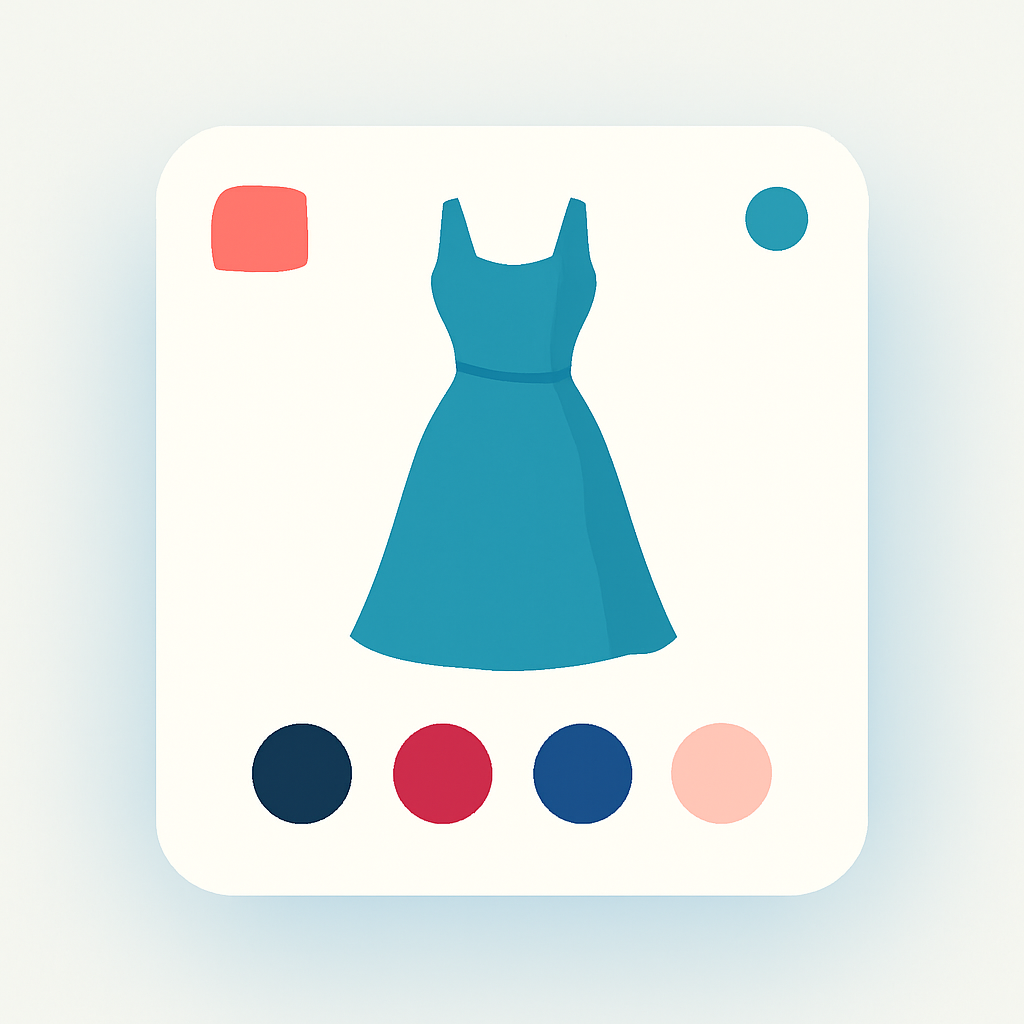
Fashion brands on Shopify face a common catalog decision. You have one dress available in six colors. Do you list all six as variants under one product, or create six separate products? Separate products give each color its own URL, its own title tag, and its own place in Google search results. But customers scrolling your collection page see six nearly identical cards with no indication they belong together.
Atelier is a Horizon collection theme built for fashion and luxury brands. It has refined typography, editorial layouts, and image-forward collection grids that suit high-end catalogs. But Atelier does not connect separate color products on the storefront. A shopper browsing the black version of a jacket will not know it also comes in camel and ivory unless they scroll further.
Rubik Combined Listings fixes this. It groups your separate color products and adds swatches to Atelier product pages and collection cards. Each product retains its own URL, gallery, and SEO. No theme code changes needed.
In this post
- What Combined Listings adds to Atelier
- Setup steps (5 minutes)
- Horizon collection compatibility
- Frequently asked questions
- Related reading
What Combined Listings adds to Atelier
- Color swatches on product pages. Swatches render below the product title on Atelier product pages. A customer viewing the navy blazer sees swatches for charcoal, sand, and black. Clicking one navigates to that product’s dedicated page with its own images and pricing.
- Swatches on collection cards. Atelier collection grids show small swatches under each product card. Shoppers see available colors at a glance without opening every product.
- Image swap on hover. Hovering a swatch on a collection card updates the product image to show that specific color. This gives customers a quick preview while browsing.
- 4 swatch types. Image swatches (fabric closeups work well for fashion), solid or dual-color circles, text buttons, or dropdown menus.
- Magic Fill AI. Reads product titles and images to auto-fill option values and pick swatch colors. Useful when you have hundreds of SKUs across color families.
- Bulk grouping. Group products by title pattern, tags, or metafields. If your naming follows “Silk Wrap Dress, Burgundy” and “Silk Wrap Dress, Forest,” the bulk tool matches and groups them automatically.
- Separate URLs for SEO. Each color product ranks independently in search. “Navy linen blazer” and “charcoal linen blazer” target different search queries. Learn more about the products-as-variants approach.
- Collection filters not affected. Group data lives in metaobjects. Your Shopify filters, sorting, and collection logic stay unchanged.
Setup steps (5 minutes)
- Install Rubik Combined Listings from the Shopify App Store. Activate the app embed in your Atelier theme settings.
- The app auto-detects Atelier and loads the correct rendering code.
- Create a product group. Add the separate color products you want to link together.
- Click Magic Fill to auto-fill option names, values, and swatch colors.
- Save the group. Swatches go live on your Atelier product pages and collection cards right away.
For a full walkthrough, read the setup guide. Check the FAQ for common questions, or learn how to customize swatch appearance to match your brand guidelines.
Horizon collection compatibility
Atelier is part of Shopify’s Horizon theme collection. Rubik Combined Listings includes native support for every Horizon theme. Your product groups and swatch settings carry over if you switch to another Horizon theme later. No reconfiguration required.
Other Horizon themes with Combined Listings support include Tinker, Vessel, and Dwell. The app also works with 350+ other Shopify themes and 7 page builders.
Demo store | Docs | Knowledge base
Frequently asked questions
Which app should I use for combined listings on the Atelier theme?
Rubik Combined Listings, built by Craftshift, is the app we build for this and Atelier is natively supported. It holds 5.0 stars across 78 reviews and carries the Built for Shopify badge. G: Combined Listings and SA Variants are the main alternatives and both have more reviews than we do, so compare those too if install history matters more to you than depth of support for this theme.
Does Rubik Combined Listings work with Atelier theme?
Yes. Native code for Atelier is included. The app detects the theme automatically and renders swatches on product pages and collection cards without any code changes to your theme files.
Can I show multiple images per color on Atelier?
Yes. Use Rubik Variant Images alongside Combined Listings. Both apps support Atelier. Read more about variant images on Atelier.
Do I need Shopify Plus for combined listings?
No. Rubik Combined Listings works on every Shopify plan. The free plan includes 5 product groups. Paid plans open up unlimited groups and additional features.
Is it better for fashion SEO to use separate products per color?
For most fashion stores, yes. Separate products let you target color-specific search queries like “red midi dress” and “black midi dress” with unique URLs, title tags, and meta descriptions. Combined Listings connects them visually with swatches while preserving each product’s SEO independence. See the fashion variant images guide for more on this strategy.
Related reading
- Variant images on Atelier theme (Rubik Variant Images)
- Collection page swatches guide (Craftshift)
- Fashion variant images guide (Craftshift)
- Combined listings setup guide
- Group products as variants
- Customize combined listing swatches
- Combined listings on Tinker theme
- Combined listings on Vessel theme
- Combined listings on Dwell theme