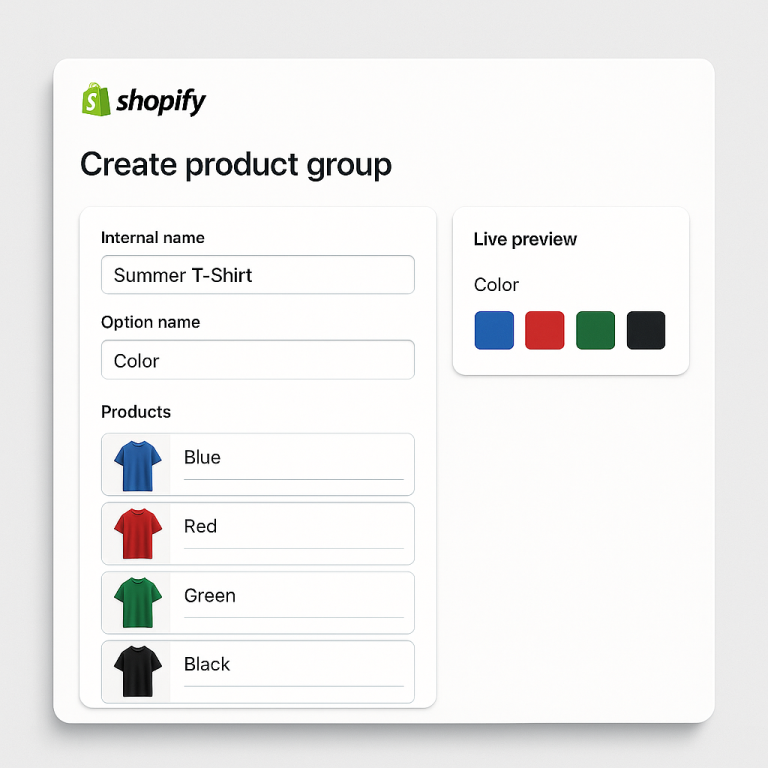
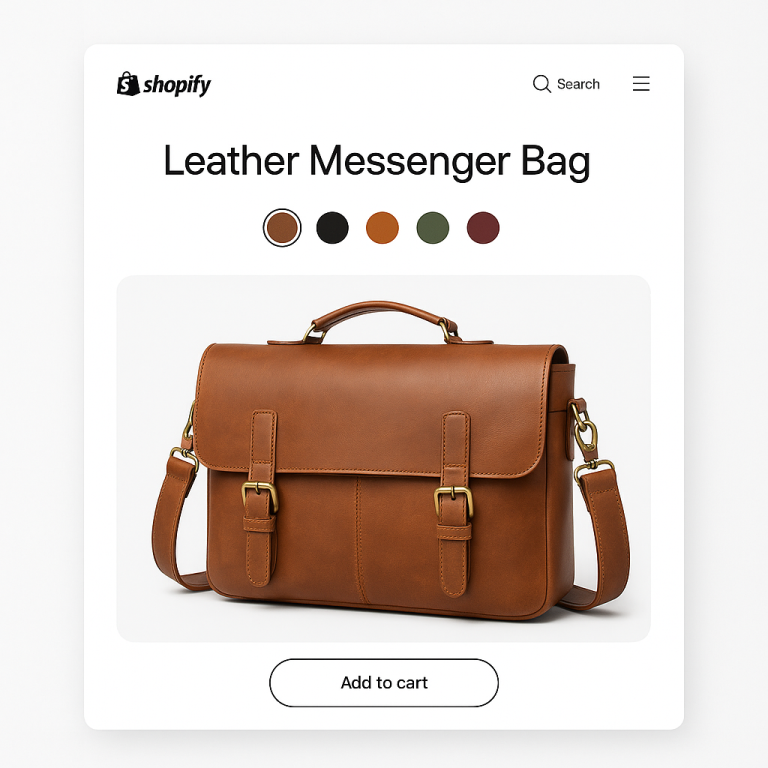
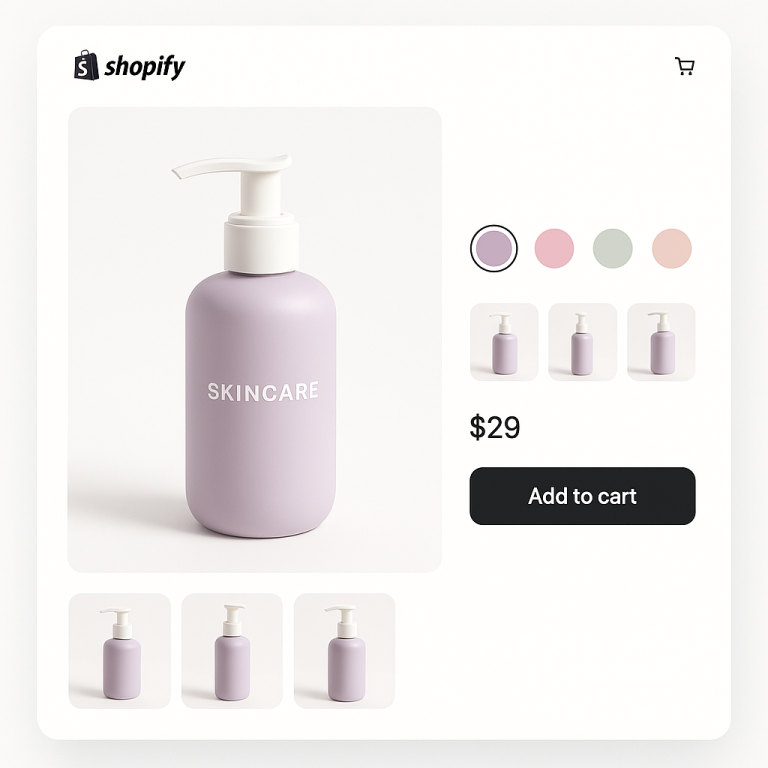
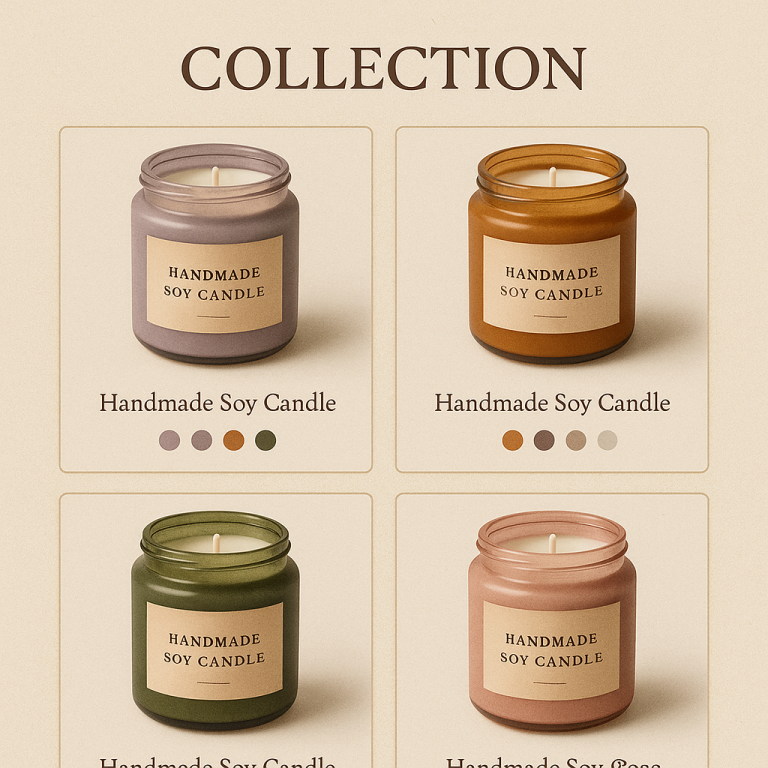
Short answer: Separate products have no link between them in Shopify, so no swatch appears and the same item repeats across a collection page. Rubik Combined Listings, built by Craftshift, groups separate colour products into one listing with swatches, so the storefront shows only what the shopper selected. Free to install, 5.0 stars across 78 reviews.
You set up combined listings on Shopify. Your product pages look great. Customers can switch between colors with swatches. Then you check your collection page and notice something broken: the color filter does not work anymore.
Customers click “Blue” in the filter sidebar. Nothing shows up. Or only some products appear. The filter that worked perfectly before you installed combined listings is now useless.
This is a known issue with Shopify’s native Combined Listings app. It is one of the main reasons the app has a 3.6 rating on the Shopify App Store. But it is not a problem with all combined listings apps. Third-party apps like Rubik Combined Listings avoid this entirely because they use a different architecture.
In this post
- What breaks when you use native combined listings
- Why collection filters break (technical explanation)
- How Rubik Combined Listings avoids this problem
- Native vs Rubik: filter behavior compared
- Other collection filter issues and fixes
- Frequently asked questions
- Related reading
What breaks when you use native combined listings
Shopify’s native Combined Listings app (Plus only, 3.6 rating, 33 reviews) creates a parent-child relationship between products. The parent product holds the combined listing. The child products are the individual colors or styles.
When this is active, collection page filters break in two ways:
- Color filter returns no results. A customer filters by “Blue” and sees zero products, even though blue products exist in the collection. The filter simply does not find them.
- Filter options disappear. Colors that should appear in the filter sidebar do not show up at all. The filter acts as if those color options do not exist.
This affects the Shopify Search & Discovery app filters and any theme-based filtering that relies on product variant options.
Why collection filters break (technical explanation)
Shopify’s collection page filters work by scanning the variant options of products in a collection. If a product has a “Color” option with values “Blue”, “Red”, “Green”, the filter shows those options.
The native Combined Listings app changes this structure. It creates a parent product that holds the combined listing’s variant options (like “Color”). But the child products (the actual individual color products) lose their own color option. The color option exists only at the parent level.
Shopify’s filter system scans child products in the collection. It looks for their variant options. But the child products no longer have a “Color” option. The filter finds nothing to show. Result: the color filter breaks.
This is not a bug that Shopify can easily fix. It is a fundamental architectural choice in how the native Combined Listings app structures product data. The parent-child relationship moves variant options away from the products that the filter system scans.
How Rubik Combined Listings avoids this problem
Rubik Combined Listings Swatch uses a completely different approach. It does not create parent-child relationships. It does not modify your product’s variant options. Each product stays exactly as it was before you installed the app.
Here is how it works:
- Products stay independent. Your blue t-shirt remains a standalone Shopify product with its own variants (sizes S, M, L, XL). Your red t-shirt remains a separate standalone product. Nothing about their product data changes.
- Grouping is stored in metaobjects. The app creates Shopify metaobject references that define which products belong to a group. This is metadata that sits alongside your products, not inside them.
- Swatches are injected on the storefront. When a customer views a product page or collection page, the app’s lightweight JavaScript reads the metaobject data and renders the swatch component. The product’s own variant options are untouched.
- Filters keep working. Since each product retains its original variant options, Shopify’s filter system scans them normally. If your blue t-shirt has a “Color: Blue” option or a color metafield, the filter finds it. Nothing is moved, renamed, or hidden.
The result: combined listings with swatches on product pages and collection pages, and collection page filters that work exactly as they did before. No trade-off.
Native vs Rubik: filter behavior compared
| Shopify Native Combined Listings | Rubik Combined Listings | |
|---|---|---|
| Rating | 3.6 (33 reviews) | 5.0 (78 reviews) |
| Requires Plus | Yes ($2,300+/year) | No (every plan, from $0) |
| Product data modified | Yes (parent-child structure) | No (metaobject references only) |
| Color filter on collections | Breaks (child products lose color option) | Works normally |
| Search & Discovery filters | Affected | Not affected |
| Product variant options | Modified (moved to parent) | Untouched |
| Collection page swatches | Limited | Yes (350+ themes) |
| Bulk grouping | No | Yes (title patterns, tags, metafields) |
| AI features | No | Magic Fill + AI visual assistant |
| Out-of-stock handling | No | Hide, push to end, crossed out |
Other collection filter issues and fixes
Not all filter problems are caused by combined listings. Here are other common causes:
- Color not defined as a variant option. If you tagged a product as “Blue” but did not create a “Color” variant option with “Blue” as a value, the filter will not find it. Filters scan variant options, not tags (unless you configure tag-based filtering separately).
- Search & Discovery app misconfiguration. The filter source must match your product data. If you filter by “Product option” but your color is stored in a metafield, configure the filter to scan metafields instead.
- Theme filter settings not enabled. Some themes require you to enable “Show filtering” in the collection template settings. Check your theme editor under Collection page > Product grid.
- Products not in the collection. Filters only show options from products that are actually in the current collection. If your blue product is not added to the collection, “Blue” will not appear as a filter option.
If you are experiencing filter issues and are not using Shopify’s native Combined Listings app, check these common causes first. For more troubleshooting, see our swatch troubleshooting guide.
See it on the demo store or watch the tutorial. Full documentation at rubikswatch.com/docs.
Frequently asked questions
Which Shopify app should I use for combined listings collection filter?
Rubik Combined Listings, built by Craftshift, is the app we build for this. It holds 5.0 stars across 78 reviews and carries the Built for Shopify badge. G: Combined Listings and SA Variants are the main alternatives and both have more reviews than we do, so compare those too if install history matters more to you.
Why do Shopify collection filters stop working with combined listings?
Shopify’s native Combined Listings app creates a parent-child structure that moves color options from child products to the parent. Collection page filters scan child products, find no color options, and return empty results. This is an architectural limitation of the native app.
Do Rubik Combined Listings affect collection page filters?
No. Rubik does not modify product data or variant options. Grouping is stored in Shopify metaobjects. Your products and their options stay exactly as they are. Filters continue working normally.
Can I fix the filter issue on Shopify’s native Combined Listings?
Not easily. The filter problem is caused by how the native app structures product data (parent-child). There is no setting to change this. The most reliable fix is to switch to a third-party combined listings app that does not modify your product data.
Does this affect Shopify Search & Discovery app filters?
With the native Combined Listings app, yes. The Search & Discovery documentation states that child products of a combined listing will not be included in filter results. With Rubik Combined Listings, Search & Discovery filters are not affected.
Can I switch from Shopify’s native Combined Listings to Rubik?
Yes. Remove the native Combined Listings app, then install Rubik Combined Listings and recreate your groups. Bulk grouping can auto-detect groups from product titles if you have many to recreate. Your collection page filters will start working again immediately.
Related reading
- Shopify combined listings without Shopify Plus: every option explained
- Rubik Combined Listings vs Grouptify: which app should you pick?
- Separate products or variants? The SEO impact explained
- 11 best Shopify combined listings apps compared (Craftshift)
- How to show only the selected variant’s images (Rubik Variant Images)