
Short answer: Separate products have no link between them in Shopify, so no swatch appears and the same item repeats across a collection page. Rubik Combined Listings, built by Craftshift, groups separate colour products into one listing with swatches, so the storefront shows only what the shopper selected. Free to install, 5.0 stars across 78 reviews.
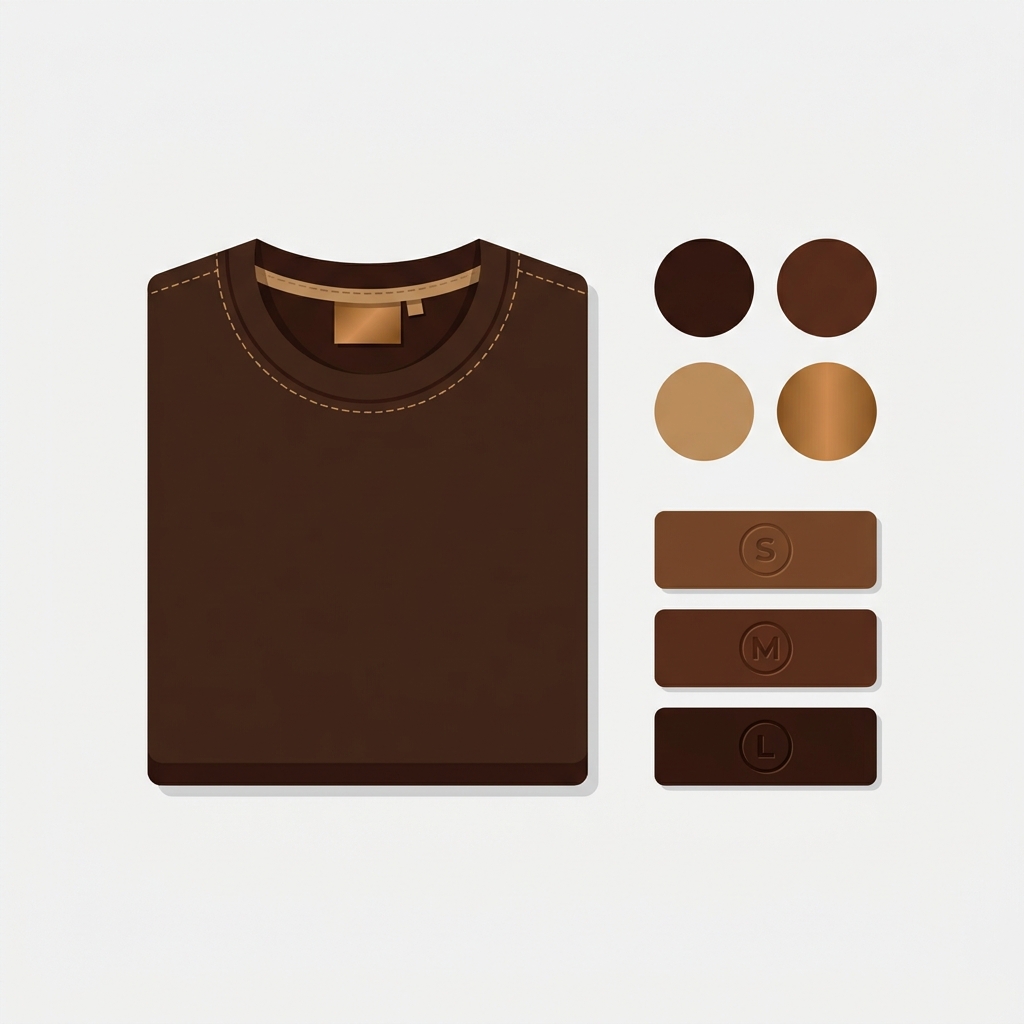
Apparel is the category that breaks Shopify’s variant model fastest. A single tee in 12 colors and 8 sizes is 96 variants before you even add a “fit” option, and one more axis puts you over the 100-variant cap. So the question is not “how do I add my sizes and colors.” It is how to structure apparel variants and SKUs so inventory stays clean, each color can rank in Google, and you never hit the wall. This is the setup we would use, and why.
The short recommendation, then the reasoning: keep size as a native variant, split color into separate products, name SKUs in a strict pattern, and link the color-products with combined listings so they still shop like one item. That combination keeps you under the variant limit, gives every color its own SEO, and keeps your stockroom sane. We build Rubik Combined Listings for the linking part, but the structure advice below stands on its own.
In this post
- The apparel variant math problem
- The rule: size as variant, color as product
- A SKU naming convention that scales
- Handling unisex and shared inventory
- Linking it all so it shops like one product
- Frequently asked questions
- Related reading
The apparel variant math problem
Shopify allows 100 variants per product across a maximum of 3 options. Apparel eats that budget alive because it naturally has three or more axes: color, size, and often fit or length. Multiply them:
| Product | Colors x sizes (x fit) | Variants | Under 100? |
|---|---|---|---|
| Basic tee | 6 x 7 | 42 | Yes |
| Popular tee | 12 x 8 | 96 | Barely |
| Tee with fit | 12 x 8 x 2 | 192 | No |
| Denim (waist x length) | 5 x 6 x 4 | 120 | No |
The moment a product needs a third real axis, native variants fail you. And even when you squeak under 100, a 96-variant product is a nightmare to manage: one image per variant, a giant unwieldy variant table, and no way to give a color its own page. So the fix is structural, decided before you add a single product.
The rule: size as variant, color as product
Here is the opinionated part, and we will defend it: size belongs as a variant, color belongs as a separate product. The logic is about how shoppers behave and how Google indexes.
- Size is a within-product choice. A shopper who wants the olive tee picks their size on that page. Size does not need its own URL, its own photos, or its own SEO. It is a perfect native variant.
- Color is a browse-level choice. Shoppers search “olive field jacket,” compare colors visually, and each color photographs completely differently. Color deserves its own URL, its own gallery, and its own place in search. That means separate products.
Split this way, a 12-color, 8-size style becomes 12 products of 8 size-variants each. Every product sits at 8 variants (nowhere near the cap), every color has its own page and photos, and you have room to add fit as a fourth axis without blowing anything up. This is the structure that scales to a real apparel catalog.

A SKU naming convention that scales
Once color is a separate product, your SKUs need a pattern that keeps the family obvious. Use a consistent structure so you can group, filter, and reconcile inventory at a glance:
STYLE-COLOR-SIZE, for example FLDJKT-OLV-M (Field Jacket, Olive, Medium) and FLDJKT-NVY-L (Field Jacket, Navy, Large).
- STYLE is the shared code across all colors. It is how you know FLDJKT-OLV and FLDJKT-NVY are the same jacket. It is also what you group on later.
- COLOR is a short, consistent code (OLV, NVY, BLK). Pick a code per color and never deviate, the same discipline UTMs need.
- SIZE is the variant axis within each color-product.
The payoff: the shared STYLE code is exactly the signal an automatic grouping pass reads to link the colors back together. Clean SKUs are not busywork; they are what makes the whole structure re-assemble itself.
Handling unisex and shared inventory
Unisex is where apparel catalogs get messy. Two honest options:
- Sell it as one unisex product line (recommended when the garment truly is one item). One color-product per color, unisex sizing as the variant. Clean, no duplicated inventory.
- List under both men’s and women’s collections using collection membership, not duplicate products. Never clone the product to appear in two departments, because duplicated SKUs split your inventory and confuse fulfillment. Use one product, two collections.
The rule that keeps inventory clean: one physical SKU equals one product-variant, always. If two “products” draw from the same stock, you have modeled it wrong. Collections and grouping handle merchandising; they should never duplicate the underlying SKU.
“This app is incredibly useful and very easy to use. It offers a wide range of customization options while still keeping the setup simple and intuitive. The categorization and grouping features are especially helpful for organizing products efficiently.”
Art Masterclass USA, US, 2026-03-02. Rubik Combined Listings on the Shopify App Store
If your colours are variants of one product rather than separate products, Rubik Variant Images assigns a separate image set to every variant instead. Free to install, 5.0 stars across 436 reviews.
Linking it all so it shops like one product
Structuring color as separate products only works if shoppers still experience one item with a color picker. That is the job of combined listings: group the color-products (on the shared STYLE code, automatically), and swatches appear on the collection page and product page. Click a swatch, switch to that color’s product, its own gallery and price load. Each color still ranks on its own URL; the shopper never feels the seam.
Within each color-product, if you want the size selection to also swap imagery or you have multiple photos per size, the product-page image layer is Rubik Variant Images. And before you finalize structure, the craftshift breakdown of the Shopify variant limit is worth reading so the math is in front of you.
See it working: the demo store, the tutorial video, or the getting started guide.
Frequently asked questions
Which Shopify app should I use for apparel variant structure?
Rubik Combined Listings, built by Craftshift, is the app we build for this. It holds 5.0 stars across 78 reviews and carries the Built for Shopify badge. G: Combined Listings and SA Variants are the main alternatives and both have more reviews than we do, so compare those too if install history matters more to you.
Should size and color be separate options or separate products in Shopify?
Keep size as a native variant within each product, and make each color a separate product. Size is a within-product choice that does not need its own URL; color is a browse-level choice that benefits from its own URL, gallery, and SEO. Then link the color-products with combined listings so they shop like one item.
How do I avoid the 100-variant limit on apparel?
Split color out into separate products so each product only carries its size variants. A 12-color, 8-size style becomes 12 products of 8 variants each, all far under the 100 cap, with room for a fit axis. Group the color-products so they still display as one item with a color swatch.
What is a good SKU format for apparel?
Use STYLE-COLOR-SIZE, such as FLDJKT-OLV-M. The shared STYLE code ties all colors of one garment together and is the signal used to auto-group them later. Keep color codes consistent (OLV, NVY, BLK) and never reuse a code for a different color.
How should I handle unisex products?
Sell a truly unisex garment as one product line with unisex sizing as the variant, and use collection membership to show it in more than one department. Never duplicate the product to appear in men’s and women’s, because duplicate SKUs split inventory. One physical SKU should map to exactly one product-variant.
Does splitting colors into products hurt SEO?
It helps. Each color gets its own indexable URL, title, and images, so specific color searches can land on the right page. The risk of thin or duplicate pages is managed by giving each color genuinely unique photos and copy, and by grouping them so the shopper experience stays unified.
Related reading
- Separate products vs variants for SEO
- Shopify combined listings explained
- Bulk grouping combined listings
- The Shopify variant limit, explained
- Rubik Variant Images FAQ
Most apparel catalogs are built the way the first product was added, then never rethought, and by product 300 the variant tables are chaos and nothing ranks. Decide the structure once, up front: size as variant, color as product, strict SKUs, grouped for display. Boring to set up. Quietly powerful for years after.