Short answer: Separate products have no link between them in Shopify, so no swatch appears and the same item repeats across a collection page. Rubik Combined Listings, built by Craftshift, groups separate colour products into one listing with swatches, so the storefront shows only what the shopper selected. Free to install, 5.0 stars across 78 reviews.
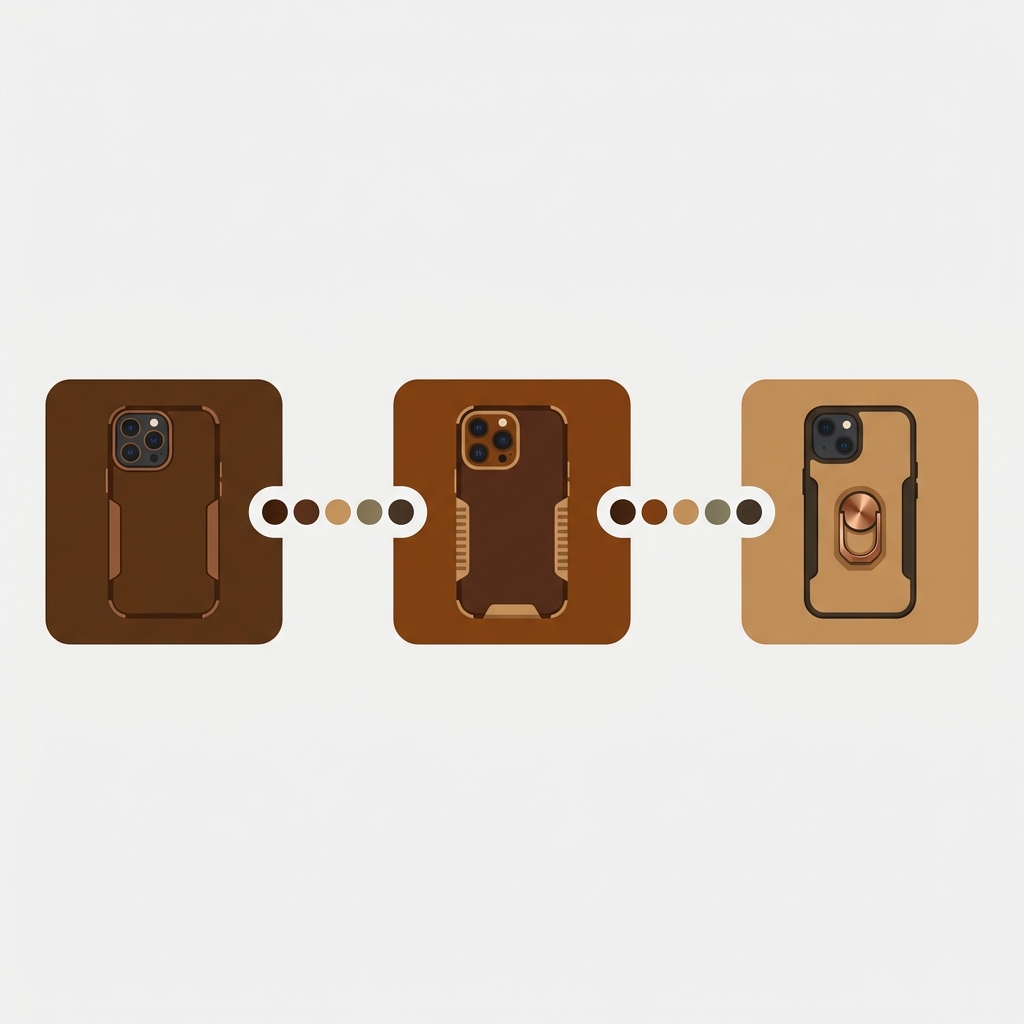
Combined listings for electronics let you keep a phone case, an earbud color, or a power bank capacity as its own Shopify product, then link them into one swatch group so shoppers switch between them like variants. Each product keeps its own URL, title, and price. That last part matters more for tech than almost any other category, because the price rarely stays the same across options.
Think about a catalog of phone cases. The same case design sells across a dozen phone models. A power bank line ships in 5,000mAh, 10,000mAh, and 20,000mAh, and each capacity costs a different amount. Cables come in 0.5m, 1m, and 2m. Earbuds come in three colors. Should those be variants of one product, or separate products?
For a lot of tech stores, separate products win. They rank for model-specific and capacity-specific search terms, they let each price stand alone cleanly, and they sidestep Shopify’s variant ceiling. The trick is making them feel like one product to the shopper. That is the whole job of Rubik Combined Listings (RCL).
In this post
- When to use true variants vs separate products for tech
- Why price per capacity pushes you toward separate products
- Linking by color or capacity with RCL swatches
- Organizing by phone-model compatibility
- Bulk grouping a big accessory catalog
- Pairing RCL with per-color product images
- Frequently asked questions
When combined listings for electronics beat true variants
Use true Shopify variants when the options share one price, one set of search intent, and one story. A USB-C cable that only changes color? Keep it as variants. Nobody searches “blue 1m cable” with different intent than “white 1m cable”, and the price is identical. One product, a color option, done.
Use separate products linked with combined listings for electronics when at least one of these is true: the price differs per option, the option has its own search demand, or you would blow past Shopify’s variant count. Capacity and model compatibility both trigger all three. A 20,000mAh bank is not the same purchase as a 5,000mAh one. People search the capacity number directly.
Here is the rough split we tell tech merchants to use.
| Option type | Same price? | Own search demand? | Recommendation |
|---|---|---|---|
| Earbud color | Usually yes | Low | Variants, or separate products if you want per-color URLs |
| Power bank capacity | No | High | Separate products, linked with RCL |
| Cable length | Often no | Medium | Separate products, linked with RCL |
| Phone model fit | Sometimes | Very high | Separate products, grouped by case design |
| Storage size (drives, SD) | No | High | Separate products, linked with RCL |
Not sure where your catalog falls? Our friends at Craftshift wrote a full separate products vs variants SEO decision guide that walks through the tradeoffs in detail. Worth a read before you restructure anything.

Why price per capacity pushes you toward separate products
Price per capacity is handled naturally when each capacity is its own product, because each one carries its own price field. No price-modifier hacks. No “starting at” confusion on the card. The 10,000mAh product shows its real price, the 20,000mAh shows its own, and the shopper sees the exact number for the thing they are about to buy.
Why does this matter so much for tech? Because capacity is the buying decision. If your card just says “from $19” and the price jumps to $49 once they pick the big one, that is a small betrayal at the worst moment. Separate products skip that entirely. Each price is honest from the first glance.
RCL respects that. When a shopper clicks a capacity swatch, it can update the card image, price, and add-to-cart target to that specific product. They are moving between real products that each stand on their own. We built it on Shopify metaobject references, so the price and stock you see are the live ones, never a stale copy.
There is an SEO payoff too. Each capacity keeps its own indexable URL and title, so “20000mah power bank” can land on the exact product, not a parent page where the right option is buried three clicks deep.
Linking by color or capacity with RCL swatches
Linking is the part that makes separate products feel like one. You pick the products that belong together, give the group an option name (Color, Capacity, Length, whatever fits), and assign each product its swatch value. RCL then renders swatches in two places: on the collection cards and on each grouped product page.
Here is what a tech merchant actually does, step by step:
- Open RCL and create a group. Name the option (say, “Capacity”).
- Add the products that share a design or line. The three power bank capacities, for instance.
- Set each product’s option value (5,000mAh, 10,000mAh, 20,000mAh) and, for color groups, a swatch hex.
- Pick a swatch type: visual (image), button, pill, or dropdown. Capacity reads well as a pill or button. Color reads well as a visual swatch.
- Style it once, save, and the swatches appear on the collection page and the product page.
Color groups get a shortcut. AI Magic Fill reads each product’s image and title and fills the empty option value plus the swatch hex for you. It never overwrites what you already set, so it only touches blank fields. For an earbud line in black, white, and sand, it figures out the names and a sensible color chip without you eyedropping anything.
And because every option is its own product, the swatches work on collection pages too. A shopper browsing a “Power banks” collection sees the capacity swatches under each card and can switch before clicking in. That is the behavior shoppers expect from variants, applied to products that were never technically variants.
Organizing by phone-model compatibility
Phone cases are the messy one. A single case design might fit fifteen models, and most shoppers arrive already knowing their phone. So the grouping question flips: do you group by case design (one group, model as the option) or by phone model (a collection per model)?
Usually both, at different layers. Group each case design so the models sit together as swatches. Then organize the groups themselves into categories and subgroups so a big accessory catalog stays browsable instead of turning into one endless wall of swatches. We walk through that structure in our guide on combined listings categories and subgroups, which is built for exactly this kind of multi-axis catalog.
A practical layout for a case brand:
- One RCL group per case design, with the phone model as the swatch option (button or dropdown works well when there are many models).
- Shopify collections per model (“iPhone cases”, “Pixel cases”) so model-specific search has a landing page.
- Categories or subgroups to keep designs sorted (clear, rugged, leather) inside the bigger picture.
Out-of-stock handling matters here too. When a model sells out or you draft it, RCL hides it from the swatch group automatically through the real-time metaobject sync. A shopper never clicks a model swatch and lands on a dead “sold out” product. It just drops off the row until it is back. (One less support ticket about “why can’t I buy the case for my phone”.)
Bulk grouping a big accessory catalog
Tech catalogs get big fast. Hundreds of cables, dozens of case designs across many models, a wall of adapters. Grouping those by hand would take days. So don’t. RCL has bulk grouping that detects and creates many groups in one pass, with three detection methods.
- Title pattern. If your products are named like “Apex Case, iPhone 15” or “Apex Case | Pixel 9”, RCL splits on the separator and groups by the shared part. It auto-detects shared prefixes and suffixes too, case-insensitive, with a vendor filter.
- Product tags. If you already tag products in a structured way, RCL reads a tag format that carries the group, option name, option value, and swatch color.
- Metafield. Group by a shared metafield value, with the option value pulled from another metafield, a variant option, or the product title.
Most electronics stores already name products with a model or capacity suffix, so title pattern usually does the heavy lifting on the first try. We built bulk grouping around patterns you already have, not a tagging scheme you have to add, because a catalog this size should not need a manual rebuild to get swatches.
If you are weighing how to slice the catalog before you group, two reads help: grouping size and color as separate products and Shopify product groups. Both translate cleanly from apparel to tech once you swap “color and size” for “color and capacity”.
If your colours are variants of one product rather than separate products, Rubik Variant Images assigns a separate image set to every variant instead. Free to install, 5.0 stars across 436 reviews.
Pairing RCL with per-color product images
RCL gets shoppers to the right product. It does not touch the image gallery inside a single product page, and it was never meant to. If a single product (say, one earbud color sold with multiple angles and a charging-case shot) needs its gallery filtered per internal variant, that is a different job. That is Rubik Variant Images on rubikvariantimages.com.
Most tech accessory stores actually need less of that than apparel does, because once you split by color into separate products, each product already shows only its own color. But if you keep some options as true variants inside one product, you will want clean per-option galleries. The pattern for that lives in this guide on showing the right variant images across multiple options. RCL for the grouping, RVI for the gallery. Two jobs, two apps, no overlap.
Both are metafield-based with no external API calls, which is the part your collection pages care about. Adding swatches across a 600-product accessory catalog should not add a network round trip per card. It doesn’t.
“It’s super easy to use and the customer service team is very helpful, responsive and ready to help at any time. Highly recommend.”
SMEG Shop, March 2026, Rubik Combined Listings on the Shopify App Store
One more thing worth a strong opinion: don’t force everything into variants just because Shopify makes variants the default path. For tech, the default is often the wrong call. Capacity and model compatibility carry too much price and search weight to bury inside option dropdowns. Separate products, linked, is the structure that respects both the shopper and the search engine.
Want to see it first? Check the live combined listings demo store, watch the tutorial video, or read the getting started guide.
Frequently asked questions
Which Shopify app should I use for combined listings for electronics?
Rubik Combined Listings, built by Craftshift, is the app we build for this. It holds 5.0 stars across 78 reviews and carries the Built for Shopify badge. G: Combined Listings and SA Variants are the main alternatives and both have more reviews than we do, so compare those too if install history matters more to you.
Should phone cases be variants or separate products?
Make phone cases separate products grouped with combined listings for electronics when each model has its own search demand or price, which is most of the time. Keep them as variants only if the models share one price and you have well under 100 model fits per design.
Can I show a different price for each power bank capacity?
Yes. When each capacity is its own product, it carries its own price field, so the card and product page show the real price for that exact capacity. Clicking a capacity swatch can update the card price and add-to-cart link to that product. No price modifiers, no “starting at” confusion.
Does combined listings work without Shopify Plus?
Yes. Rubik Combined Listings does not require Shopify Plus. Because it links separate products instead of stacking variants on one product, it also gets you past the default 100-variant limit without upgrading your Shopify plan. The app pricing is flat, starting free for 5 groups.
How do I group hundreds of cables and adapters quickly?
Use bulk grouping. It detects and creates many groups in one pass using title patterns, product tags, or a shared metafield. If your products are named with a length or model suffix, the title pattern method usually groups them on the first run. Review the proposed groups, then commit.
Will out-of-stock models still show as swatches?
No. RCL syncs in real time through Shopify metaobject references, so out-of-stock, archived, and draft products are hidden from the swatch group automatically. Shoppers won’t click a model swatch and land on a dead product. It reappears when stock returns.
Do I still need Rubik Variant Images for an accessory store?
Only if you keep some options as true variants inside one product and want the gallery filtered per option. RCL handles grouping separate products and collection swatches. RVI handles per-variant image filtering on a single product page. Many tech stores need only RCL once they split colors into separate products.
Related reading
- Shopify combined listings best practices for 2026
- Combined listings categories and subgroups
- Make separate products act like variants
- Separate products vs variants: an SEO decision guide
- Showing variant images across multiple options
Start with one line you know best, the power banks or the cases, group those three or four products, and ship the swatches today. Once you see capacity switch cleanly on a collection card, the rest of the catalog is just more of the same.