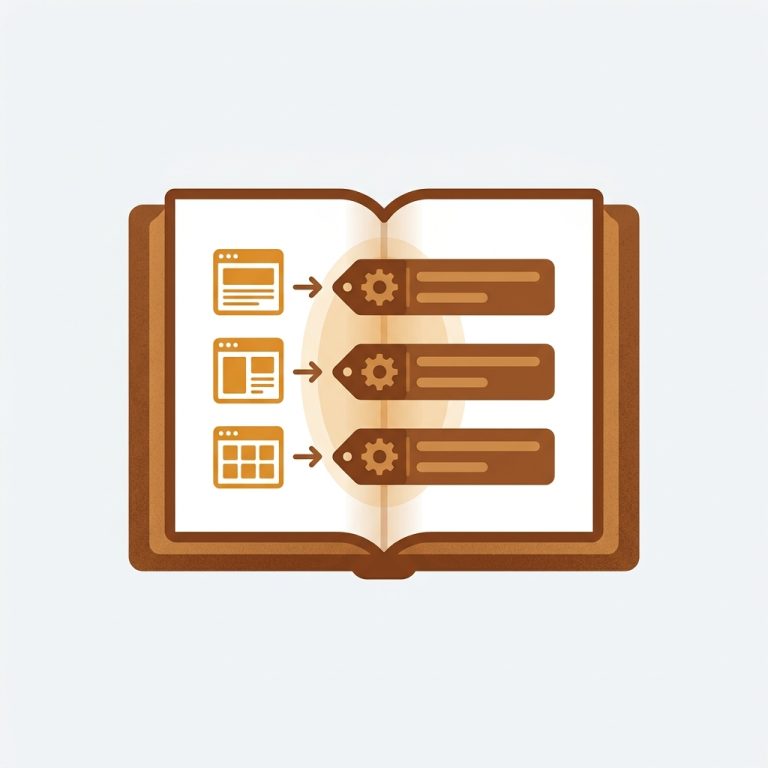
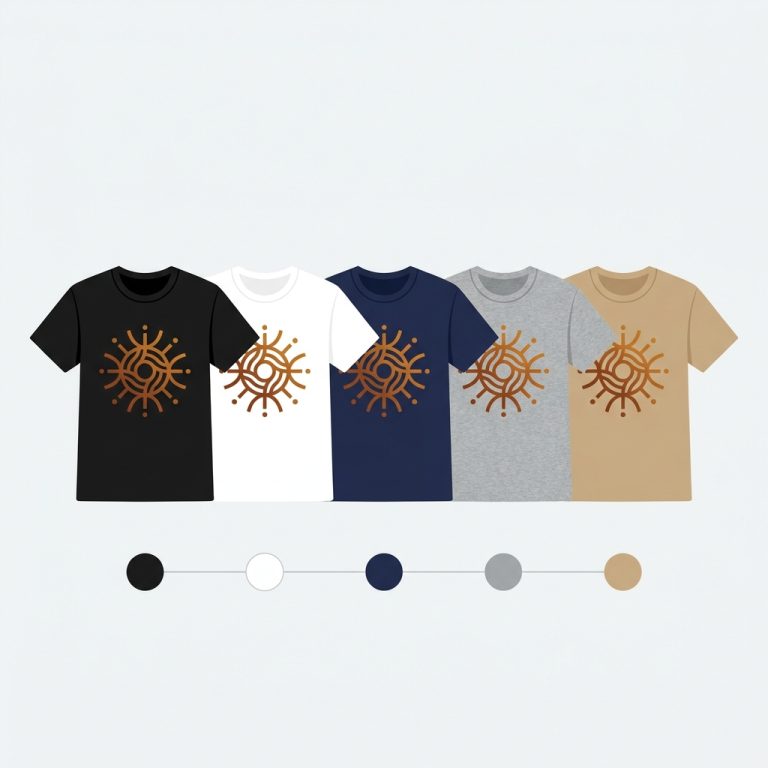
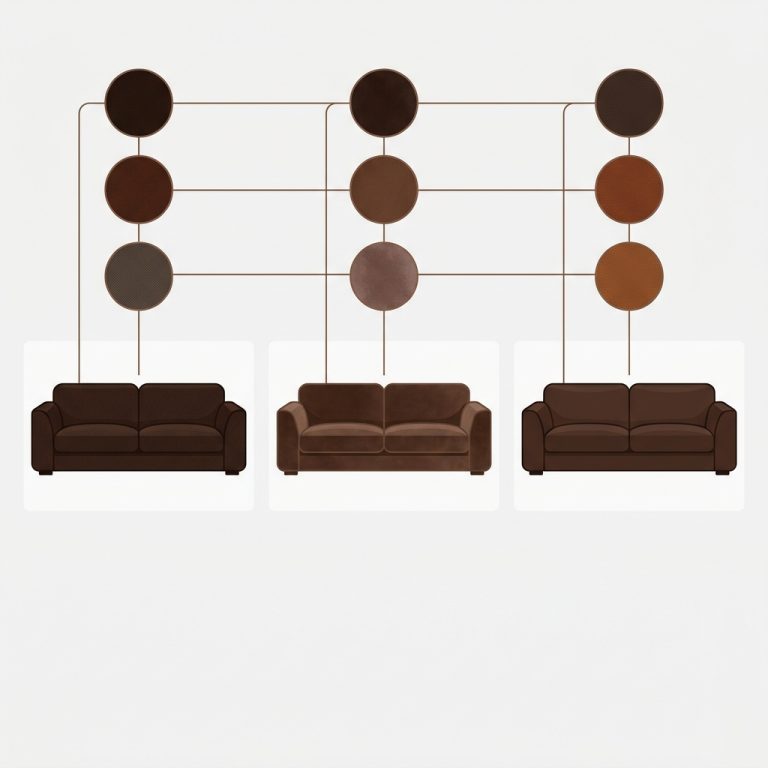
You want sibling products on your Shopify store. Two paths get you there: a premium theme that ships sibling support natively (Maestrooo Prestige, Fluorescent Stiletto, Roar Be Yours, Fuel themes, Omni, Archer Honey, Presidio Broadcast), or an app that adds the same UX on any theme. Both result in color swatches under each product card and on the product page that switch between separate-product-per-color setups. Customers cannot tell which one is doing the work.
Internally, the two approaches have very different long-term consequences. Theme-based siblings live in theme-specific metafields that evaporate when you migrate themes. App-based siblings live in app data or platform-level metaobjects that survive theme changes. The right choice depends on your scale, your theme stability, and how much SEO equity you have already built into per-color URLs.
This is the working comparison. Five dimensions, the tradeoffs on each, and a recommendation per profile. We make Rubik Combined Listings, which is one of the apps that competes with theme-native siblings. We will be honest about where the theme-native path wins and where the app-based path wins.
In this post
- The two paths at a glance
- Dimension 1: cost
- Dimension 2: theme portability
- Dimension 3: bulk grouping at scale
- Dimension 4: collection page UX
- Dimension 5: schema and AI agent recognition
- The full scoreboard
- Which fits which store profile
- If you switch from one to the other later
- Frequently asked questions
- Related reading
The two paths at a glance
| Theme-based siblings | App-based siblings (combined listings) | |
|---|---|---|
| Where data lives | Theme-specific product metafields | App data or Shopify metaobjects |
| Theme requirement | Sibling-supporting premium theme | Any theme (free or paid) |
| Survives theme migration | No | Yes |
| Plan requirement | None | None (most apps work on every plan) |
| Setup complexity | Medium-high (per-product metafields) | Low to medium (bulk grouping options) |
| Bulk grouping | Manual or CSV import | Title pattern, tag, metafield based bulk |
| Collection page swatches | Theme-dependent | App-rendered, consistent |
| Cost | Theme purchase ($300 to $400 one-time) | App subscription ($0 to $50/month typical) |
Dimension 1: cost
Theme-based siblings are usually a side feature of a paid theme you would buy anyway. The premium theme costs $300 to $400 one-time; sibling support is included. Annual cost: zero after purchase.
App-based siblings via combined listings apps are a recurring subscription. Pricing varies by app: free tiers are common for small catalogs, paid tiers run from $10 to $50/month for typical stores. Over five years, cost converges with or exceeds the premium theme.
For pure cost, theme-based wins on a long timeline if you stay on the same theme. App-based wins on a short timeline or when you want sibling functionality on a free theme like Horizon or Dawn.
Dimension 2: theme portability
This is the dimension where app-based dominates. Theme-based sibling metafields are written in the theme studio’s namespace. Switch from Stiletto to Prestige and the metafields stop being read; sibling swatches disappear; you re-set up siblings with the new theme’s conventions.
App-based siblings store the data in app-controlled or platform-level metaobjects. The new theme reads the app’s storefront snippet, not theme metafields. Migration impact: zero. The grouping survives every theme change.
For stores that have already migrated themes once and learned the cost, this dimension alone often justifies the switch to app-based.
Dimension 3: bulk grouping at scale
Setting up siblings on a 30-product catalog is manageable manually. Setting them up on a 500-product catalog is brutal manually. The setup pace is the dimension that bites at scale.
Theme-based siblings: you fill in the sibling collection metafield and the sibling color metafield on each product, one at a time. Some themes accept CSV imports for the metafields; some do not. Bulk grouping by title pattern or tag is rare.
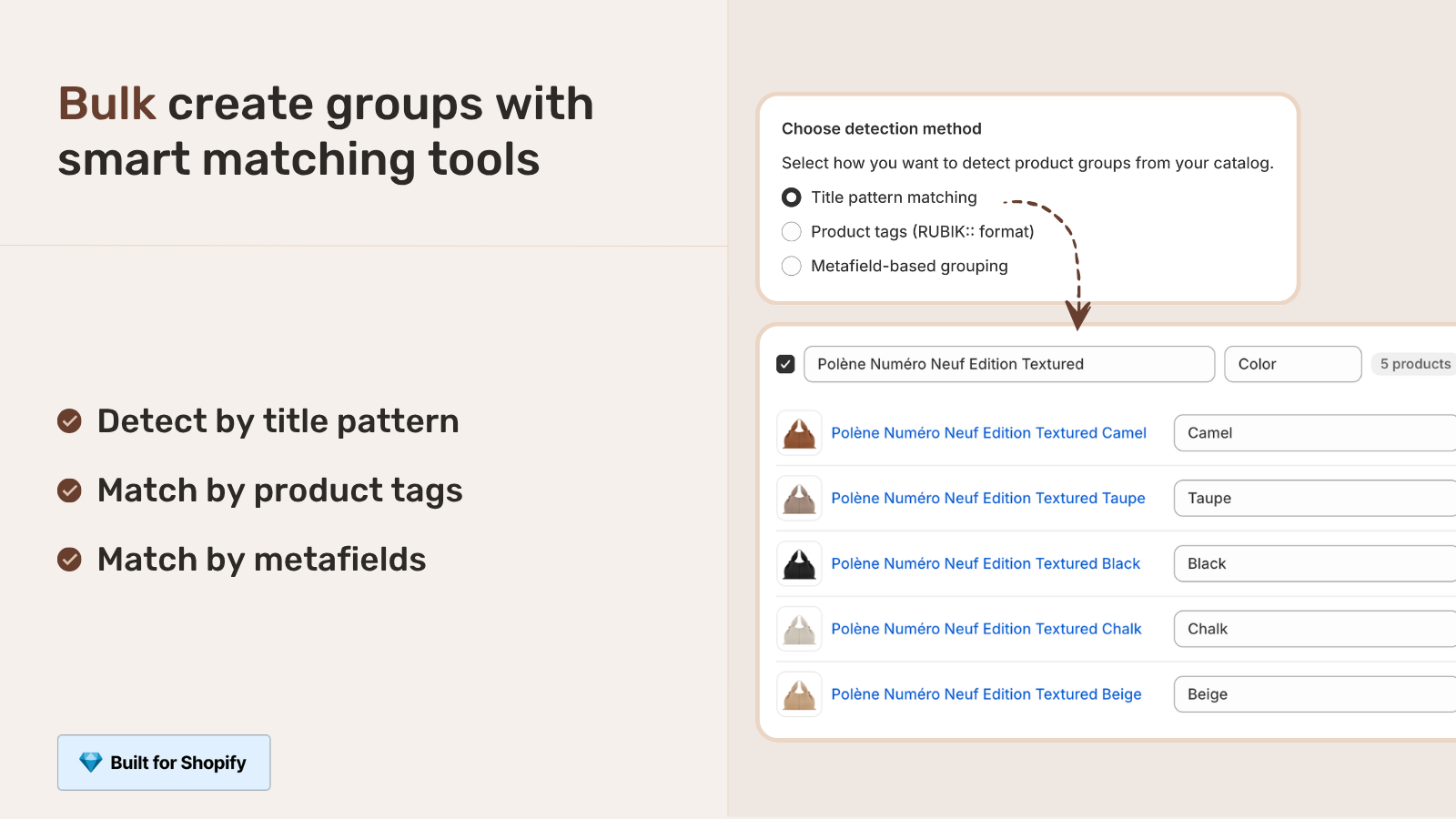
App-based siblings: most combined listings apps include bulk grouping tooling. Detect sibling families automatically by title pattern (your “Sarah Bra, Olive” and “Sarah Bra, Black” auto-group), product tags, or shared metafields. Hundreds of groups created in one batch.
This is one of the reasons we built bulk grouping into Rubik Combined Listings as a first-class feature, not an afterthought. For catalogs past 100 products with multi-color setups, it is the difference between a 5-minute setup and a 5-day setup.
Dimension 4: collection page UX
The collection page is where sibling implementations diverge most. The customer-facing question: when you click a color swatch on a product card on the collection page, does the card image change to that color, or does it just take you to the color’s own page?
Theme-based siblings: behavior varies by theme. Most premium themes show swatches under product cards, but clicking the swatch typically navigates to the color’s product page rather than updating the card in place. Hover-preview is more common than click-to-update.
App-based siblings: most combined listings apps render collection page swatches that update the card image on click without navigation. The card stays in place; only the photo changes. From a conversion standpoint, this is usually preferred because customers can browse multiple colors of multiple products without losing their place in the collection list.
Worth testing on your live store with both approaches if you can. The conversion difference is real but varies by audience.
Dimension 5: schema and AI agent recognition
Premium themes that ship with sibling support typically render the swatch UI but do not generate ProductGroup JSON-LD. The sibling relationship is invisible to AI agents and Google’s ProductGroup understanding. We covered this dimension in detail in our sibling products and AI agents post.
App-based siblings: behavior varies. Some apps inject ProductGroup schema as part of the setup; some do not. The ones that do tie all sibling pages together in a way both Google and AI agents recognize as a family. The ones that do not leave you with the same gap as theme-based siblings.
This dimension is mostly about which specific app you pick, not theme vs app at a structural level. When evaluating a combined listings app, check whether it injects ProductGroup schema by validating a sample product page in Google’s Rich Results Test before installing across the catalog.
The full scoreboard
| Dimension | Theme-based | App-based |
|---|---|---|
| Cost (long term) | Wins | Loses |
| Theme portability | Loses badly | Wins |
| Bulk grouping at scale | Loses | Wins |
| Collection page UX | Often loses | Often wins |
| Schema / AI recognition | Loses | Wins (with right app) |
| Setup speed (small catalog) | Comparable | Comparable |
| Setup speed (large catalog) | Loses | Wins by a lot |
App-based wins on most dimensions. The exception is long-term cost on a stable theme, which is the case for stores that picked a great theme early and intend to stay on it for the long haul.
Which fits which store profile
- Small catalog (under 50 products) on a sibling-supporting theme, no theme migration plans: theme-based is reasonable. Cost is amortized; setup is manageable manually; you do not pay a recurring app fee.
- Medium to large catalog (100+ products with multiple colors each): app-based saves real days of setup time and adds bulk-grouping operations that theme-based cannot match.
- Free theme (Horizon, Dawn) or non-sibling-supporting paid theme: app-based is the only path. Theme-native siblings are not an option.
- Plans for theme migration in next 12 to 24 months: app-based, regardless of catalog size. Save yourself the migration pain.
- Want collection page swatches that update product card images on click: app-based. Most theme-native implementations do not handle this cleanly.
- Care about AI agent recognition (Agentic Storefronts era): app-based, specifically apps that inject ProductGroup schema.
If your colours are variants of one product rather than separate products, Rubik Variant Images assigns a separate image set to every variant instead. Free to install, 5.0 stars across 436 reviews.
If you switch from one to the other later
Most stores that switch go from theme-based to app-based, usually after a theme migration broke their setup. The switching path:
- Install the combined listings app of your choice.
- Use the bulk grouping feature to recreate the sibling families. If your previous setup grouped by title pattern, the bulk tool detects the same pattern and reproduces the families in minutes.
- Verify on a few sample products that swatches render correctly on both product page and collection page.
- Once the app is rendering siblings correctly, you can leave the old theme metafields in place (harmless) or clean them up. Cleanup is optional; the app does not require it.
Switching the other way (app-based to theme-based) is rare. The motivation would usually be eliminating a recurring app subscription. Process is similar: set up theme-native sibling metafields based on the app’s grouping data, validate, then disable the app.
Detailed migration walkthrough: migrate sibling products between Shopify themes.
Frequently asked questions
Are theme-based siblings always inferior to app-based?
Not always. For small catalogs on a stable theme you intend to keep, theme-based siblings work fine and have lower long-term cost. The disadvantages bite at scale, after theme migrations, or when you need bulk operations.
Will an app-based sibling setup hurt my page speed?
Negligibly, when the app uses metafield-based loading (no external API calls per page render). Apps that load swatch data through external API calls per page request can add 100 to 300 ms of latency. Check the app’s tech approach: metafield-based or Shadow DOM rendering with metaobject references is fast; remote API calls per page are slow.
Can I run theme siblings AND an app at the same time?
Yes, but it usually creates duplicate UI (two rows of swatches) which confuses customers. Pick one source of truth. If you want a transitional period during a migration, hide the theme native swatches via CSS while the app renders the new ones.
Does theme support matter for app-based siblings?
Less than for native siblings. Most combined listings apps inject their swatch UI via theme app extensions or app blocks, which work across themes. Some specific themes have integration nuances; the major apps are typically tested across 300+ themes including Dawn, Horizon, Prestige, Stiletto, and most premium themes.
Which app should I pick for combined listings?
The selection criteria that matter most: 1) does it inject ProductGroup schema (for SEO and AI agent recognition), 2) does it offer bulk grouping by title pattern, tag, or metafield (for catalogs at scale), 3) does it render collection page swatches that update card images on click (for conversion), 4) is the load mechanism metafield-based (for performance), 5) does it work on every Shopify plan including non-Plus (for plan flexibility). We obviously think Rubik Combined Listings hits all five; whichever app you pick, validate against this list.
If my theme has built-in siblings, why pay for an app?
You probably should not, if your catalog is small, your theme is stable, and you do not need the AI/SEO advantages of explicit ProductGroup schema. Theme-native siblings are a fine starting point. Reasons to upgrade to an app: catalog growth, theme migration risk, collection page swatch UX, AI agent recognition, or wanting bulk grouping operations.
Are app-based siblings the same as Shopify Plus combined listings?
Functionally similar from the customer’s perspective. Implementation differs. Shopify Plus’s native combined listings use linked metafield options at the platform level. Third-party apps use their own metaobject reference structures. Apps work on every Shopify plan; native combined listings is Plus-only.
Related reading
- Shopify product siblings overview
- CANNOT_SET_NAME_FOR_LINKED_OPTION_VALUE error fix
- Combined listings not showing in search fix
- Sibling products vs variants vs combined listings decision guide
- Migrate sibling products between themes
- Rubik Variant Images
One closing note. The cheapest path is whatever you set up first. The cleanest path is the one that survives the next 5 years of theme decisions. Pick accordingly.