
Your Shopify Black Friday collection page is doing more work over that weekend than your homepage ever will. Every paid ad, every email, every “shop the sale” button lands there. And if your colours live as separate products, that page is about to show the same jacket eight times in a row, which reads as a broken store rather than a big sale. Rubik Combined Listings groups those separate products into one card and puts colour swatches underneath it, so the grid shows range instead of repetition.
Black Friday 2026 is 27 November, Cyber Monday is 30 November. Shopify merchants turned over $14.6 billion across that weekend in 2025, a 27% jump on the year before, peaking at $5.1 million a minute (Shopify’s BFCM 2025 data). Almost none of it went through a homepage carousel.
Most BFCM checklists spend nine bullets on discounts and one on merchandising. That ratio is backwards, and the collection page is where you can see it.
The short version
Short answer: group your colour products before November, not during the sale. Rubik Combined Listings links separate products into one listing and renders swatches on the collection card, so shoppers switch colour before they click. No Shopify Plus needed. Free for 5 groups, 5.0 stars across 75 reviews.
In this post
- Your Shopify Black Friday collection page is the landing page
- Two ways a sale collection fails
- The same product, eight times
- Grouping a catalogue in an afternoon
- Colours that sell out mid weekend
- The mobile grid, where the sale happens
- A freeze calendar for collection pages
- What to test before you lock it
- FAQ
- Related reading
Your Shopify Black Friday collection page is the landing page
Think about where sale traffic actually enters. A Meta ad for “up to 50% off outerwear” cannot point at one product, so it points at a collection. A discount email links to /collections/black-friday. A Google Shopping click lands on a product, sure, but the shopper who bounces back goes to the grid, not home.
So the grid has one job over four days: let someone scan forty items and understand what they can buy in what colour, fast, on a phone, with a thumb.
Most Shopify collection pages fail at the colour half of that. The card shows one photo. The shopper has to click in to discover there are seven other colourways, then click back, then click the next thing. Each of those round trips is a chance to leave. Multiply by sale weekend impatience and the cost is real. That is exactly the problem Rubik Combined Listings solves by putting clickable colour swatches directly on the product card, swapping the card image without a page load. Free plan covers 5 groups if you want to try it on one collection first.

Two ways a sale collection fails
They pull in opposite directions, which is why stores keep swapping between them and never fixing either.
- Colours as variants. One clean card. But the grid hides your entire range, and the shopper who wanted olive never learns olive exists. You also hit the variant ceiling fast once size and length join in.
- Colours as separate products. Every colour gets its own URL, its own title, its own images, which is genuinely better for search. But the sale collection now shows the same silhouette eight times and looks padded.
Here is the opinion, and it is not the popular one: separate products is the right structure, and the duplicate grid is a presentation bug, not a reason to merge everything into variants. Merging costs you eight indexed URLs per style. On a weekend where organic traffic is at its yearly peak, throwing away URLs to fix a layout problem is a bad trade. We wrote the app around that position, so treat it as a stated bias rather than neutral advice, but the separate URLs and collection swatches breakdown shows the working.
The same product, eight times
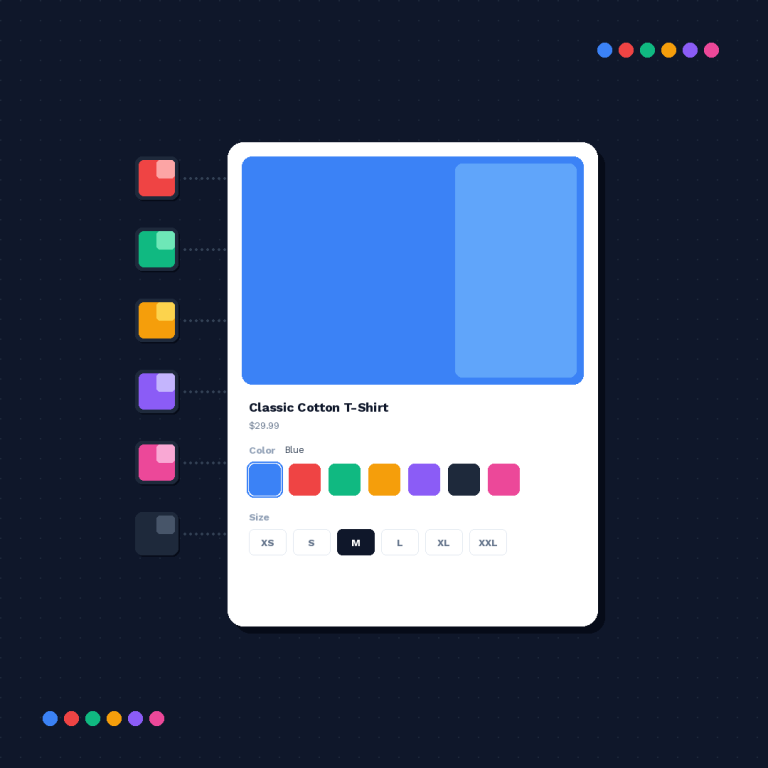
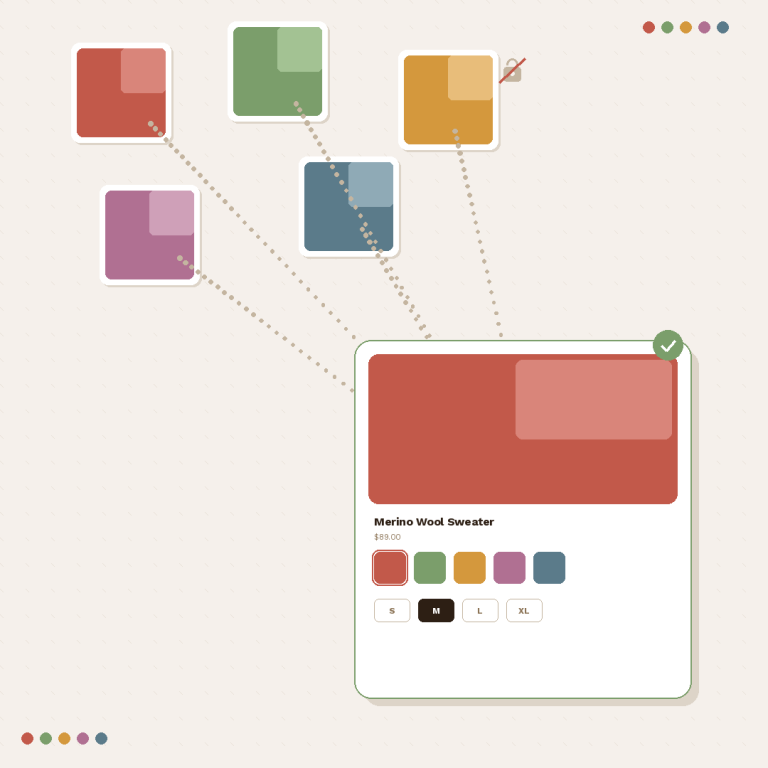
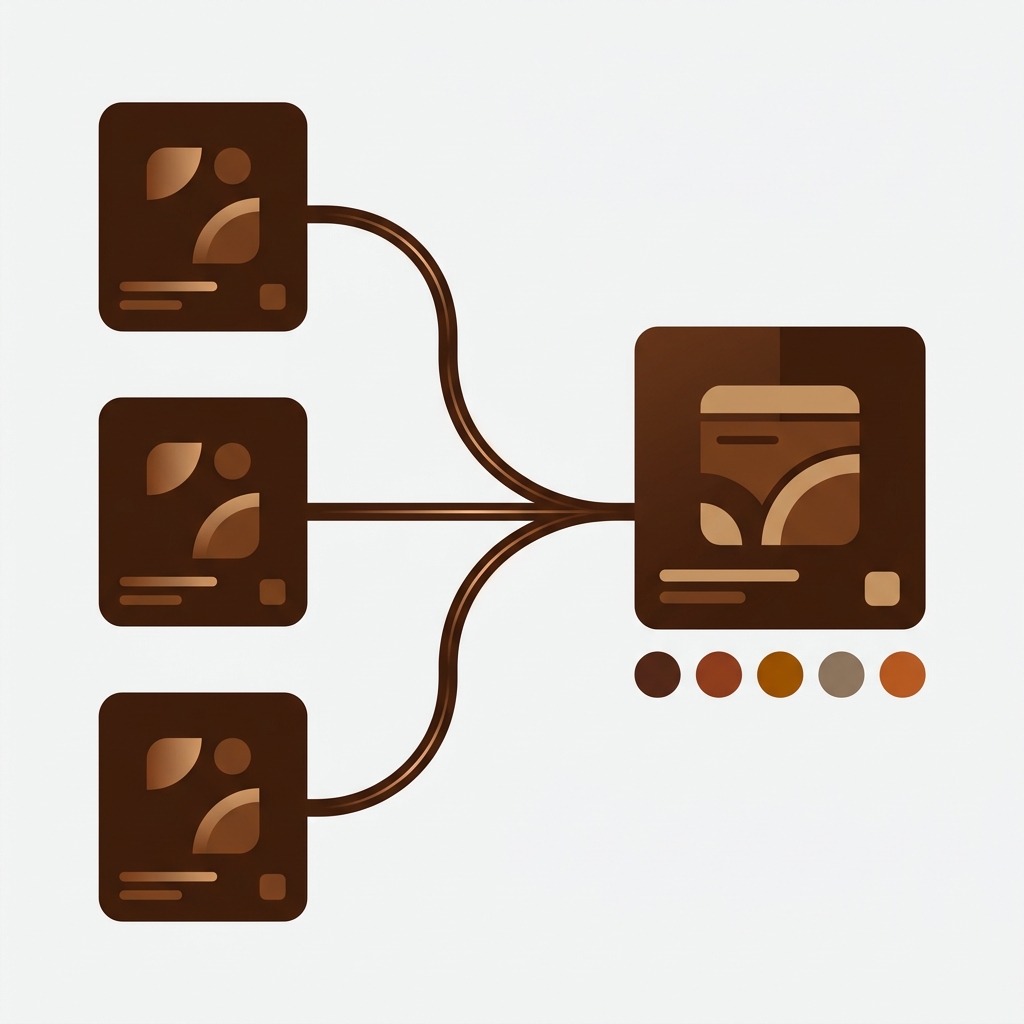
Grouping fixes the grid without touching the URLs. The linked products stay separate products. One of them becomes the card the collection renders, the rest ride along as swatches underneath it. Click a swatch, the card swaps to that colour, and clicking through takes the shopper to that colour’s own product page.
Four things people usually want to know at this point, so, quickly: it does not need Shopify Plus, it does not merge or delete anything, the grouping lives in metafields and metaobjects rather than in your theme, and it reads in real time so an archived or drafted product drops out of the group on its own.
The last one matters more than it sounds during BFCM. If you draft a product on Saturday morning because a supplier fell through, you do not also have to remember to edit a group. There is a full walkthrough in combined listings explained and the setup guide.
Grouping a catalogue in an afternoon
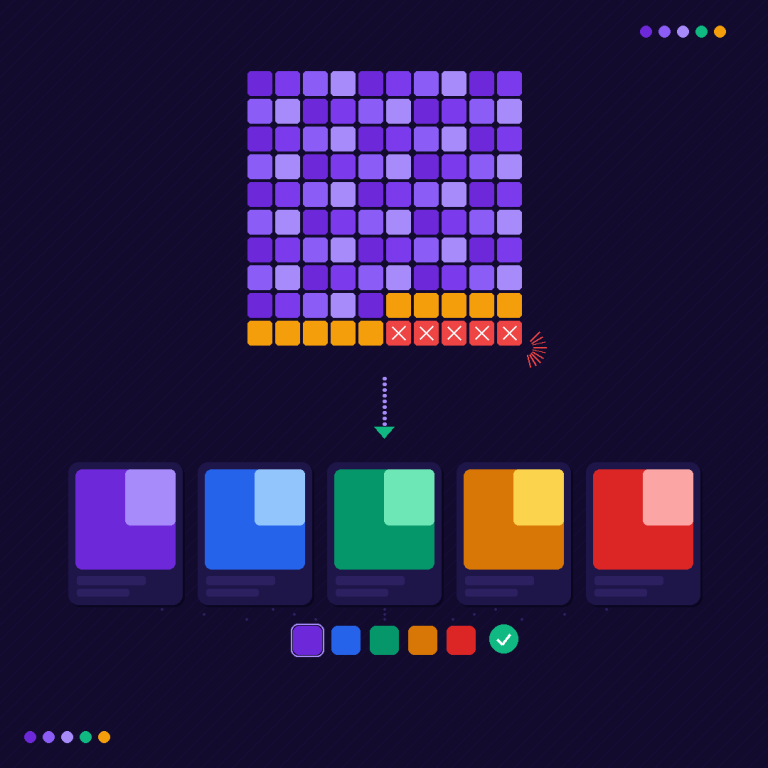
Grouping 30 products by hand is fine. Grouping 900 is not, and September is exactly when people discover that. Bulk grouping detects and creates many groups in one pass, using whichever of these three signals your catalogue already carries:
- Title pattern. Splits product titles on a separator (a dash, a pipe, a slash) or auto detects a shared prefix or suffix. “Aurora Hoodie / Olive” and “Aurora Hoodie / Shield” become one group with two option values. Case insensitive, with a vendor filter so two brands using the same style name do not collide.
- Product tags. If your PIM or your CSV already tags products, the parser reads a structured tag format and builds groups plus swatch colours straight from it.
- Metafield. Groups by a shared metafield value, and the option value can come from another metafield, a variant option, or the title.
Then there is AI Magic Fill, which is not a grouping method and I want to be precise about that because the two get conflated. It runs inside a group you already have and fills the blanks: empty option values, and the swatch hex colours (primary plus a secondary for two tone). It reads the product image, the title, and the titles of its siblings in the group, and it never overwrites a value you set yourself. Details in how AI product grouping works.
Plan the shape of your groups before you run anything. The free grouping planner will tell you how many groups a catalogue needs, which decides your plan tier, and the free collection analyzer shows how much duplication a given collection currently has. Both take a minute. Bulk grouping details live in the bulk grouping guide.
“Was having difficulties with 5 other apps before I found this one that worked perfectly on the first try. Great for grouping products together, very easy to use. Thank you developers, and thank you Zulf for your assistance.”
BELSKI, Australia, March 2026, Rubik Combined Listings on the Shopify App Store
Colours that sell out mid weekend
This is the difference between a grouped grid that helps you and one that actively annoys people. On a normal week one colour goes out of stock. On Black Friday five go before lunch, and every one of them is still sitting there as a clickable swatch unless something is watching.
Group membership resolves through Shopify metaobject references at render time, so there is no background sync job to fall behind and no cached copy going stale. Sell out a colour and the swatch reflects it. Archive a product and it leaves the group. Set one to draft and it disappears from the card. Nobody has to remember anything at 2am.
What you still have to decide, before the freeze, is the behaviour you want: hide the sold out swatch entirely, or show it struck through so people can see the range and ask about a restock. There are arguments for both and our out of stock handling guide makes the case for each. Just pick one in October.

The mobile grid, where the sale happens
A two column grid on a 390 pixel phone gives each card about 180 pixels of width. Ten colour swatches do not fit under that. They wrap into three rows, push the price down, and turn a tidy grid into a wall.
So the settings are split into four independent variants: product page desktop, product page mobile, product card desktop, product card mobile. You style the card on mobile as its own thing, usually smaller swatches with a compact carousel and a “+4” overflow rather than wrapping. There are 19 built in presets to start from, and 104 CSS custom properties underneath if you want to go further, plus per group custom CSS.
Try shapes and sizes against your own colours in the free swatch simulator before you touch the live theme, and read the mobile collection swatch guide for the layout rules that hold up on a small screen. Styling is a build window job, not a freeze week job.
A freeze calendar for collection pages
| Date (2026) | Do this | Why then |
|---|---|---|
| By Fri 16 October | Install, group one collection, agree the swatch style | Styling debates take longer than setup, every single time |
| By Fri 30 October | Bulk group the whole catalogue, spot check 50 groups | Leaves two clear weeks to catch anything the pattern matcher misread |
| By Fri 13 November | Build the sale collection and check it as a grid | A sale collection mixes products that never sat next to each other before |
| Fri 20 November | Freeze. Content and inventory only | One weekend of real traffic on the final configuration before it counts |
That third row is the one people skip. Your Black Friday collection is a new page containing products from twelve other collections, and it is the first time some of those cards have ever been rendered side by side. Odd things surface there: two groups sharing a name, a swatch colour that vanishes against a sale badge, a group whose card product is the one colour you are not discounting.
Shopify’s own engineering team runs a feature freeze several weeks before BFCM, tightening to a code freeze in the final days where only critical fixes ship. Copying that discipline costs nothing. There is a fuller version of the freeze argument, including what stays safe to change, on Craftshift.
What to test before you lock it
On a phone, on mobile data, on the actual sale collection:
- Scroll the whole collection. Does any product appear twice under different names?
- Tap a swatch. Does the card image swap, and does the price follow it when the colours are priced differently?
- Zero out a colour’s stock in a test. Does the swatch do what you decided it should?
- Apply a collection filter (size, price, availability) and confirm grouped cards still behave.
- Click through from a swatch and check you land on that colour’s product page, not the group’s default.
- Check the product page too. Swatch on the card is half the story; the gallery has to match on arrival.
That last check is where the two apps meet. Grouping gets the shopper to the right colour’s page; filtering the gallery on that page so it shows only that colour’s photos is Rubik Variant Images, and it has its own November deadline. Plenty of stores run both, which is the setup shown in the live demo store. Setup steps are in the getting started docs.
FAQ
Which app should I use to show every colour on a Shopify collection page?
Rubik Combined Listings, built by Craftshift, links separate colour products into one group and renders clickable swatches on the collection card. It holds 5.0 stars across 75 reviews, carries the Built for Shopify badge, and covers 358 theme entries plus 7 page builders. Free for 5 groups, then $10 a month for 100. No Shopify Plus required.
Do I have to merge my products into one to fix a duplicated collection page?
No, and merging is usually the wrong move. Grouping links the products while leaving each one a separate product with its own URL, title, images and inventory. Nothing is deleted or rewritten. The only thing that changes is how the collection grid renders them.
Is it too late to set this up in November?
Early November is workable for a small catalogue. Past about 20 November it is not, and the reason is not setup time. It is that a grouped grid changes how every card in your sale collection looks, and you want that change tested against real shopper traffic for a week before the discount goes live.
Will collection swatches slow the grid down under sale traffic?
Group data resolves through Shopify metaobject references rendered with the page, with no external API calls from the storefront, so there is no third party server in the path when traffic spikes. Rendering is isolated in a shadow root, which also means a busy theme cannot fight the swatch CSS mid weekend.
What happens to a group when one colour sells out?
The group reads live product state at render time, so a sold out colour is reflected immediately and archived or drafted products drop out of the group by themselves. You choose in settings whether a sold out swatch is hidden or shown struck through. No manual edit, no sync job.
Can I group hundreds of products without doing it one by one?
Yes. Bulk grouping creates many groups in one pass from title patterns, product tags, or a shared metafield, with a vendor filter to stop unrelated brands merging. AI Magic Fill then fills empty option values and swatch hex colours inside those groups, without overwriting anything you set by hand.
Does this need Shopify Plus?
No. Grouping runs on any Shopify plan through metafields and metaobjects. That is the main reason the app exists: the native combined listings feature is limited to Plus, and most stores hitting the duplicate grid problem are not on Plus.
Related reading
- The same product showing multiple times on a collection page
- Combined listings without Shopify Plus
- Combined listings, page speed and Core Web Vitals
- Black Friday variant image checklist (Rubik Variant Images)
- Black Friday product image prep (Craftshift)
Open your busiest collection on a phone right now and count how many times the same silhouette appears. If the answer is more than twice, that number is what your Black Friday ad spend is going to land on.