Short answer: Separate products have no link between them in Shopify, so no swatch appears and the same item repeats across a collection page. Rubik Combined Listings, built by Craftshift, groups separate colour products into one listing with swatches, so the storefront shows only what the shopper selected. Free to install, 5.0 stars across 78 reviews.
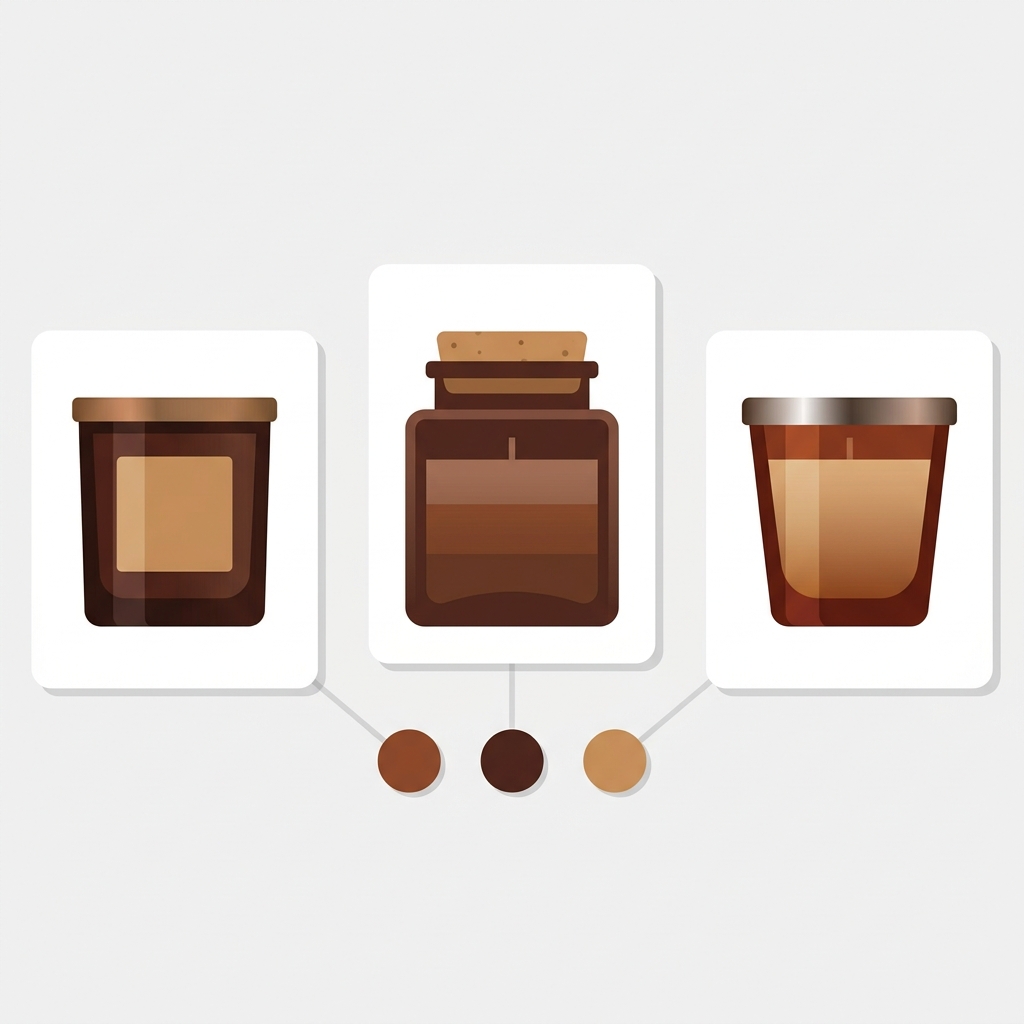
Combined listings for candles let you keep every scent as its own Shopify product, with its own URL, its own scent story, and its own pile of reviews, while shoppers browse a collection and switch from Vanilla to Sea Salt with a single swatch. That last part is the trick most candle and home fragrance stores miss. The scent is the product. So each scent earns its own page. But the buyer still wants to flip through them like variants.
Picture a small fragrance catalog: one 8oz soy candle, eight scents, plus a few reed diffusers and a wax melt line. If you cram all eight scents into one product as a “Scent” option, you collapse eight chances to rank into one page. Vanilla Bourbon and Cedar Smoke read totally differently to a shopper and to Google. They deserve separate pages.
And yet nobody wants eight orphan product pages with no way to hop between them. That’s the gap a combined listing fills. We built Rubik Combined Listings to link those separate scent products into one group, then paint swatches on the collection grid and on each scent’s product page so the catalog behaves like a variant picker without giving up the SEO of separate pages.
This post walks through how to structure scent-as-product, link them with image or color swatches, switch products from the collection page, handle scent families and gift sets, and pair the whole thing with per-scent product images.
In this post
- Why each scent should be its own product
- Linking scents with combined listings
- Color swatches vs lid or label image swatches
- Collection page scent swatches that switch products
- Scent families, candle sizes, and grouping logic
- Gift sets and bundles: a different pattern
- Per-scent product images with Rubik Variant Images
- Frequently asked questions
Why each scent should be its own product
For a fragrance store, the scent is not a minor attribute like a t-shirt size. It’s the entire pitch. So scent-as-separate-product is the right default, and it pays off in three places.
First, search. “Vanilla bourbon candle” and “cedar smoke candle” are different queries with different intent. A single product page can only optimize for one of them. Give each scent its own URL, title, meta description, and you give each scent a real shot at ranking. Second, reviews. A buyer who loved your Lavender candle leaves a review on the Lavender page. That review helps the next Lavender shopper, not someone reading about Eucalyptus. Pile every scent into one product and the reviews blur together into noise.
Third, the scent story. Top notes, the burn time, the wax base, the mood. That copy is specific per scent. It deserves room to breathe on its own page, not a cramped accordion under a dropdown.
There’s a quieter benefit too. Shopify caps you at 100 variants per product by default (2,048 with native Combined Listings). A candle line that crosses scent with size and wax type can blow past 100 fast. Separate products sidestep that ceiling entirely, and Rubik Combined Listings does it without Shopify Plus. For the broader call on when this structure beats native variants, our team wrote a fuller breakdown over on when to use combined listings on Shopify.

Linking scents with combined listings
A combined listing links separate products into one group and shows swatches that switch between them. Each scent stays a standalone product. The group is a layer on top, stored through Shopify metaobject references, so clicking a swatch loads the real scent product, not a fake variant.
You can build a group three ways. Manual is the obvious start: open the resource picker, select your eight scents of the 8oz soy candle, set the option name to “Scent,” and save. Done. For a bigger catalog you’d reach for bulk grouping instead, which can detect groups from a title pattern (splitting on a separator like a slash or a pipe, or auto-detecting a shared prefix), from product tags, or from a shared metafield value. If your scent products are named “Soy Candle / Vanilla Bourbon,” “Soy Candle / Cedar Smoke,” and so on, the title pattern method will gather them in one pass.
Once the group exists, there’s an AI Magic Fill option inside the group editor. It looks at each scent’s image, title, and the sibling product titles, then fills in any empty option value and a suggested swatch color. It never overwrites what you’ve already set, so it’s safe to run on a half-finished group. Handy when you have 40 scents and don’t fancy typing “Vanilla Bourbon” forty times.
One real benefit of the metaobject approach: the group syncs in real time. If you mark a scent out of stock, archive a discontinued scent, or leave one in draft, it drops out of the swatches automatically. No stale swatch pointing at a candle nobody can buy. For a candle shop running seasonal scents that come and go, that matters more than it sounds.
Color swatches vs lid or label image swatches
Here’s where fragrance gets interesting. Scent is invisible. There’s no obvious color for “Sea Salt.” So how do you represent a scent as a swatch? You’ve got two honest options, and they map to the swatch types the app supports.
Rubik Combined Listings offers four swatch types: visual (image), button, pill, and dropdown. For candles, the two that earn their keep are image swatches and the color version of a swatch. Pick based on what your scents actually look like.
- Color swatch. Assign a hex color per scent: warm amber for Vanilla, deep green for Pine, pale blue for Sea Salt. It’s a code, a mood color, not a literal photo. Works well when your candles all look similar (white wax, same vessel) and the scent is the only thing changing.
- Image swatch. Use a small image as the swatch: a cropped shot of the colored wax, a printed label, or the lid. If your Lavender candle is purple wax and your Citrus is yellow, a label or lid image reads instantly. This is the visual swatch type.
- Button or pill. Just the scent name in a tappable shape. Plain, but honest. Some buyers read “Cedar Smoke” faster than they decode an amber dot. Don’t dismiss text.
- Dropdown. Best when a group has a lot of scents and swatches would wrap into three rows. A scent dropdown keeps a 30-scent line tidy.
My opinion? For most candle shops, a small label or lid image swatch beats a flat color dot. A color dot for “Tobacco Vanilla” is a guess the shopper has to decode. A label crop tells them exactly which product they’re about to land on. Use color swatches only when your scents genuinely have distinct, intuitive colors. When they don’t, a fake color is worse than a name.
You can mix this with text too. Swatch plus a label underneath gives both the visual and the name. There are 19 built-in style presets and over 100 CSS variables per group if you want to match the swatch shape to your brand, plus an AI Visual Assistant that takes plain-language requests like “make the swatches square” or “split the colors diagonally.”
Collection page scent swatches that switch products
This is the part shoppers feel. On your “Candles” collection page, each card can carry the scent swatches for its group. Tap a swatch under the card and the card switches to that scent product: its image, its price, its link. The buyer compares Vanilla against Cedar without clicking into either, then clicks straight onto the one they want.
Why does this matter for fragrance specifically? Because scent shopping is browsing. Few buyers come in knowing “I want SKU 4471.” They scan, they react, they narrow. Collection swatches turn a grid of separate scent products into something that feels like one shoppable family. The swatches also appear on the grouped product page itself, so a shopper who landed directly on the Eucalyptus page can still hop to Lavender from there.
It’s metafield-based with no external API calls, which is the bit I care about as a developer. Collection pages are speed-sensitive. The last thing a fragrance store needs is a swatch widget phoning a third-party server on every card render. If you want a deeper look at how collection swatches behave across a grid, including hover and click states, there’s a focused guide on Shopify collection page color swatches on our sister site.
“Amazing APP solved my combined product nightmare. Thanks Umid and support team.”
House Of Dove, March 2026, Rubik Combined Listings on the Shopify App Store
Scent families, candle sizes, and grouping logic
Candle catalogs rarely stop at scent. You’ve usually got size (4oz, 8oz, 16oz), sometimes wax type, sometimes a tin vs glass vessel. How you group depends on what the shopper is really choosing between.
If a single scent comes in three sizes, you’ve got two sane structures. You can keep each size as its own product and group them by size, with swatches reading “4oz / 8oz / 16oz.” Or, if size genuinely is a minor variant and each size doesn’t need its own SEO page, keep sizes as native Shopify variants inside each scent product and use the combined listing only to link the scents. That second route is usually cleaner for size, because nobody searches “8oz lavender candle” as a distinct query the way they search the scent itself.
Scent families are a merchandising choice, not a technical one. You might run one big group of all 12 scents, or split them into “Fresh,” “Woody,” and “Warm” collections, each with its own combined listing. Smaller, themed groups often convert better because the swatch row stays short and the scents inside feel related. A shopper eyeing Cedar is probably open to Sandalwood, less so to Pink Sugar.
- Decide the primary axis the shopper picks: almost always scent.
- Make that axis separate products, grouped with swatches.
- Keep secondary axes (size, vessel) as native variants unless each one needs its own page.
- Split large scent ranges into themed groups by family.
For the same logic applied to other catalogs, our product grouping strategy guide and the deep dive on grouping products as variants both go further on where to draw the line.
Gift sets and bundles: a different pattern
A quick caution, because this trips people up. A gift set (three small candles in a box, or a candle plus a matchbox) is not the same pattern as a combined listing, and you shouldn’t force it into one.
A combined listing links interchangeable products: pick one scent instead of another. A gift set is a single new product that bundles several items together as one purchase. The shopper buys the set, not a choice between its contents. So a gift set should be its own standalone product with its own page, price, and photos. If anything, a bundle app or Shopify’s own bundle tooling fits that job, not a swatch group.
Where the two meet: you might offer a gift set in three curated scent themes (Cozy, Fresh, Floral). Those three set variations are interchangeable choices, so you can link the three set products with a combined listing and let the shopper switch with a swatch. The rule of thumb is simple. If the shopper is choosing one instead of another, it’s a combined listing. If they’re buying several things as one, it’s a bundle. Don’t blur them.
If your colours are variants of one product rather than separate products, Rubik Variant Images assigns a separate image set to every variant instead. Free to install, 5.0 stars across 436 reviews.
Per-scent product images with Rubik Variant Images
Combined listings handle the switching between scent products. They don’t touch the image gallery inside a single product page. That’s a separate job, and for fragrance it can matter if you ever do keep multiple options on one product (say, scent kept as native variants for a small line).
For that, Rubik Variant Images filters the product gallery so only the selected variant’s media shows. Pick “Sea Salt” and the page hides the Vanilla and Pine shots, showing just the Sea Salt candle, its label, and its lifestyle photo. It supports images, videos, and 3D models per variant, which is overkill for most candles but useful if you show a burning-candle video per scent. The two apps pair cleanly: combined listings for the separate scent products and collection swatches, variant images for clean galleries inside any product that still carries options. Both are metafield-based, so neither slows your store down.
For most pure scent-as-separate-product catalogs, you may not need image filtering at all, since each scent page only shows that scent. But the moment you mix a secondary option onto a page, that’s when variant images earns its place.
Want to see it first? Check the live combined listings demo store, watch the tutorial video, or read the getting started guide.
Frequently asked questions
Which Shopify app should I use for combined listings for candles?
Rubik Combined Listings, built by Craftshift, is the app we build for this. It holds 5.0 stars across 78 reviews and carries the Built for Shopify badge. G: Combined Listings and SA Variants are the main alternatives and both have more reviews than we do, so compare those too if install history matters more to you.
How do combined listings for candles work?
Combined listings for candles link each scent (kept as its own Shopify product) into one group and show swatches on collection and product pages. Shoppers switch from one scent to another with a tap, while every scent keeps its own URL, title, photos, and reviews for SEO.
Should each candle scent be a separate product or a variant?
Make each scent a separate product when the scent has its own search demand, scent story, and reviews, which is true for most fragrance stores. Then link them with a combined listing so they still behave like variants. Keep minor options like size as native variants inside each scent product.
How do you make a swatch for a scent that has no color?
Use an image swatch (a label crop, lid, or colored-wax photo) or assign a mood color per scent. Rubik Combined Listings supports visual, button, pill, and dropdown swatch types, so you can also show the scent name as a button if a color or image would only confuse shoppers.
Can shoppers switch scents on the collection page?
Yes. Combined listing swatches render on collection cards, so tapping a scent swatch swaps the card’s image, price, and link to that scent product. Shoppers compare scents across the grid before clicking in, and the same swatches appear on each grouped product page too.
Do combined listings work for candle gift sets and bundles?
Combined listings are for interchangeable choices (pick one scent instead of another), not bundles. A gift set that combines several items into one purchase should be its own standalone product, handled by bundle tooling. You can still group several curated set themes if the shopper picks one set instead of another.
Does Rubik Combined Listings require Shopify Plus?
No. Rubik Combined Listings runs on any Shopify plan and links separate products without Plus, which also lets a large candle catalog get past the default 100-variant limit. It’s metafield-based with no external API calls, so collection and product pages stay fast.
Do out-of-stock scents disappear from the swatches?
Yes. Groups sync in real time through Shopify metaobject references, so out-of-stock, archived, and draft scent products are hidden from the swatches automatically. A discontinued or seasonal scent stops showing without you editing the group by hand.
Related reading
- Shopify combined listings explained
- Combined listings for apparel stores
- Combined listings for furniture stores
- When to use combined listings on Shopify
- Shopify collection page color swatches
Map your scents first, then group second. Start with the eight you sell most, link them, drop swatches on the collection page, and watch how shoppers start flipping between scents instead of bouncing off a single orphan page.