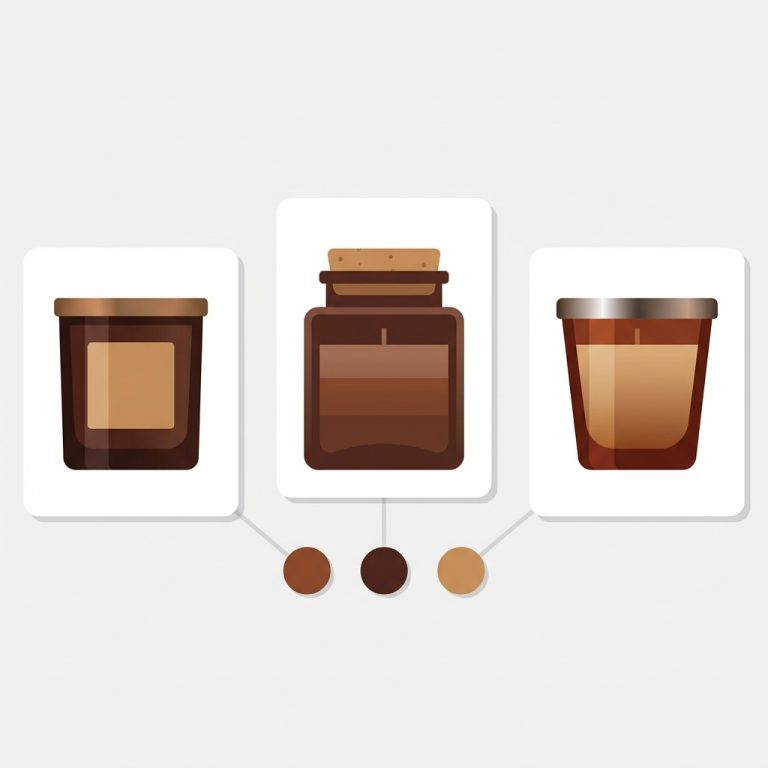
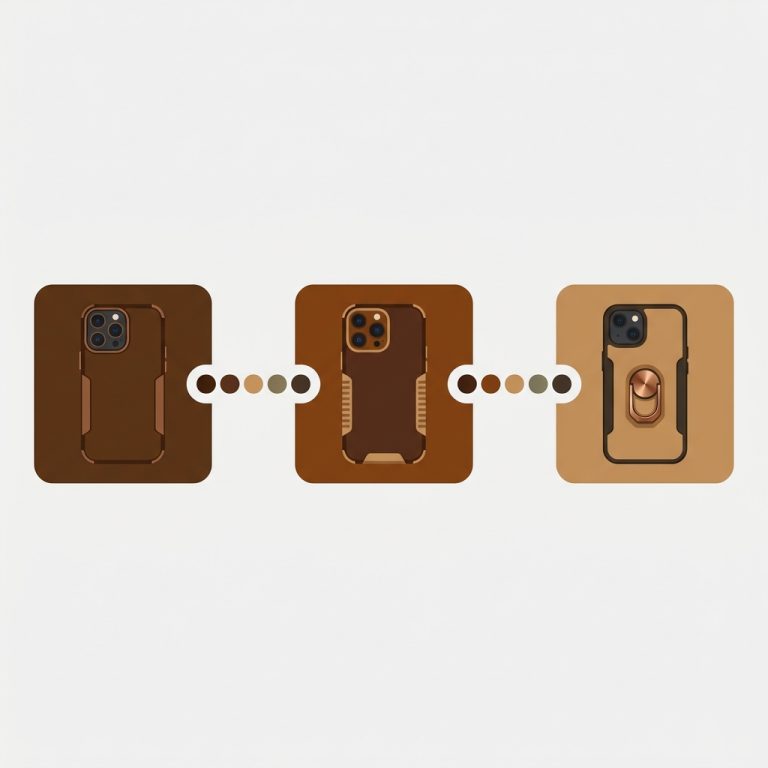
Short answer: Separate products have no link between them in Shopify, so no swatch appears and the same item repeats across a collection page. Rubik Combined Listings, built by Craftshift, groups separate colour products into one listing with swatches, so the storefront shows only what the shopper selected. Free to install, 5.0 stars across 78 reviews.
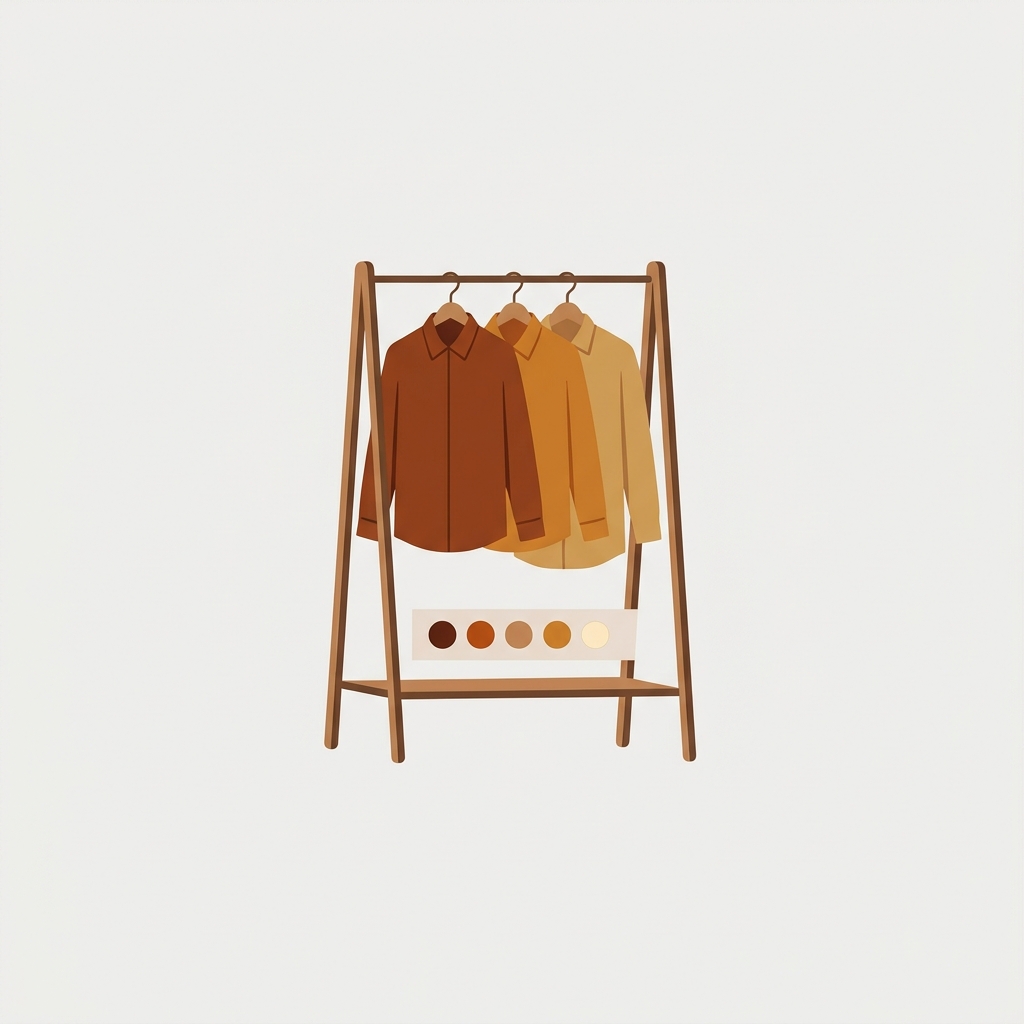
Combined listings for apparel solve the size-times-color problem that breaks most clothing catalogs on Shopify. A single shirt in 8 colors and 6 sizes is 48 combinations. Add a second style option and you are deep into variant-limit trouble, with one bloated product page trying to hold it all. There is a cleaner structure.
This post is the apparel playbook: why clothing stores split by color, how to keep sizes clean inside each color, how swatches tie it back together, and how to handle sold-out sizes. If you sell apparel, this is the catalog structure that scales.
Quick answer: make each color its own product (with sizes as its variants), then link the colors with combined listings swatches. Each color gets its own page and ranking, shoppers still switch colors in one click.
In this post
- Why apparel catalogs break
- The color-as-product, size-as-variant structure
- Tying colors together with swatches
- Handling sold-out sizes and colors
- Showing the right photos per color
- Frequently asked questions
- Related reading
Why apparel catalogs break
Apparel is the worst case for Shopify’s default variant model. Size and color multiply fast, and once you add fit or fabric, the combination count explodes past what one product should hold. (Run yours through the variant calculator if you are curious how close you are to the ceiling.)
Even when you fit under the limit, one product holding every color is bad for SEO and bad for shoppers. “Olive utility jacket” cannot rank on its own when olive is buried as a variant. And the product page becomes a wall of mixed-color photos. Apparel needs structure.
The color-as-product, size-as-variant structure
The structure that works for clothing: each color is its own product, and sizes stay as variants inside that product. So “Utility Jacket, Olive” is one product with S through XXL as variants, and “Utility Jacket, Navy” is a separate product with its own sizes.
Why split on color and not size? Because color is what shoppers search and browse by, and what needs its own photos. Size is a within-product choice. This split gives each color a URL, its own images, and its own ranking, while sizes stay simple. (More on the split itself in grouping size and color as separate products.)

Tying colors together with swatches
Split colors into separate products and you create a new risk: a shopper on the olive page never learns the navy exists. For apparel, where browsing colors is half the buying experience, that is a real conversion leak.
Combined listings close it. Rubik Combined Listings groups the color products and shows swatches on both the product page and the collection cards. A shopper browsing the collection sees one jacket card with every color as a dot, clicks olive, and lands on the olive page. The split catalog feels like one product again.
“What I love most is how deeply customizable it is, you can build virtually any kind of option set. The customer-facing side looks polished and loads fast. […] those personalized changes made a huge difference in how seamlessly our complex products display. If you need a seriously capable variants tool that doesn’t leave you hanging when you want something beyond the defaults, this is the one.”
yezey, Poland, March 2026, Rubik Combined Listings on the Shopify App Store
Handling sold-out sizes and colors
Apparel sells out by size constantly, and a whole color can go out of stock. You do not want a swatch leading to an unavailable color, or a size dropdown full of dead options. This is where real-time sync matters: sold-out colors get hidden or marked on the grid, so shoppers do not click into dead ends.
Sizes, staying as native variants inside each color product, follow your theme’s normal out-of-stock handling. So the color layer is managed by the app, and the size layer by Shopify. Clean division of labor, and shoppers never hit a frustrating dead option.
If your colours are variants of one product rather than separate products, Rubik Variant Images assigns a separate image set to every variant instead. Free to install, 5.0 stars across 436 reviews.
Showing the right photos per color
One more apparel detail: photos. Each color product should show only its own shots, and within a color, you may want the right image as a shopper considers it. Combined listings handles the color-to-color switch. For image control inside a product, pair it with Rubik Variant Images, which filters the gallery so only the relevant photos show.
Together that is the full apparel setup: color products linked with swatches, sizes as clean variants, sold-out handling, and the right images everywhere. See it live in the demo store, watch the tutorial, or read the getting started guide.
Frequently asked questions
Which Shopify app should I use for combined listings for apparel?
Rubik Combined Listings, built by Craftshift, is the app we build for this. It holds 5.0 stars across 78 reviews and carries the Built for Shopify badge. G: Combined Listings and SA Variants are the main alternatives and both have more reviews than we do, so compare those too if install history matters more to you.
How should apparel stores structure size and color on Shopify?
Make each color its own product with sizes as variants inside it, then link the colors with a combined listings app. Color gets its own URL, images, and ranking (what shoppers search by), while sizes stay simple as native variants. Swatches reconnect the colors on the storefront.
Does this help with the Shopify variant limit?
Yes. Splitting color into separate products means each product only holds size variants, so you avoid multiplying color times size into one product and blowing past the limit. It is a common reason apparel stores move to combined listings.
What happens when a color sells out?
Real-time sync hides or marks the sold-out color so its swatch does not lead to an unavailable product. Sizes within a color follow your theme’s normal out-of-stock handling as native variants.
Do I need Shopify Plus for apparel combined listings?
No. Shopify’s native combined listings is Plus-only, but a combined listings app links separate color products with swatches on any plan. Most apparel stores use an app so they get the structure without upgrading to Plus.
Will each color still rank in Google?
Yes. Because each color is a separate product with its own URL and canonical page, each can rank for its own query, like “olive utility jacket.” The combined listings group adds the swatch experience without changing those individual URLs.
Related reading
- Grouping size and color as separate products
- Combined listings vs variants
- How to split a product into separate products
- Shopify product groups, explained
- Bypass the Shopify variant limit without Plus
Apparel lives and dies by how shoppers browse colors and sizes. Get the structure right, color as product, size as variant, swatches on top, and your clothing catalog finally scales without fighting Shopify’s limits or burying your best colors.