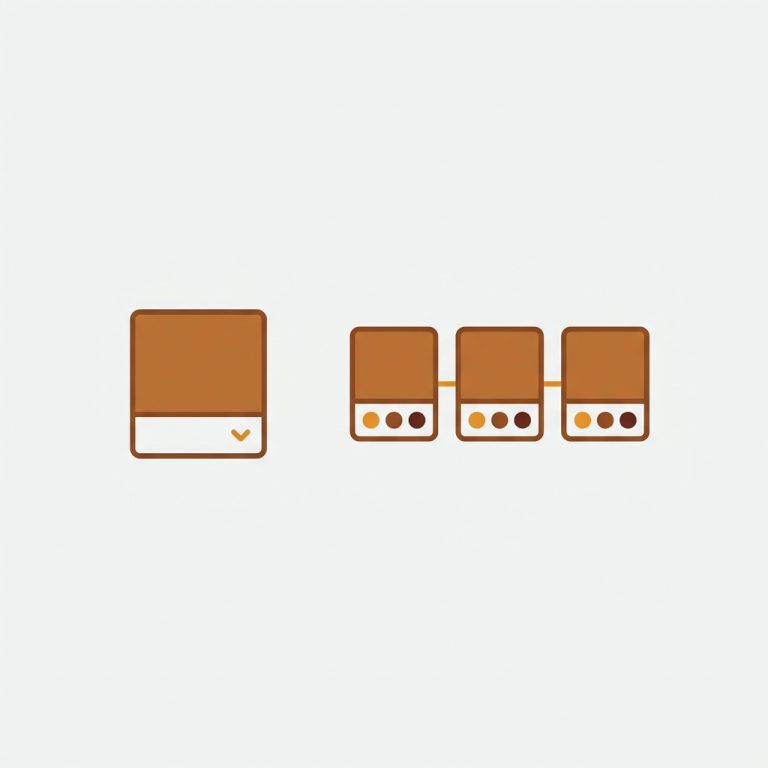
You want to split products in Shopify: take one product that holds every color or size as a variant, and break it into separate products, one per color. People do this for SEO, for cleaner inventory, for unique URLs per color. The worry is always the same: if I split them, won’t shoppers lose the easy “click a swatch, see the next color” experience?
No. You can have both. Split the product into separate products, then link them back together with swatches so the storefront still behaves like one listing. This post covers when splitting is worth it, how to actually do it, and how to keep the variant-style UX after you split.
Quick answer: split when each color deserves its own URL, its own images, and its own search ranking. Keep them grouped with a combined listings app so shoppers never feel the seam.
In this post
- Why split a product into separate products?
- When you should NOT split
- How to split the product
- The important part: re-link them with swatches
- What splitting does to your SEO
- Frequently asked questions
- Related reading
Why split a product into separate products?
Splitting one variant-heavy product into separate products per color gives each color its own page. That means its own URL, its own title and meta, its own image set, and its own shot at ranking. A search for “navy linen shirt” can land on the exact navy page instead of a generic product where navy is buried in a dropdown.
The other big reasons:
- Inventory clarity: each color is its own product, so stock, cost, and reporting are clean per color.
- The variant ceiling: if you sell size times color times material, you can blow past Shopify’s old limits fast. Splitting sidesteps that. (More on the variant limit and combined listings.)
- Different content per color: a “forest green” hoodie can have its own description, its own lifestyle shots, even its own price.
When you should NOT split
Splitting is not free. More products means more pages to manage, more images to upload, more SKUs to track. If your colors are minor (three near-identical shades of grey), separate products is overkill, and true variants on one product are simpler.
My rule of thumb: split when each color has real standalone search demand or genuinely different content. Keep them as variants when the colors are just options on the same item. Not sure which side you fall on? The free separate products vs variants tool lays out the tradeoffs in plain terms, and our deeper SEO comparison goes further.
How to split the product
Shopify has no “split this product” button, so the move is to create new products and migrate each color’s data. Here is the clean way:
- Duplicate the original product once per color (Product, then Duplicate keeps images and copy).
- In each copy, delete the other colors so only one color’s variants (sizes, say) remain.
- Rename each product to include the color, and give it a clean handle like
linen-shirt-navy. - Trim the images so each product shows only its own color. (This is where most people stop too early.)
- Update SKUs, prices, and inventory per color.
For a handful of products, do this by hand. For a large catalog, plan your handles and SKUs first, because renaming hundreds of products after the fact is its own headache. A consistent naming pattern also makes the next step (re-linking) automatic.
Here is a short walkthrough of how grouped products look and behave once they are linked back together:
The important part: re-link them with swatches
This is the step that decides whether splitting helps or hurts. After you split, the colors are strangers to each other. A shopper on the navy page has no idea the forest green page exists. That is a conversion leak, and it is exactly why people fear splitting.
The fix is a combined listings app. Rubik Combined Listings groups the separate products and adds color swatches on both the product page and the collection cards. Click a swatch on the navy page, and it takes you to the green page. Hover a swatch on a collection card, and the image swaps. The catalog feels like one listing again, but underneath, each color stays its own product with its own URL.

It is metafield-based, so there are no external API calls slowing your collection pages, and it does not need Shopify Plus. If you have a big catalog, the bulk grouping feature detects and links groups in one pass by title pattern, tags, or metafields, so you are not building groups one by one. (Setup details are in the combined listings setup guide.)
“I was struggling with separate product pages for different colors/flavors (e.g., aftershave red, green, blue as individual products for better SEO and unique URLs), but I wanted customers to see swatches and switch between them easily, like real variants, on BOTH the product page and collection pages (under each card). This app does it perfectly. […] If you have products that should feel ‘connected’ but need to stay separate (for inventory, SEO, etc.), this is the best solution I’ve tried.”
Ostwint, Romania, March 2026, Rubik Combined Listings on the Shopify App Store
And if you want the right photos to follow each selection on the product page itself, Rubik Variant Images handles per-variant image filtering for the sizes inside each color product. The two apps cover the full picture: grouping across products, and image control within a product.
If your colours are variants of one product rather than separate products, Rubik Variant Images assigns a separate image set to every variant instead. Free to install, 5.0 stars across 436 reviews.
What splitting does to your SEO
This is where splitting earns its keep. Each color page can rank for its own long-tail query. “Navy linen shirt” and “olive linen shirt” become two ranking opportunities instead of one. Each page gets its own images for Google Image search, its own canonical URL, and its own internal links.
One caution: do not let the split create thin, near-duplicate pages. If every color page is the same text with one word swapped, Google notices. Give each color at least a unique opening line and unique images. The combined listings group does not hurt SEO, because the original URLs stay intact and canonical, a point worth understanding before you restructure. You can sanity-check your product structure with the free variant combination calculator first.
Want to see it live before you commit? Check the combined listings demo store, watch the tutorial video, or read the getting started guide.
Frequently asked questions
How do I split a Shopify product into separate products?
Duplicate the product once per color, delete the other colors from each copy, rename and re-handle each one, trim images to that color, then update SKUs and inventory. Shopify has no one-click split, so it is a duplicate-and-prune workflow. Plan handles and SKUs first for large catalogs.
Will shoppers still be able to switch colors after I split?
Yes, if you re-link the separate products with a combined listings app. It adds color swatches on the product page and collection cards so clicking a swatch jumps to the matching product. Shoppers get the variant-style experience while each color stays its own product underneath.
Is splitting products better for SEO than variants?
It can be. Separate products give each color its own URL, title, and images, so each can rank for its own query. The catch is avoiding thin, duplicate pages. If colors have real standalone demand and unique content, splitting helps. If they are minor options, variants are simpler and just as effective.
Do I need Shopify Plus to group split products?
No. Shopify’s native combined listings is Plus-only, but third-party apps like Rubik Combined Listings group separate products with swatches on any Shopify plan. That is the main reason non-Plus stores use an app for this.
What happens to my old URLs when I split?
The original product keeps its URL, and each new color product gets a fresh one. If you delete the original, set up a redirect so its link equity flows to one of the new pages. Never leave a dead URL where a ranking product used to be.
Related reading
- Make separate products act like variants
- Shopify combined listings explained
- Group products as variants on Shopify
- Shopify product siblings, explained
- Bypass the Shopify variant limit without Plus
Splitting is not the scary move people think it is. The split itself is just duplicate and prune. The grouping is what makes it pay off. Do both, and you get the SEO of separate products with the shopping feel of variants. Why choose?