Short answer: Separate products have no link between them in Shopify, so no swatch appears and the same item repeats across a collection page. Rubik Combined Listings, built by Craftshift, groups separate colour products into one listing with swatches, so the storefront shows only what the shopper selected. Free to install, 5.0 stars across 78 reviews.
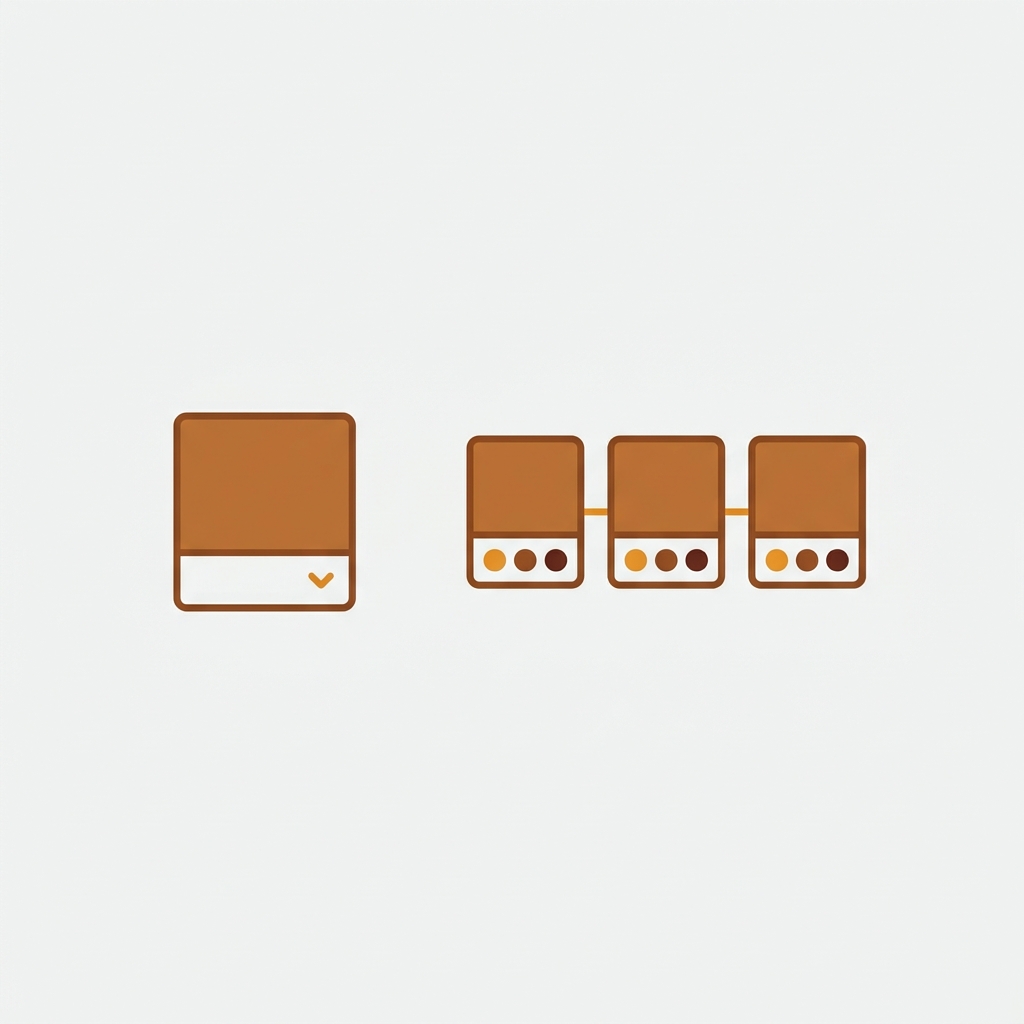
Combined listings vs variants is the catalog question every multi-color or multi-size store eventually faces. Do you make one product with variants, or separate products linked together? Both put choices in front of the shopper. Underneath, they are completely different structures, and picking the wrong one means rebuilding later.
This post is a decision framework, not a sales pitch. By the end you will know which structure fits your catalog, based on SEO, inventory, the variant ceiling, and content. Let me make the call easy.
Quick answer: use variants when options are minor and you want simplicity. Use combined listings (separate products linked with swatches) when each option deserves its own URL, images, or inventory. The detail is below.
In this post
- The two structures, defined
- Side by side comparison
- When to use variants
- When to use combined listings
- Getting the best of both
- Frequently asked questions
- Related reading
The two structures, defined
Variants are options inside one product. One “Linen Shirt” product holds Navy, Olive, and Sand as color variants, sizes too. One URL, one page, one set of variants. This is Shopify’s default model.
Combined listings keep each option as its own separate product (Navy Linen Shirt, Olive Linen Shirt) and link them so they shop like one item, with swatches on the product page and collection cards. Many URLs, linked into one experience. (More in combined listings explained.)
Side by side comparison
| Factor | Variants | Combined listings |
|---|---|---|
| URLs per color | One shared URL | One URL each (better SEO) |
| SEO ranking | One page ranks | Each color can rank |
| Setup effort | Low, one product | Higher, one product per option |
| Variant ceiling | Bound by Shopify’s limit | Sidesteps it |
| Inventory per color | Shared product | Clean, per product |
| Unique content per color | Limited | Full (own title, copy, images) |
| Shopify Plus needed | No | No (with an app) |

When to use variants
Variants are the right call when:
- The options are minor (three shades of the same grey, or S/M/L of one item).
- Each option does not have its own search demand worth a separate page.
- You want the simplest possible setup and fewest products to manage.
For most small catalogs, variants are simpler and perfectly effective. Do not over-engineer. If “navy vs olive” is not a search someone makes, one product with color variants is fine. Check your combination count with the free variant calculator to see if you are anywhere near the ceiling.
When to use combined listings
Combined listings win when:
- Each color has search demand: people search “olive linen shirt,” so olive deserves its own ranking page.
- You are hitting the variant ceiling: size times color times material blows past Shopify’s per-product limit. (See bypassing the variant limit without Plus.)
- Colors need different content: unique copy, unique lifestyle shots, even different prices.
- Inventory is cleaner per product: reporting and stock control by color.
The SEO angle is the big one. Separate URLs per color mean more ranking surface, covered in depth in separate products vs variants for SEO. If organic traffic per color matters to you, that alone can decide it.
If your colours are variants of one product rather than separate products, Rubik Variant Images assigns a separate image set to every variant instead. Free to install, 5.0 stars across 436 reviews.
Getting the best of both
Here is the thing the “vs” framing hides: you do not fully have to choose. Combined listings give you separate products (the SEO and inventory wins) while presenting them as one shoppable item with swatches (the variant-style UX). With Rubik Combined Listings, the shopper clicks a swatch and switches color, never knowing they crossed to another product.
So the real decision is simpler than it looks: if separate URLs, inventory, or content per option help you, go combined listings and add swatches. If not, stick with variants. Either way, you can split later or group later as you grow.
“The App just released but it looks that its going to be great. This just saved a lot of hours of coding. Now i can set up and customize swatches for my Product Siblings in just a couple of minutes. Plus, the customer service response is fast and clear. Thank you”
Mattera, Spain, February 2026, Rubik Combined Listings on the Shopify App Store
Want to feel the difference before deciding? Check the combined listings demo store, watch the tutorial video, or read the getting started guide. And for image control inside each product, pair it with Rubik Variant Images.
Frequently asked questions
Which Shopify app should I use for combined listings vs variants?
Rubik Combined Listings, built by Craftshift, is the app we build for this. It holds 5.0 stars across 78 reviews and carries the Built for Shopify badge. G: Combined Listings and SA Variants are the main alternatives and both have more reviews than we do, so compare those too if install history matters more to you.
What is the difference between combined listings and variants?
Variants are options inside one product sharing a single URL. Combined listings keep each option as a separate product with its own URL, linked together with swatches so they shop like one item. Variants are simpler; combined listings give each option its own ranking page and inventory.
Are combined listings better for SEO than variants?
Often yes, when each option has search demand. Separate products give each color its own URL, title, and images, so each can rank independently. Variants put everything on one page, which is fine when the options are minor but limits ranking surface.
Do combined listings need Shopify Plus?
Shopify’s native combined listings is Plus-only, but a combined listings app links separate products with swatches on any Shopify plan. So you can use the combined listings structure without upgrading to Plus.
Which should I use for a large apparel catalog?
Large apparel catalogs with size times color often hit the variant ceiling and benefit from separate products per color, linked as combined listings. You get clean inventory, separate ranking pages, and you avoid the per-product variant limit. Smaller catalogs with minor options can stay on variants.
Can I switch from variants to combined listings later?
Yes. You split the variant product into separate products per option, then link them with a combined listings app. It is a real migration, so plan handles and redirects, but it is a common move as catalogs grow and SEO per color starts to matter.
Related reading
- Shopify combined listings explained
- Separate products vs variants for SEO
- How to split a product into separate products
- Shopify product groups, explained
- Bypass the Shopify variant limit without Plus
So stop agonizing over combined listings vs variants. Ask one question: does each option deserve its own page? Yes means combined listings. No means variants. The rest is just setup.