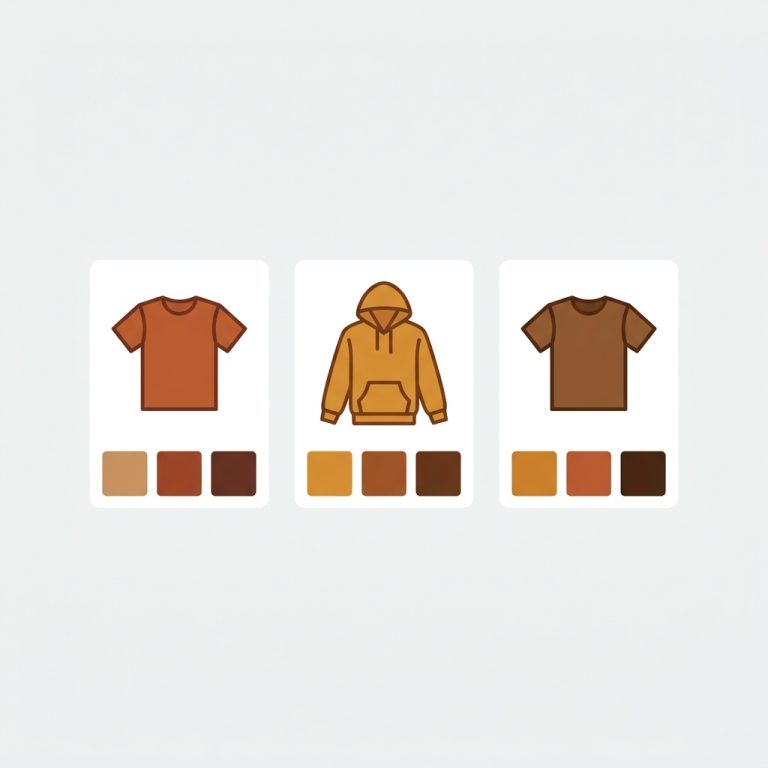
Product card swatches grouped products is the pattern where a single collection card shows every color in a group, even though each color is its own separate product with its own URL. Picture a store with one hoodie sold as five standalone products: black, olive, sand, navy, rust. Five products, five pages, five sets of images. On the collection grid you don’t want five near-identical cards stacked next to each other. You want one card with five little swatches under it. Click a swatch, land on that exact product.
That’s what Rubik Combined Listings (RCL) does. It links the separate products into one group, then renders the group’s swatches right on the collection card. A click navigates to the clicked product’s page. No merged variant. No 100-variant ceiling. Each color keeps its own indexable URL.
We built this because the alternative is ugly. Either you bury four duplicate cards in your grid, or you cram everything into one product as variants and lose the SEO from separate pages. Neither is great. Why should a shopper scroll past the same hoodie five times to find the olive one?
One thing worth clearing up early, because we see it get confused in support constantly. Grouped products and single-product variants are two different jobs. This post is about the first one. We’ll cover both so you pick the right tool.
In this post
- What “product card swatches for grouped products” means
- How a group renders on a collection card
- What happens when a shopper clicks a swatch
- Grouped products vs single-product variants
- How to set up product card swatches with RCL
- When to run RCL and RVI together
- Frequently asked questions
- Related reading
What “product card swatches for grouped products” means
It means swatches that represent separate, standalone products linked into one group, displayed on the collection card. Each swatch is a different product (its own page, title, and images). The card shows the group as a single unit, and the swatches let shoppers preview and jump between the linked products before they click in.
This is the core of combined listings on Shopify. You take products that should feel like one thing to a shopper (same hoodie, five colors) and link them. RCL stores the relationship in a metafield, then paints the swatches onto the card. The products stay separate in your admin and in Google’s index. That separation is the whole point.
RCL gives you four swatch types for this: visual (image) swatches, button swatches, pill swatches, and a dropdown. Color hoodies usually want visual or pill swatches. A size group (S/M/L as separate products) often reads better as buttons. You pick per group.
How a group renders on a collection card
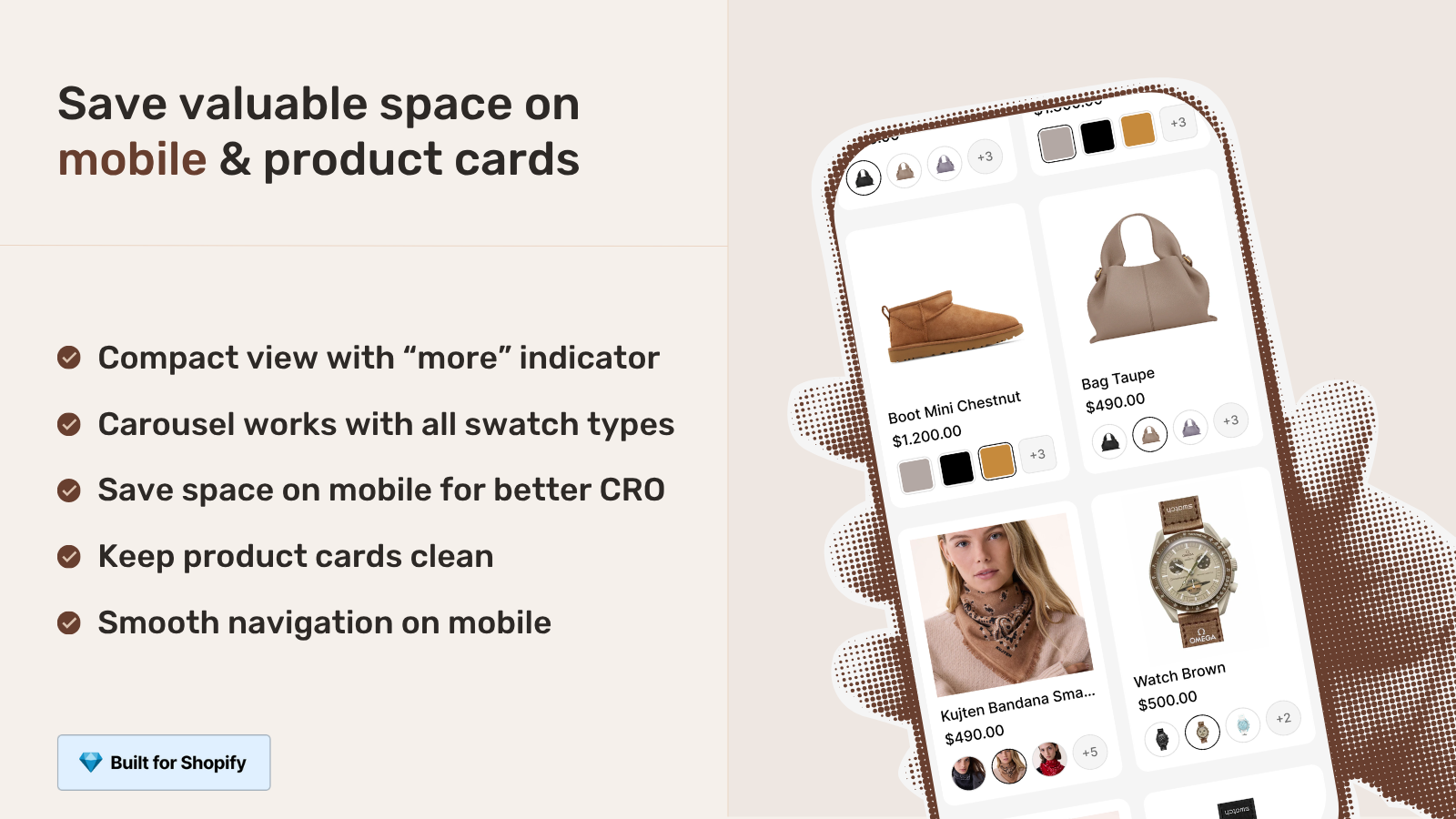
One card represents the whole group, and the swatches sit under (or over) the product image. Whichever product in the group Shopify happens to surface in the collection becomes the card’s starting product. The swatches for every other linked product render alongside it, scoped to that card only.
Hovering or tapping a swatch previews that product’s image right on the card. So a shopper sees the olive hoodie without leaving the grid. The rendering is metafield-based, no external API calls, which matters a lot on collection pages where you might have 30 or 40 cards each carrying a group. You don’t want 40 server round-trips slowing the page. There aren’t any.
RCL uses Shadow DOM with per-group scoping, so the swatch styling won’t fight your theme’s CSS. We did this on purpose. Theme conflicts on collection grids are the worst kind of bug to chase because every theme lays out cards differently. Isolating the styles keeps each group’s swatches from leaking into the rest of the page. If you want the deeper version of this, read our collection page swatch display guide.
What happens when a shopper clicks a swatch
The click navigates straight to that product’s page. Because each swatch maps to a separate product with its own URL, clicking the navy swatch loads the navy hoodie’s product page, not a variant of some merged listing. This is the behavior that separates grouped products from single-product variants, and it’s the behavior shoppers actually expect.
Why does that matter? Three reasons, inline: SEO (each color page can rank for “olive hoodie” on its own), accuracy (the landing page already shows the right images and price), and analytics (you see which colors get the clicks). RCL fires an rcl_swatch_clicked event when a swatch is tapped, so you can wire it into your tracking and watch which products in a group actually convert.
Real-time sync handles the messy part. If the rust hoodie sells out or gets archived or set to draft, its swatch drops from the card automatically. No stale swatch leading to a dead product page. We pull from Shopify metafields, so there’s no background job that can fall behind. The card reflects current inventory.
“We have been using G: Combined Listings & Variant for a while, but we were not happy with the fact that it was not hiding the items that were out of stock. So customers were getting confused a lot and ordering the wrong sizes. We found this app on Shopify App Store and decided to give a shot. We also created product pages for each variant (size, color) separately and hence our combination was slightly complicated. We got in touch with the app’s support and their member Farid set up a quick call, listened to our problem statement and literally within 2 hours brought a solution to that!!! That was unbelievably quick! Now we have a beautiful product page, as well as the collections page. Hence 5 star!”
Silkora, Netherlands, 2026-04-28: Rubik Combined Listings on the Shopify App Store
Grouped products vs single-product variants
Use grouped products when each color is its own product with its own URL. Use single-product variants when the colors are variants of one product. Same visual result on the card (swatches), very different structure underneath, and different apps. Getting this wrong is the most common mistake we see.
Here’s the split. If your catalog has separate products per color, you want RCL’s collection swatches (this post). If your catalog has one product with a color option and many variants, you want Rubik Variant Images and its product card swatches feature, which renders the variants of a single product on its card. Both put swatches on cards. Only RCL handles the separate-products case.
| Question | Grouped products (RCL) | Single-product variants (RVI) |
|---|---|---|
| Each color is… | Its own separate product | A variant of one product |
| Swatch click goes to… | That product’s own page | Swaps the card image in place |
| Own URL per color? | Yes (better SEO) | No (one shared URL) |
| 100 / 2,048 variant limit? | Not a factor | Counts against the product |
| Needs Shopify Plus? | No | No |
| Where swatches show | Collection cards and grouped product pages | Product cards and the product page |
My honest opinion? For apparel and anything where color matters for search, separate products linked with RCL is the stronger structure. Each color earns its own ranking, its own images, its own metadata. Variants are simpler to manage but they collapse all that into one page. If you’re still deciding, our breakdown of how combined listings affect conversion rate lays out the tradeoff with numbers. And if you specifically want the in-place image swap on a single product, that’s covered in collection page color swatches with RVI.
How to set up product card swatches with RCL
Install RCL, link your separate products into a group, set the option values and colors, then enable the card display. The swatches render on the collection grid automatically once the group is saved and the card display is on. No theme code editing on the 350+ supported themes.
- Install Rubik Combined Listings from the App Store and open the group editor.
- Create a group manually (resource picker) or use bulk grouping by title pattern, product tags, or metafield to build many groups in one pass.
- Set each product’s option value (Black, Olive, Navy) and swatch color. AI Magic Fill can fill empty option values and hex colors for you if you’d rather not type them all. More on that in our AI product grouping writeup.
- Pick the swatch type (visual, button, pill, dropdown) and adjust per-group visual settings for product card desktop and product card mobile.
- Save. Check the live admin preview, then view a collection page. The card now shows the group’s swatches.
If you run a custom or heavily modified theme, support can map it. Page builders are covered too: Beae, EComposer, Foxify, GemPages, Instant, PageFly, and Replo. (Shogun isn’t supported, so don’t plan around it.) For multilingual stores, group labels and option values flow through Shopify’s Translate and Adapt, so a French shopper sees “Vert olive” instead of “Olive”. For broader catalog rules, see our combined listings best practices and the deeper collection filters guide.
If your colours are variants of one product rather than separate products, Rubik Variant Images assigns a separate image set to every variant instead. Free to install, 5.0 stars across 436 reviews.
When to run RCL and RVI together
Run both when your catalog mixes separate-product colors with per-variant images. RCL handles the grouped products on collection cards and the click-to-product navigation. RVI handles the product page itself, filtering the gallery so a shopper sees only the images that match their selection. They cover different surfaces and don’t step on each other.
A practical setup: separate products per color, linked by RCL so the collection grid shows clean grouped swatches and each color keeps its own page. Then RVI on each product page so the gallery stays tidy when a shopper drills into sizes or a secondary option. Some stores run only one. Plenty run both. For the variant-image side, our friends at Craftshift’s variant image app roundup goes deep, and the technique of changing images when clicking swatches ties the two together.
And for B2B or wholesale catalogs where pricing and grouping get hairy, we have a dedicated B2B combined listings guide.
“I use Rubik Combined Listings Along with Rubik Swatch. I went through, no exaggerating, 50 apps before I found what I needed. Theses guys are the real deal, and they will jump on chat and fix your problems ASAP. Definately reccomend.”
Parks Nerd, US, 2026-03-18: Rubik Combined Listings on the Shopify App Store
See it live on the RCL demo store, watch the tutorial video, or read the getting started guide.
Frequently asked questions
Does clicking a swatch on the card go to a different product page?
Yes. Each swatch maps to a separate product, so a click navigates to that product’s own page with its own URL, images, and price. That’s the difference between grouped products and single-product variants, where a click only swaps the image in place.
Can I show grouped product swatches without merging my products?
Yes. RCL links your products through a metafield relationship and leaves them as separate products in your admin. Nothing gets merged. Each color keeps its own page, which is the SEO advantage over collapsing everything into one product with variants.
How do out-of-stock products behave on the card?
RCL hides them. Real-time sync removes swatches for products that are out of stock, archived, or set to draft, so shoppers never click through to a dead or unavailable page. It reads current inventory from metafields, so there’s no stale cache.
Does it slow down my collection pages?
No. The swatches are metafield-based with no external API calls, so even a grid of 40 grouped cards loads without server round-trips per card. Styling uses Shadow DOM scoped per group, which avoids the theme CSS conflicts that often cause layout jank on collection grids.
Do I need Shopify Plus for combined listings?
No. RCL works on every Shopify plan and doesn’t use Shopify’s native Combined Listings feature, which requires Plus. RCL starts free with 5 groups, and paid plans use flat pricing ($10, $30, $50 per month) rather than charging based on your Shopify plan.