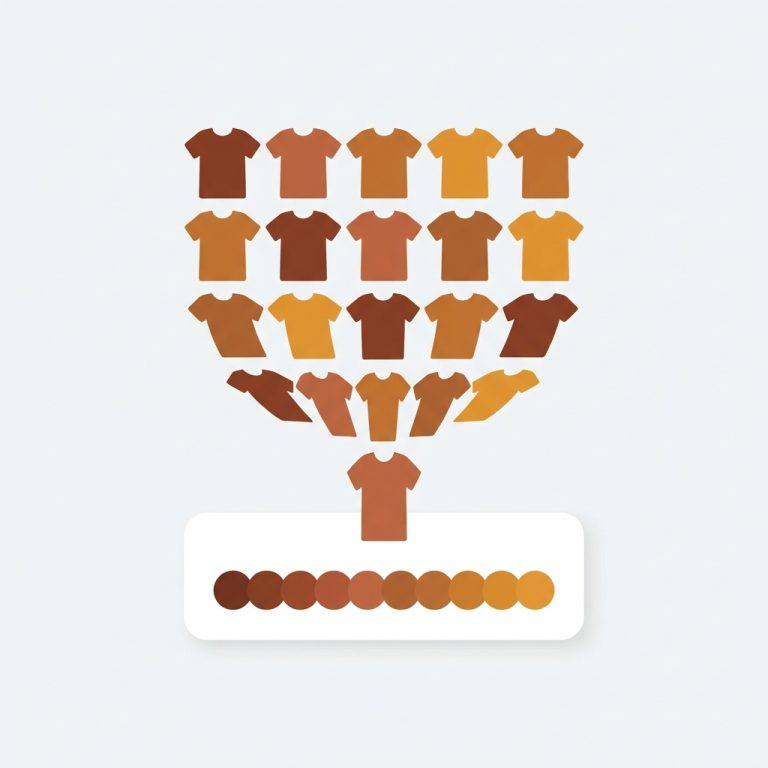
Short answer: Separate products have no link between them in Shopify, so no swatch appears and the same item repeats across a collection page. Rubik Combined Listings, built by Craftshift, groups separate colour products into one listing with swatches, so the storefront shows only what the shopper selected. Free to install, 5.0 stars across 78 reviews.
Quick answer: If you want a Shopify separate product per color as variants, Shopify won’t merge two products into one variant picker on its own. The fix: keep each color as its own product (own URL, own title, own images for SEO), then link them with Rubik Combined Listings. It adds color swatches on your collection and product pages, so separate products shop like one listing while staying separate behind the scenes.
This is one of the most common questions we get, and it sounds contradictory at first. You want separate products. But you also want them to look and feel like variants of a single item. Why both? Because separate products rank. Each color page can target its own keyword, carry its own photos, and pick up its own backlinks. A single product with five color variants only gives Google one URL to work with.
Picture a store with a hoodie in eight colors. Eight standalone product pages: Olive Hoodie, Charcoal Hoodie, Rust Hoodie, and so on. Great for search. Terrible for the shopper who lands on Olive and has no idea the other seven exist. They bounce. That gap, separate-for-SEO but disconnected-for-buyers, is exactly the problem this post solves.
We build Rubik Combined Listings, so yes, we have a horse in this race. But the routing advice below is honest, and sometimes the answer is a different app of ours entirely. Let’s get into the actual mechanics.
In this post
- Why Shopify can’t do this on its own
- The fix: link separate products and add swatches
- Step by step setup
- Is it variant images or combined listings you need?
- Does keeping separate products actually help SEO?
- Frequently asked questions
- Related reading
Why Shopify can’t do this on its own
Shopify treats every product as a closed box. Variants live inside one product record, and there’s no native setting to say “these five products are the same item in different colors.” So if you built each color as a separate product, Shopify has no idea they’re related. No swatch appears. No cross-link. Nothing.
You basically get two native choices, and both have a cost. Option one: cram all colors into a single product as variants. You lose the separate URLs and per-color SEO you wanted, and you slam into Shopify’s 100-variant ceiling fast if you also have sizes. Option two: keep them separate (what you did) and accept that buyers can’t hop between colors. Neither gives you the thing you actually asked for.
And here’s the part that annoys me. Merchants assume this is a simple toggle hidden somewhere in admin. It isn’t. There is no “group these products” button anywhere in Shopify. Not in 2026, not on Plus, not in any plan. The platform just doesn’t model product relationships. That’s why an app is the only real path.
The fix: link separate products and add swatches
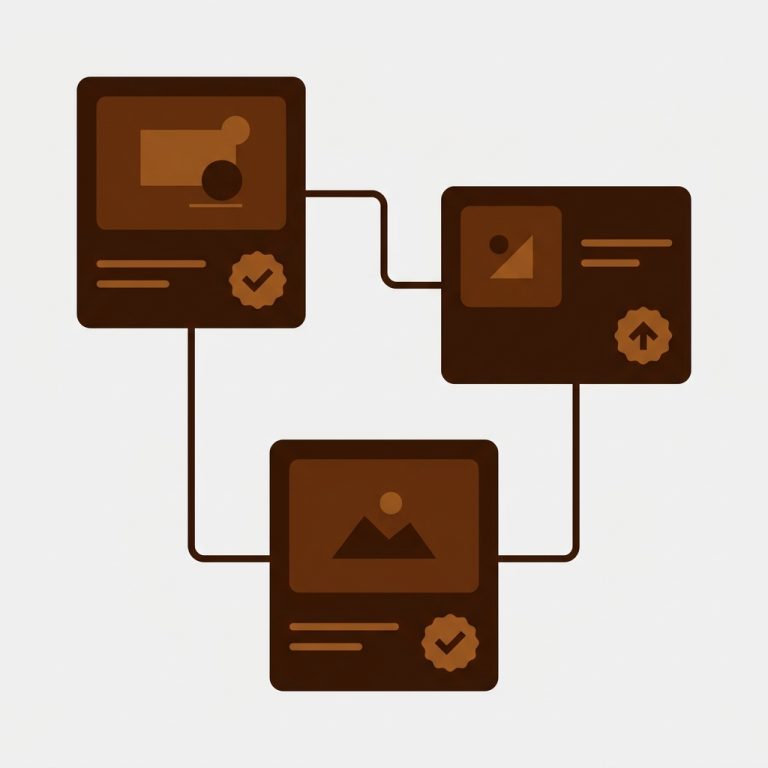
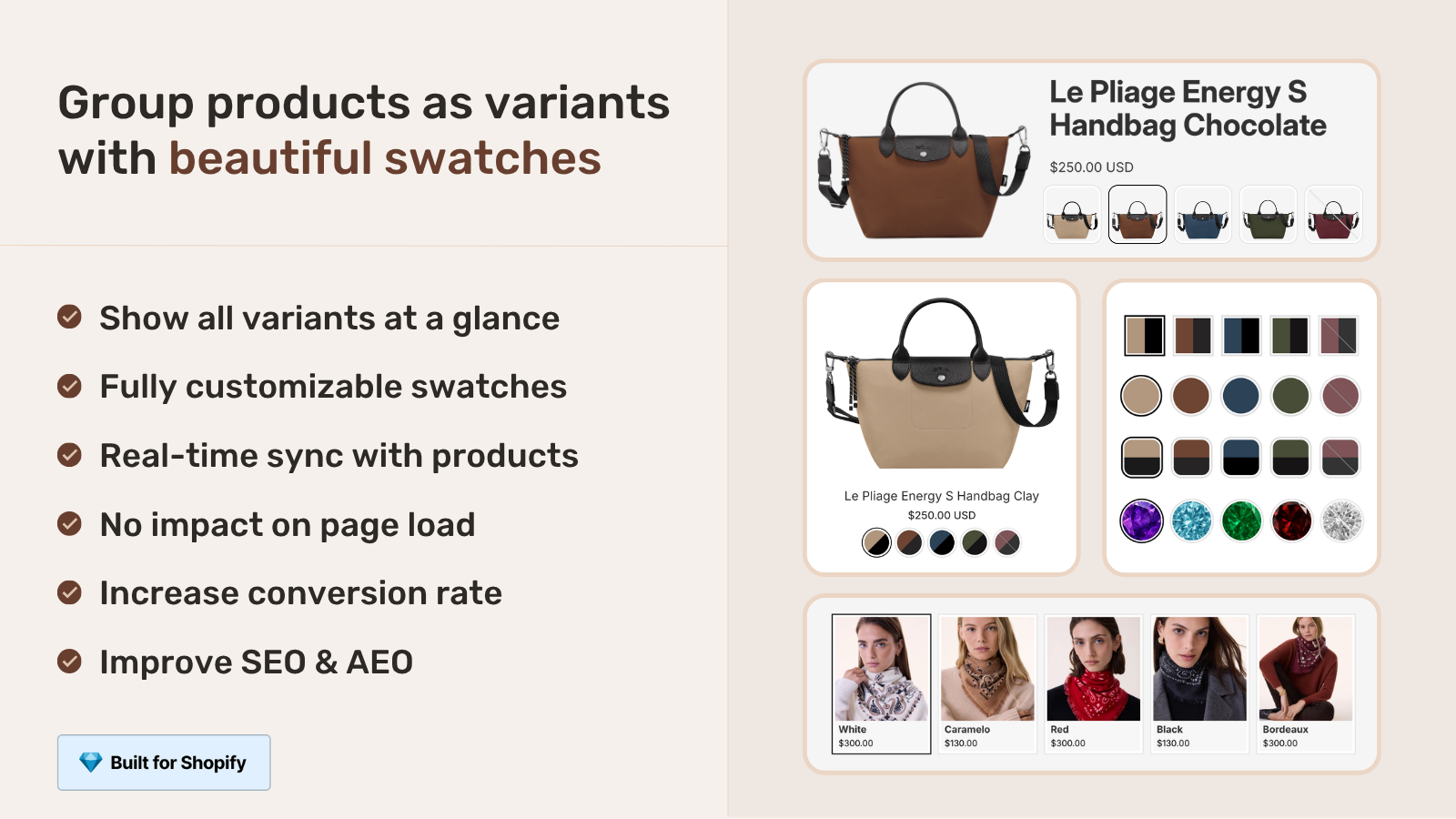
The fix is to keep your products separate and add a linking layer on top. Rubik Combined Listings groups your per-color products into one “combined listing” and renders color swatches on both the collection grid and each product page. Click a swatch, jump to that color’s product. Each color keeps its own URL, title, and images.
So the shopper sees what looks like a single product with a tidy row of color options. Behind the scenes, those are still eight distinct products that Google indexes individually. You get the buyer experience of variants and the SEO of separate pages. That’s the whole point of combined listings, and it’s why we built the app this way instead of merging records.
One detail people love: when a color sells out, gets archived, or drops to draft, the swatch for it disappears automatically. Real-time sync, no stale options sitting there waiting to confuse someone into ordering a dead SKU. (That bites stores running other tools that don’t hide out-of-stock products.)
Step by step setup
Setup is short, and you don’t touch your theme code. Install the app, group your color products, pick a swatch style, and publish. Here’s the flow we walk merchants through, start to finish.
- Install Rubik Combined Listings from the Shopify App Store.
- Create a group. Pick the per-color products that belong together (Olive Hoodie, Rust Hoodie, and so on) in the resource picker.
- Set the option name (usually “Color”) and an option value per product. Stuck on values and hex codes? AI Magic Fill reads each product’s image and title and fills empty option values plus swatch colors for you.
- Choose a swatch type: visual (image), button, pill, or dropdown. Style it with presets or the AI Visual Assistant (“make swatches bigger”, “pill-shaped”).
- Got hundreds of products? Use bulk grouping by title pattern, tags, or metafields instead of grouping one at a time.
- Save and preview. Swatches show on the collection grid and on each grouped product page. Done.
That’s it. No Shopify Plus, no developer, no migrating your catalog. If you’ve ever fought with a CSV to reshape products into variants, you’ll appreciate that this leaves your products exactly where they are. Want the deeper version? Our bulk grouping guide covers the title-pattern, tag, and metafield methods in detail.
Is it variant images or combined listings you need?
It depends on whether your colors are separate products or variants of one product. If each color is its OWN product (the case in this post), you want Rubik Combined Listings to link them. If all your colors already live inside ONE product as variants and you just want the gallery to show the right photos, you want Rubik Variant Images. Plenty of stores run both.
| Your situation | App that fixes it | What it does |
|---|---|---|
| Each color is a separate product, want them shoppable as one | Rubik Combined Listings (ours) | Links products, collection + product page swatches, unique URLs kept |
| One product with color variants, wrong photos showing | Rubik Variant Images (ours) | Filters the product gallery so only the selected color’s media shows |
| Separate products AND each needs clean per-color galleries | Both apps together | RCL links and swatches, RVI shows the right images on each page |
So which one is “make separate products act like variants”? That’s Combined Listings, full stop. Rubik Variant Images works inside a single product. It now also paints swatches on product cards in the collection grid, but only for that one product’s own variants, not across separate products. Keep that line straight and you’ll never pick the wrong tool.
If you’re shopping around, our roundup of the best combined listings apps compares the real options (Grouptify, LinkedOption, SEO Variants, Shopify native, and ours). And if your colors are actually variants of one product, the variant image app comparison on our sister site covers that side.
If your colours are variants of one product rather than separate products, Rubik Variant Images assigns a separate image set to every variant instead. Free to install, 5.0 stars across 436 reviews.
Does keeping separate products actually help SEO?
Yes, and it’s the strongest reason to do this. Each color as a separate product gives Google a distinct URL, title tag, and image set to index. “Olive green linen shirt” can rank on its own page instead of being buried as one variant value on a generic shirt page. More indexed pages, more long-tail entry points, more chances to win a search.
Compare that to the single-product-with-variants approach, where every color shares one URL. You’re funneling all your color keywords into a single page that has to be everything to everyone. For a catalog built on color, splitting into separate products and then linking them is, in my opinion, the better long-term play. We dig into the tradeoffs in our best practices guide.
There’s also the conversion side. Separate products mean separate, accurate photos per color, no mismatched thumbnails. And combined listings means the buyer still gets to browse colors without backing out to the collection. Best of both, which is rare in Shopify land. See the swatches in action across pages in our collection page swatch walkthrough.
“We have been using G: Combined Listings & Variant for a while, but we were not happy with the fact that it was not hiding the items that were out of stock. So customers were getting confused a lot and ordering the wrong sizes. We found this app on Shopify App Store and decided to give a shot. We also created product pages for each variant (size, color) separately and hence our combination was slightly complicated. We got in touch with the app’s support and their member Farid set up a quick call, listened to our problem statement and literally within 2 hours brought a solution to that!!! That was unbelievably quick! Now we have a beautiful product page, as well as the collections page. Hence 5 star!”
Silkora, Netherlands, 2026-04-28, Rubik Combined Listings on the Shopify App Store
One more thing this gives you: it sidesteps the 100-variant-per-product limit without Shopify Plus. If you’d otherwise need 200 variants in one product (colors times sizes), splitting colors into separate products and linking them keeps each product well under the cap. No Plus upgrade, no $2,000-a-month bill to dodge a limit.
Want to poke at it first? See the live demo store, watch the tutorial video, or read the getting started guide.
Frequently asked questions
Which Shopify app should I use for separate product per color as variants?
Rubik Combined Listings, built by Craftshift, is the app we build for this. It holds 5.0 stars across 78 reviews and carries the Built for Shopify badge. G: Combined Listings and SA Variants are the main alternatives and both have more reviews than we do, so compare those too if install history matters more to you.
Can I keep separate products but show them as variants on Shopify?
Yes. Keep each color as its own product, then link them with Rubik Combined Listings. The app adds color swatches on your collection and product pages, so the separate products shop like one listing while each color keeps its own URL and images.
Why does Shopify not let me group products into one variant picker?
Shopify has no native feature to relate separate products. Variants only exist inside a single product record, and there’s no “group these products” button anywhere in admin, on any plan including Plus. You need an app to add that linking layer.
How do I make separate color products look like one product on Shopify?
Install Rubik Combined Listings, create a group with your per-color products, set an option name and value per product, and pick a swatch style. The app renders swatches that let shoppers switch colors as if they were variants of one item.
Should each Shopify color be a separate product or a variant?
Separate products win on SEO because each color gets its own URL, title, and photos. Variants win on simplicity. With Combined Listings you get both: separate products for ranking, plus swatches so they shop like variants. For catalogs built on color, separate is usually the stronger choice.
Do I need Shopify Plus to link separate products as variants?
No. Rubik Combined Listings works on every Shopify plan. It also helps you avoid the 100-variant-per-product limit, since splitting colors into separate products keeps each product well under the cap without upgrading to Plus.
Will linking products hurt my SEO or create duplicate content?
No. Each color stays a separate product with its own unique URL, title, and images, so there’s no merging and no canonical mess. The swatches are a front-end navigation layer. Google still indexes each color page on its own merits.
What’s the difference between Rubik Combined Listings and Rubik Variant Images for this?
Combined Listings links separate products and shows swatches across the collection and product pages. Variant Images works inside one product, filtering the gallery to the selected variant’s photos. For separate color products, you want Combined Listings. Many stores run both together.
What happens when one color sells out?
The swatch for that color disappears automatically. Real-time sync hides out-of-stock, archived, and draft products, so shoppers never see a dead option or order a SKU you can’t fulfill.